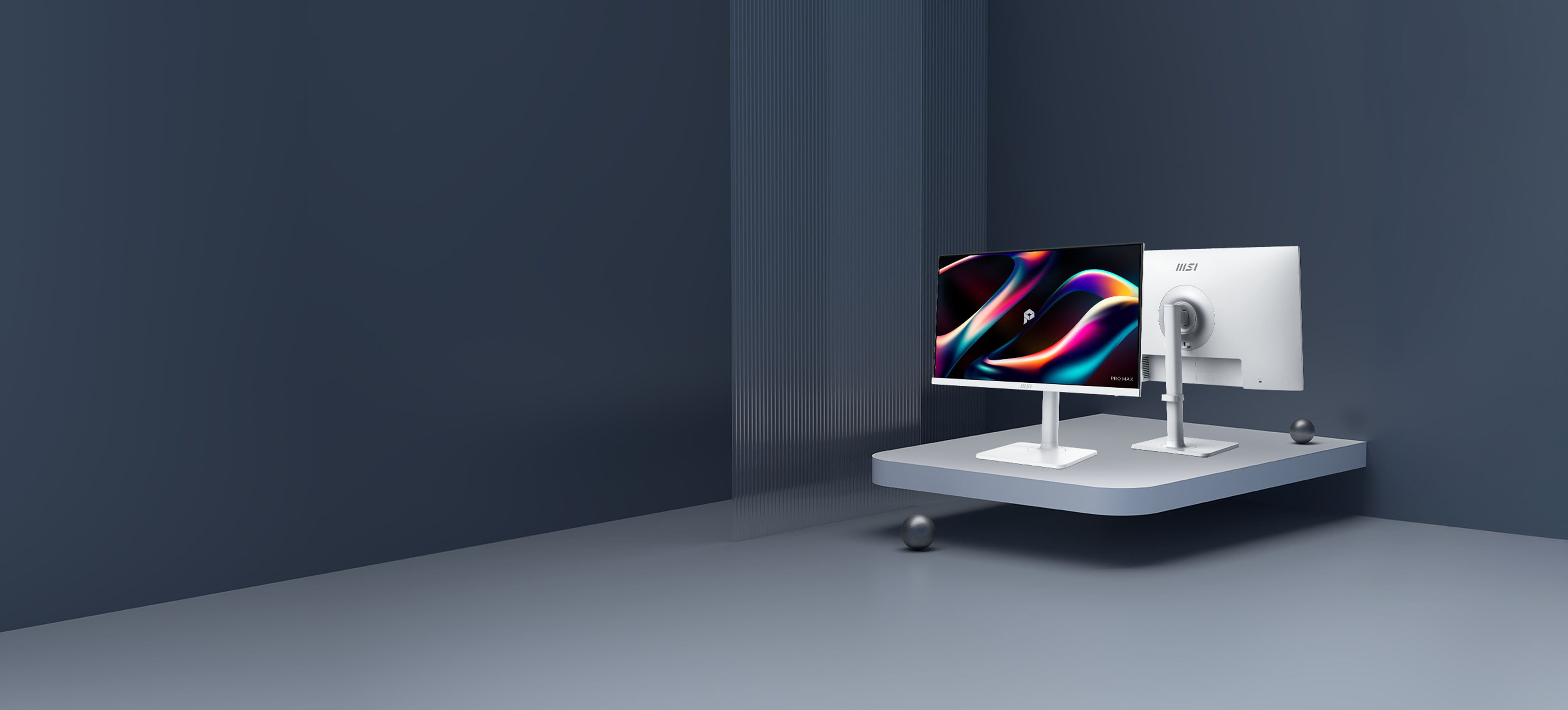

See beyond. Lead beyond.
The physics of focus. Built on the science of natural light, our PRO MAX 271PHW E14 display redefines visual comfort with EyeErgo+. Combined with Circular Polarizer and intelligent software, we’ve engineered a studio that outlasts the day—so your vision stays as sharp as your ambition.

Circular Polarizer
Type-C
65w PD

KVM
PRO MAX
MSI PRO MAX establishes a calm and structured visual order, delivers instant response without disruption, and maintains a predictable rhythm throughout everyday workflows. From desk work to meetings, and from fixed setups to mobile work, the experience remains smooth and consistent. When inspiration arrives and focus is sustained, perspective naturally extends toward the edge of possibility.

EyesErgo+ : The New Era of Eye Care
Redefining Visual Comfort
Pure Comfort, True Color Powered by MSI EyesErgo+, Circular Polarizer mimics natural light to reduce fatigue. Protect your eyes without sacrificing color accuracy—engineered for all-day comfort.
Circular Polarizer
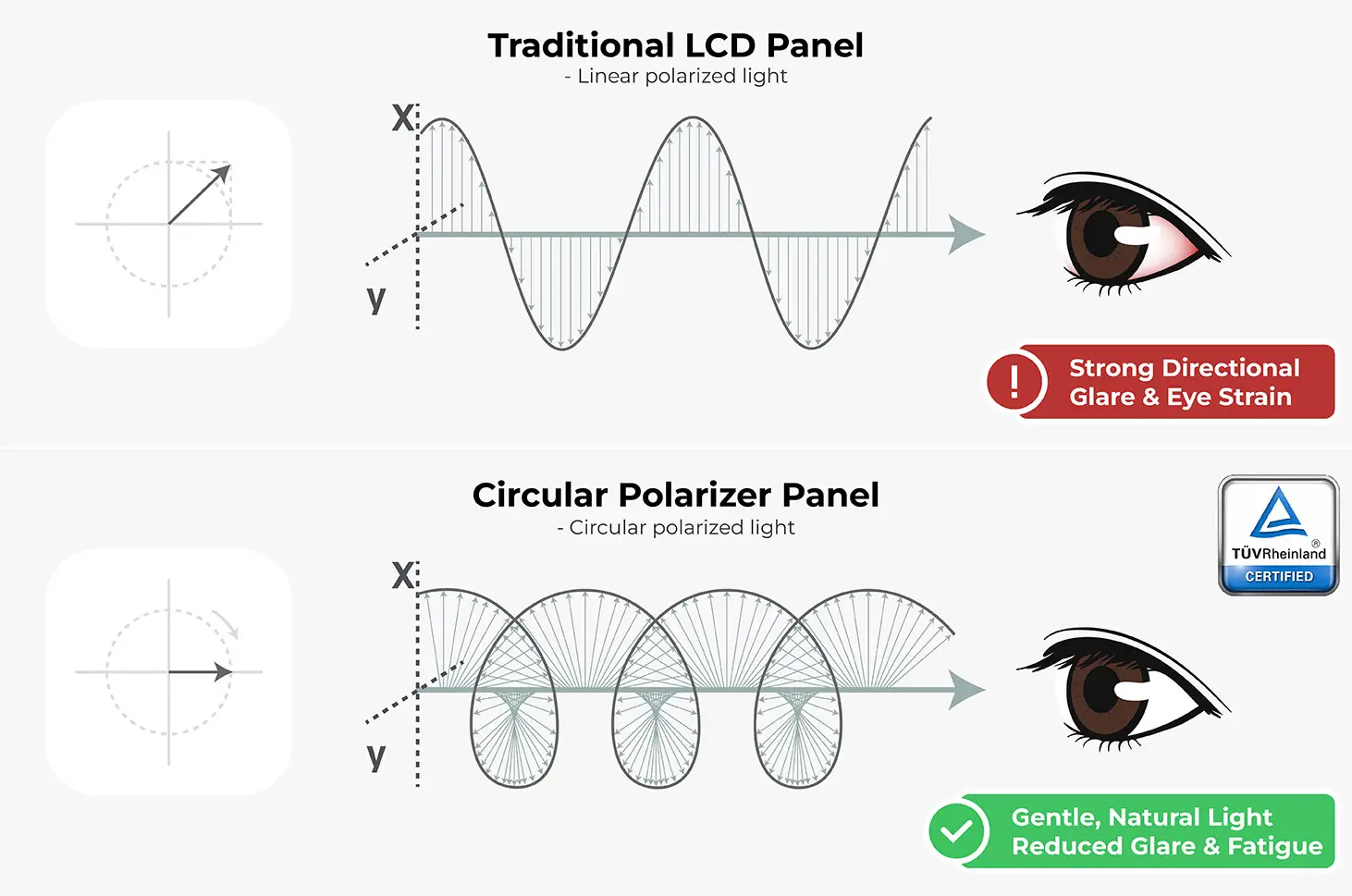
Converts harsh digital rays into soft, naturally-polarized light to prevent eye strain and maximize visual comfort.
Less Blue Light PRO
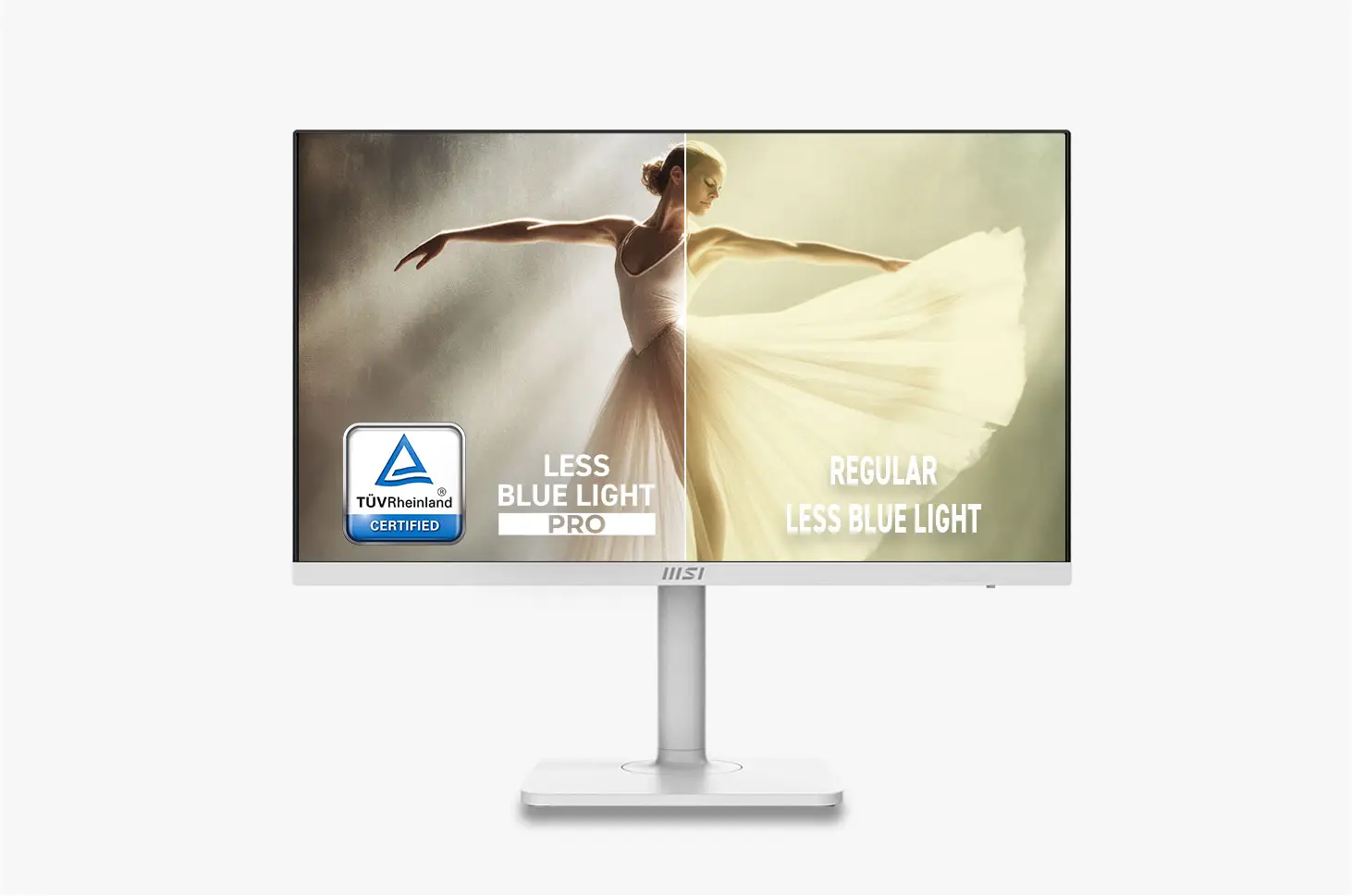
TÜV-certified Less Blue Light PRO shields your eyes from high-energy blue light while maintaining vibrant, professional-grade color.

Anti-Flicker
Eliminate eye strain with TÜV-certified Anti-Flicker technology, ensuring a smooth, steady, and comfortable viewing experience all day long.
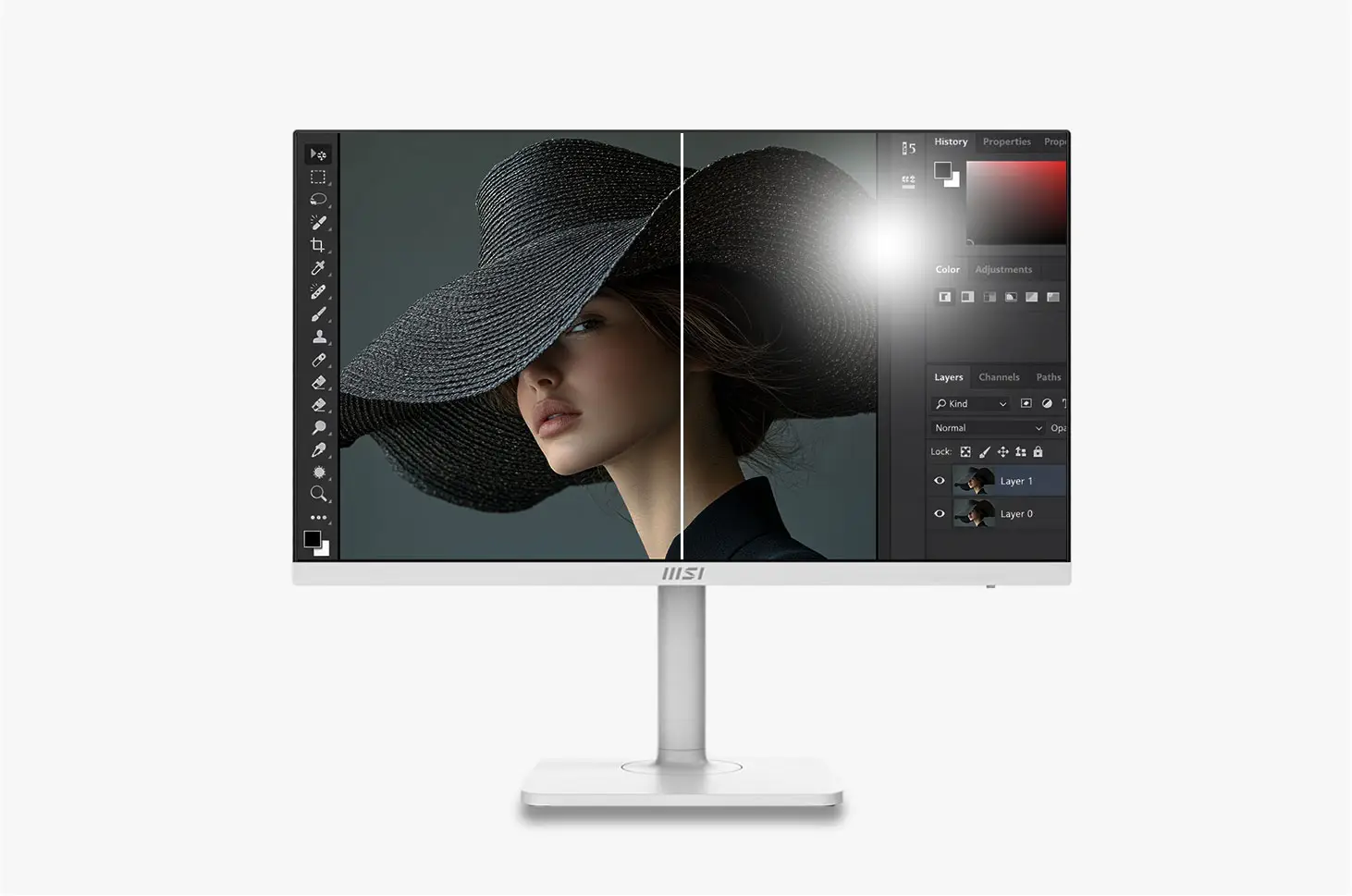
Anti-Glare
Diffuses distracting reflections to ensure crystal-clear visibility and comfort in any lighting environment.

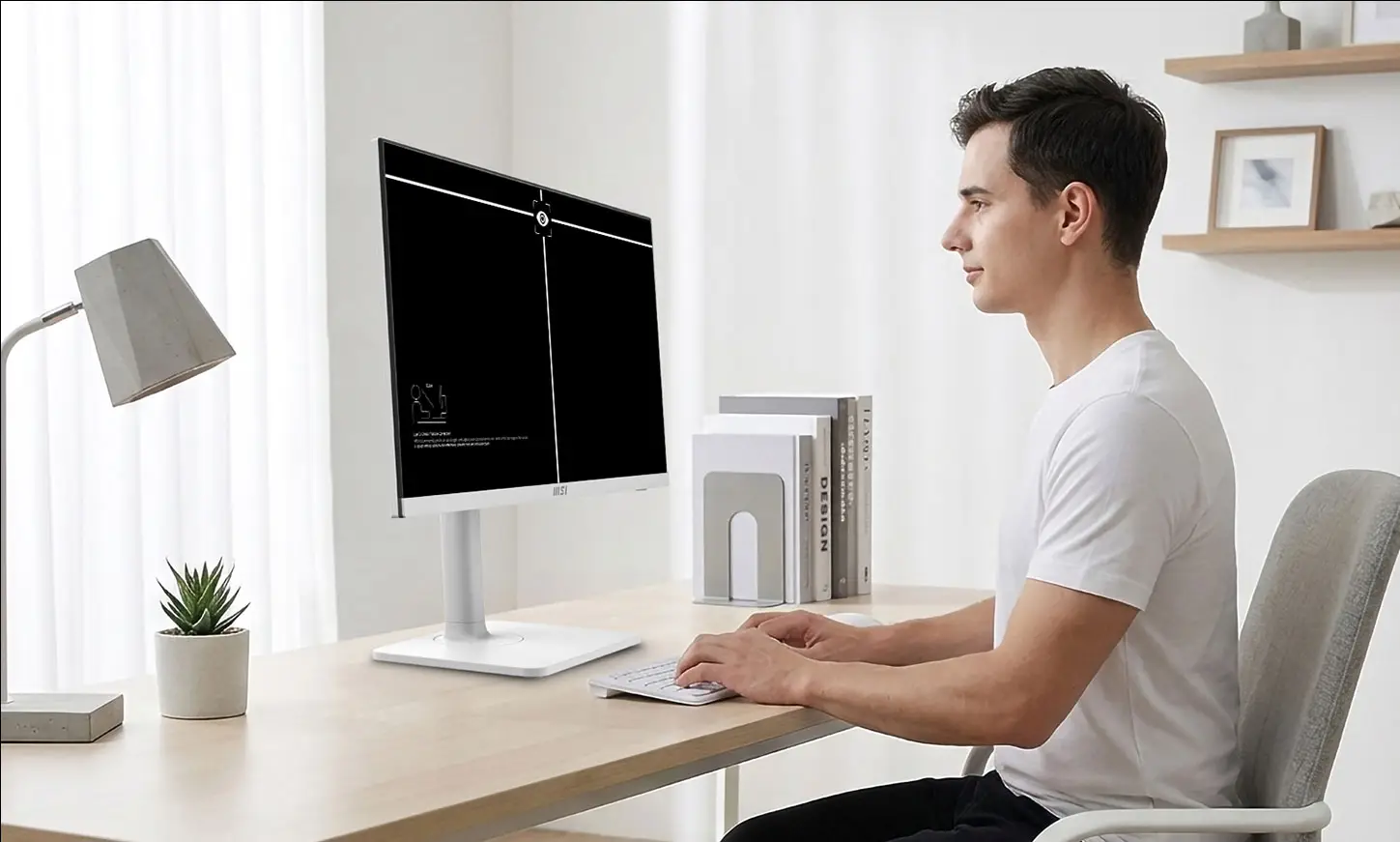
Eye-Q Check
Built-in self-assessment tools and smart reminders help you monitor and maintain healthy eye habits.
Circular Polarizer
Circular Polarization technology transforms harsh screen output into gentle waves
that mimic natural daylight, eliminating digital glare for ultimate comfort.
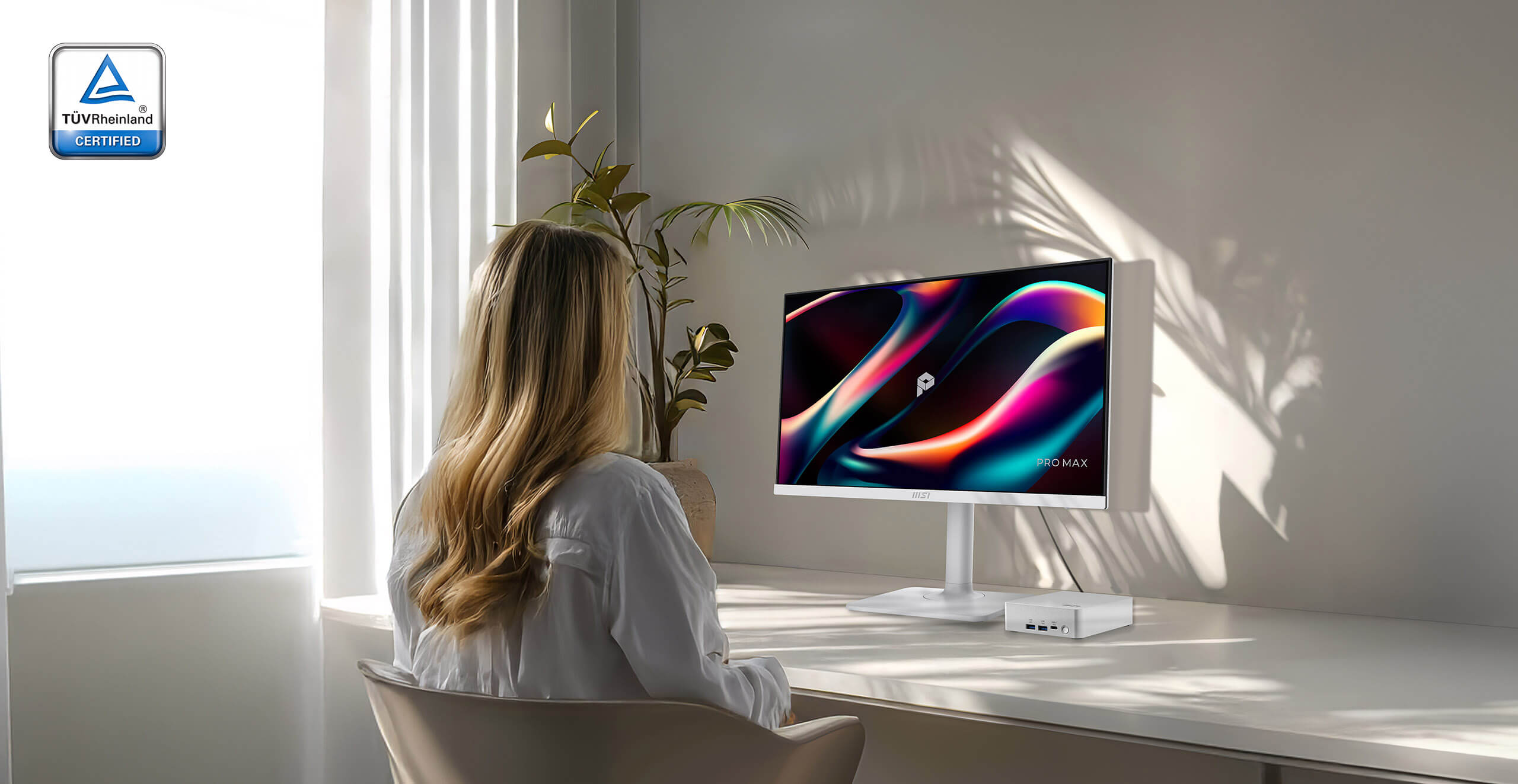
Beat the 3 PM Slump
That dry, tired sensation? It’s your eyes working overtime to handle unnatural screen light. We designed our display to behave like natural sunlight, relieving that tension so you can work longer without the strain.



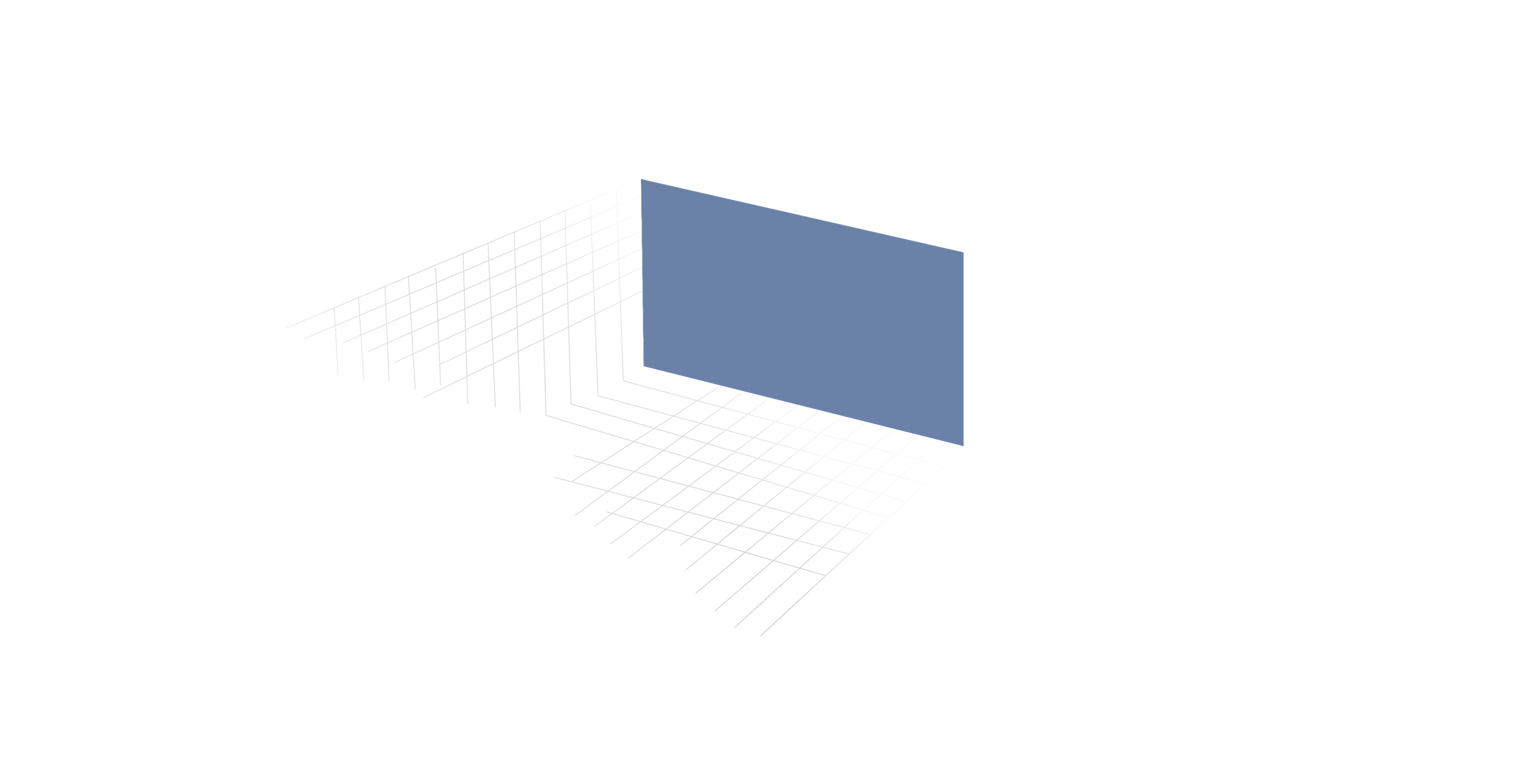
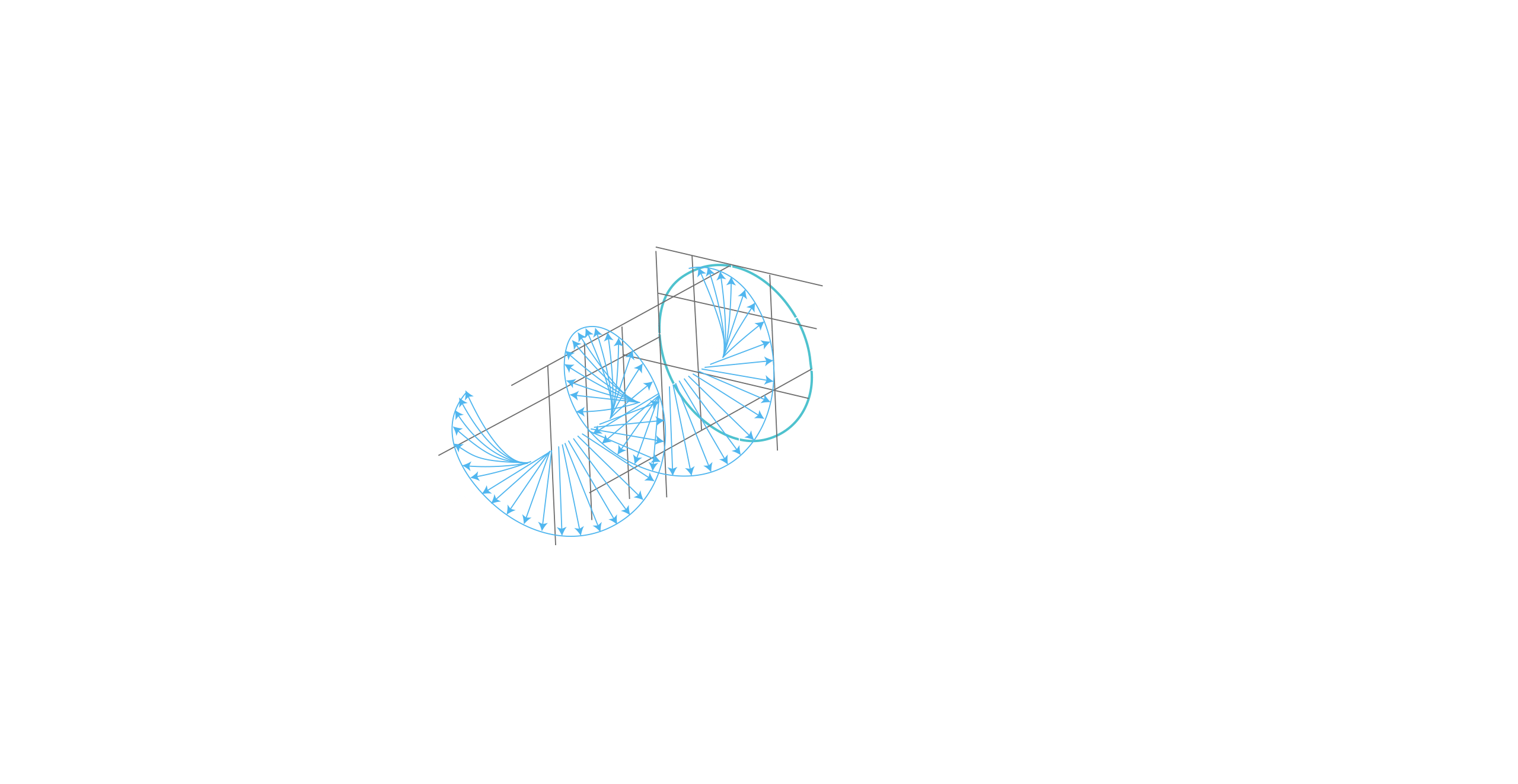


Make Your Screen Feel Like Natural Light
Stop fighting the "digital sting." It upgrades the physics of light delivery, turning harsh screen glare into a gentle visual experience that feels like natural light.
Strip the strain. Keep the color
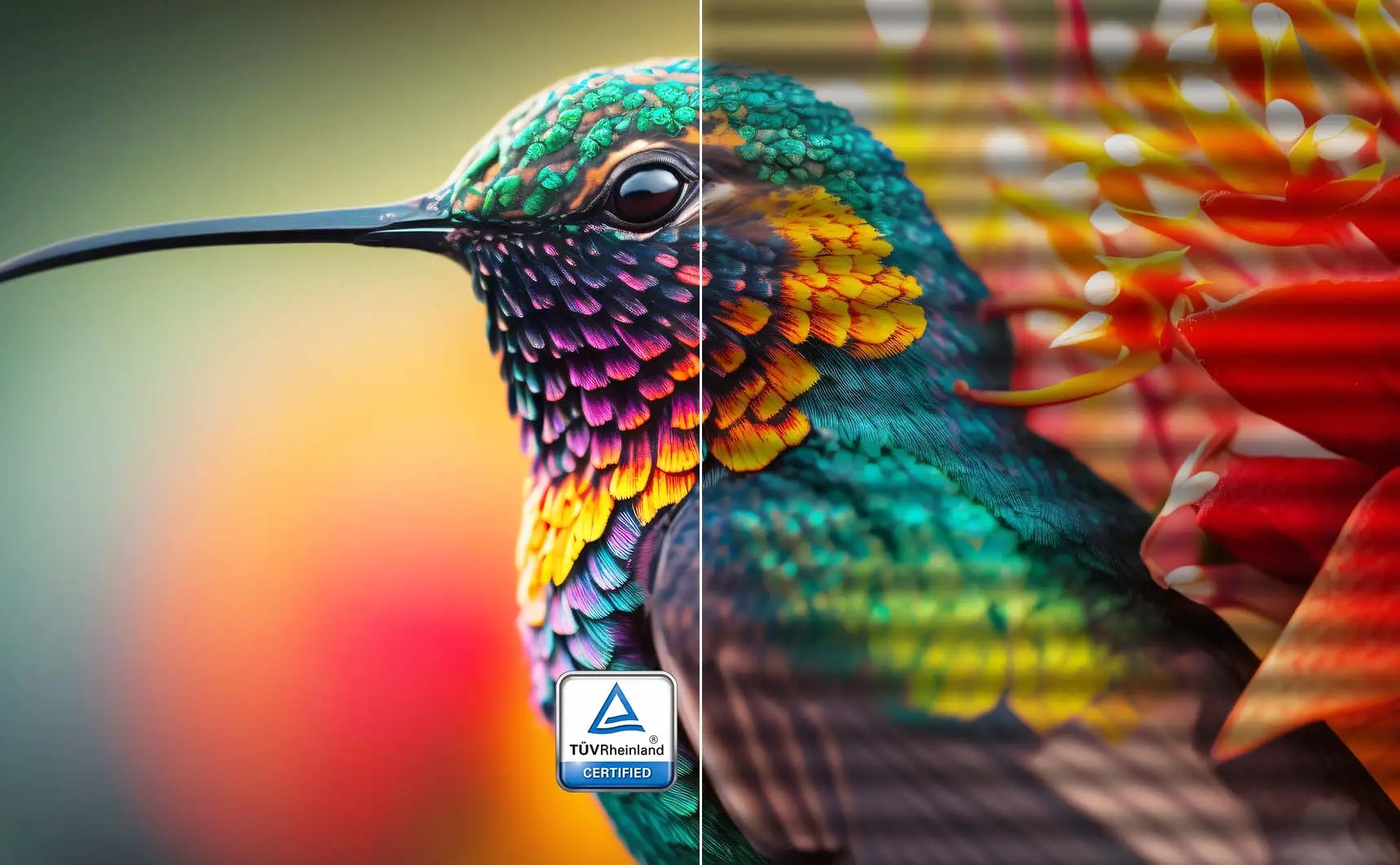
Unlike software filters that turn your screen yellow, our TÜV-Certified Hardware Low Blue Light PRO shifts the light spectrum at the source. It effectively eliminates harmful blue radiation while preserving stunning, true-to-life color accuracy for both work and play.

Regular
Less Blue Light
Strip the strain. Keep the color
Strip the strain. Keep the color
Unlike software filters that turn your screen yellow, our TÜV-Certified Hardware Low Blue Light PRO shifts the light spectrum at the source. It effectively eliminates harmful blue radiation while preserving stunning, true-to-life color accuracy for both work and play.
Total stability. Zero fatigue. Or Say Goodbye to the eye strain
Say goodbye to eye strain and fatigue. Our display is designed to reduce eye strain and fatigue, so you can work longer and more comfortably.
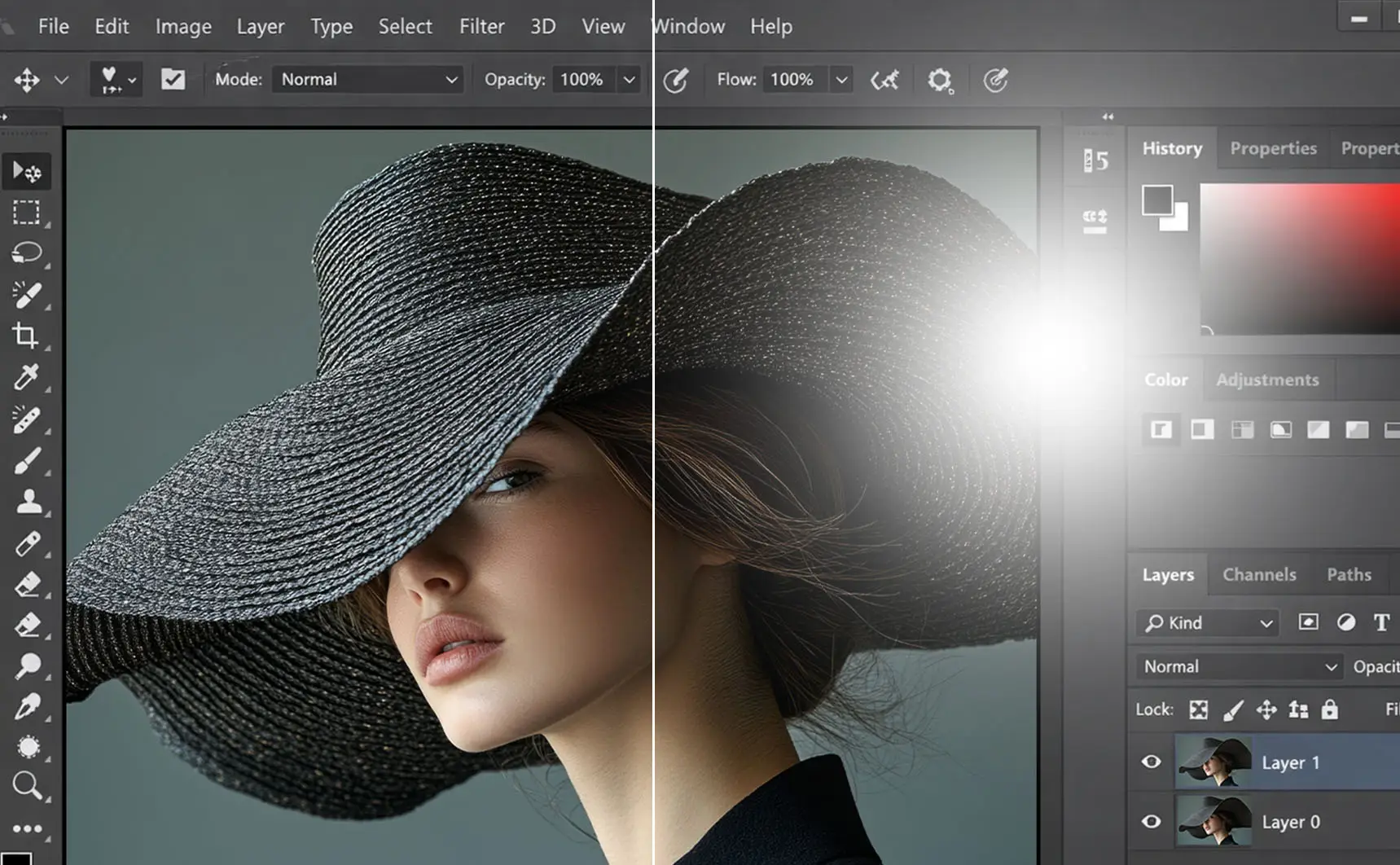
Scatter the distractions
Advanced Anti-Glare coating eliminates distracting reflections to provide crystal-clear visibility and a comfortable viewing experience in any lighting condition.

Healthy Eyes

Eye Requiring Treatment

Healthy Eyes

Eye Requiring Treatment
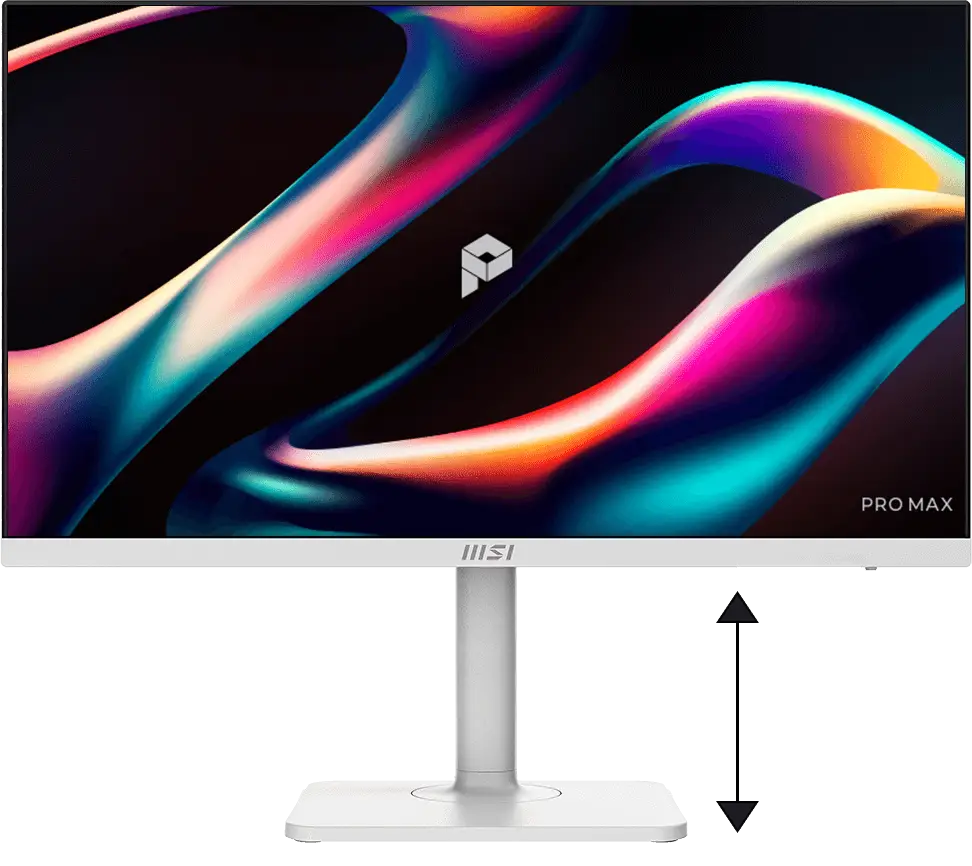
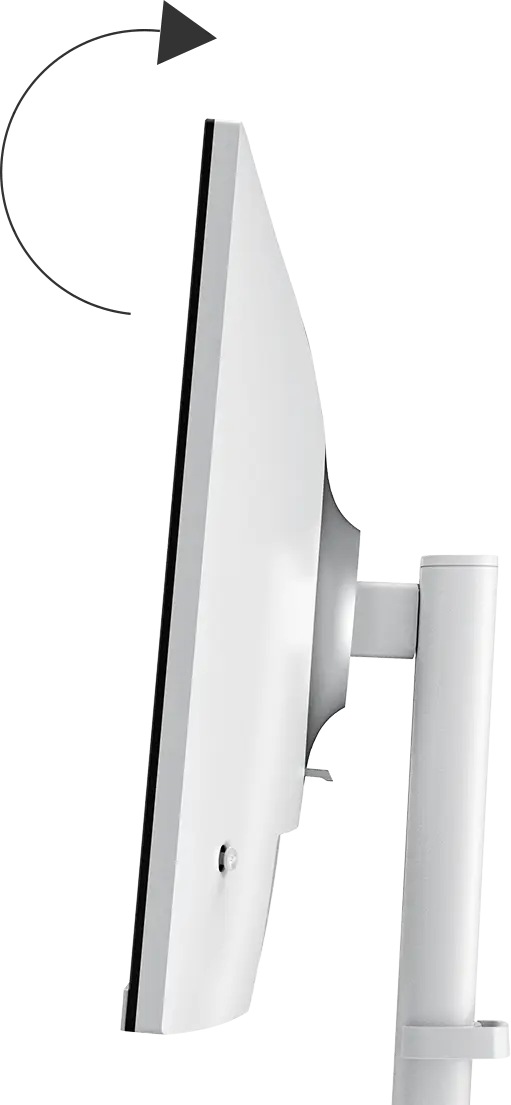
Work upright. Stay inspired
With adjustable stand, you can always adjust the way you see and the way you work. Find the most comfortable position for yourself.


One cable. Does it all
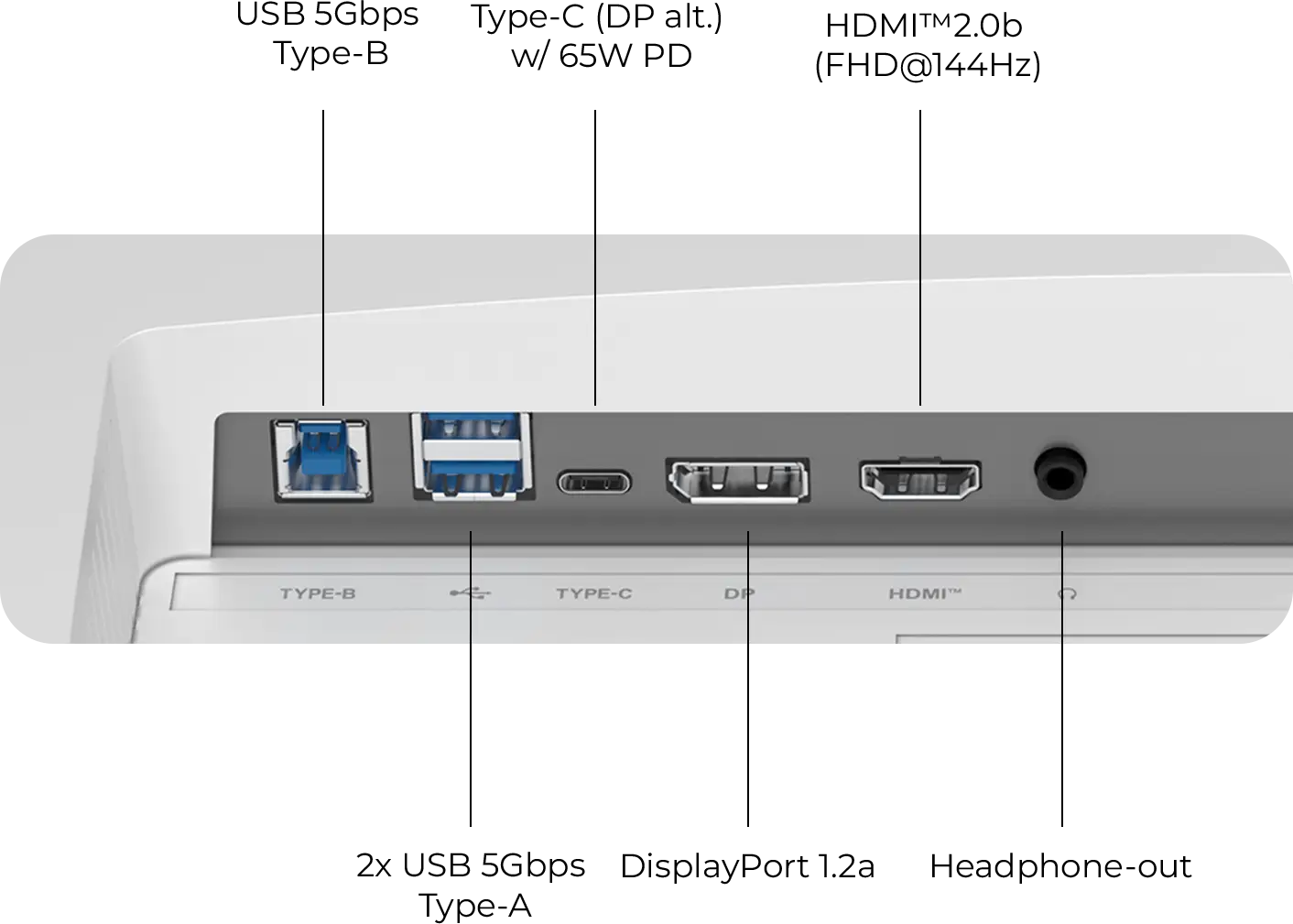
Streamline your workspace with the versatile USB Type-C port. With 65W Power Delivery, you can charge your laptop and transfer data with a single connection. Simple. Powerful.


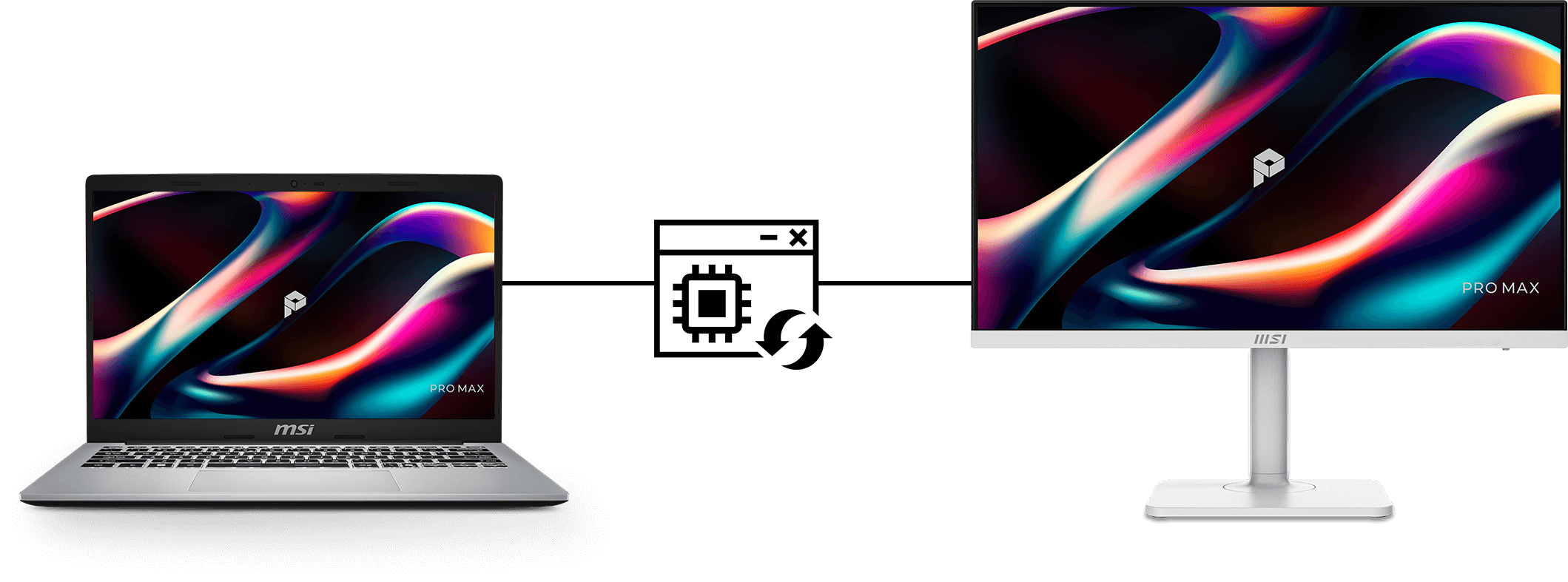
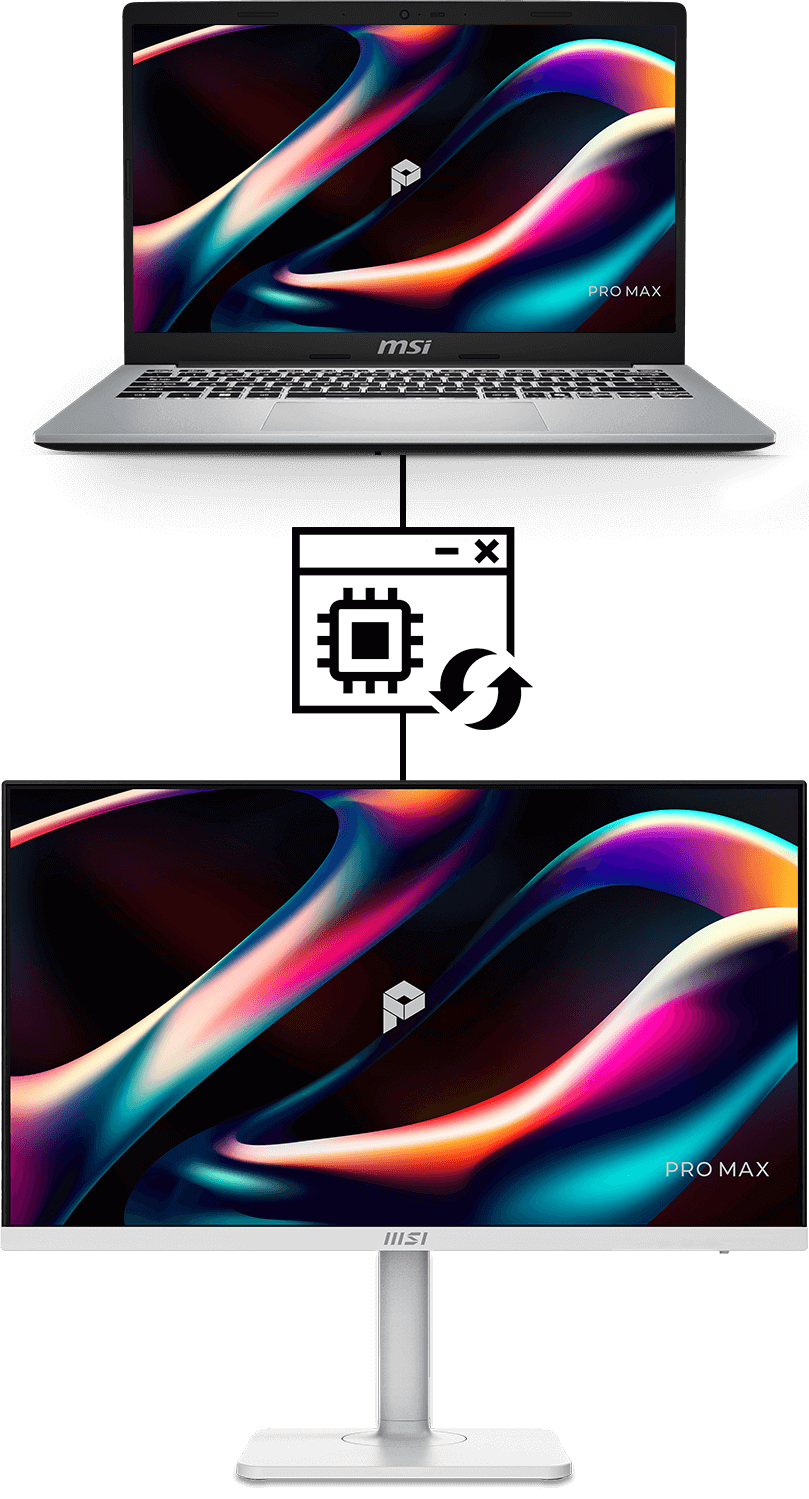
Firmware Update
PRO MAX 271PHW E14 can update the firmware through Type-C connector, which is simple and easy to use. This allows users to update the firmware on their own at any time when the latest version is released by MSI. This ensures that the screen is always in the best-optimized state.
Windows

Type-C、DP、Hub
macOS
Type-C
MSI M-Mate App
MSI M-Mate: Your Bridge Mate for Mac Sync, switch, and command. MSI M-Mate unifies your system functions and Macbook settings with built-in KVM execution. It’s the smarter way to work—all in one mate.
Productivity Intelligence
MSI M-Mate
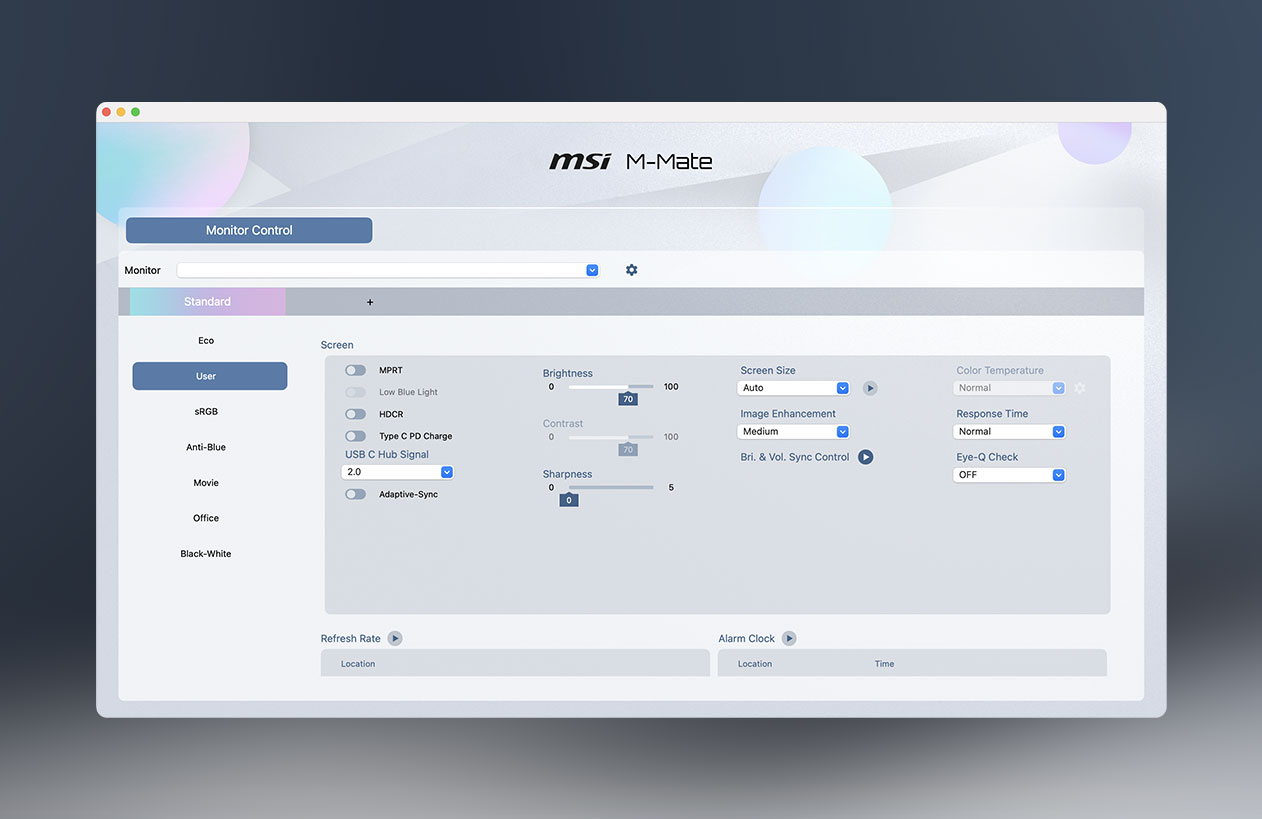
MSI M-Mate App for full parameter control
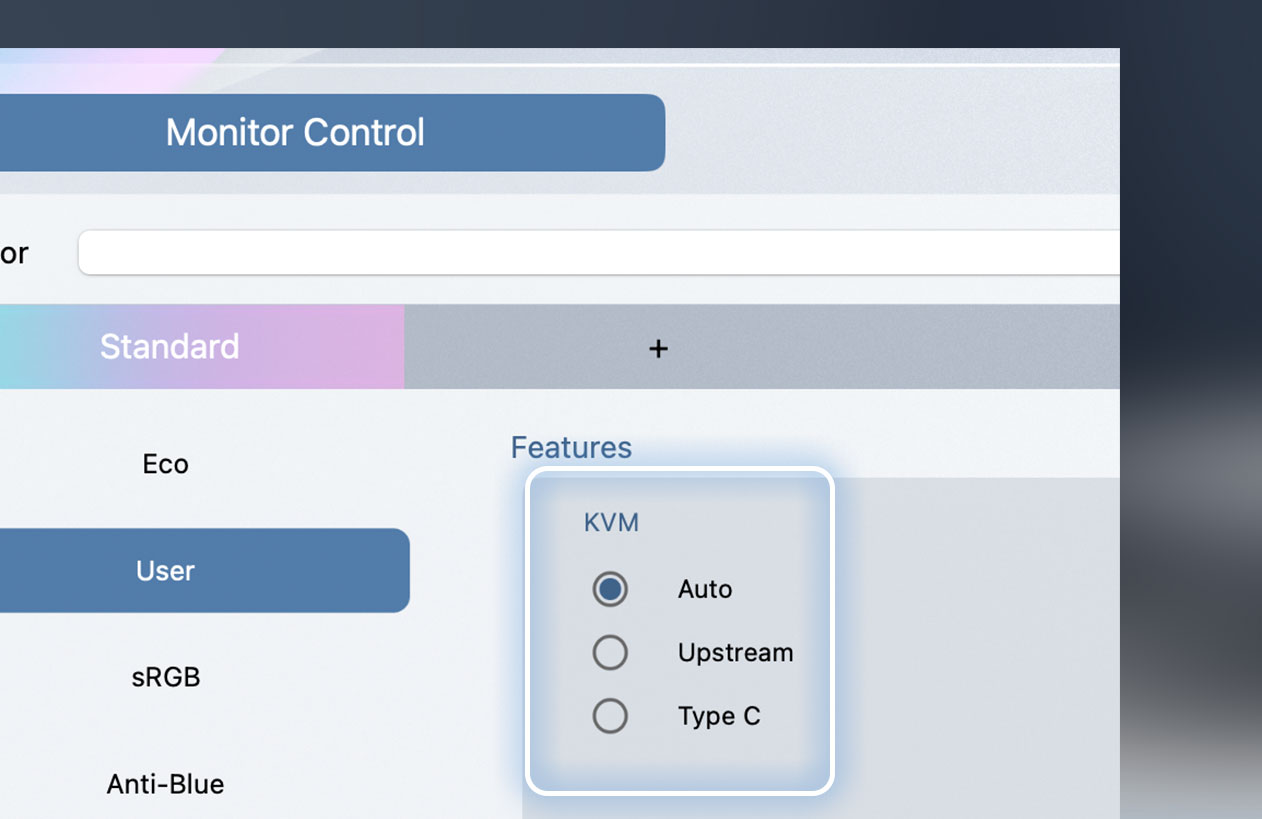
Faster and more intuitive KVM switching
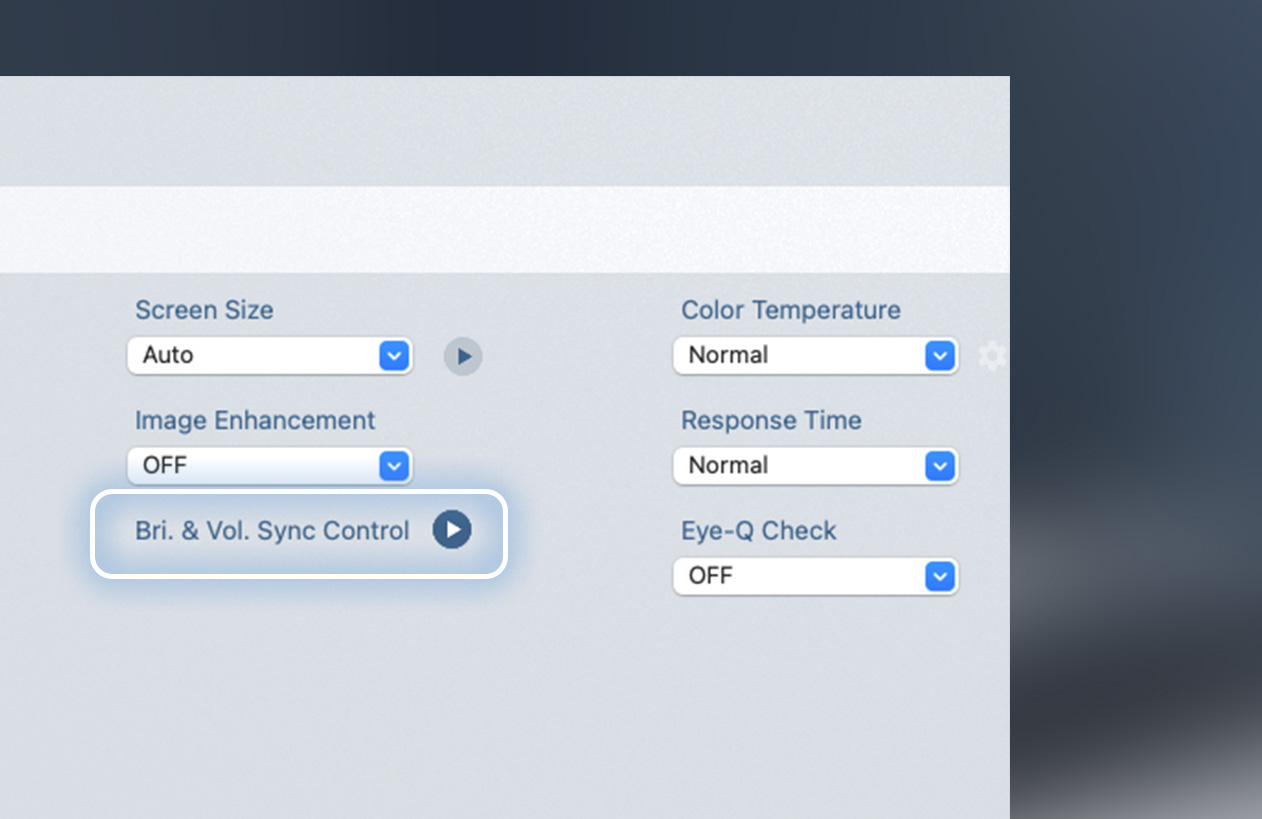
M-Sync: Sync your MacBook and monitor brightness with one touch.
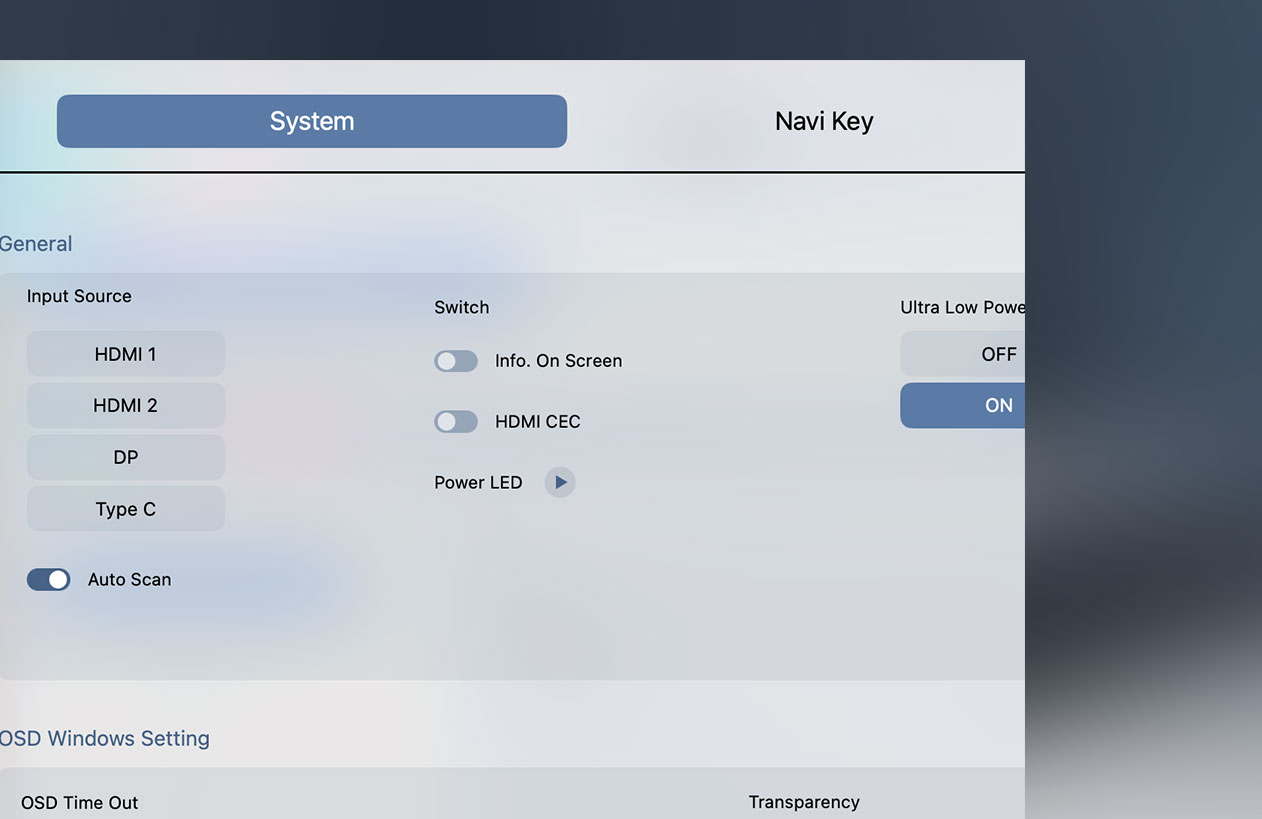
Integrated HDMI CEC functionality
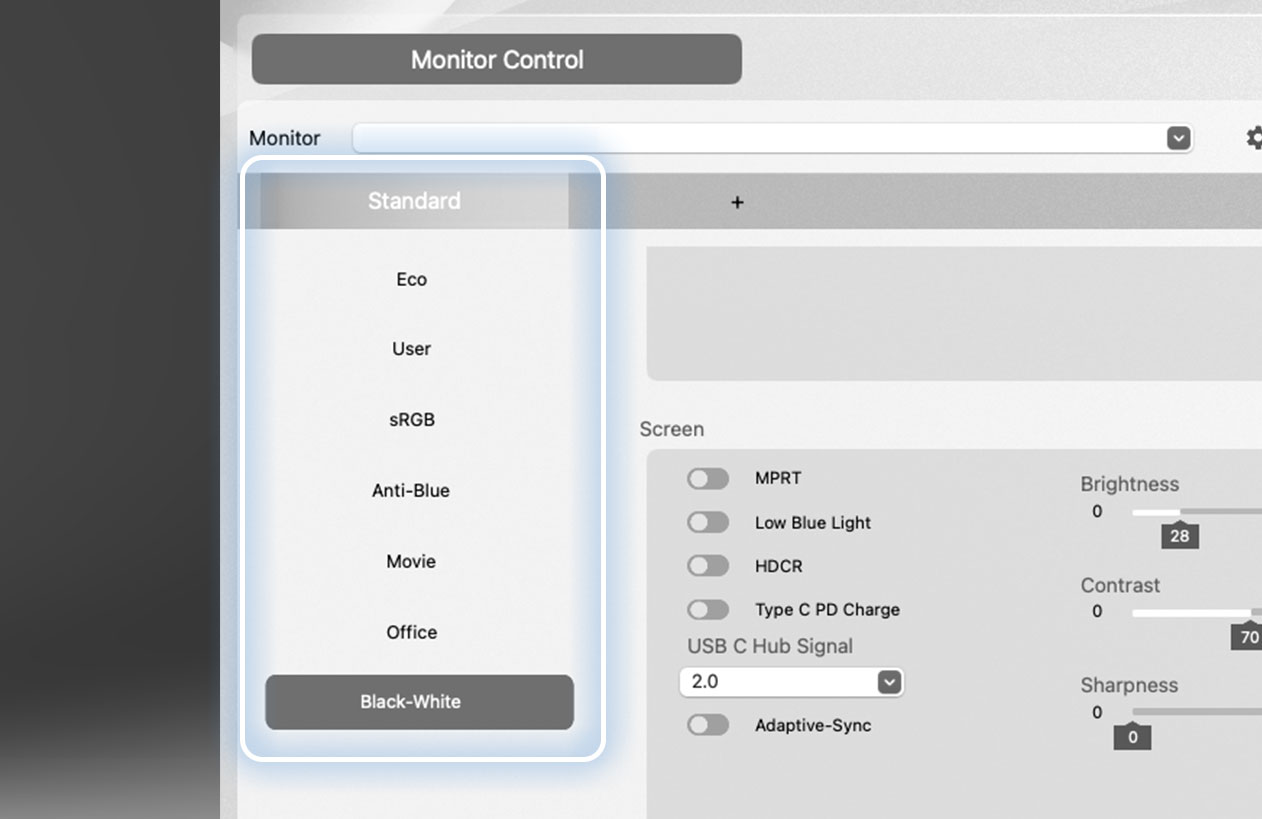
Switch your screen color profiles on the fly
*The estimated release date is scheduled for the end of May.
Master two worlds. With a single mind
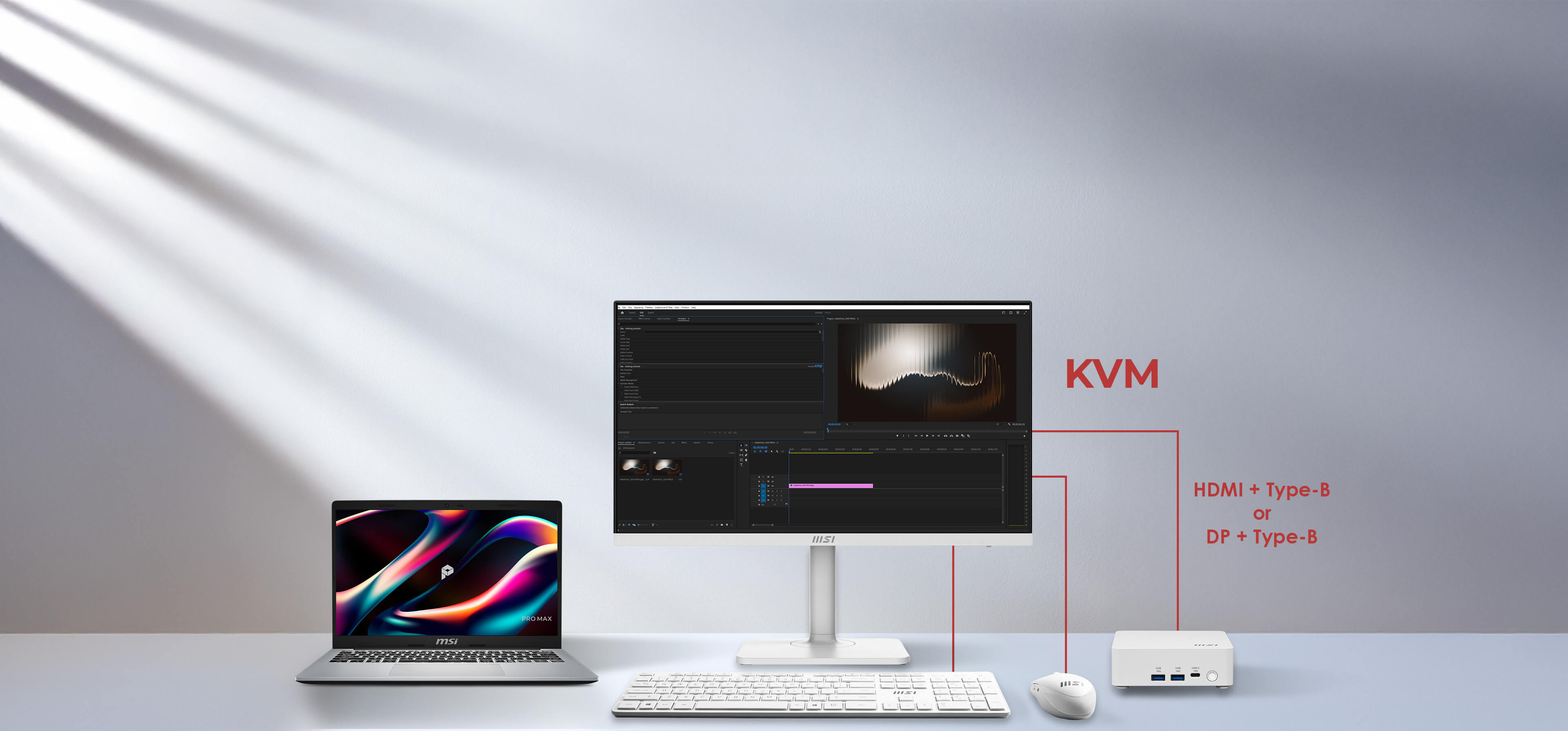
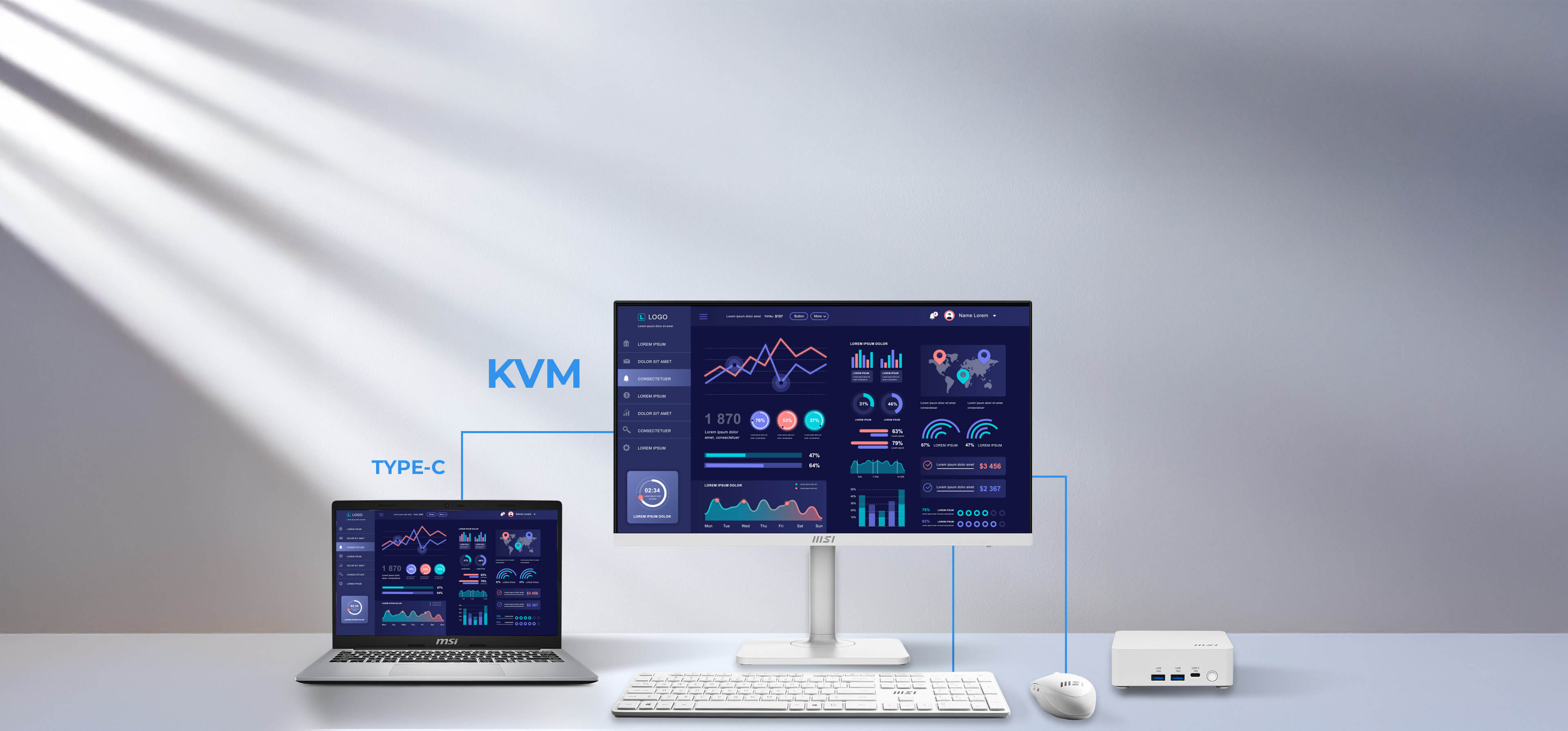
Boost your productivity by controlling two computers with just one set of keyboard and mouse. The integrated KVM switch allows you to toggle between your laptop and desktop, saving space and simplifying your multitasking workflow.
Sound that surrounds your focus
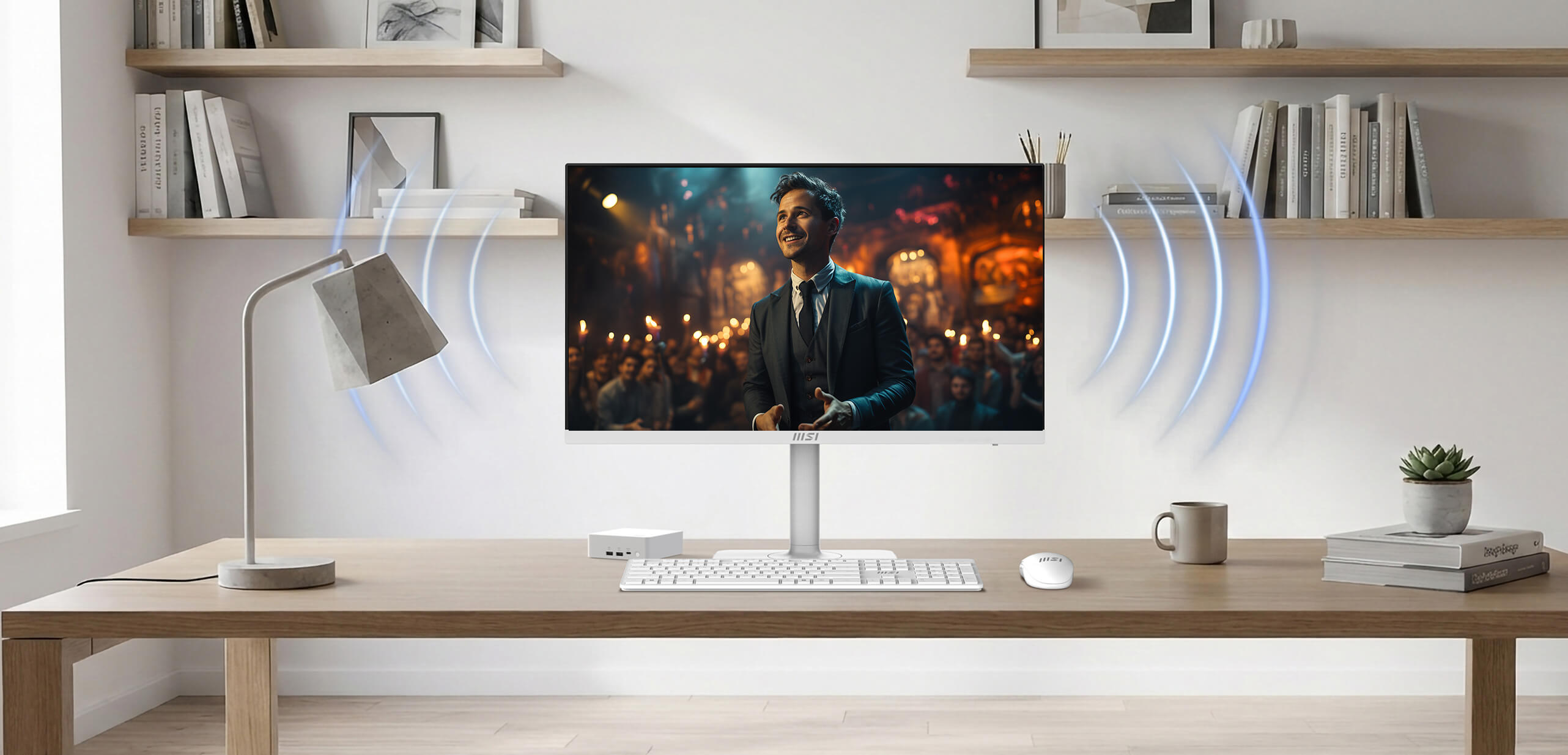
Whether you are attending virtual meetings, watching videos, or listening to music, the integrated speakers provide clear sound while keeping your desk organized and clutter-free.
144Hz + 1ms MPRT + AMD FreeSync™ Technology
Unlock the full potential of your monitor with a high refresh rate. From seamless multitasking at work to ultra-smooth gaming and fluid AI-generated visuals, every detail comes to life with precision and speed. Whether you're creating, playing, or innovating — this is performance you can see and feel.

True to life. True to your vision
See the world as it was meant to be seen. Experience professional-grade fidelity with a Delta-E ≤ 2, ensuring every color is reproduced with life-like accuracy and consistency.

I/O Introduction
- Panel Size: 27"
- Panel Type: IPS
- Aspect Ratio: 16:9
- Panel Resolution: 1920 x 1080 (Full HD)
- Refresh Rate: 144Hz
- Response Time: 1ms (MPRT)
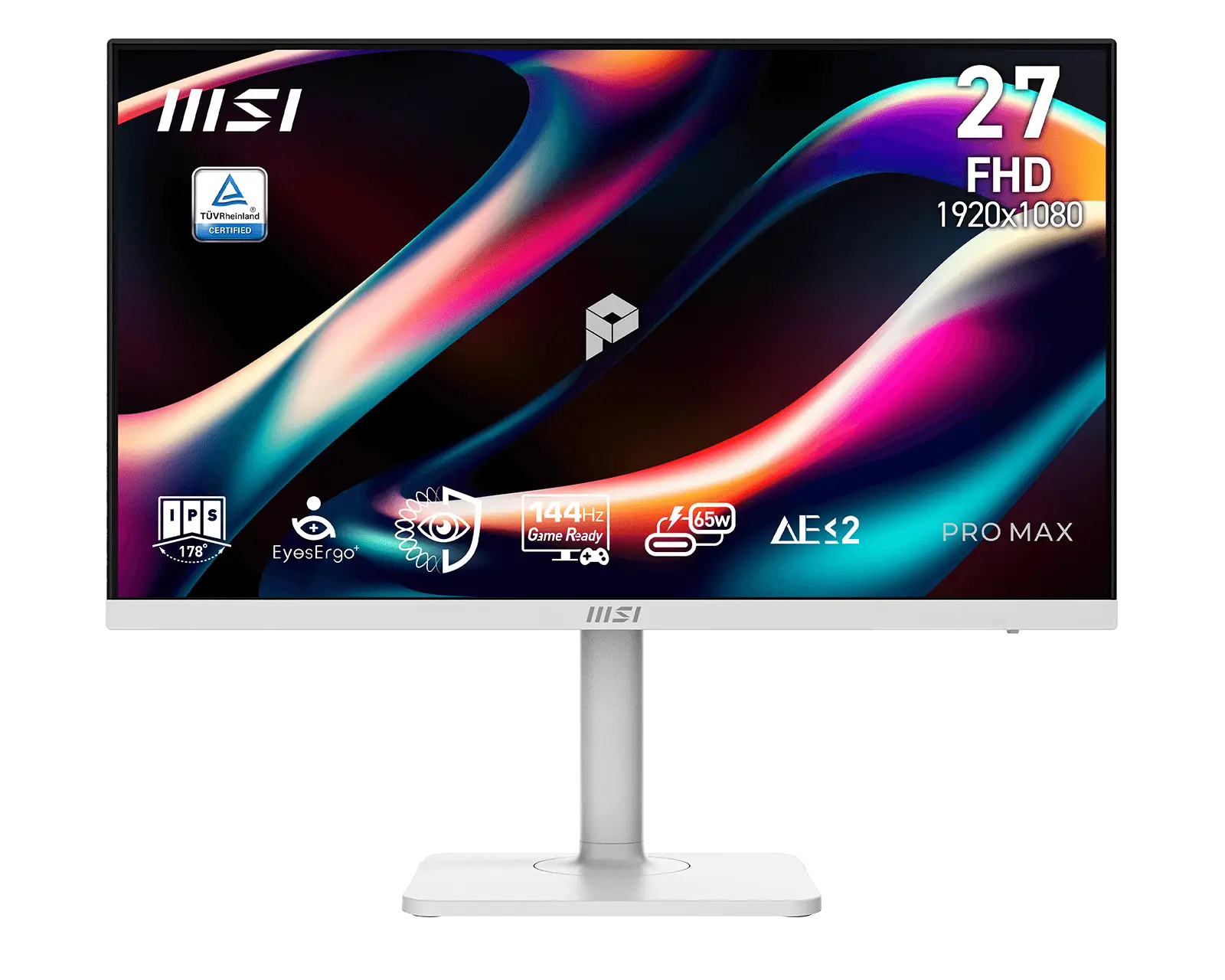
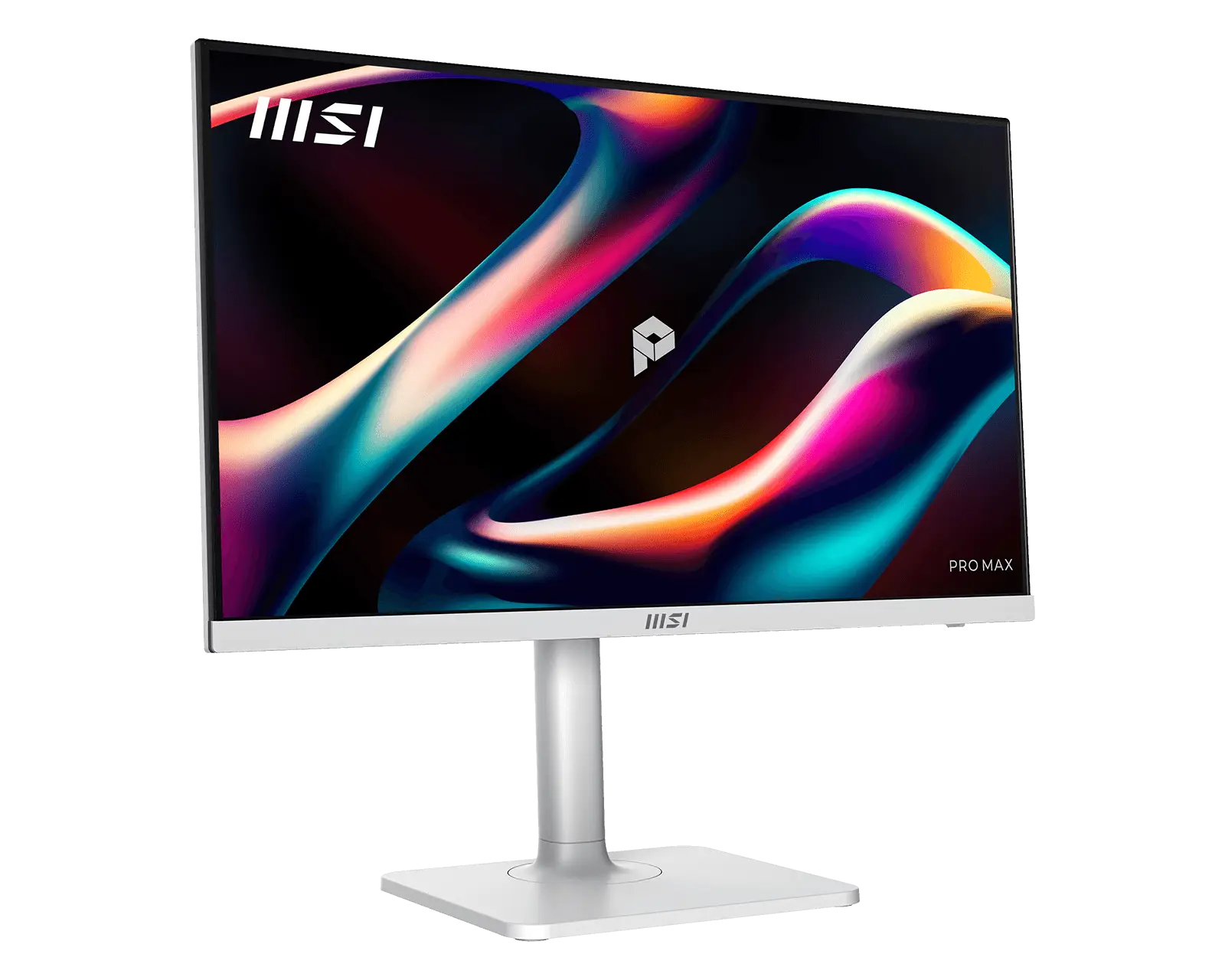
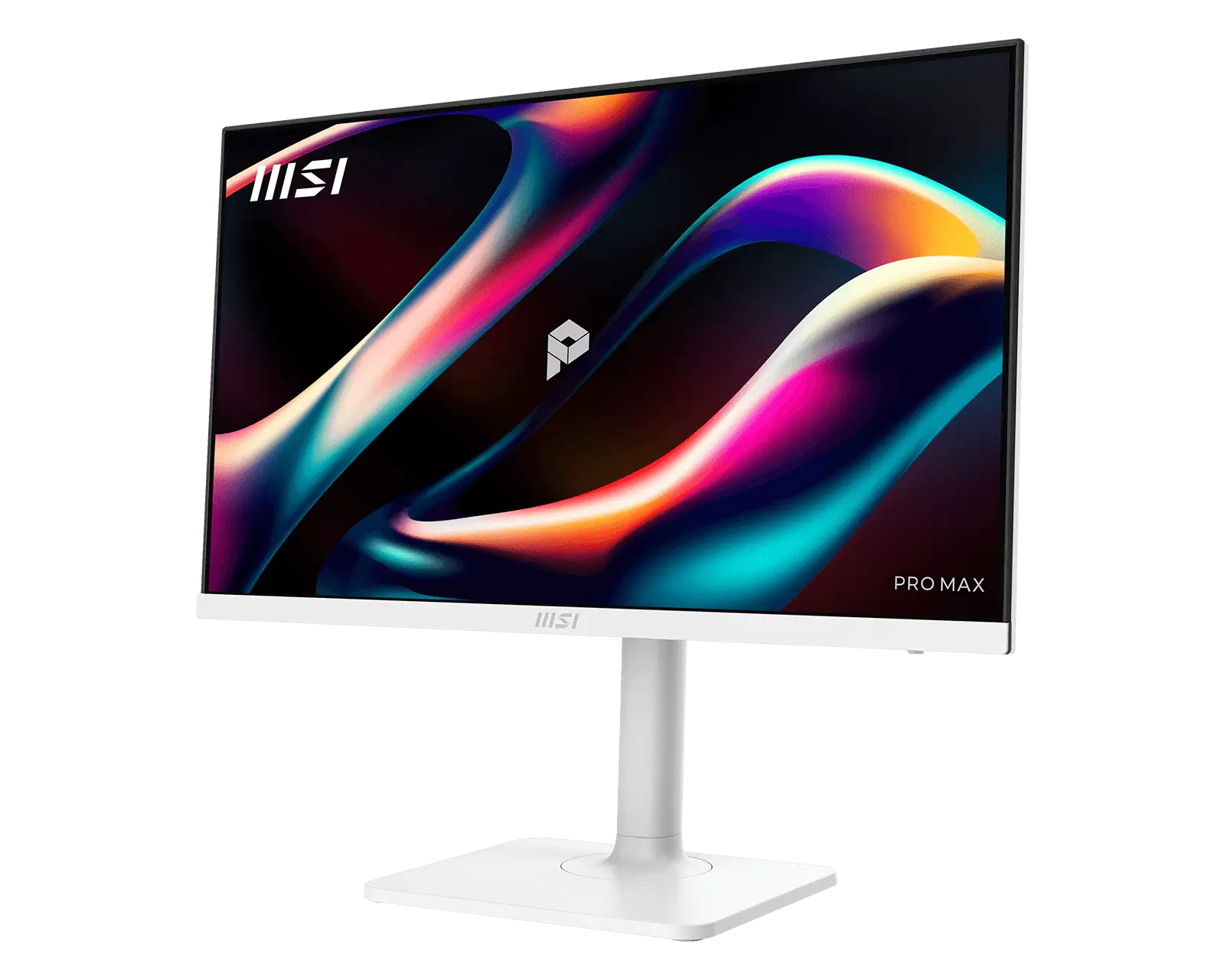
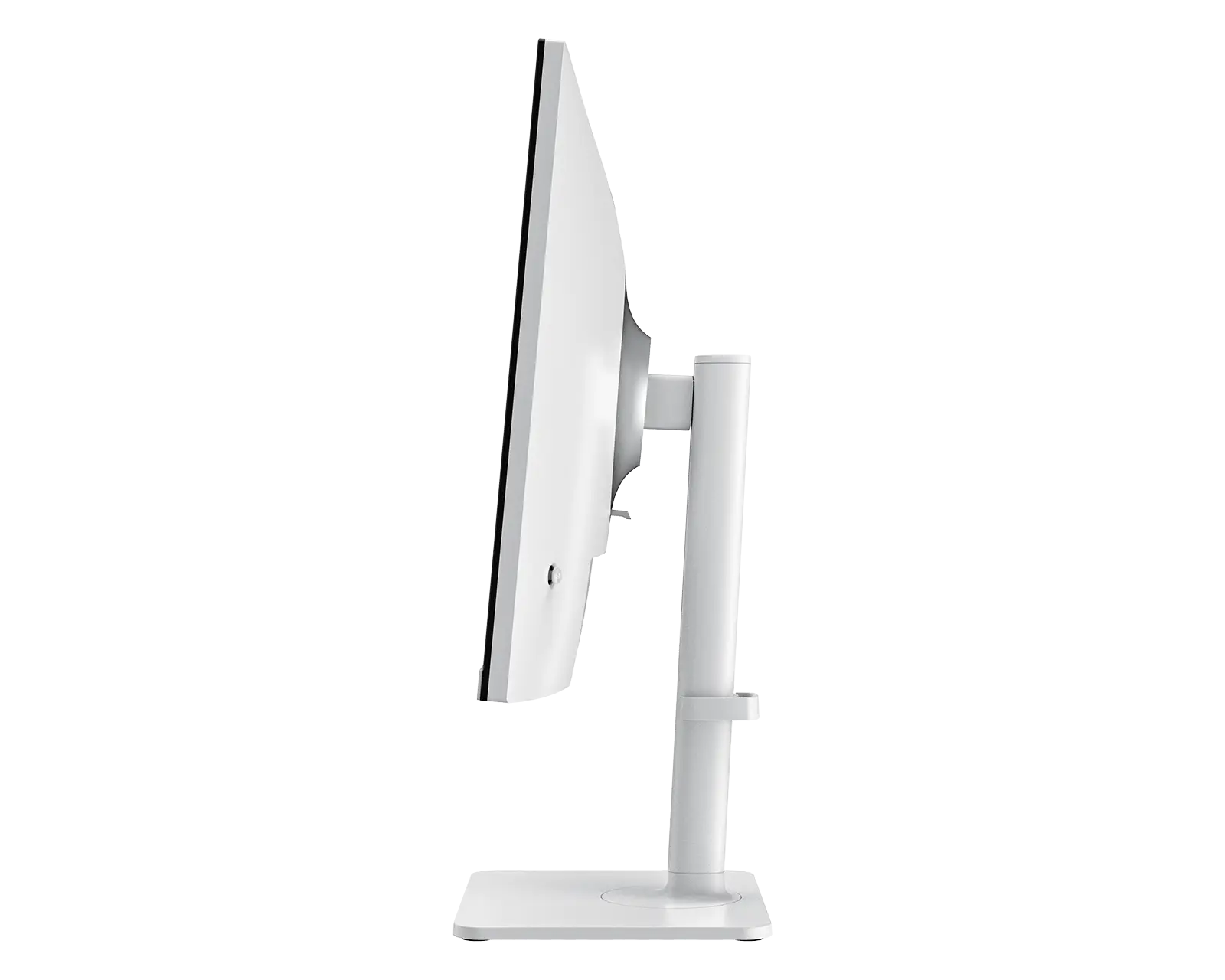
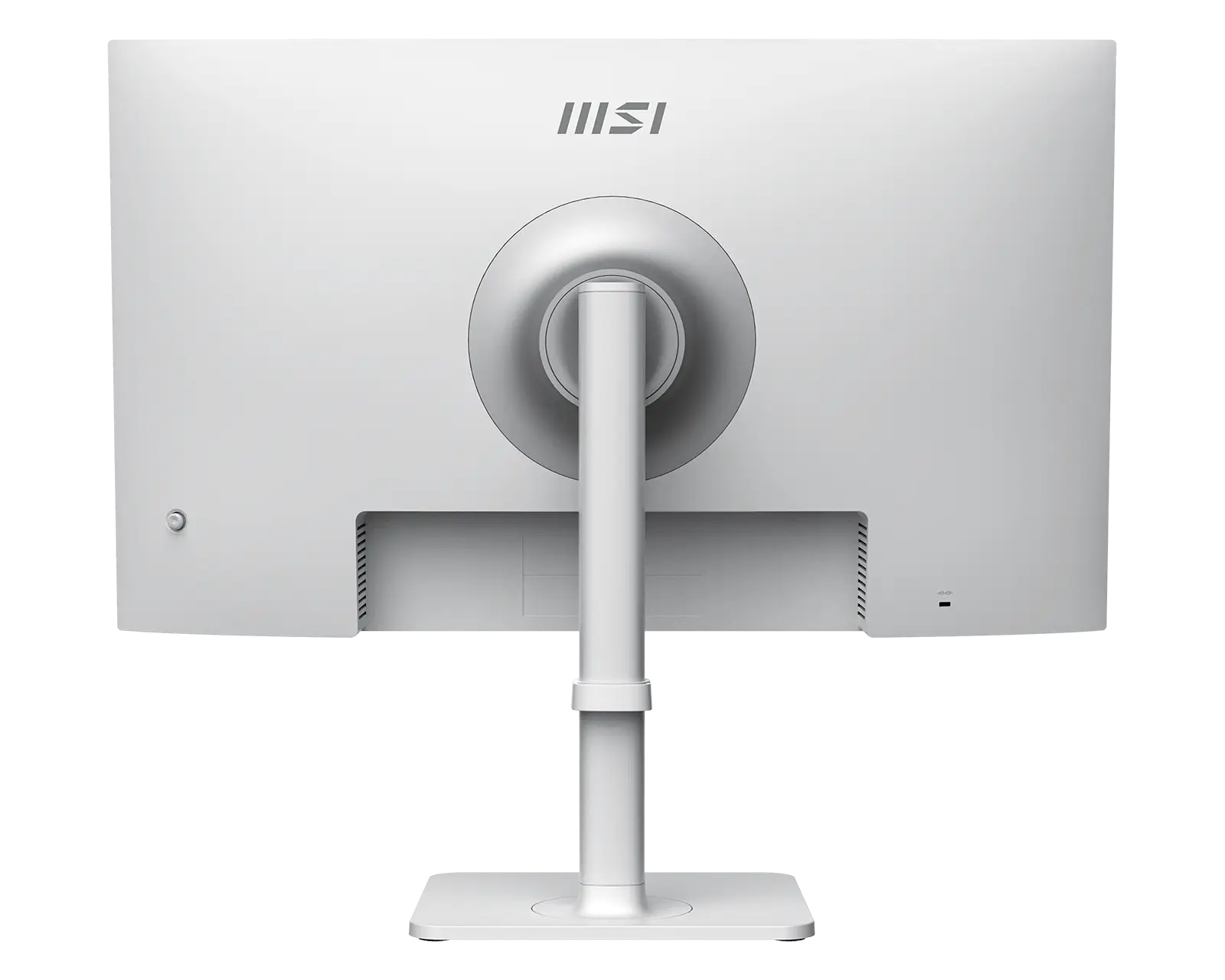
PRO MAX 271PHW E14
- EyesErgo+ redefines the visual comfort.
- TÜV-certified Circular Polarization technology mimics natural light to reduce fatigue.
- Less Blue Light PRO technology simultaneously protects the eyes and preserves vivid colors & details..
- MSI Eye-Q Check helps have self-check eyes & reminds to take a rest while using the monitor for a long time.
- Type-C 65W Power Delivery and Display & KVM Switch
- The KVM function allows you to switch between multiple devices and control it with one set of keyboard and mouse.
- 144 Hz refresh rate provides a better viewing experience with flicker-free image.
- Delta-E ≤ 2 pre-calibrated in the factory for the most excellent color accuracy.
- The stand is designed with ergonomic features, including tilt, swivel and height adjustments.
- Two built-in speakers.

All images and descriptions are for illustrative purposes only. Visual representation of the products may not be perfectly accurate. Product specification, functions and appearance may vary by models and differ from country to country. All specifications are subject to change without notice. Although we endeavor to present the most precise and comprehensive information at the time of publication, a small number of items may contain typography or photography errors. Some products and configuration may not be available in all markets or launch time differs. Supplies are limited. We recommend you to check with your local supplier for exact offers and detail specifications.
The terms HDMI™, HDMI™ High-Definition Multimedia Interface, HDMI™ Trade dress and the HDMI™ Logos are trademarks or registered trademarks of HDMI™ Licensing Administrator, Inc.