


Efficiency by Day,
Dominance by Night
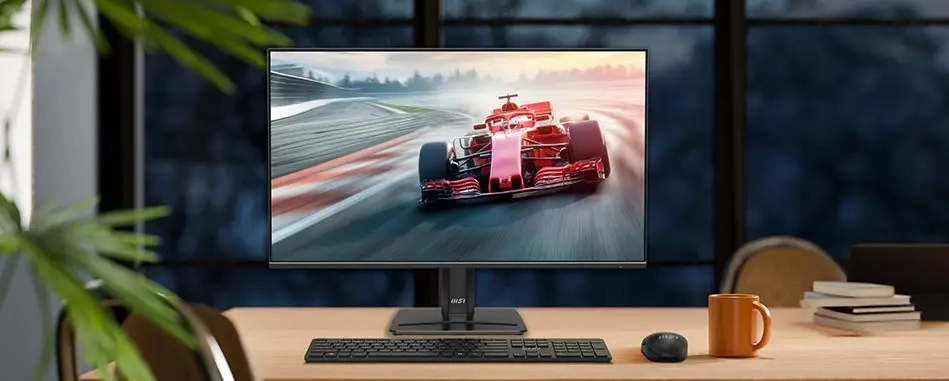
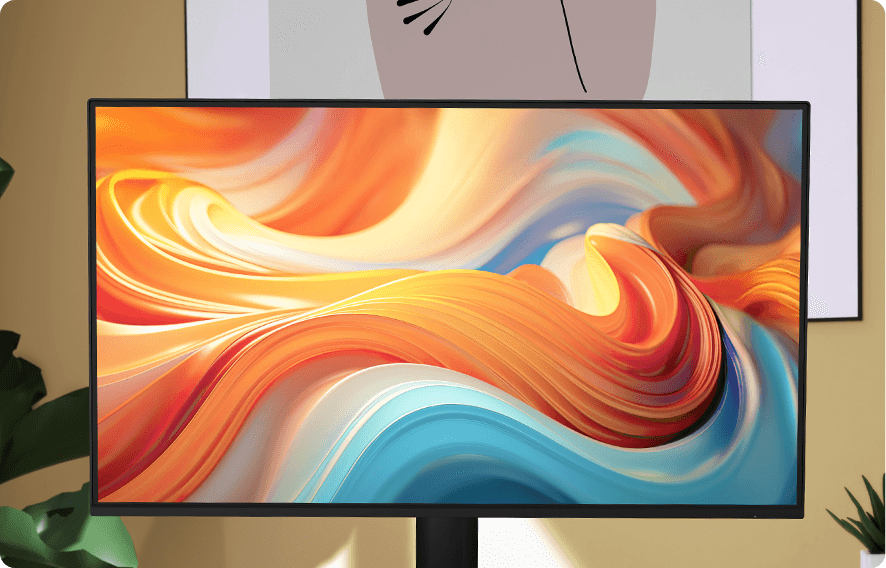
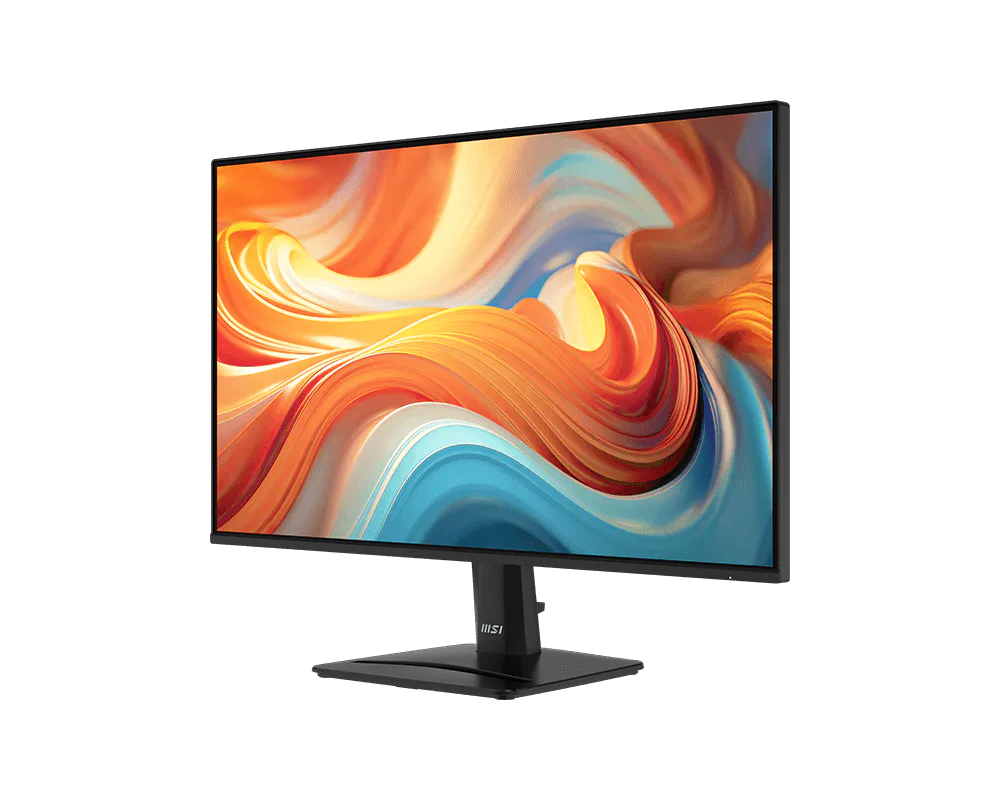
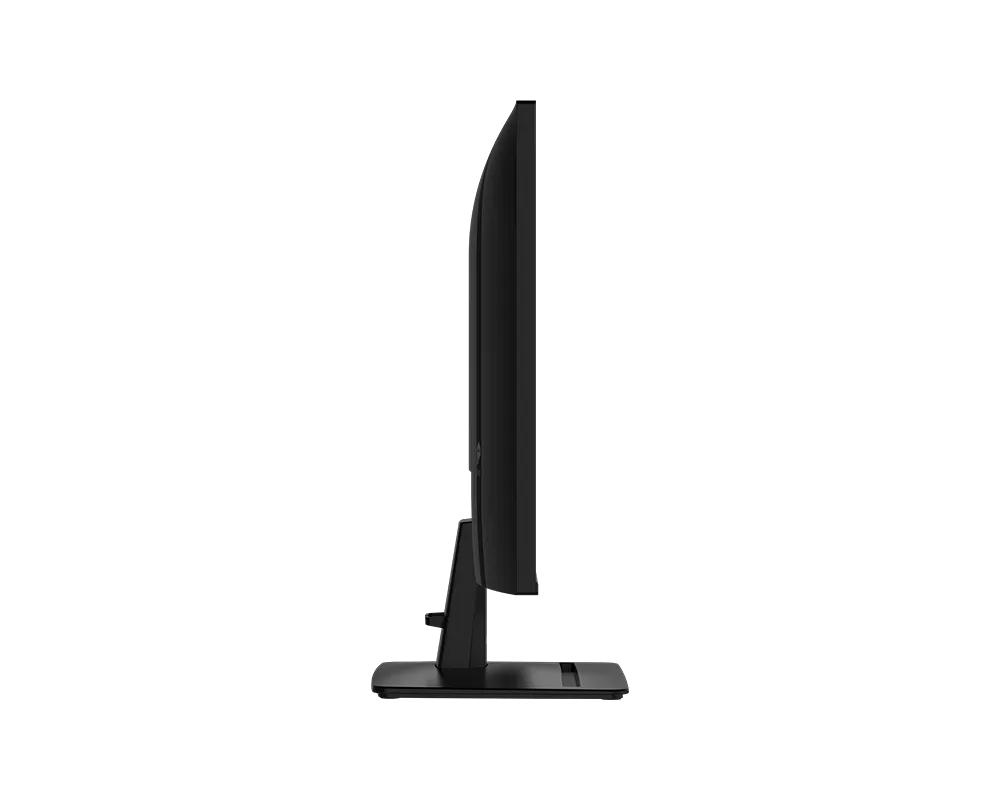
The PRO MP271 E14A monitor combines a 144Hz refresh rate and Adaptive-Sync for smooth gaming and work. Its ergonomic design, PerfectEdge display, and HDR Ready feature enhance comfort and immersion, making it the perfect all-in-one solution.


SCREEN-TO-BODY RATIO
37.5%
SLIMMER


SUPPORT

BUILT-IN
SPEAKERS
TOOL LESS
DESIGN

Update


PerfectEdge Provides the
Perfect View.
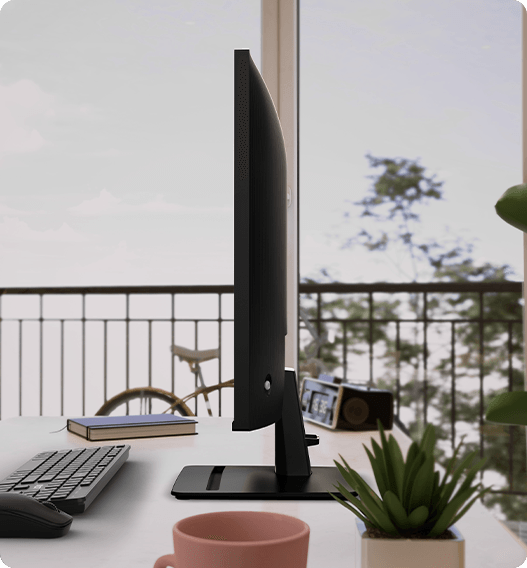
The four-side slim bezel design maximizes screen space, minimizing distractions and enhancing focus. Ideal for work or play, it allows seamless multi-monitor setups, creating a clean, expansive, and elegant workspace.
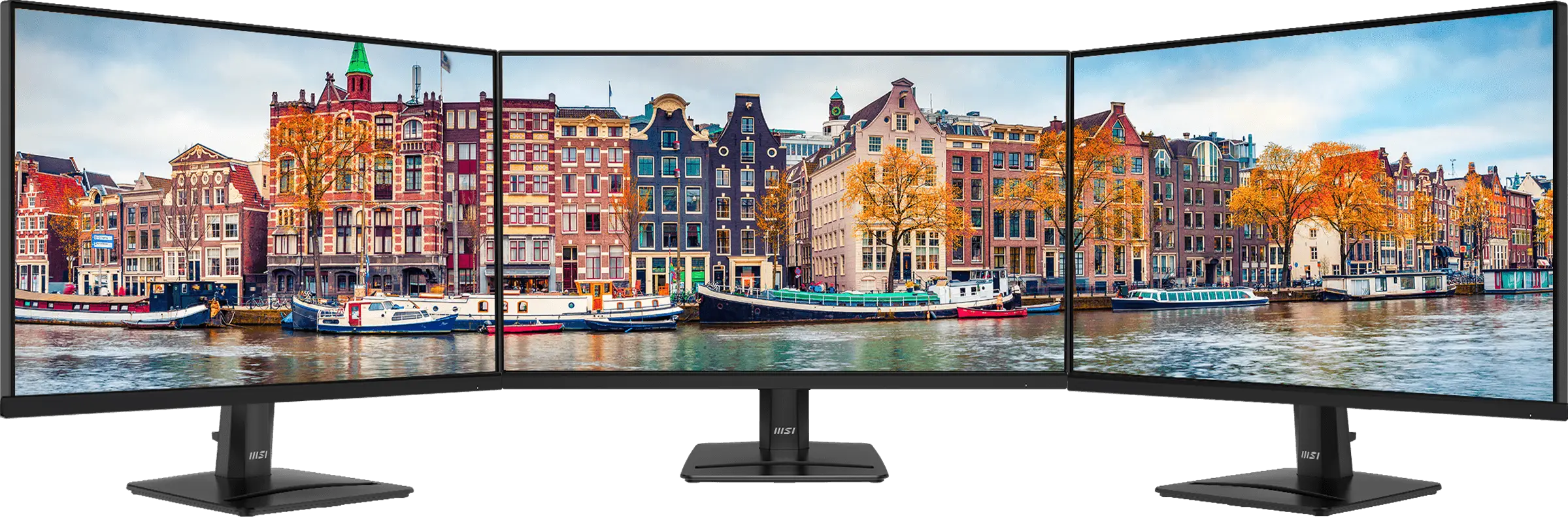


92% Screen-to-Body Ratio
144Hz + 1ms MPRT + AMD FreeSync™
Unlock the full potential of your monitor with a high refresh rate. From seamless multitasking at work to
ultra-smooth gaming and fluid AI-generated visuals, every detail comes to life with precision and speed.
Whether you're creating, playing, or innovating — this is performance you can see and feel.

144Hz + 1ms MPRT + AMD FreeSync™
Unlock the full potential of your monitor with a high refresh rate. From seamless multitasking at work to
ultra-smooth gaming and fluid AI-generated visuals, every detail comes to life with precision and speed.
Whether you're creating, playing, or innovating — this is performance you can see and feel.


Sleek Integration with VESA Mountable
The standard VESA mount design allows the Cubi Series and mini PCs to be mounted on the back of the monitor, tidying up the workspace.

Press OSD
Button




MSI Power Link Support
MSI Power Link with HDMI™ CEC lets the mini-PC be powered on by the monitor's button, enhancing efficiency and user experience.

EyesErgo Tech, Your Health Protector
MSI Eye Care Technology


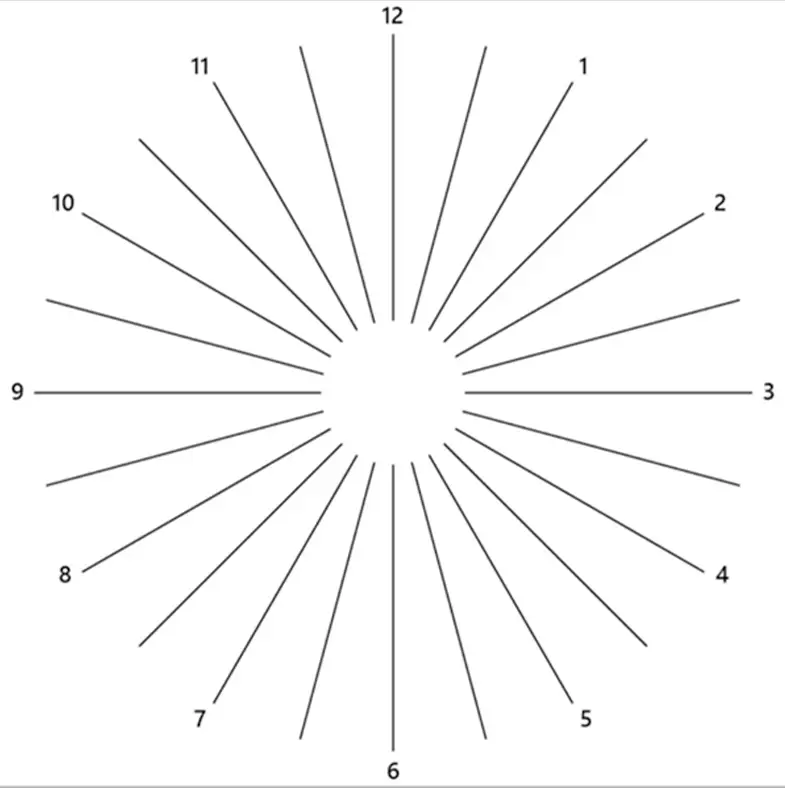

Astigmatism
To test, cover your left eye with your left hand and look closely at the image, then do the same with your right eye. MSI recommends you to take a rest for 20 minutes if some lines appear greyer than others.


Amsler Grid
MSI recommends you to take a rest for 20 minutes if any of the lines in the grid appear wavy, blurred or distorted; or if some boxes in the grid don't look like a square or the same size.
Posture Correction
MSI recommends you to sit up straight and adjust your eye position to one-ninth of the top edge of the screen. A good sitting posture can effectively prevent neck and shoulder pain.
Ergonomics for
All-Day Productivity
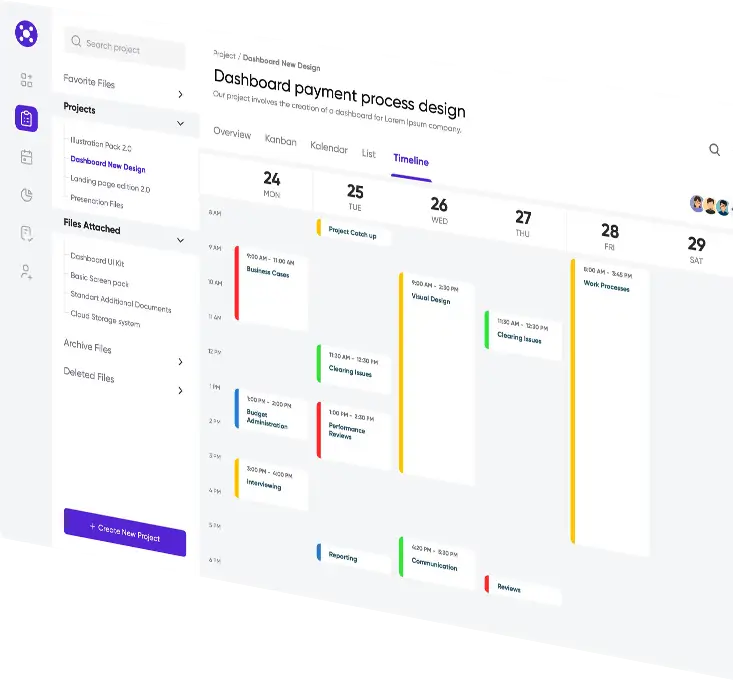
Working in a suitable position not only has a positive impact on job satisfaction and productivity but can also contribute to overall health and well-being.



Experience Stunning Visuals
with HDR Ready
HDR Ready technology delivers richer colors, deeper contrast, and vivid details for a lifelike viewing experience. Whether for work, movies, or gaming, it enhances screen performance to new heights.


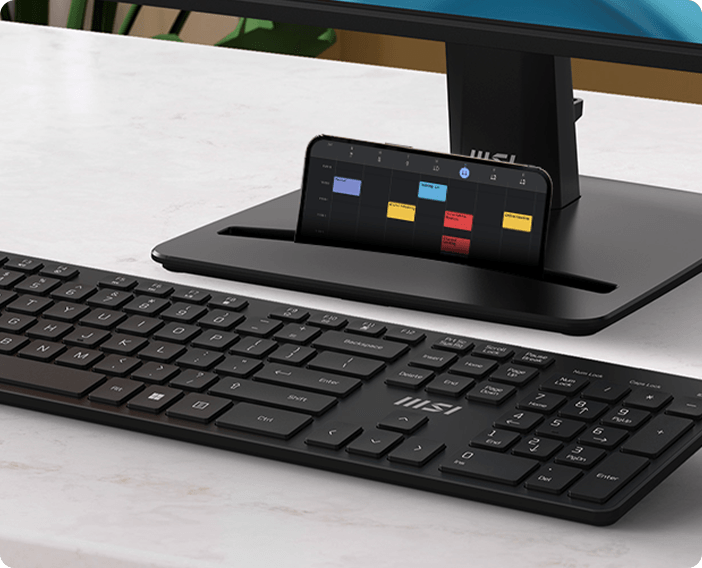
Accessory Slot Design
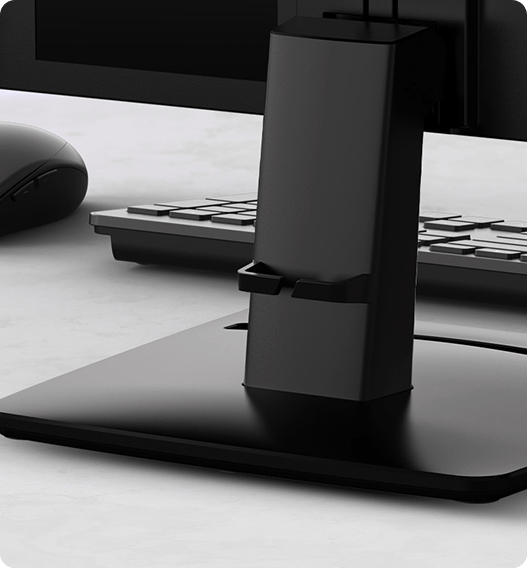
The accessory slot offers convenient storage for small peripherals, keeping your workspace organized and clutter-free. Ideal for cables, adapters, or other essentials, it enhances efficiency and maintains a tidy environment.


Built-in Speakers
Experience clear, powerful audio with built-in speakers, enhancing your multimedia without cluttering your workspace.
Firmware Update
PRO MP271 E14A can update the firmware through DP connector, which is simple and easy to use. This allows users to update the firmware on their own at any time when the latest version is released by MSI. This ensures that the screen is always in the best-optimized state.


Simplicity At Your Fingertips - Display Kit App
The MSI exclusive software Display Kit provides the most convenient tool, the proper display that allows you to read and enjoy the image at the same time & color mode to you while working or everyday.



Crafted for the
Modern Professional.
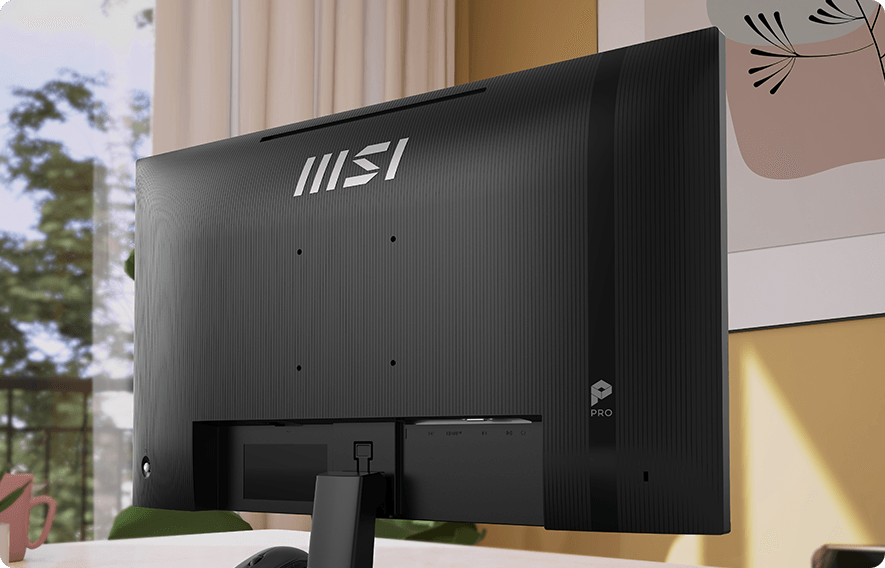
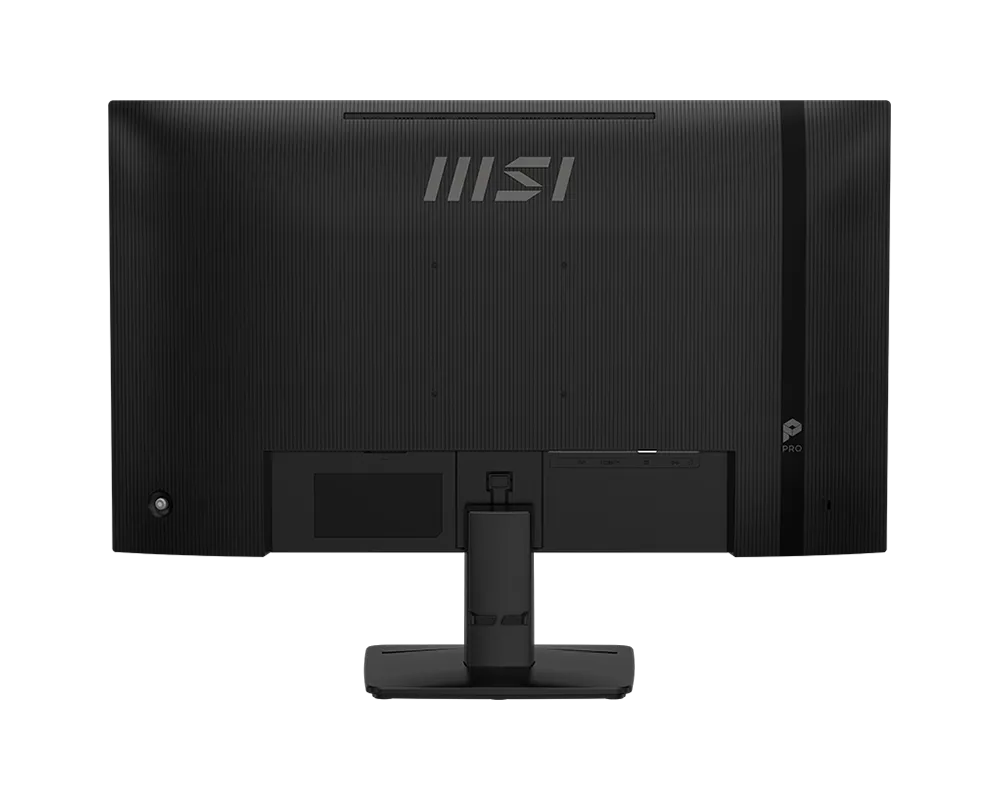
Inspired by the younger generation's pursuit of simplicity and efficiency, the monitor's back cover features refined engravings. This elegant design symbolizes limitless possibilities, making it the perfect companion for young professionals.

ENERGY STAR Certified
This MSI monitor is ENERGY STAR certified.For certification status and product details, please visit the official ENERGY STAR
Product Finder: https://www.energystar.gov/productfinder/


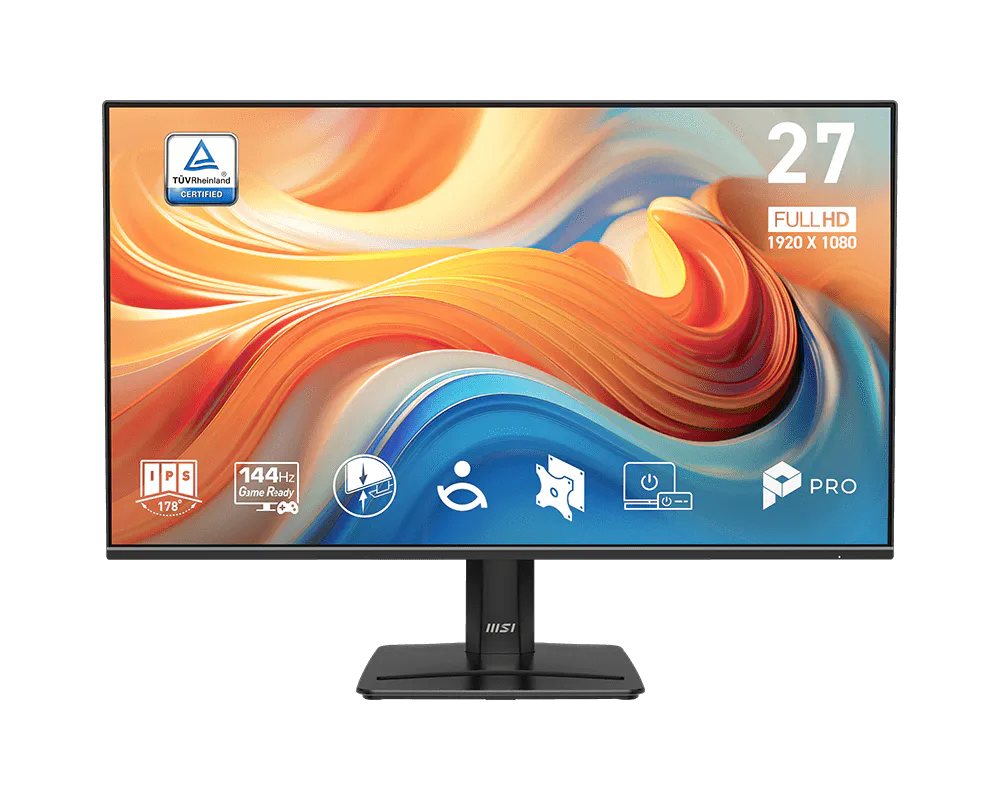
- Panel Size27"
- Panel TypeIPS
- Aspect Ratio16:9
- Panel Resolution1920 x 1080 (FHD)
- Refresh Rate144Hz
- Response Time1ms (MPRT)
PRO MP271 E14A
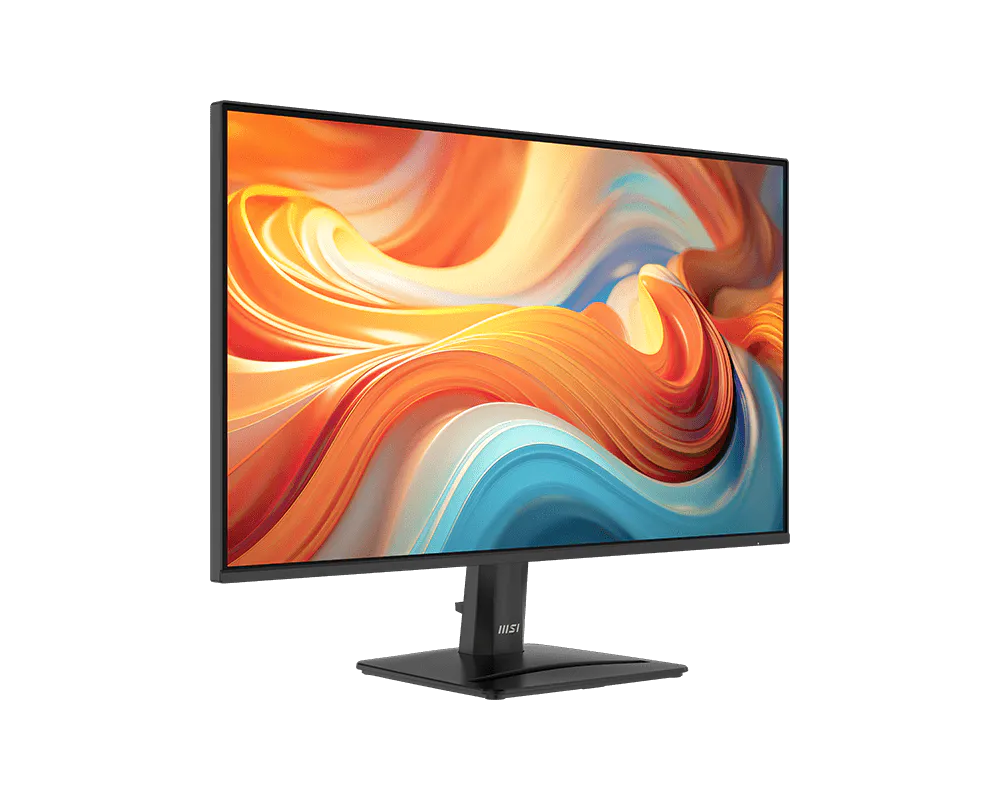
- PerfectEdge - the 4-side slim bezel design allows users to fully immerse themselves in a multi-display setup
- Enjoy the high-quality entertainment with a smoother 144Hz high refresh rate & AMD FreeSync™.
- TÜV certified display ensures the protection and health of eyesight.
- MSI EyesErgo technology with Anti-Flicker technology helps prevent eye strain and fatigue.
- MSI Eye-Q Check helps have self-check eyes & reminds to take a rest while using the monitor for a long time.
- VESA Mountable design provides a tidy setup, enhancing user comfort and organization.
- MSI Power Link allows your MSI desktop to power on with a single press of the monitor's power button.
- Maintain versatility across various devices by utilizing multiple input sources, such as HDMI™, DisplayPort and D-Sub (VGA) ports.
- Standard VESA mountable & Accessory Slot design.
- Two built-in speakers.

All images and descriptions are for illustrative purposes only. Visual representation of the products may not be perfectly accurate. Product specification, functions and appearance may vary by models and differ from country to country. All specifications are subject to change without notice. Although we endeavor to present the most precise and comprehensive information at the time of publication, a small number of items may contain typography or photography errors. Some products and configuration may not be available in all markets or launch time differs. Supplies are limited. We recommend you to check with your local supplier for exact offers and detail specifications.
The terms HDMI™, HDMI™ High-Definition Multimedia Interface, HDMI™ Trade dress and the HDMI™ Logos are trademarks or registered trademarks of HDMI™ Licensing Administrator, Inc.