Small Models
<20B
AI-assisted Productivity
Applications
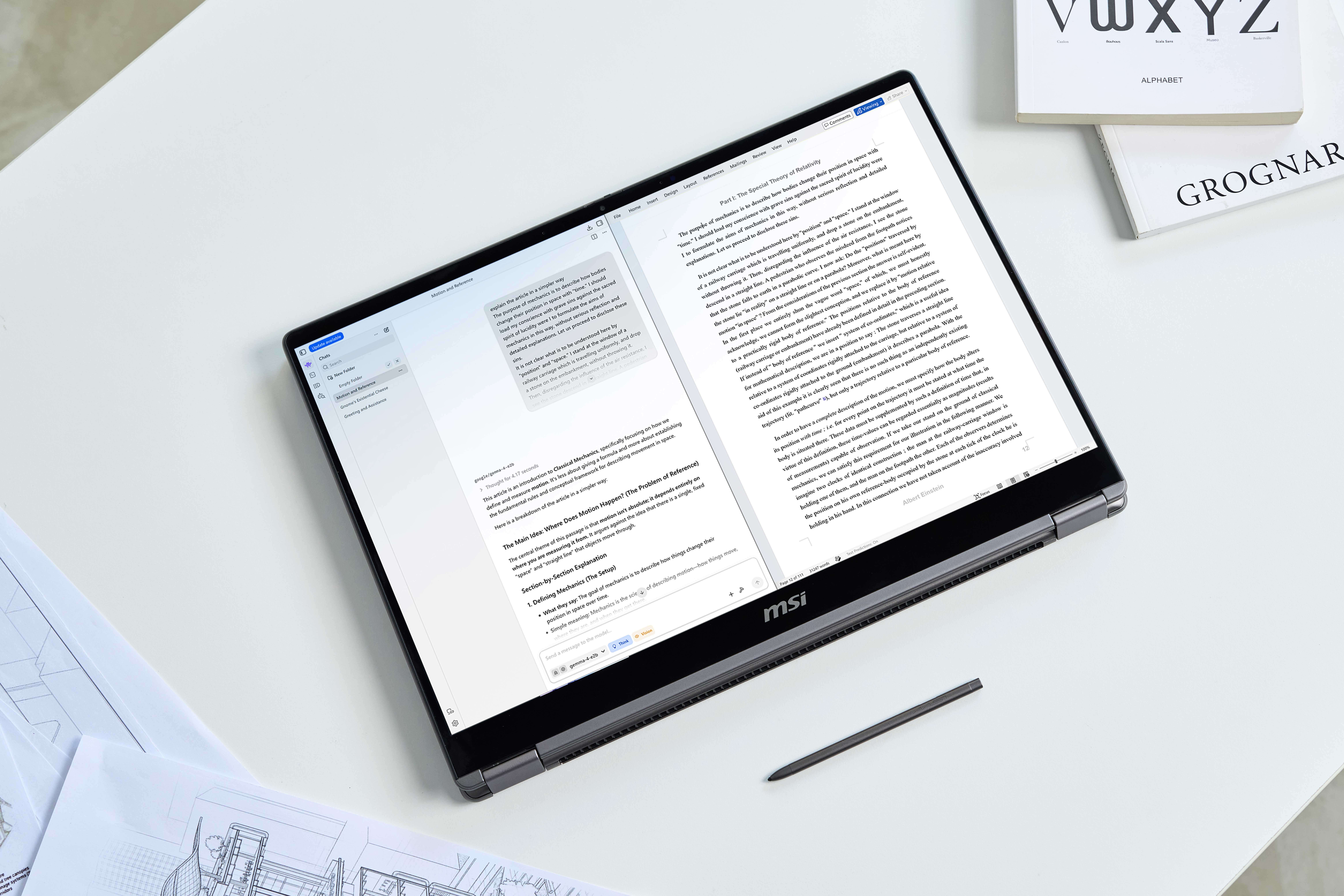
MSI offers cutting-edge AI solutions that empower users to experience unparalleled efficiency and intelligence in various applications. Whether you're a professional seeking advanced computing power or a creative enthusiast looking for seamless workflows, MSI's AI-driven features deliver the best in technology, ensuring you stay ahead in a rapidly evolving digital landscape.

Unlock the full potential of AI with powerful computing and discrete AI chip, delivering the performance needed for demanding AI workloads.

A built-in AI assistant provides hardware setting advice and control options tailored to specific usage scenarios.

MSI Center offers whole new AI features to enhance the overall user experience.
Scale Local AI
AI-assisted Productivity
Applications
Local Generative AI
AI Coding
Agentic AI
AI Training & Inference
Small Models RTX Spark N1X 32GB unified memory
or above
Medium-Large ModelsRTX Spark N1X 64GB unified memory
or above
Super Large ModelsRTX Spark N1X 128GB unified memory
Memory tiers are illustrative guidance. Actual requirements vary by model, precision, context length, and software.
Fast AI Acceleration
AI-assisted Productivity
Applications
Local Generative AI
AI Coding
Agentic AI
AI Training & Inference
Small ModelsGeForce RTX™ 50 Series Laptop GPU
Medium ModelsGeForce RTX™ 5080 Laptop GPU or above
+32GB system RAM
Large ModelsGeForce RTX™ 5090 Laptop GPU
+64GB system RAM
GPU memory requirements vary by model, precision, context length, and workload. Check the application requirements and exact laptop configuration.
Keep sensitive data on-device to reduce exposure and support more secure AI workflows.
Run AI tasks even when internet access is limited, unstable, or unavailable.
Process data locally for faster response times and smoother real-time experiences.
Reduce ongoing cloud usage, bandwidth, and inference costs over time.
Running AI locally enables faster response, greater privacy, and more control over your data. From lightweight SLMs (Small Language Model) to increasingly capable LLMs (Large Language Model), MSI AI PCs provide the computing performance and memory capacity needed for a wide range of on-device AI workloads.
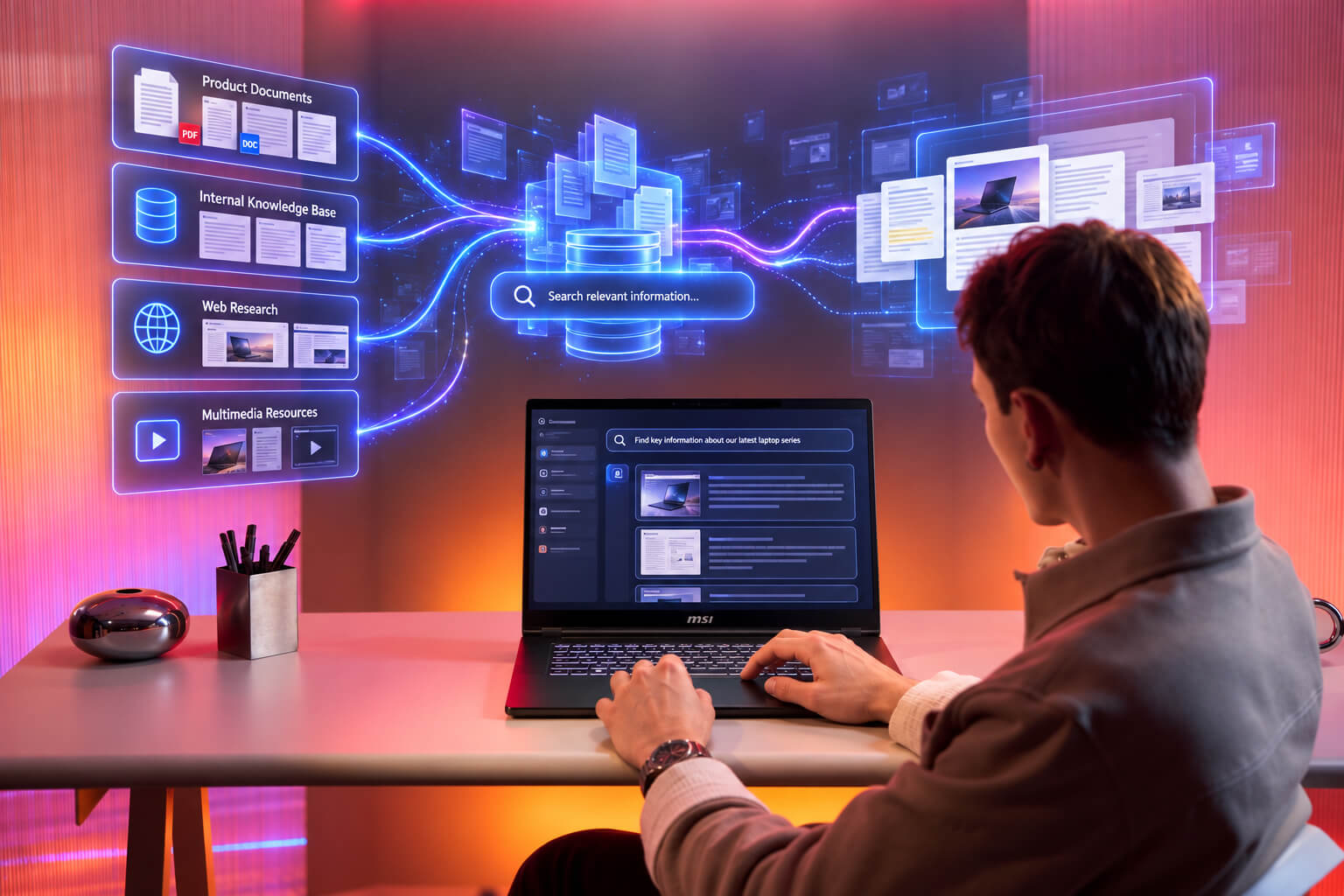
Turn local documents into a searchable knowledge base with tools like LM Studio or AnythingLLM, so AI can summarize reports, compare files, and answer questions using your own data.
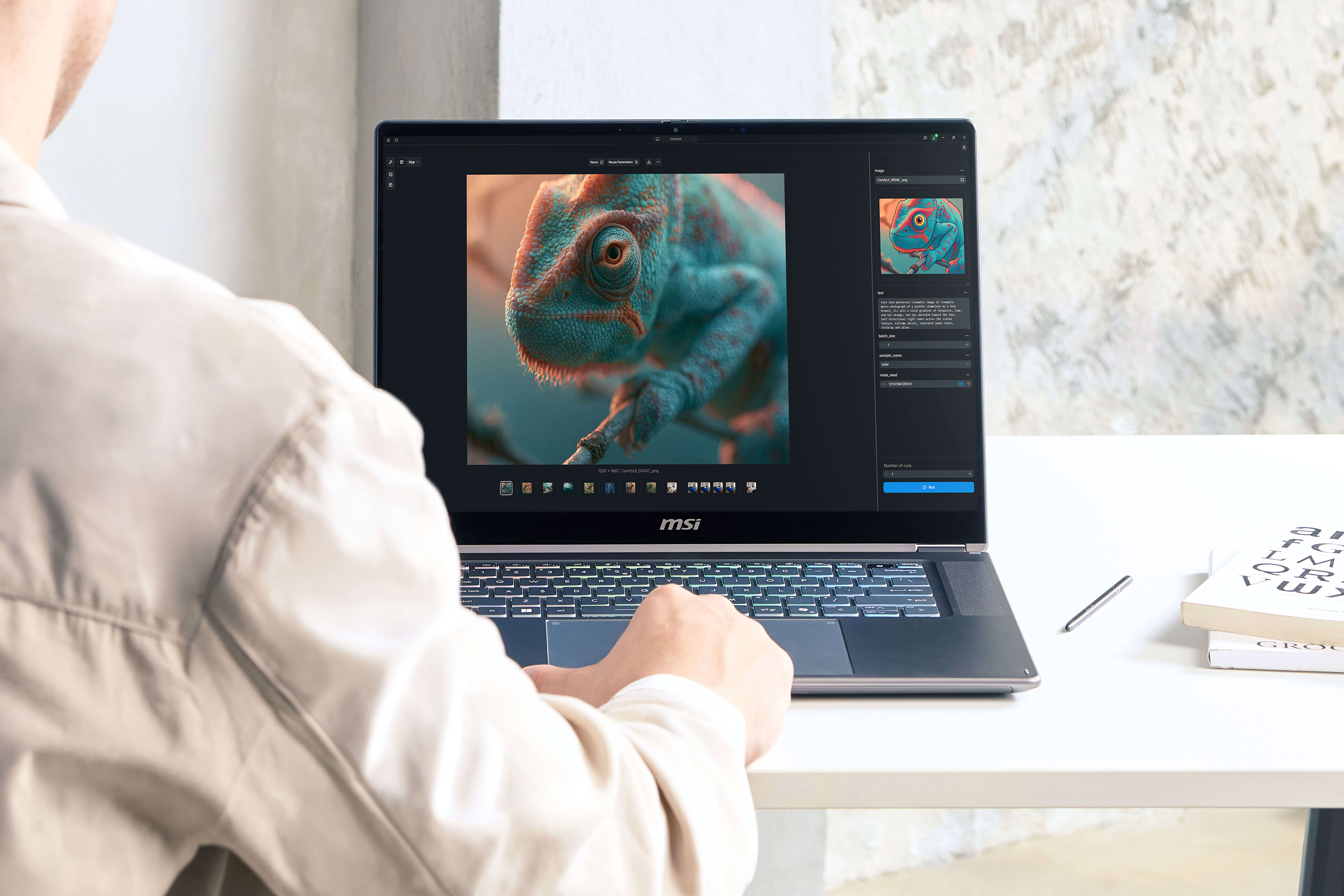
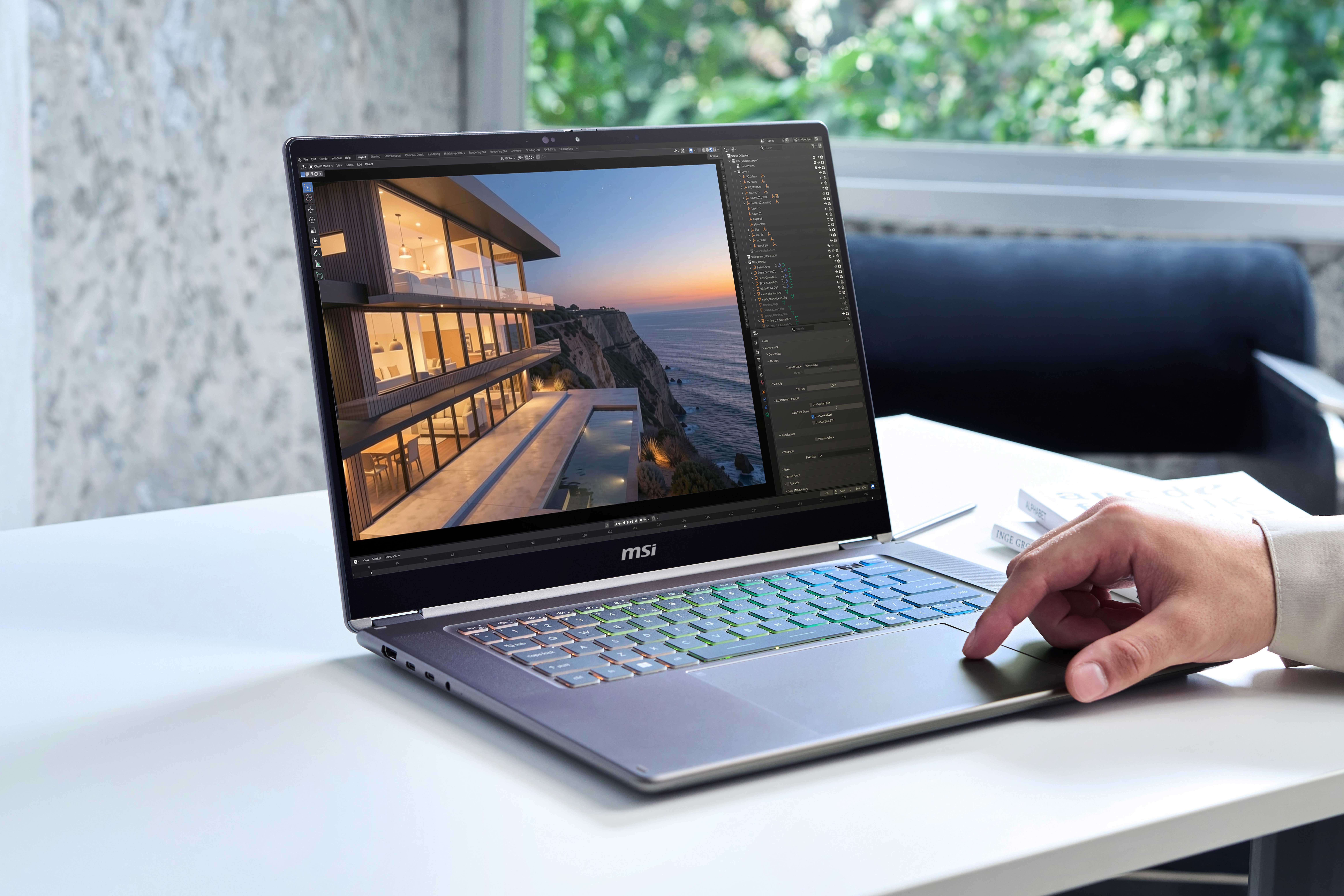
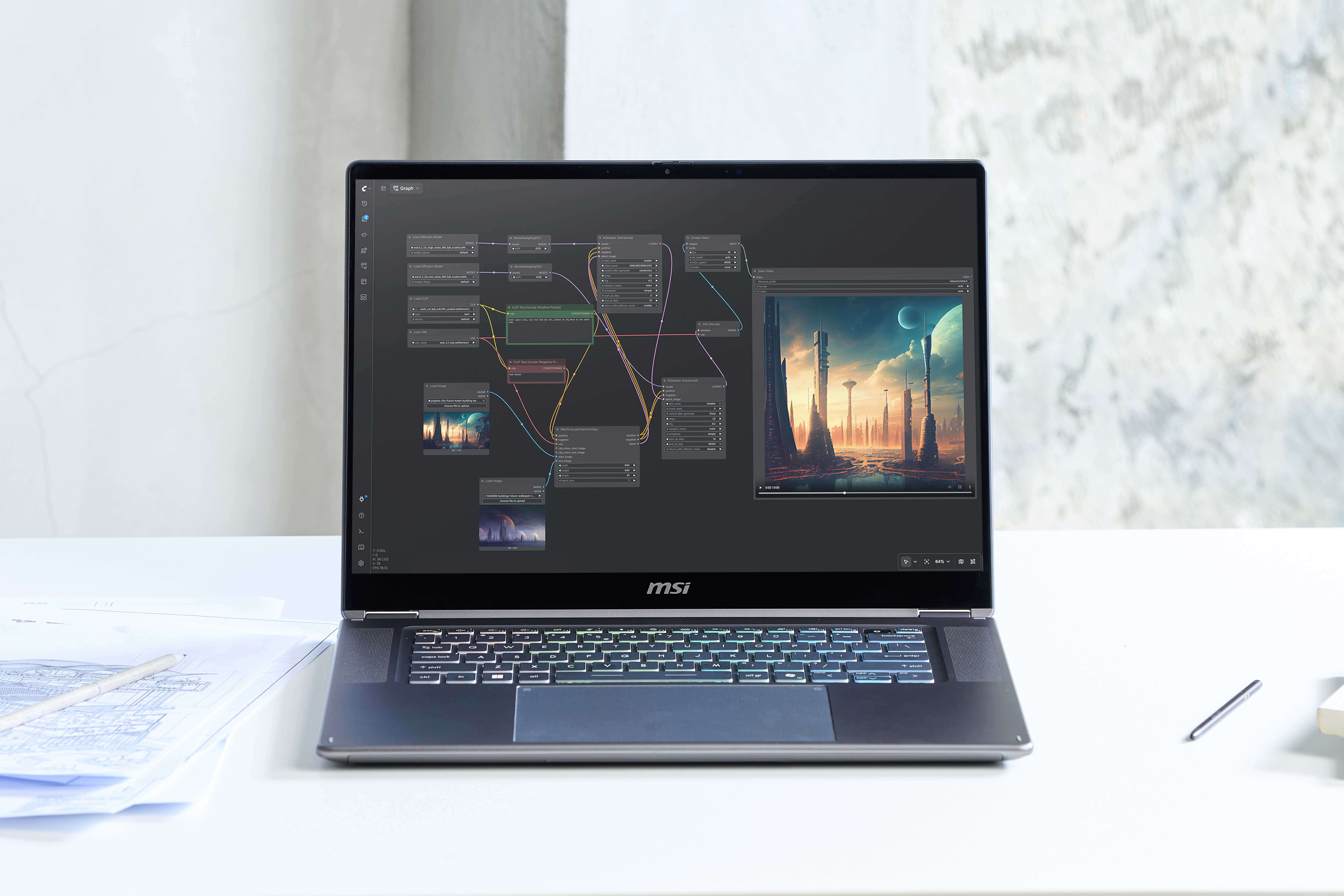
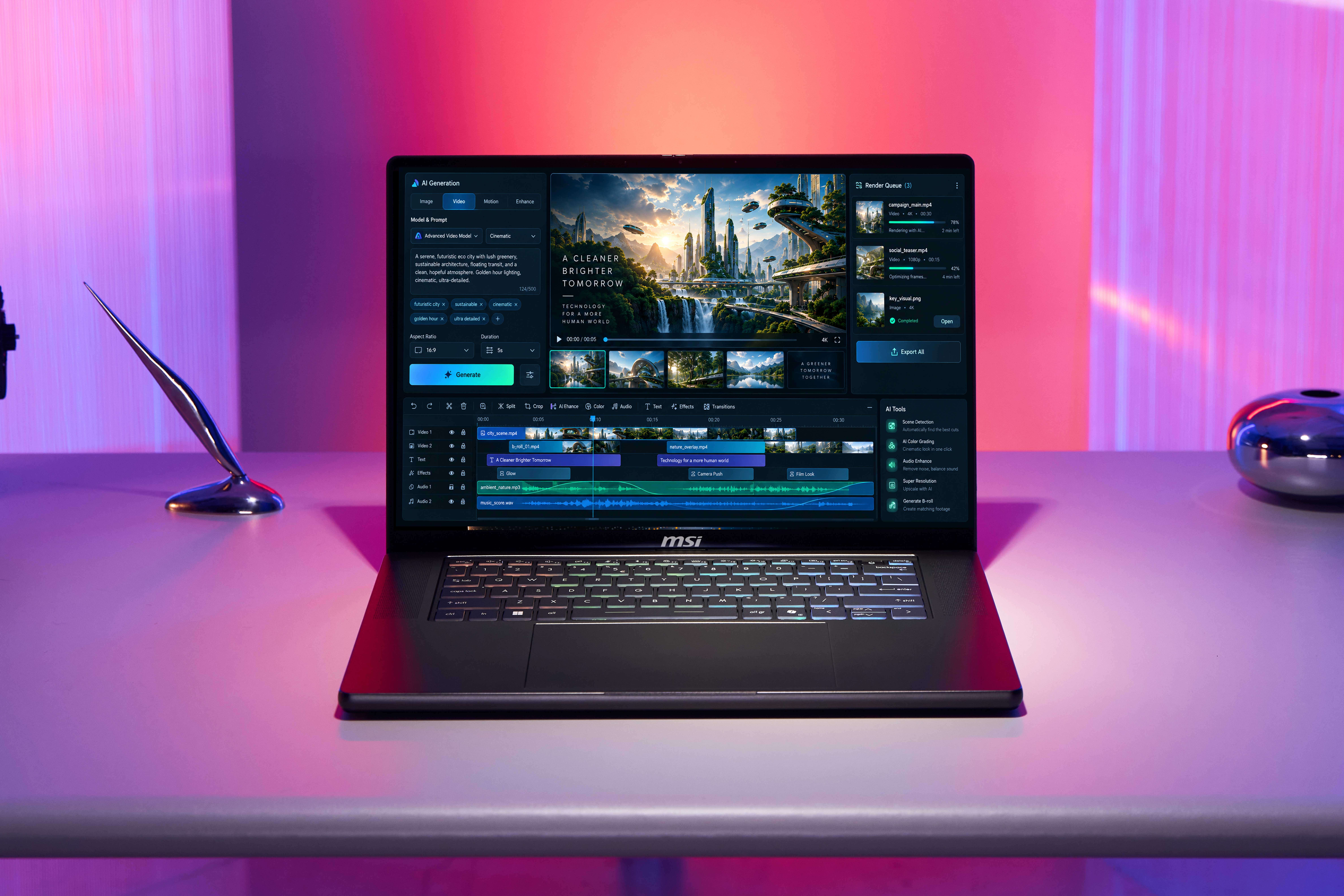
Work across text, images, audio, and video with tools like ComfyUI and Adobe, enabling workflows such as visual analysis, image generation, transcription, and content creation.
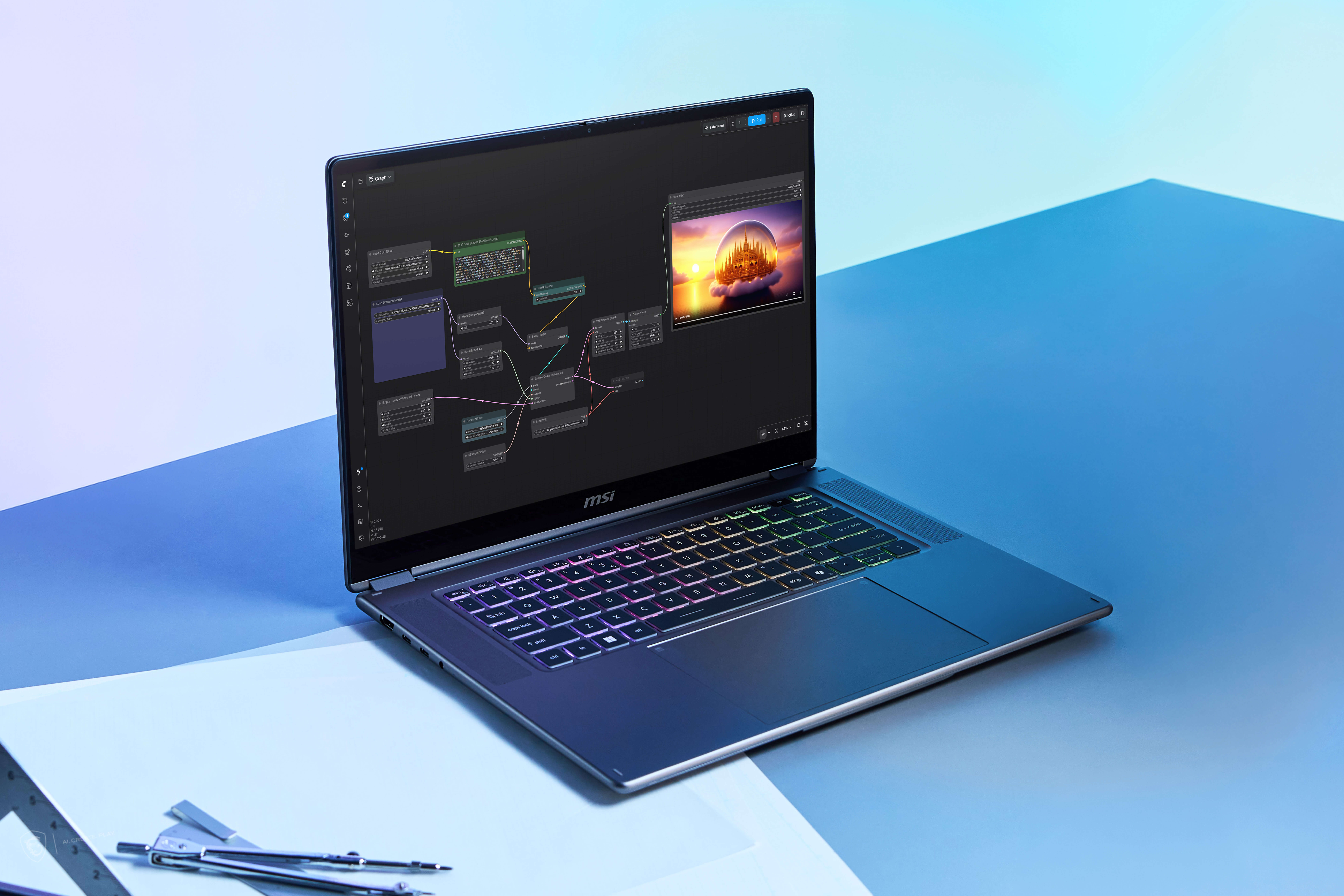
Build and test AI applications locally with tools like LM Studio, Ollama, and ComfyUI, from running models and testing prompts to prototyping RAG and local AI apps.
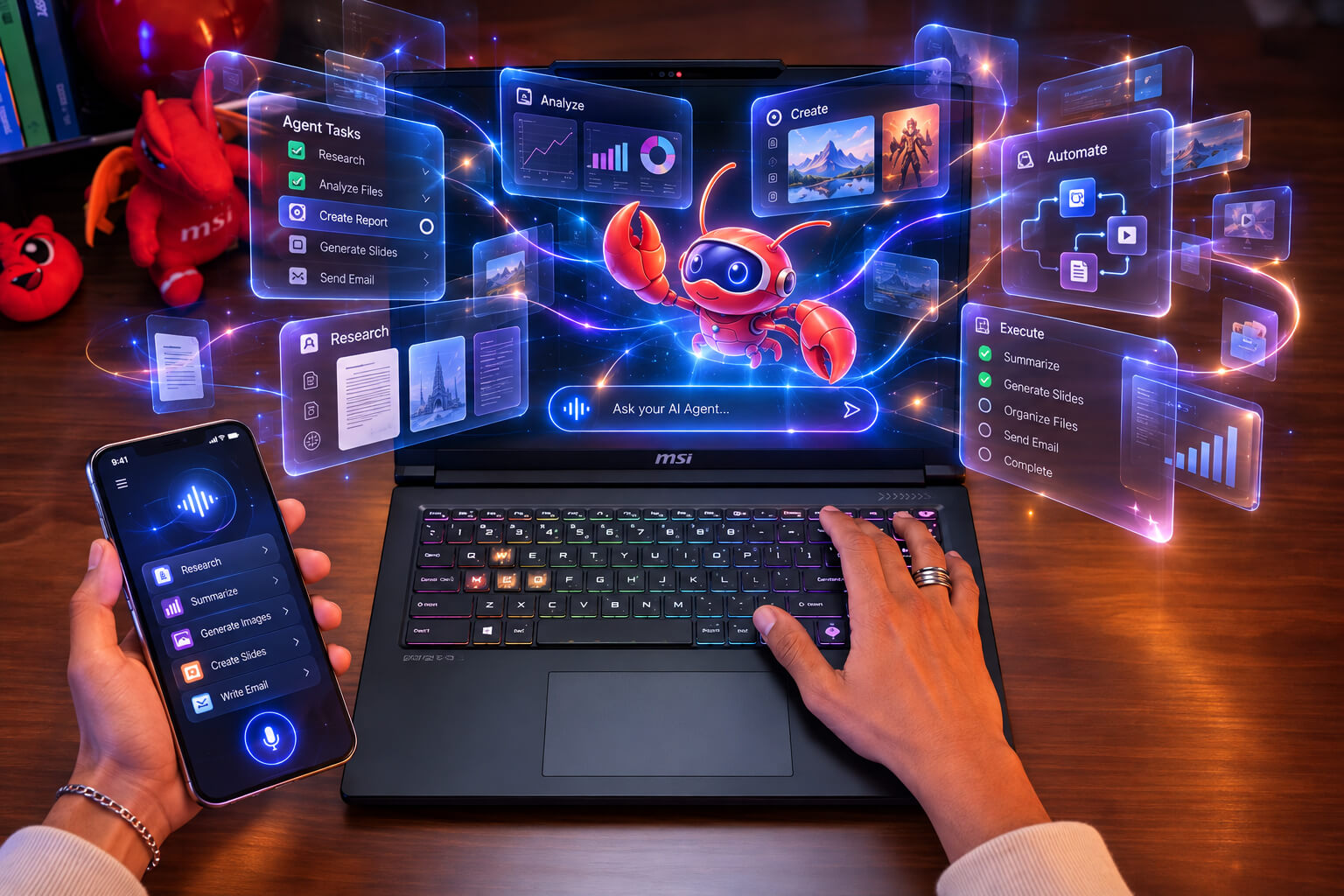
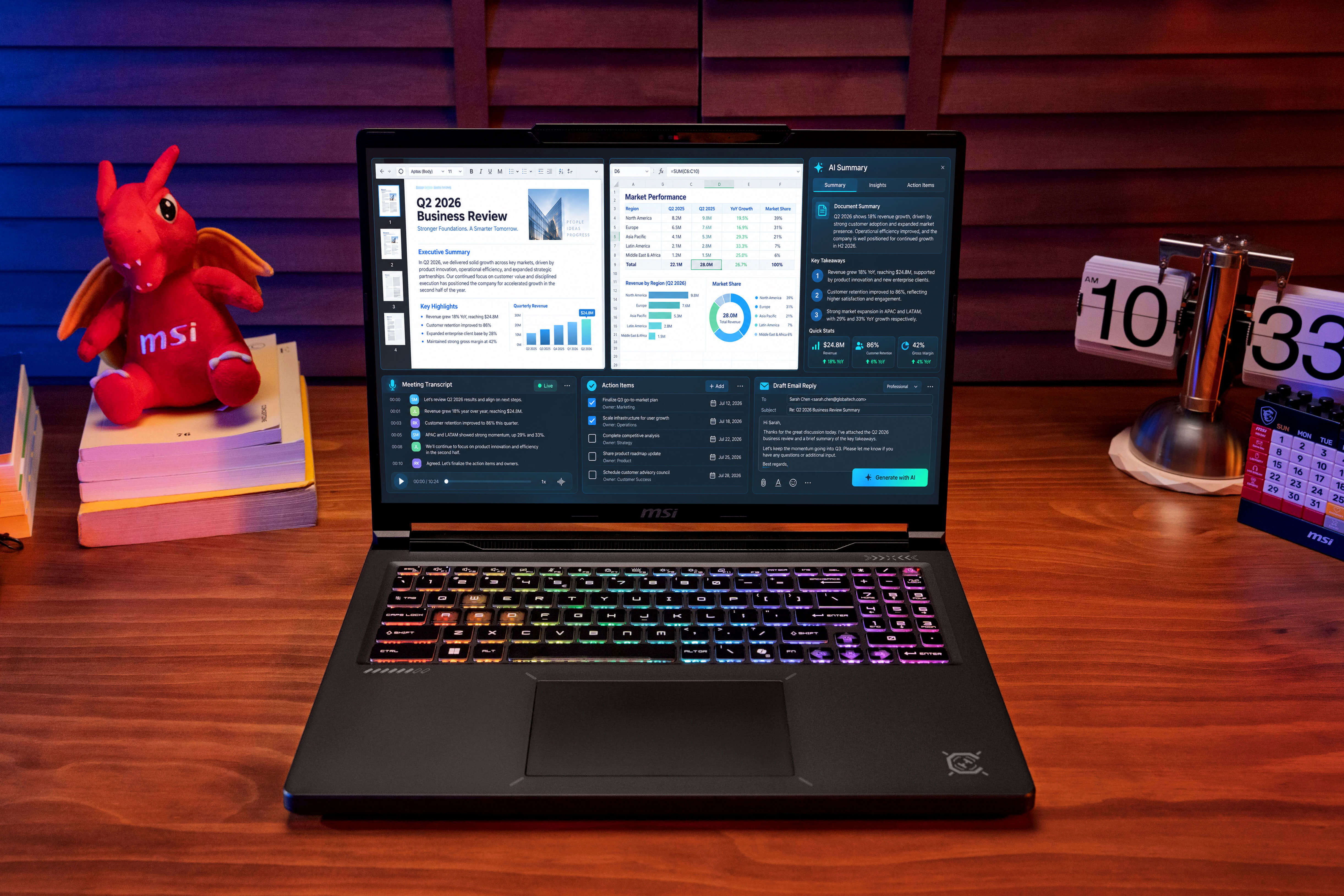
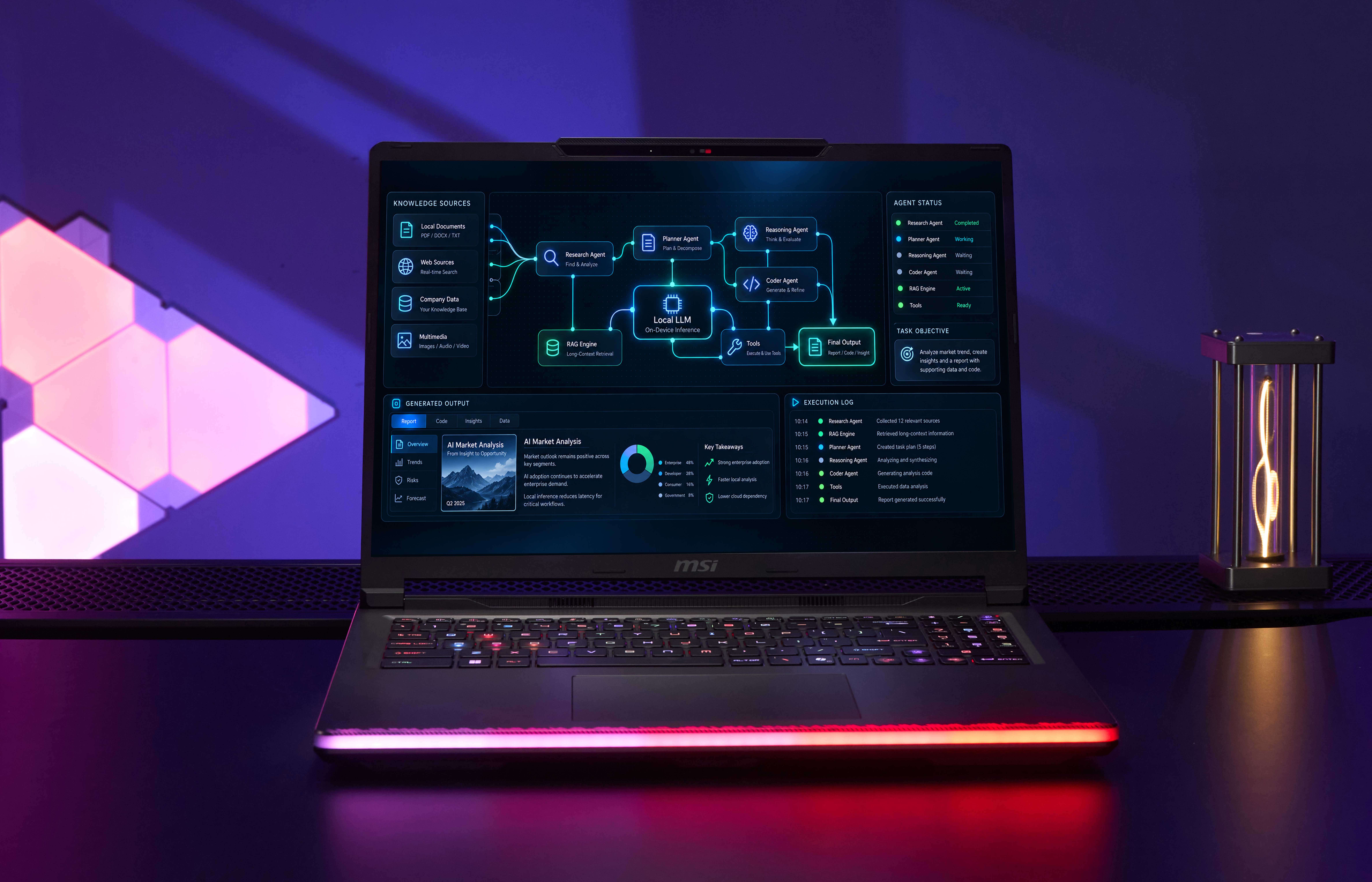
Use agent platforms like OpenClaw to access local files, tools, and applications, helping automate multi-step tasks such as research, file analysis, reporting, and workflow execution.
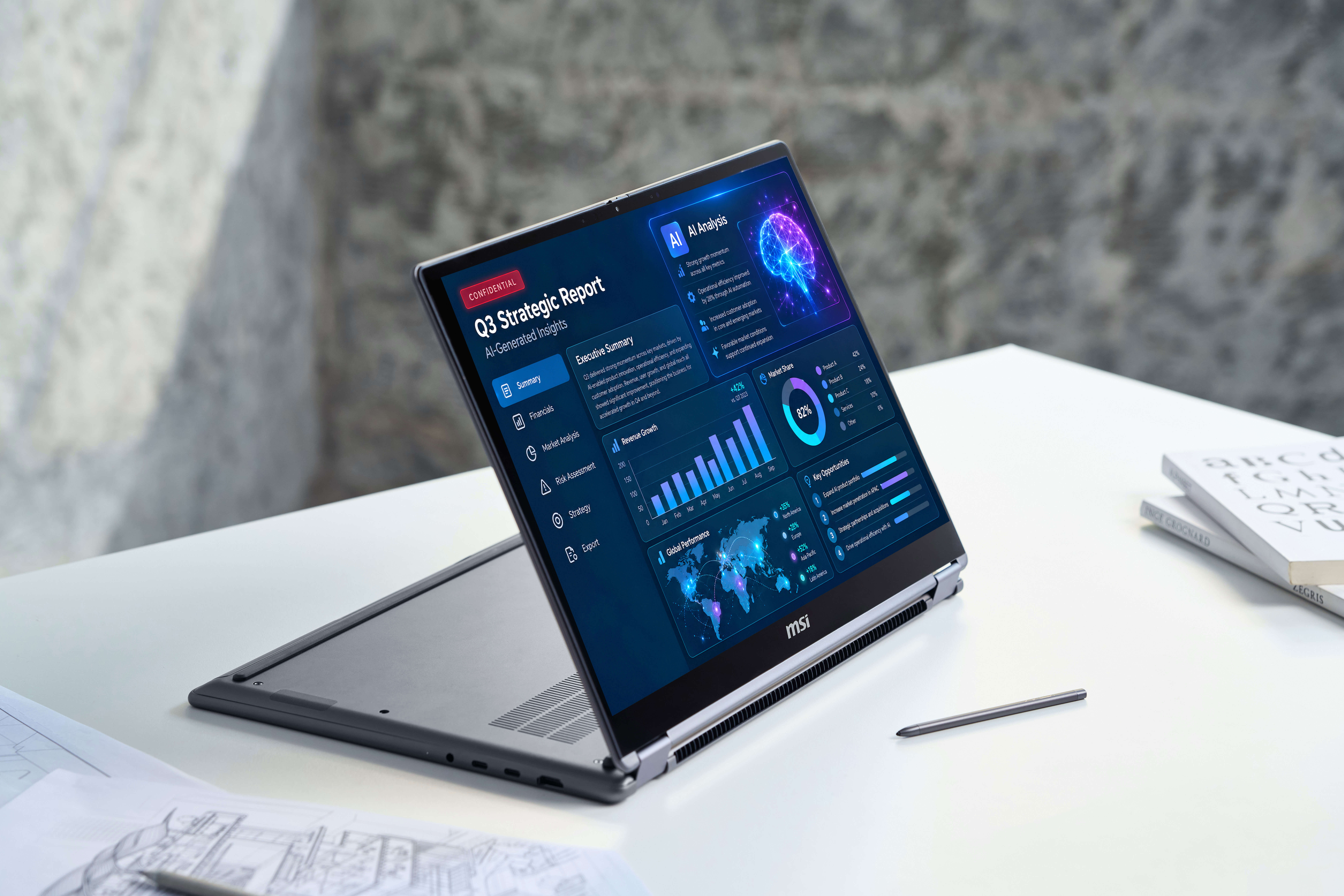
Use tools like LM Studio to analyze confidential documents, internal reports, or proprietary data locally, reducing the need to send sensitive information to cloud-based AI services.
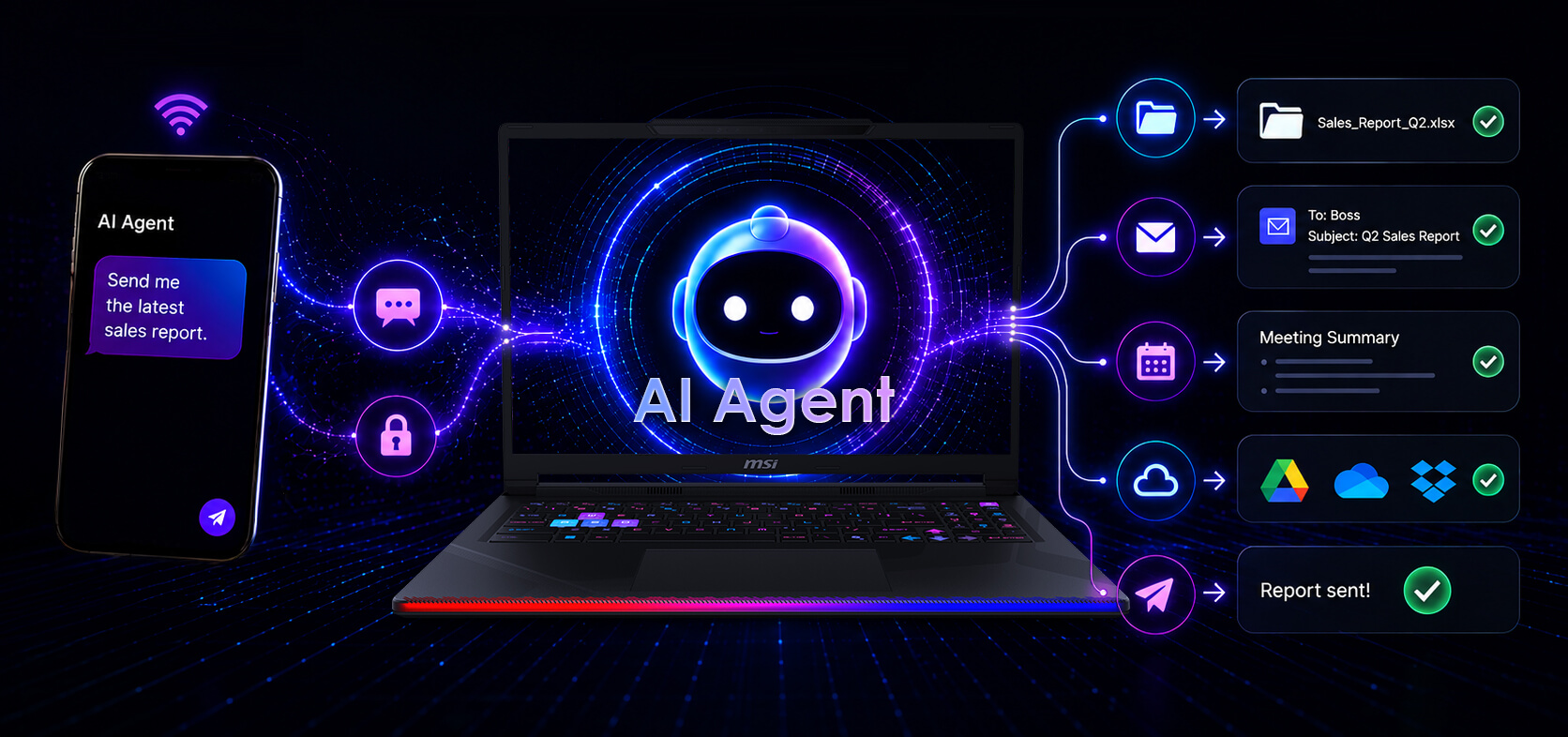
Execute tasks, summarize meetings, retrieve files, send emails, and automate workflows using natural language commands with AI agent software such as OpenClaw. With local AI models and on-device AI computing, supported workflows can run directly on your MSI AI PC—keeping data private while delivering fast, responsive assistance.

A fast, efficient, and lightweight local SLM powered by MSI and NVIDIA ACE enables seamless natural language processing, providing system and application-wide control options for MSI laptops equipped with GeForce RTX GPUs. AI Robot enables users to harness the power of AI to easily manage MSI Center and Windows settings, such as configuring performance levels and providing detailed system information, helping users optimize efficiency in both work and life.
*AI Robot’s availability and functionality may vary depending on hardware specification and reginal restriction.

MSI Center provides a range of proprietary AI features designed to enhance user experience ensuring that users benefit from a more efficient, responsive, and tailored computing experience, whether for gaming, creative work, or everyday tasks.
MSI AI Engine is able to detect user scenarios and automatically adjust hardware settings to achieve the best performance. With simple AI tuned modes and resources, you can focus on the important things like creating, work and entertainment. Including a new AI Noise Cancellation Pro, you still can enjoy crystal clear sound even in a noisy environment.


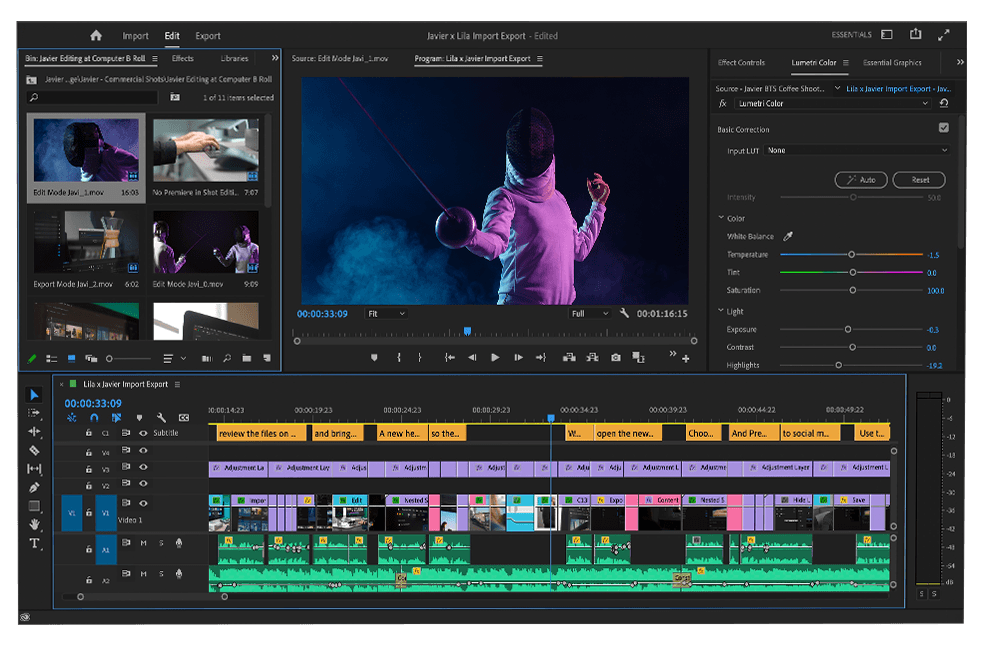


AI Noise Cancellation Pro, an evolved feature, employs machine learning to identify the direction of sounds, selectively removing irritating noise and enhancing the clarity of human voices, akin to the pristine quality found in a recording studio.


AI Lan Manager intelligently adjusts bandwidth allocation, like prioritizing gaming traffic for optimal speed and responsiveness, while reducing bandwidth for less critical activities like browsing. This dynamic management enhances overall performance and ensures seamless connectivity across different channels.
For professionals who prioritize mobility, productivity, and AI-assisted workflows, the MSI Prestige, Venture, and Modern series are strong options. They combine the latest Intel Core Ultra processor with dedicated AI acceleration, making it well suited for productivity, communication, content assistance, and everyday on-device AI workloads.
MSI offers multiple options for advanced local AI. The Prestige N16 Flip AI+ with NVIDIA RTX Spark is designed for larger local AI models, AI development, and creation. The Crosshair Series delivers strong RTX acceleration for AI and gaming, while the Stealth Series is ideal for users who need powerful AI performance in a more portable design. For heavier local AI workloads, the Raider and Titan series provide higher GPU performance and greater graphics memory.
The MSI Stealth 16 AI+, with up to a GeForce RTX 5090 Laptop GPU, delivers powerful GPU acceleration for AI development and content creation in a portable design. Meanwhile, the Prestige N16 Flip AI+, powered by NVIDIA RTX Spark, is ideal for running larger AI models and advanced local AI workflows.
Yes. MSI gaming laptops equipped with GeForce RTX GPUs can accelerate many local AI workloads, including generative AI, AI agents, content creation, and supported language-model applications.
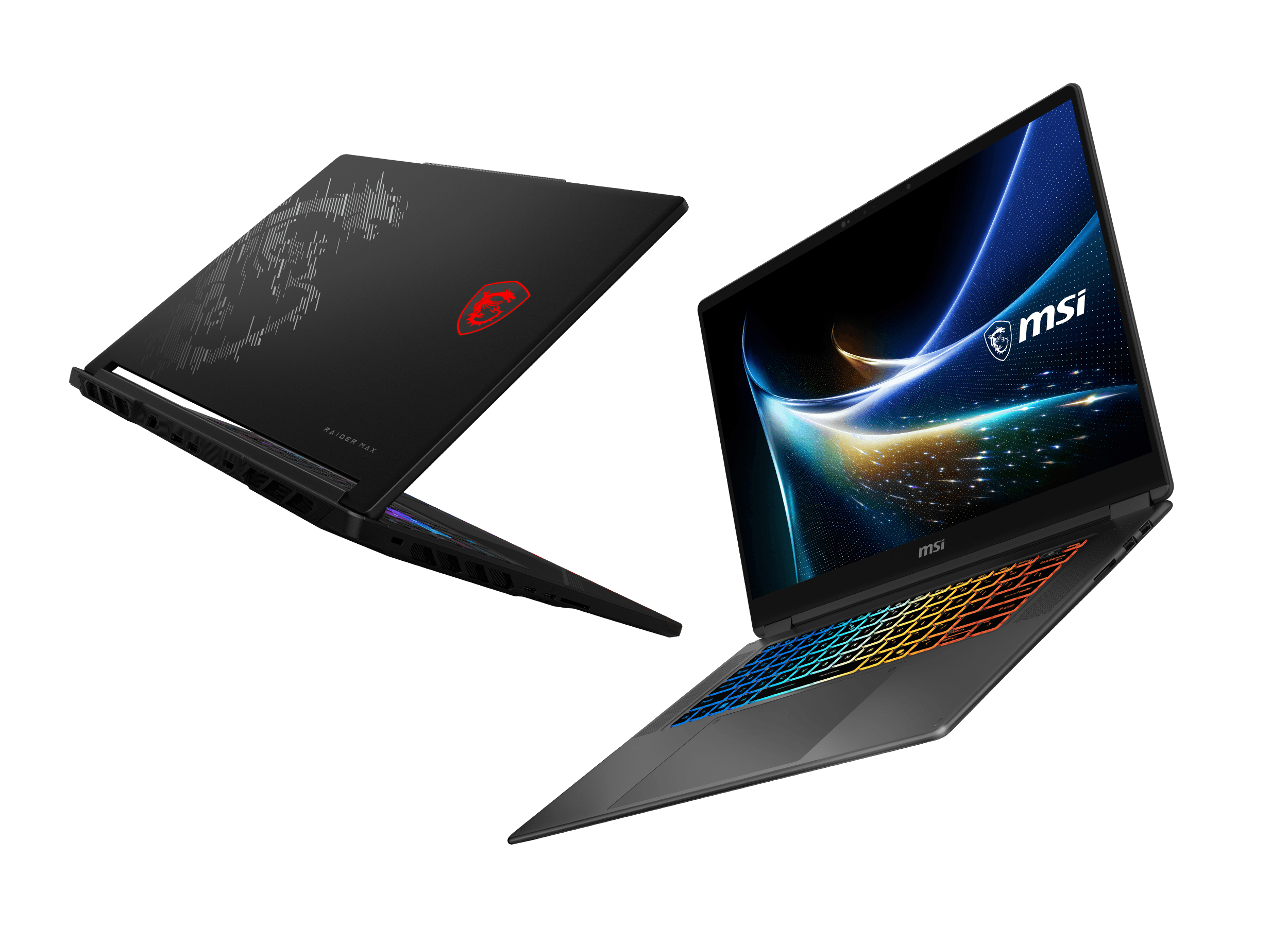
The MSI Raider 16 Max HX is designed for demanding gaming, creation, and AI workloads. It can be configured with up to a GeForce RTX 5090 Laptop GPU and supports up to 300W of total system power, providing significantly more GPU and memory resources for demanding workloads.
The MSI Titan 18 HX is MSI's desktop-replacement flagship for users who prioritize maximum performance. It combines an Intel Core Ultra 9 processor with a GeForce RTX 5090 Laptop, and an 18-inch UHD+ Mini LED display. It is designed for intensive gaming, professional creation, and high-performance AI applications.
The right MSI laptop depends on the complexity of your AI workload. Stealth paired with powerful discrete GPU acceleration for creators and AI applications. Crosshair combines RTX AI acceleration with mid-range gaming performance, while Raider and Titan provide higher GPU performance and larger dedicated graphics memory for more demanding AI and gaming workloads. For advanced local AI workloads that benefit from a much larger memory architecture, Prestige N16 Flip AI+ with NVIDIA RTX Spark represents a new category of MSI AI laptop.