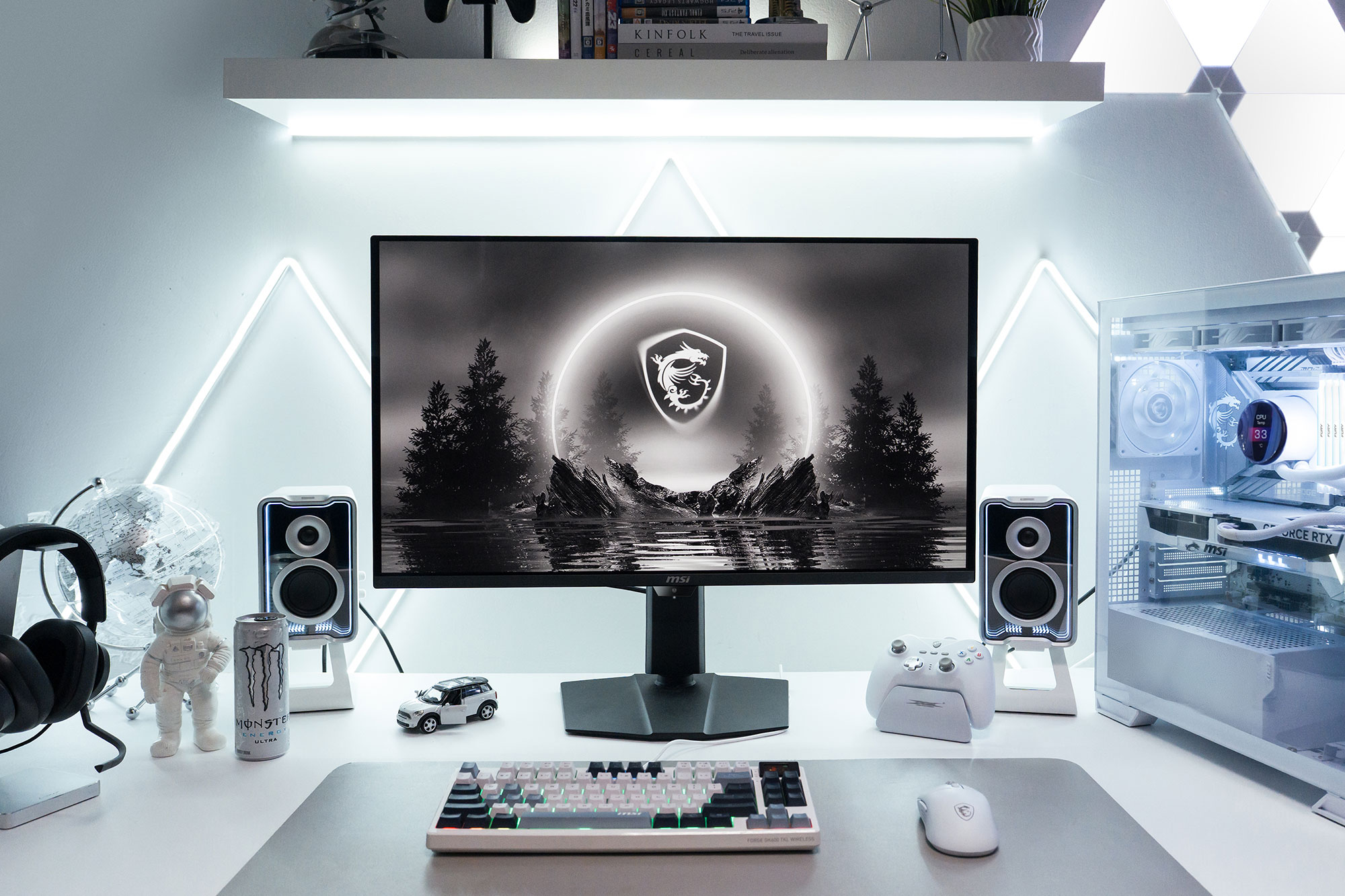
Ascend Your Vision

Ascend Your Vision
Upgrade Your Setup with the Best 34” and 32” QD-OLED Monitors
WHY YOU NEED A LARGER OLED MONITOR
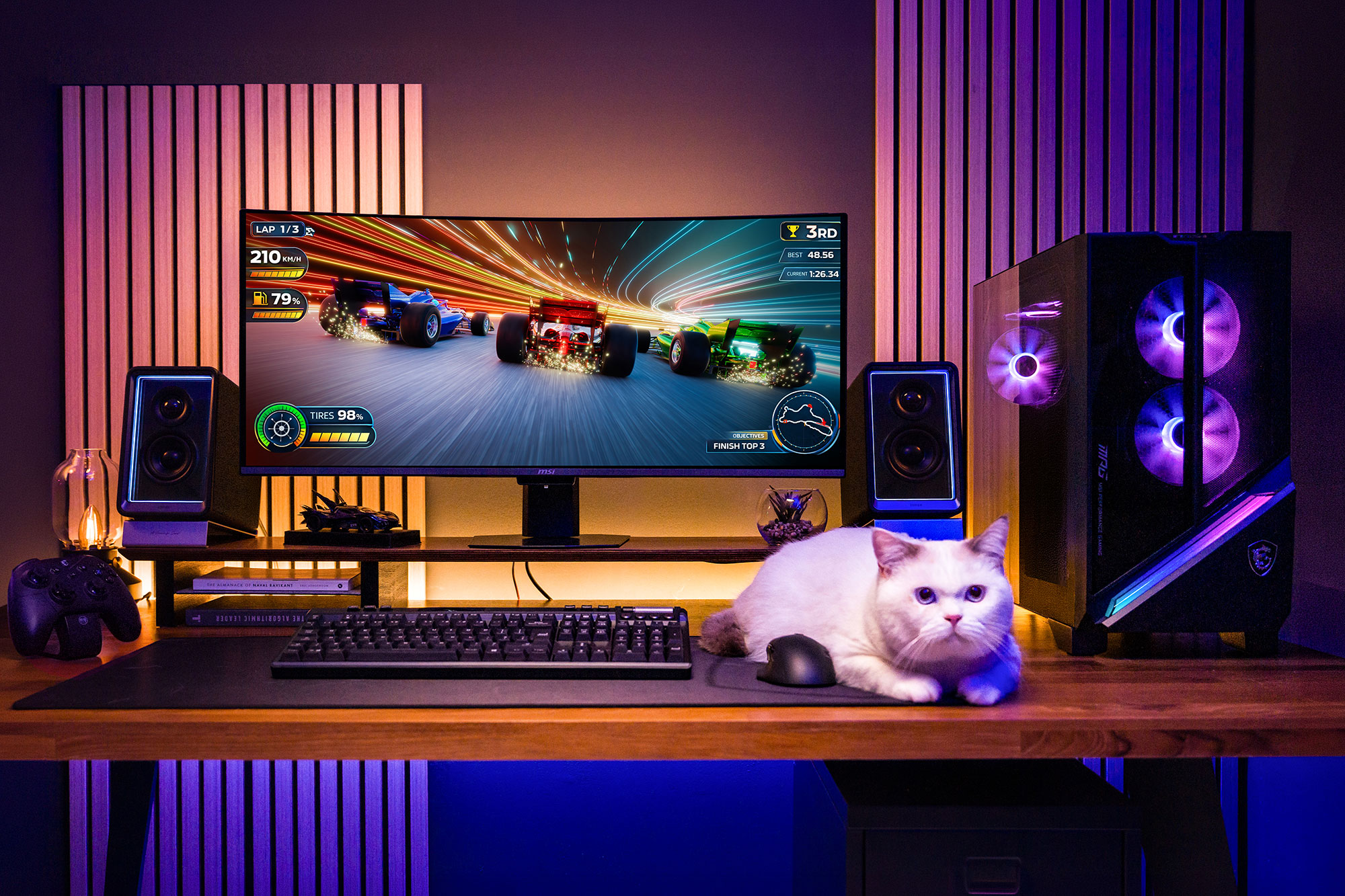
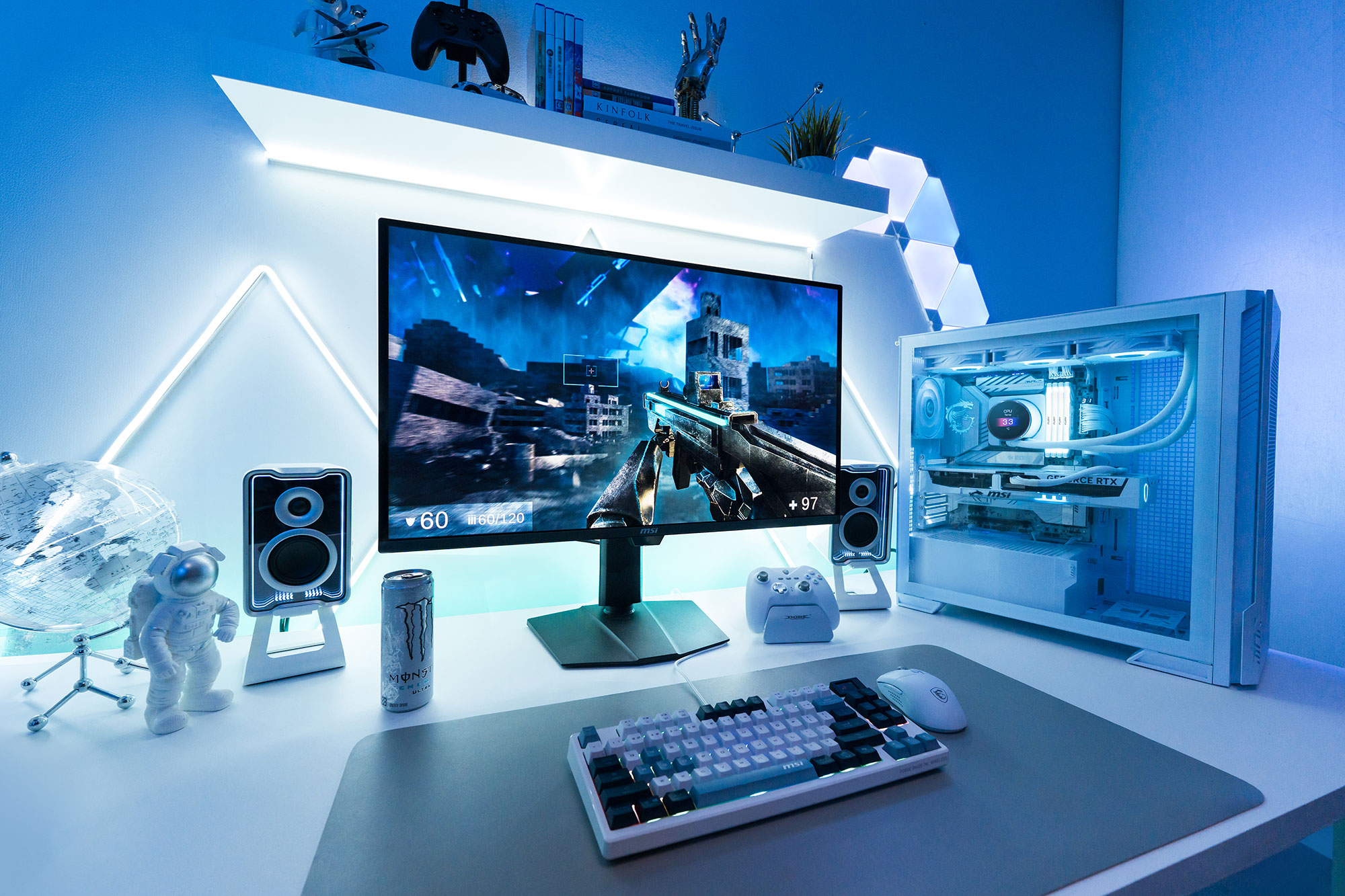
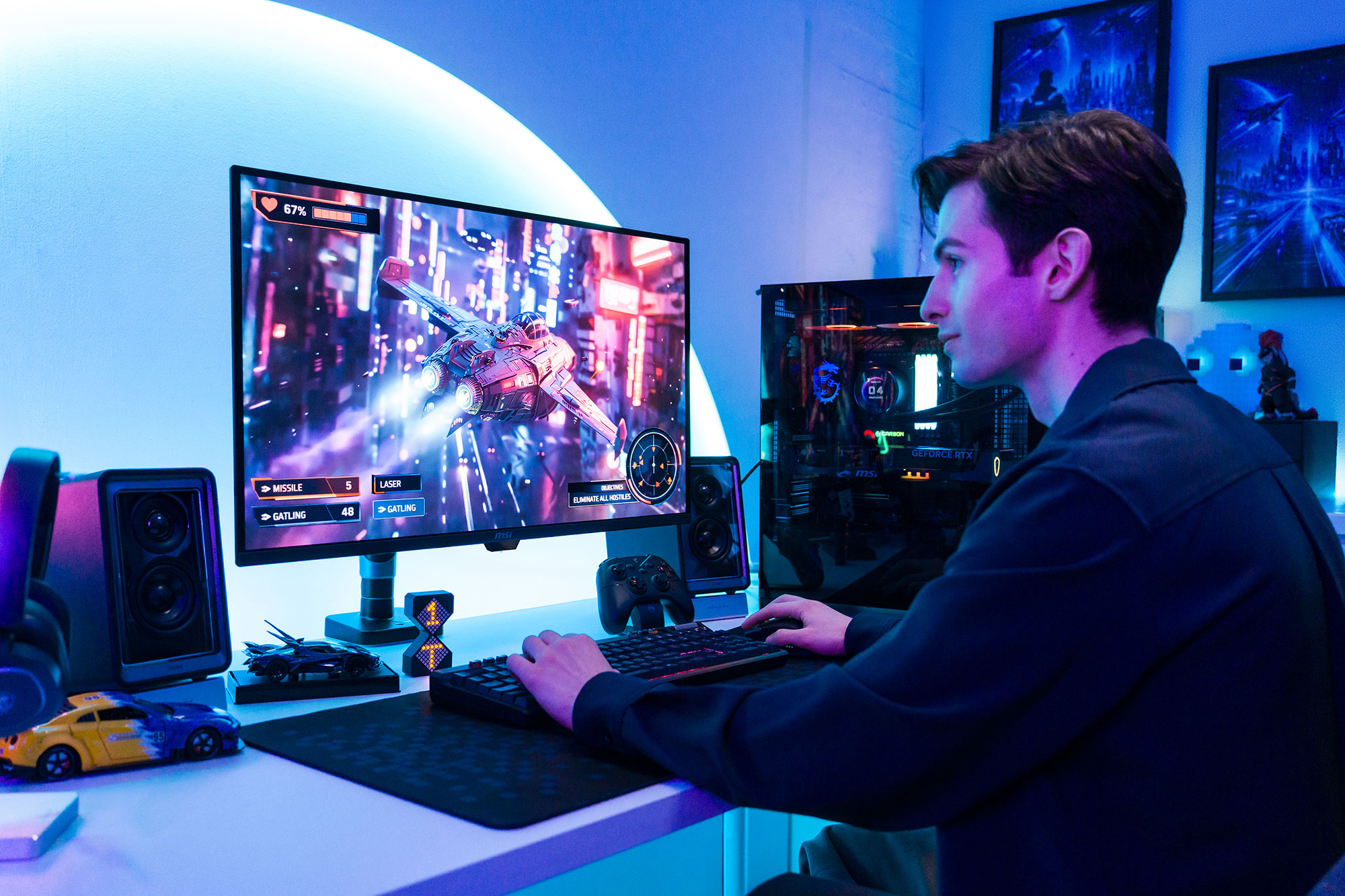
Thinking about upgrading your gaming monitors? 34-inch and 32-inch OLED monitor don’t just make everything look better with greater immersion and clarity. They expand the space for your clutch wins.
IMMERSIVE EXPERIENCE

Wider view and lifelike OLED colors pull you deeper into every game and cinematic scene.
SEAMLESS SETUP

More visual space without cluttering your desk or breaking your focus with center bezels.
SWEET SPOT SIZE

34” and 32” strike the right balance for a premium upgrade without drastic changes to your eyes or setup.
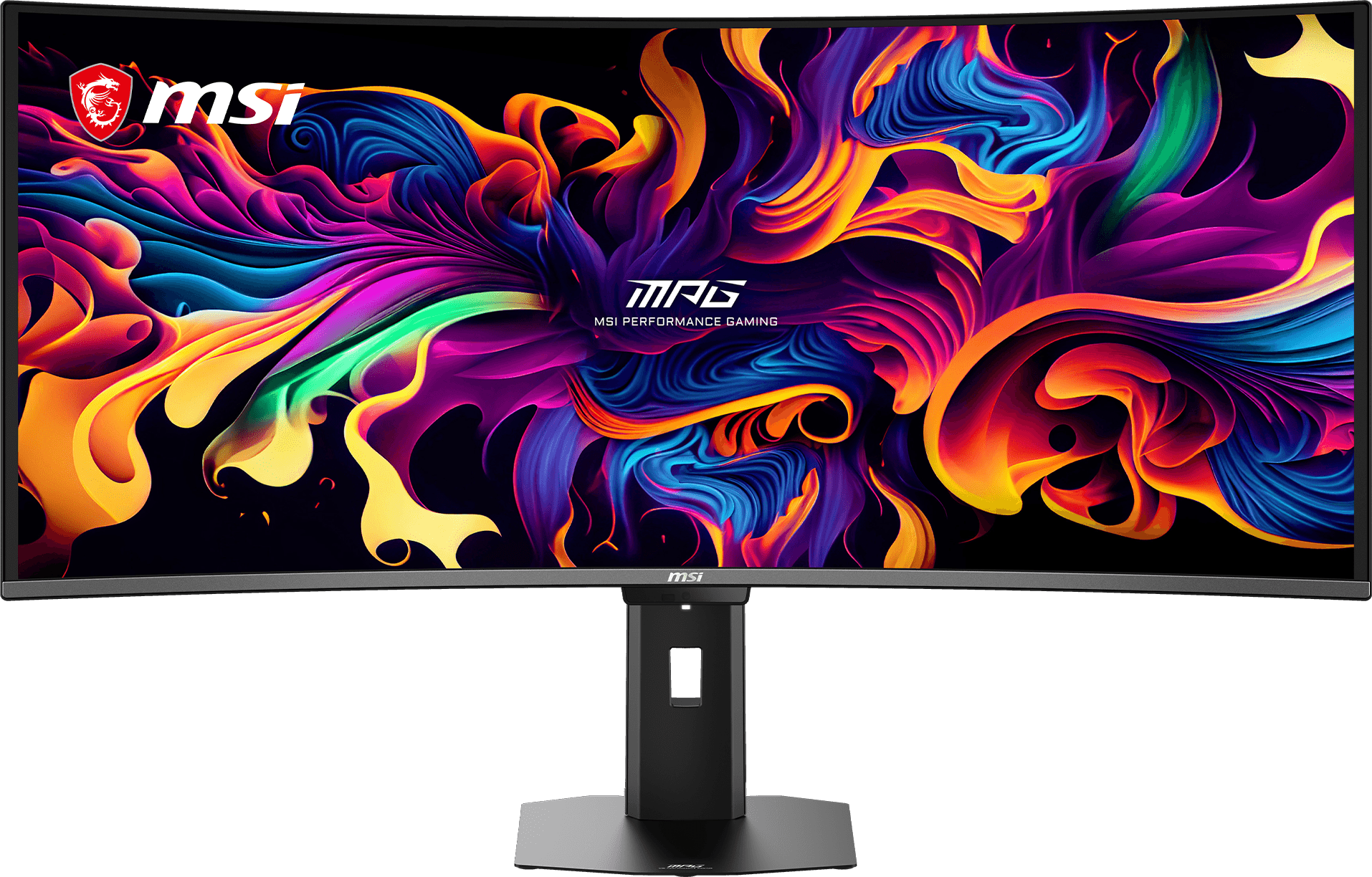
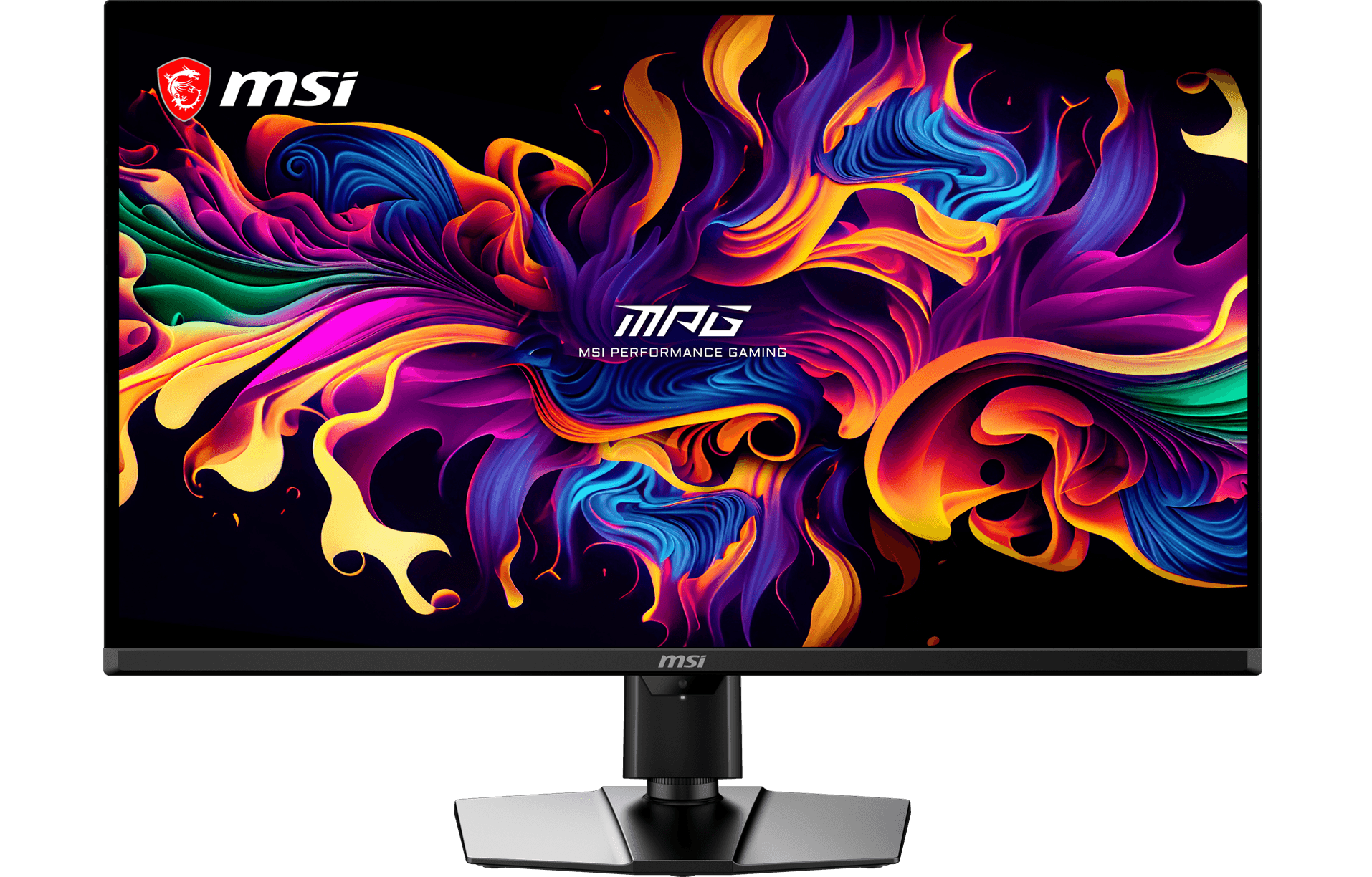
IMMERSION

PRODUCTIVITY
RESOLUTION
CORE BENEFITS
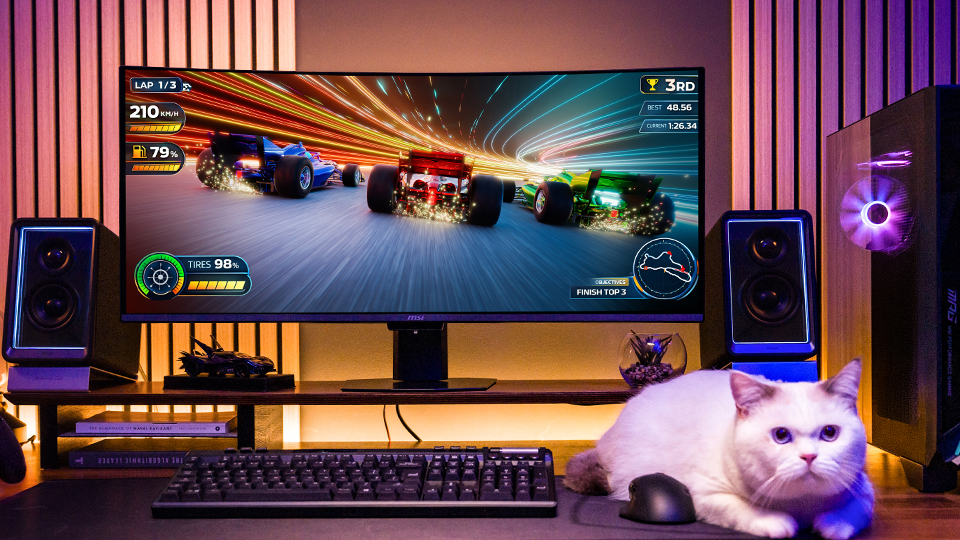
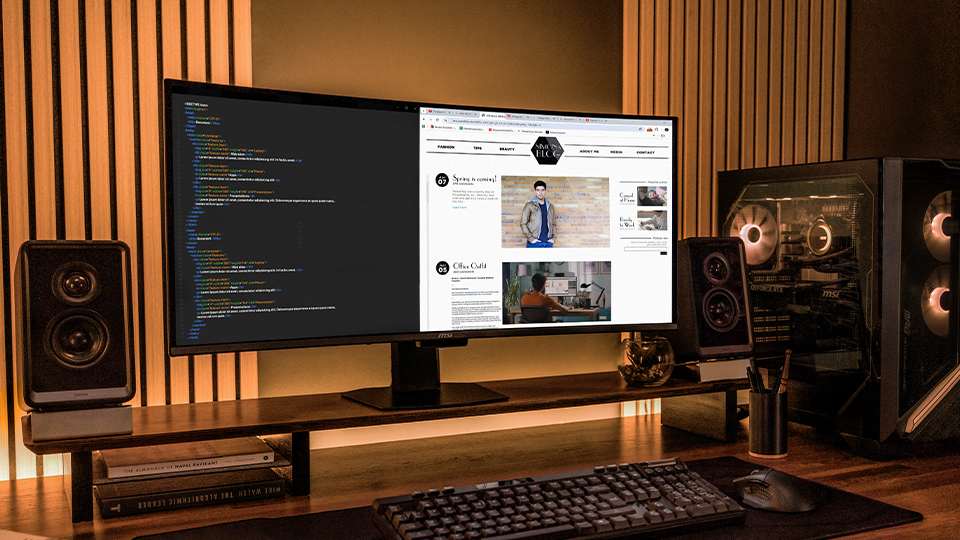
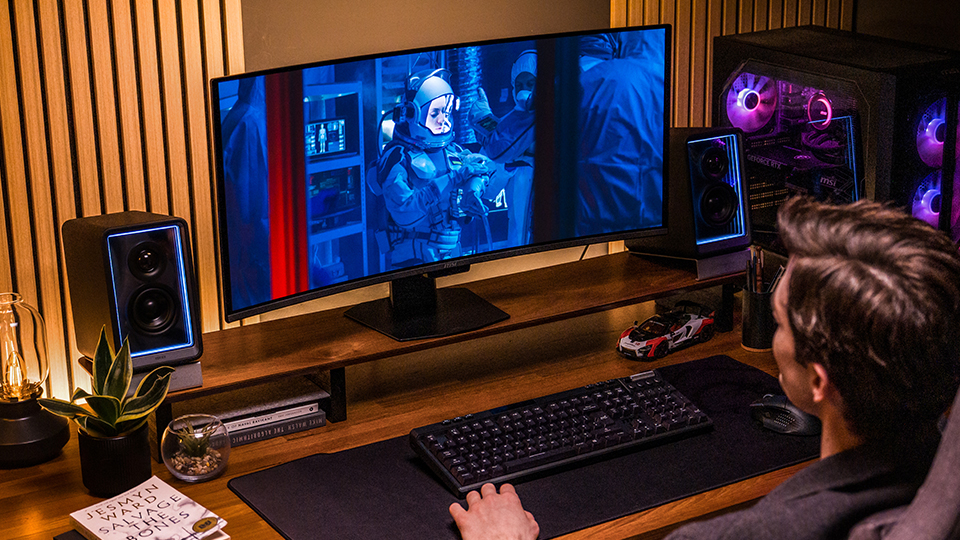
BEST FOR
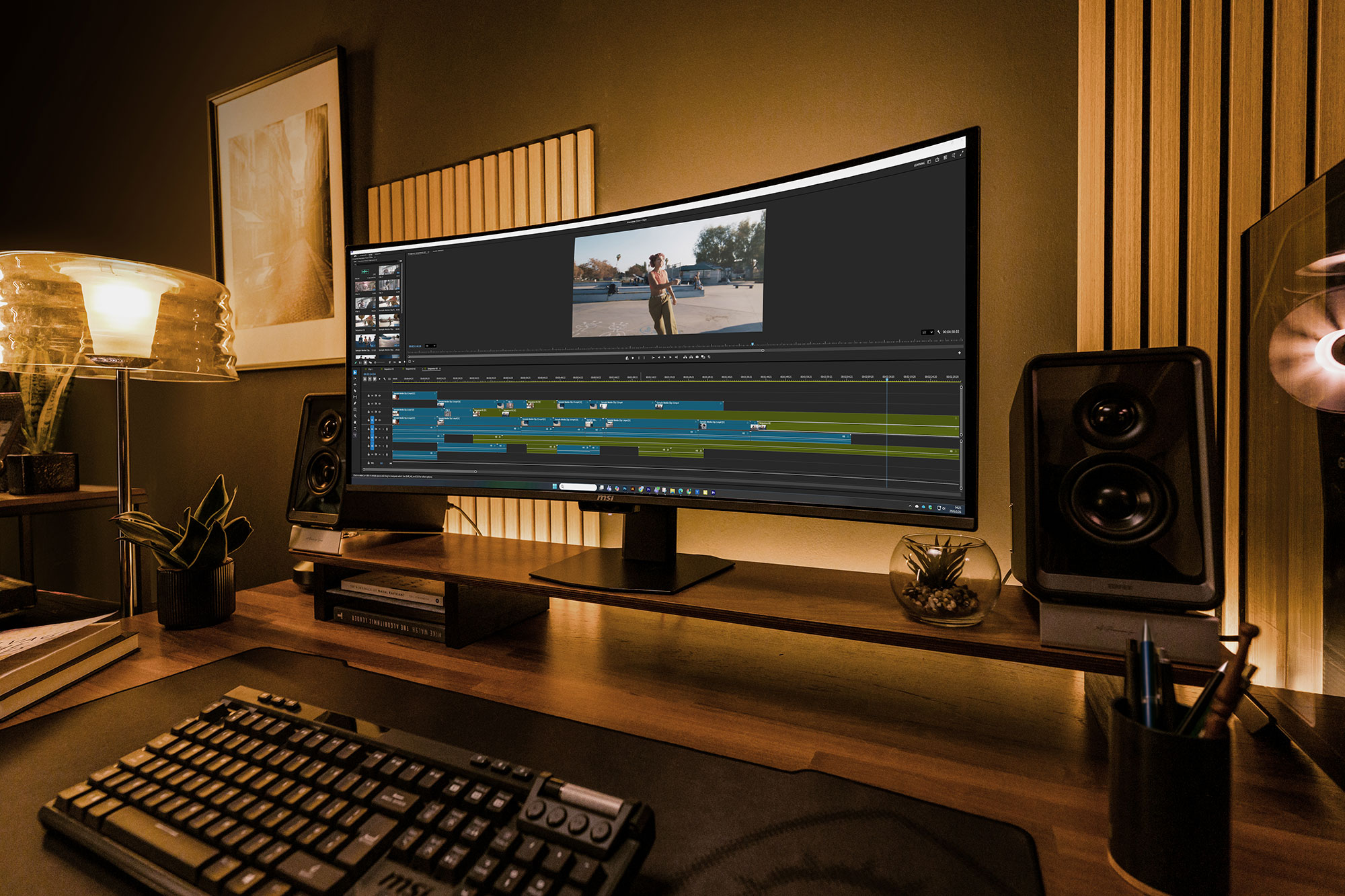
Simulation (Racing, Flight), RPG, Cinematic games, video editing, and works required multiple windows.
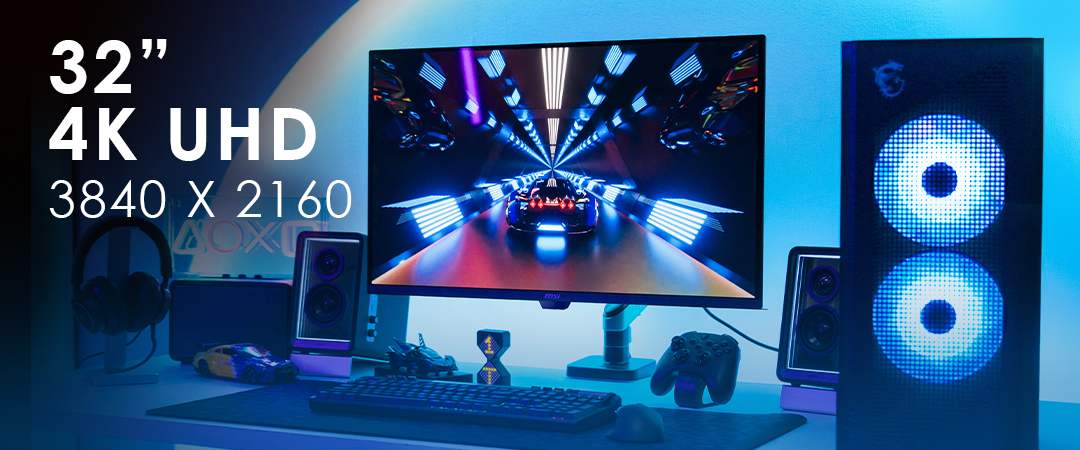
IMMERSION
PRODUCTIVITY
RESOLUTION
CORE BENEFITS
BEST FOR
Competitive FPS, console gaming, and creation works required precision and higher details.




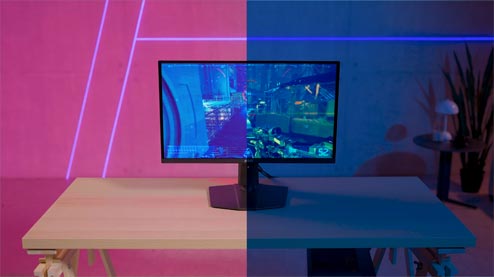
DarkArmor Film
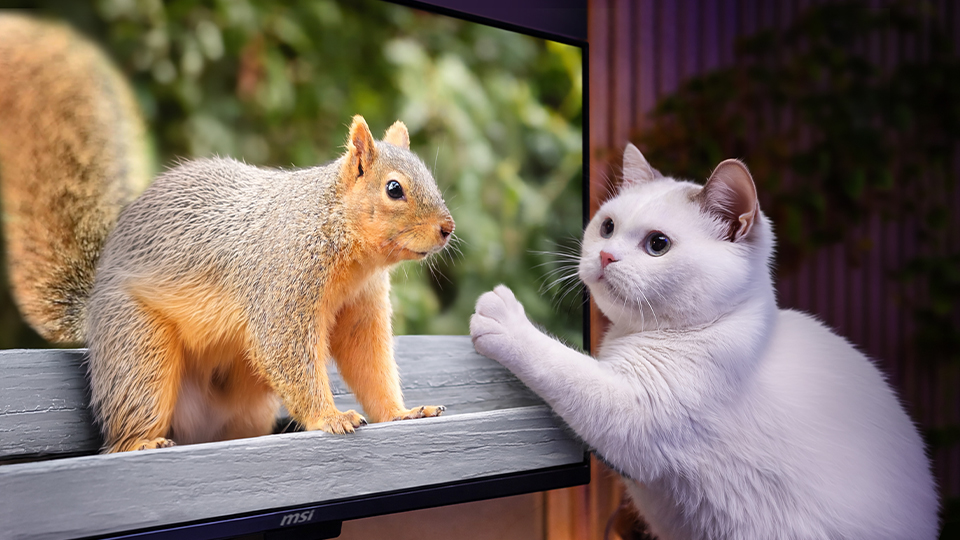
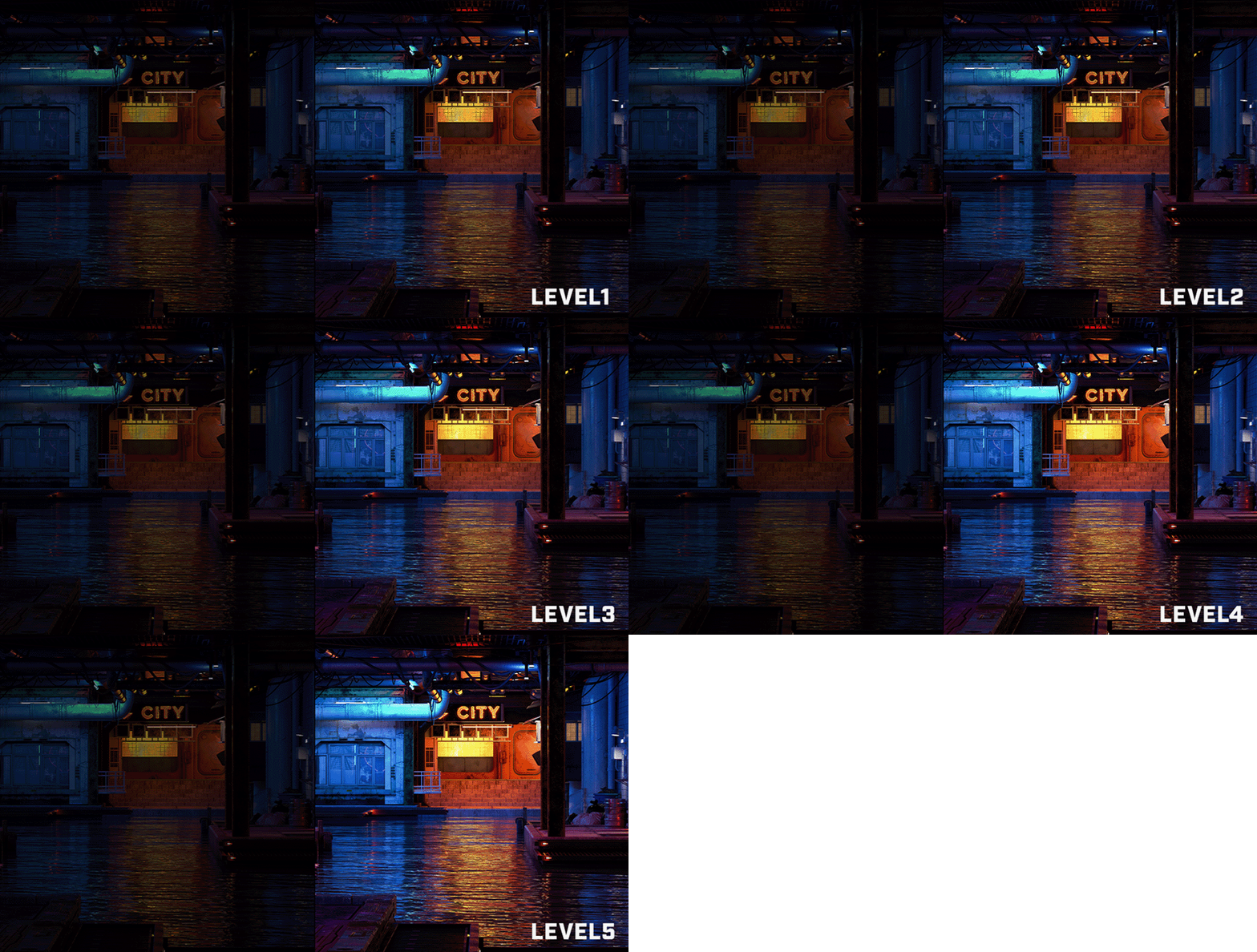
This specialized film enhances light absorption and reduces purple or reddish tints on standard QD-OLED panels under ambient light. It deepens black levels by up to 40% for stronger contrast, while upgrading surface hardness from 2H to 3H for 2.5x better scratch resistance against daily wear and tear.
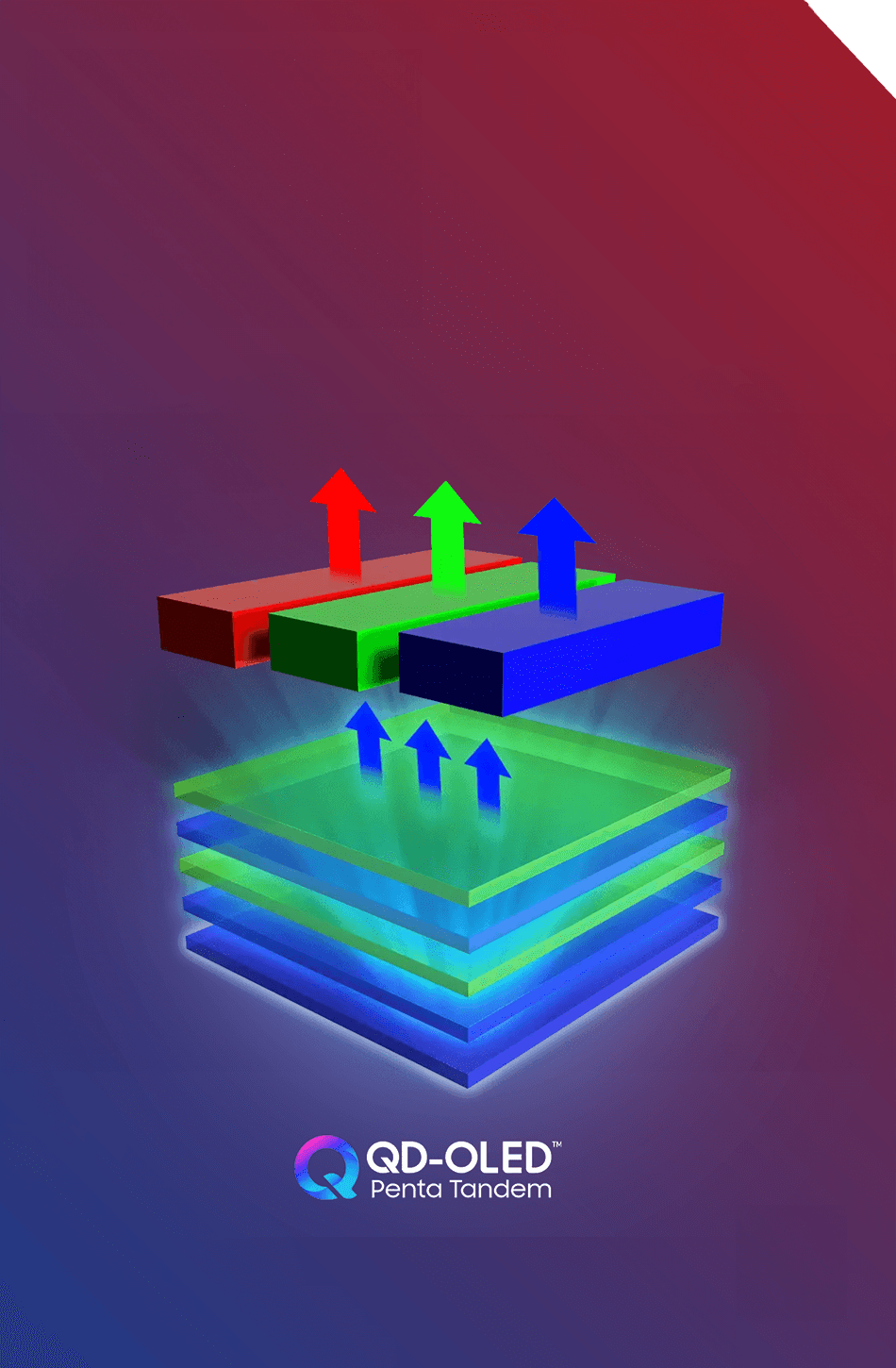
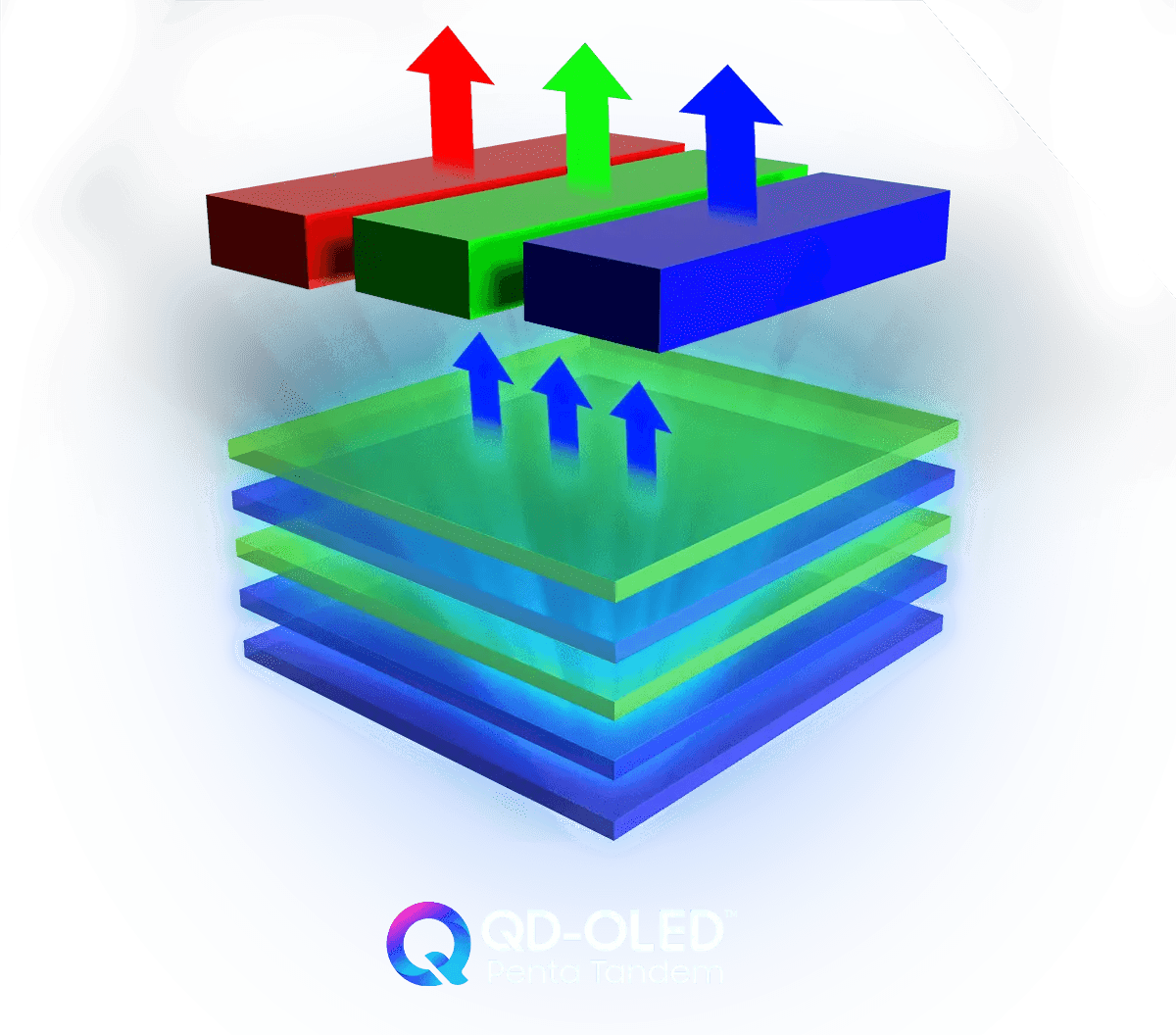
5-Layer Tandem QD-OLED
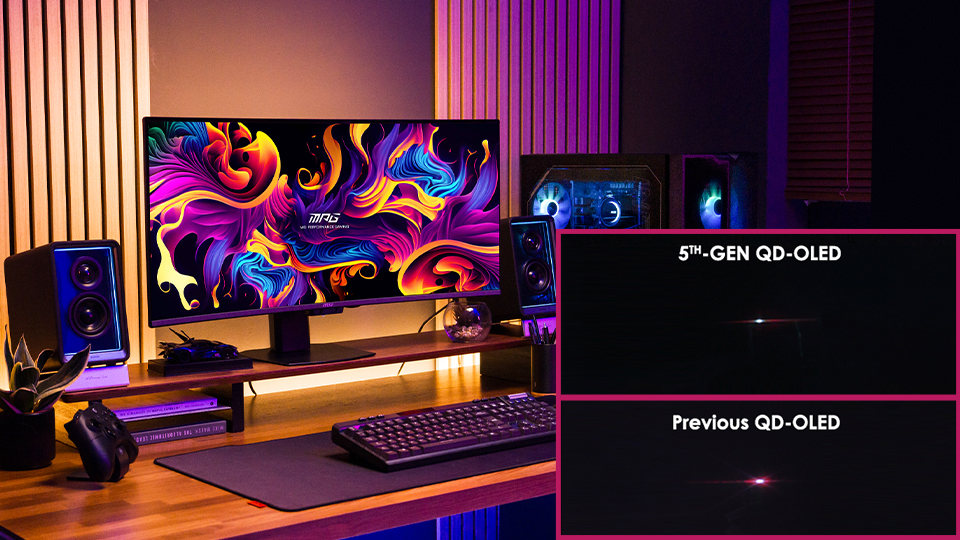
MSI’s latest QD-OLED monitors are anchored by the latest 5-layer Tandem OLED architecture with EL Gen 3 technology, setting a new benchmark for luminous efficiency and longevity.

Extreme Clarity
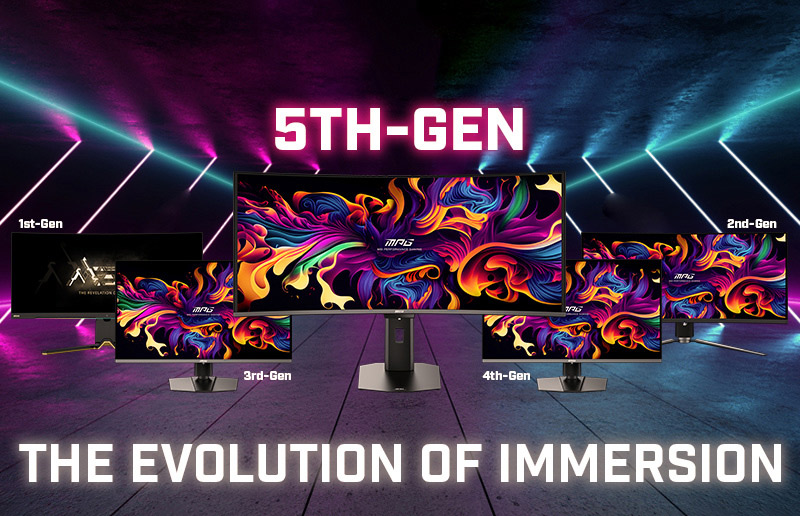
The 5th-gen Tandem QD-OLED pixel arrangement utilizes the RGB Stripe layout, fundamentally elevating display quality. This design minimizes color fringing and significantly enhances the clarity of text.
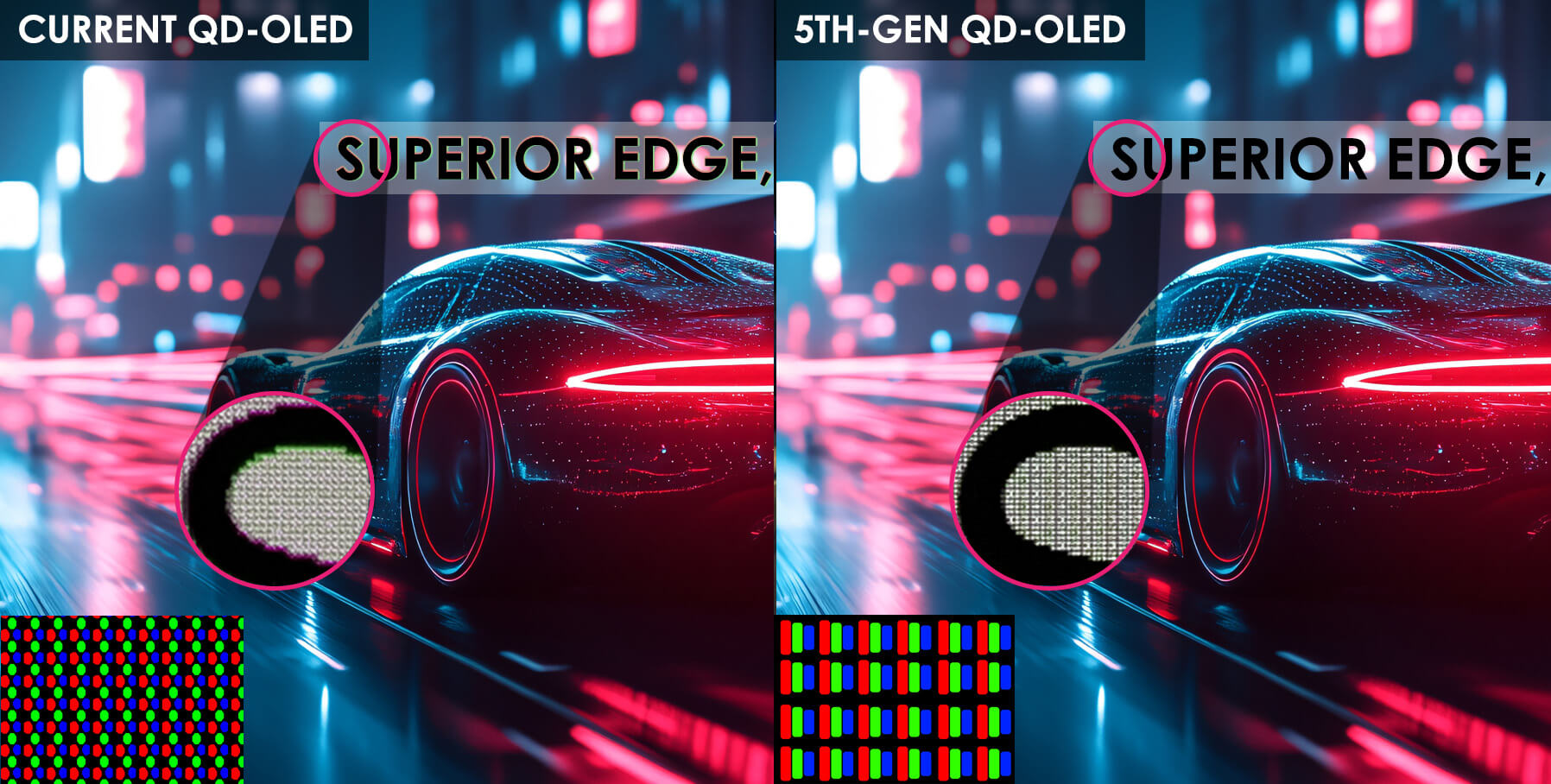
* Only monitors equipped with 5th Gen QD-OLED panels featuring an RGB Stripe layout. Check the model list by generation here.
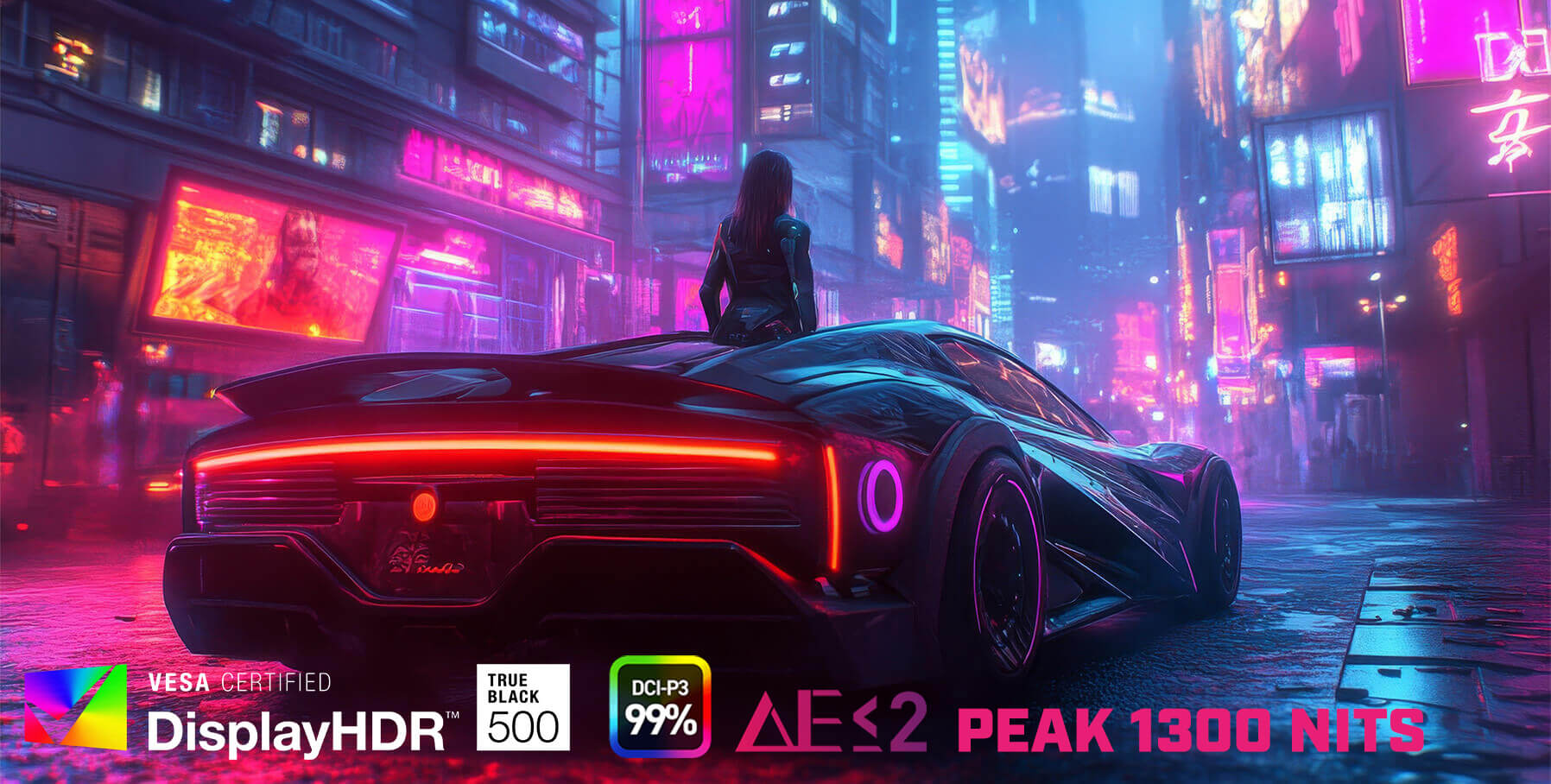
Ultimate Contrast
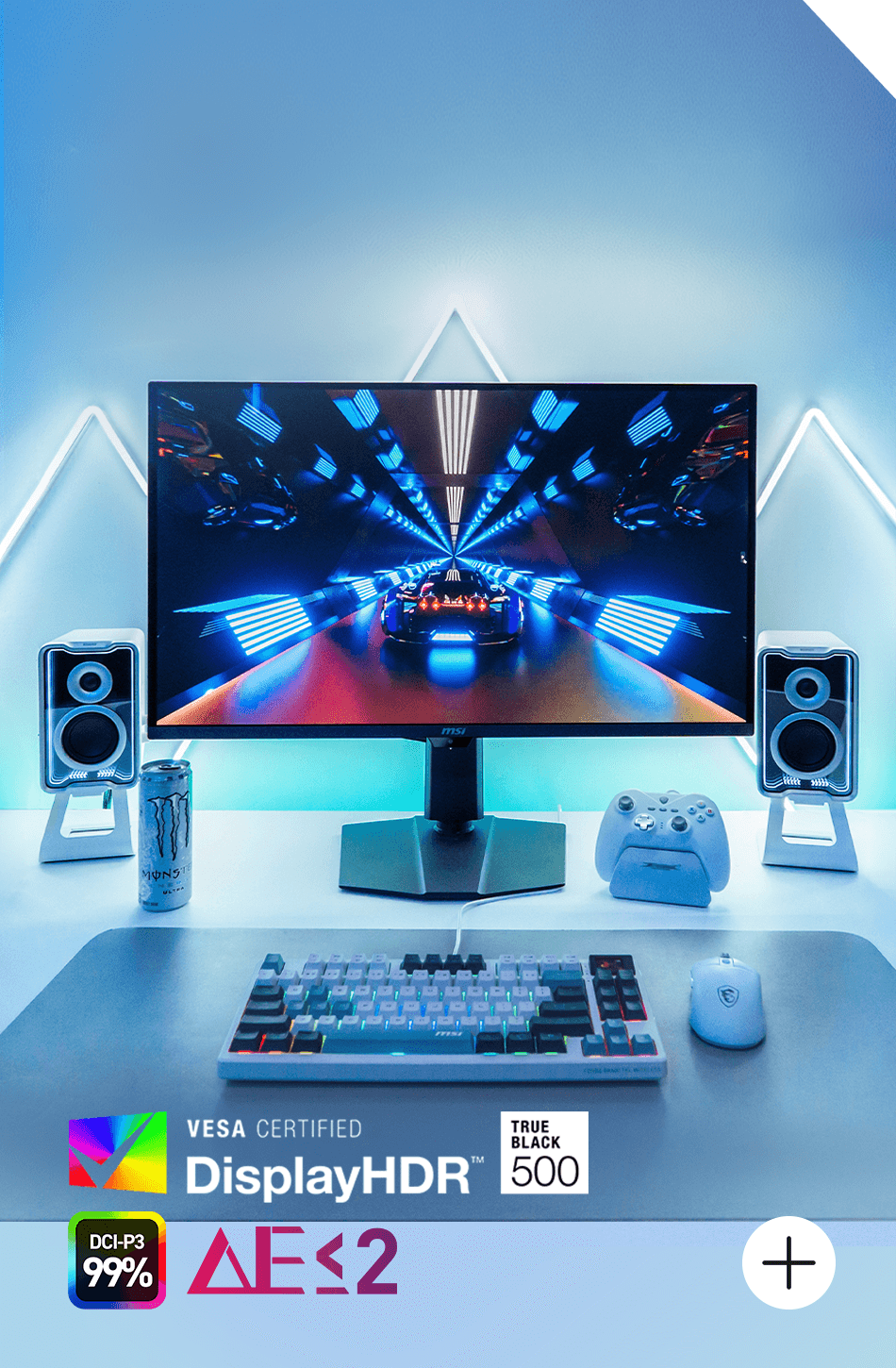
This monitor delivers a superior HDR experience with 1300 nits peak brightness, infinite contrast ratio 1,500,000:1, and pure color saturation. It is VESA DisplayHDR™ True Black 500 certified, ensuring vibrant, true-to-life visuals with 99% DCI-P3 wide color gamut and high color accuracy of Delta E≤2.
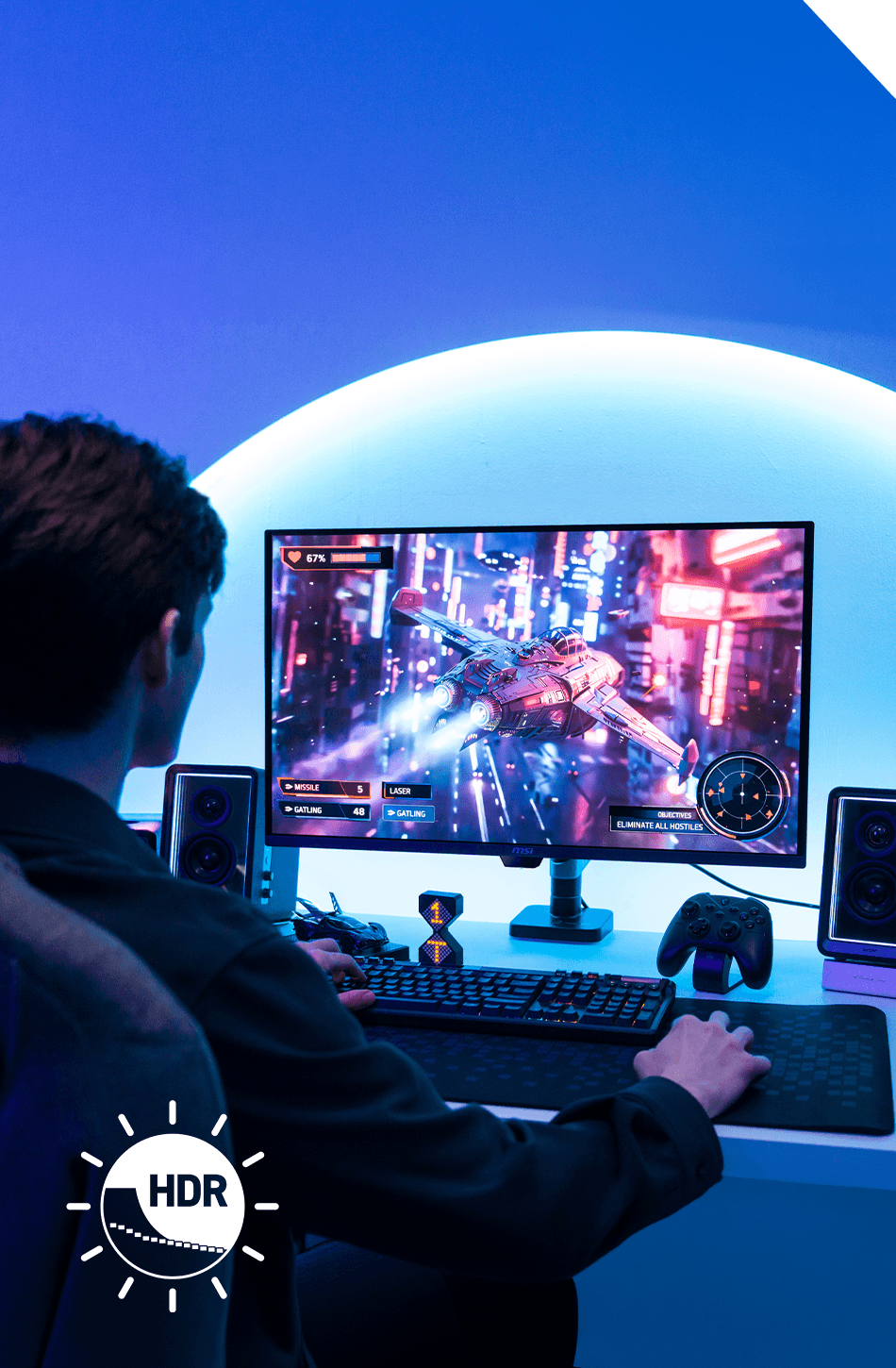

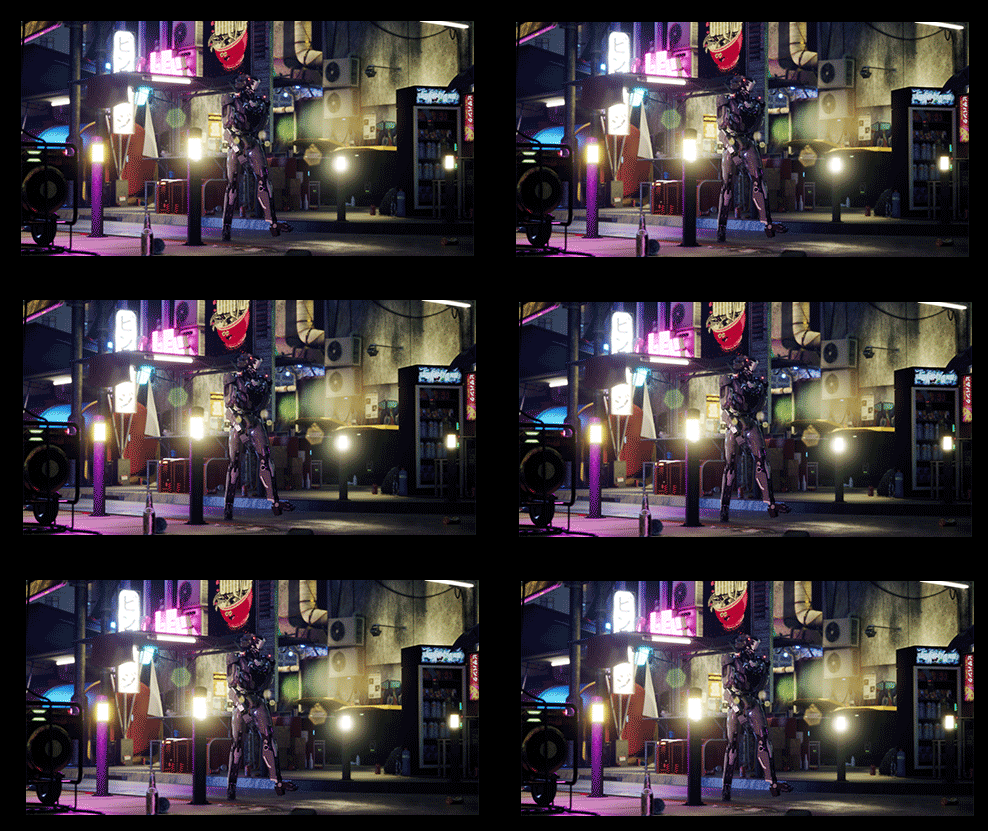
Uniform Luminance
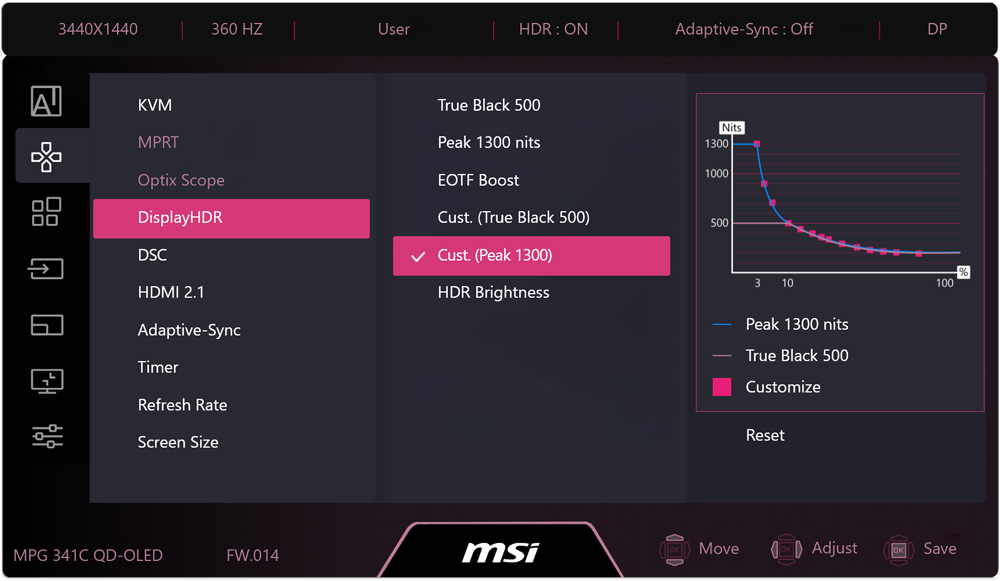
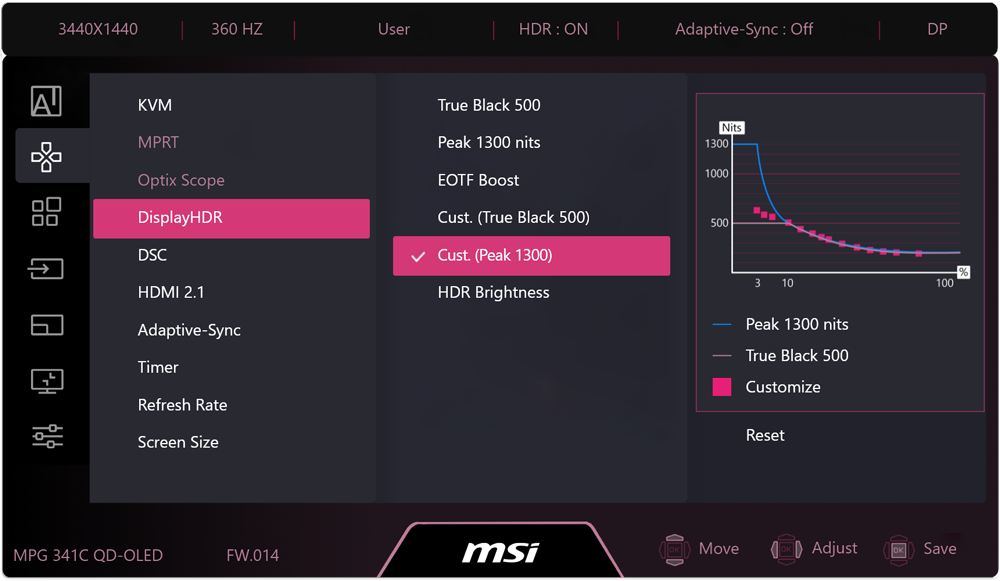
Uniform Luminance minimizes ABL effects, ensuring smooth transitions between light and dark scenes in HDR movies and games, eliminating sudden brightness fluctuations.
Default Peak 1300
Sudden brightness drop.
Cust. Peak 1300
Smooth brightness transition.
Cust. Peak 1300 (Lowest)
Brightness remains consistent.
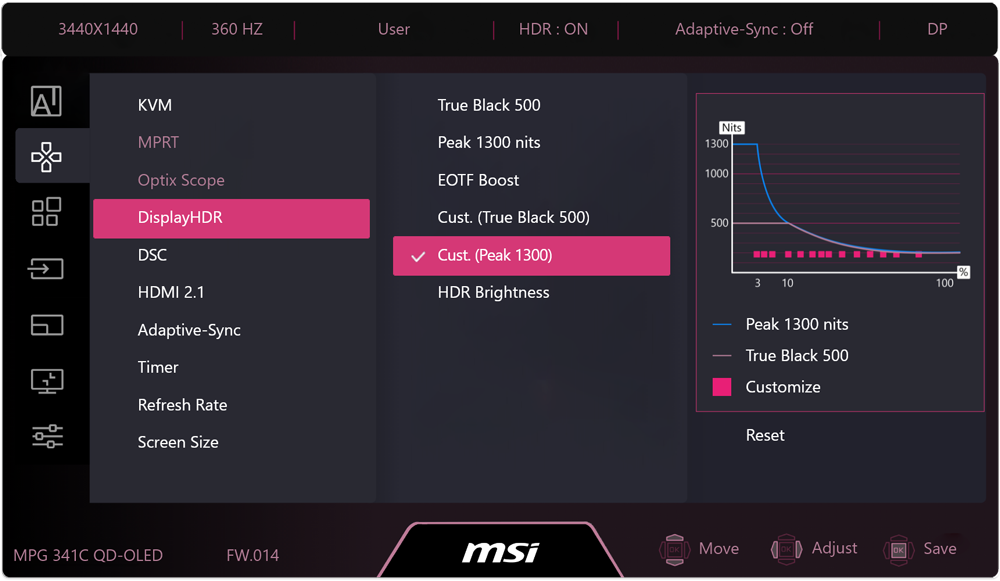
Screen images simulated. Recorded footage may not accurately reflect actual brightness or color performance due to camera limitations. Brightness cannot exceed the curve limits due to panel hardware restrictions.
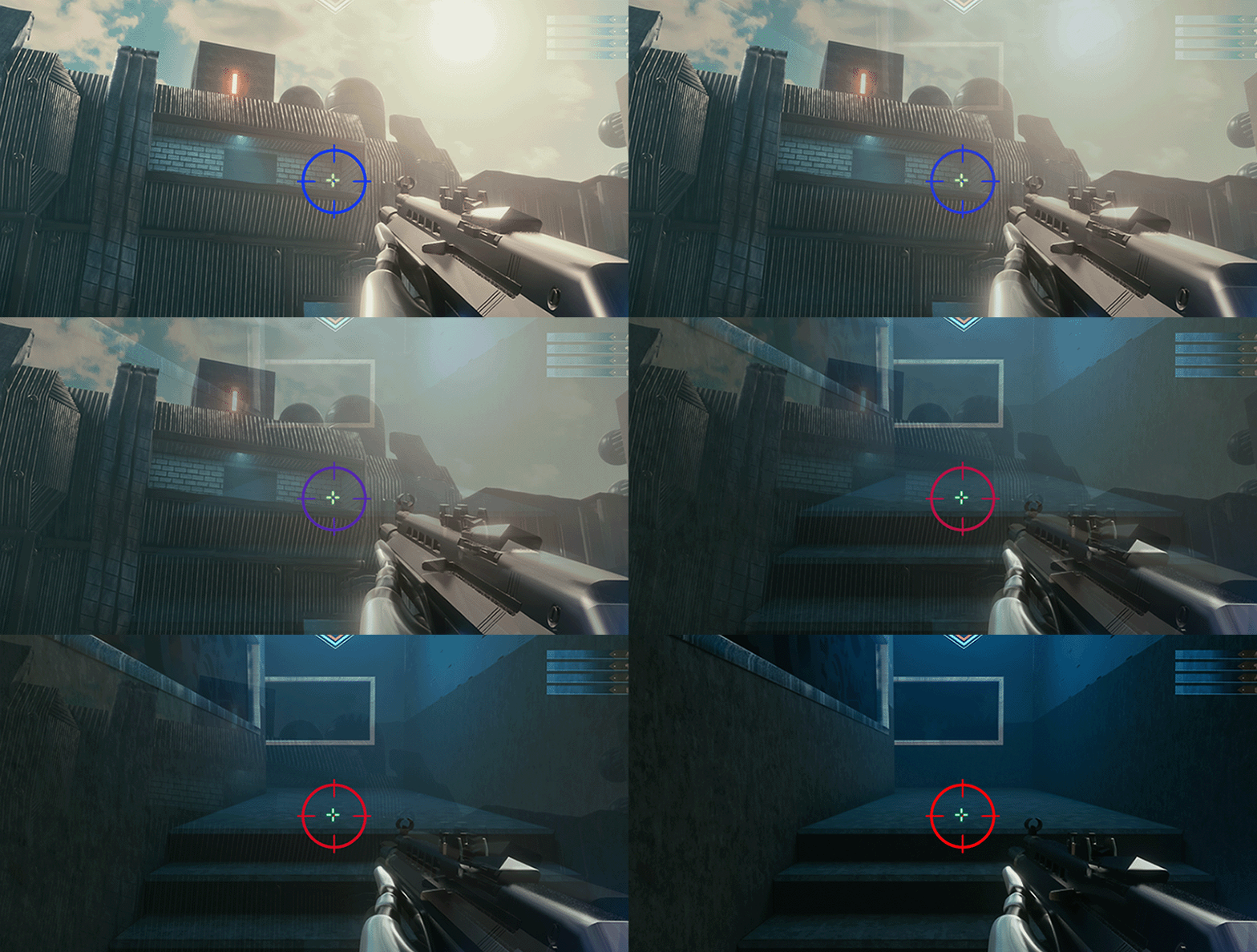
Fine-tune Color Saturation, Hue, and Gamma to match your visual preference. The monitor lets you shape color output to suit your style. Whether you're boosting contrast for a competitive edge to spot enemies faster or simply tuning colors to your liking, the monitor gives you full control over your in-game visuals.

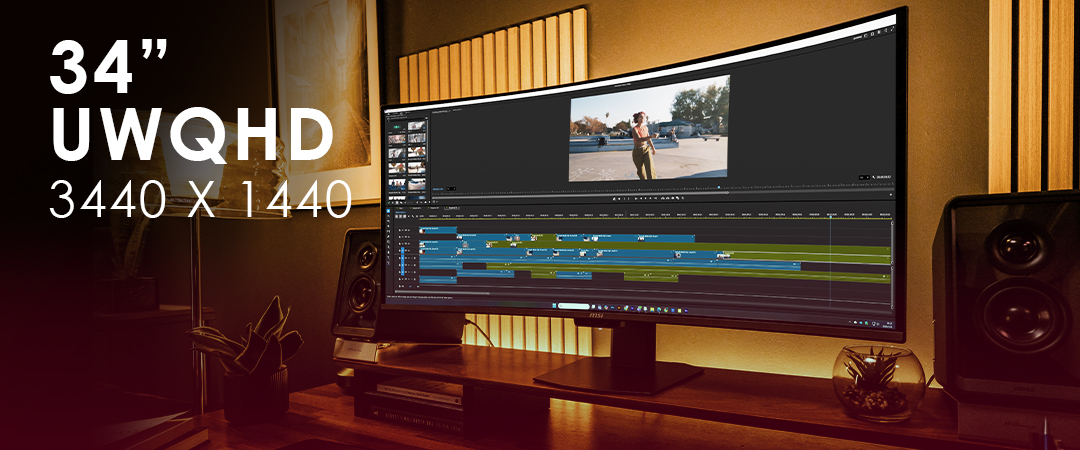
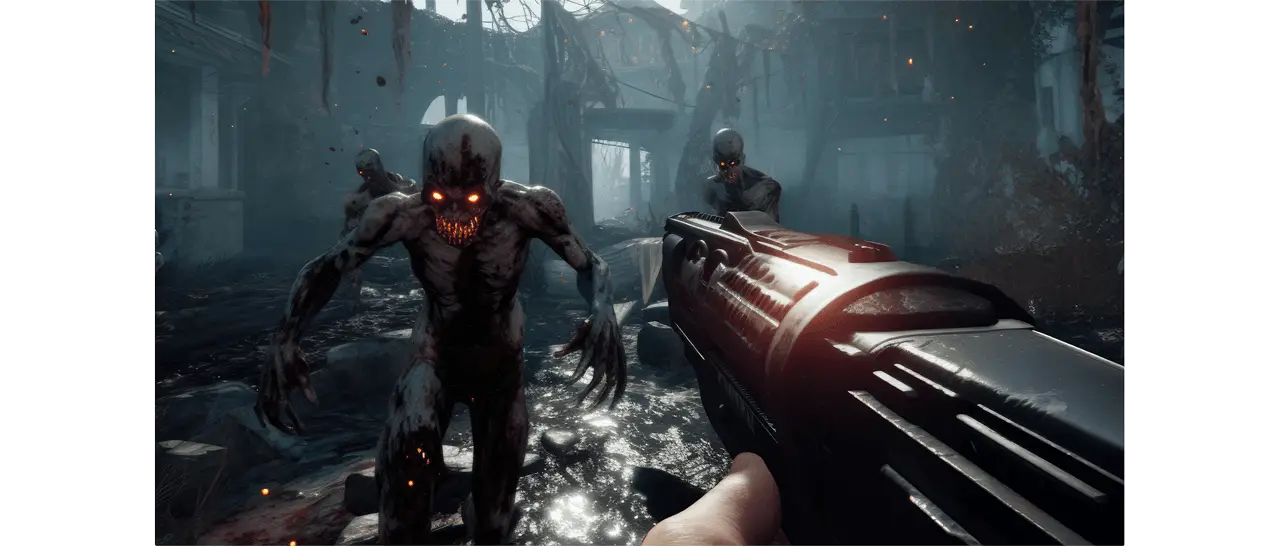
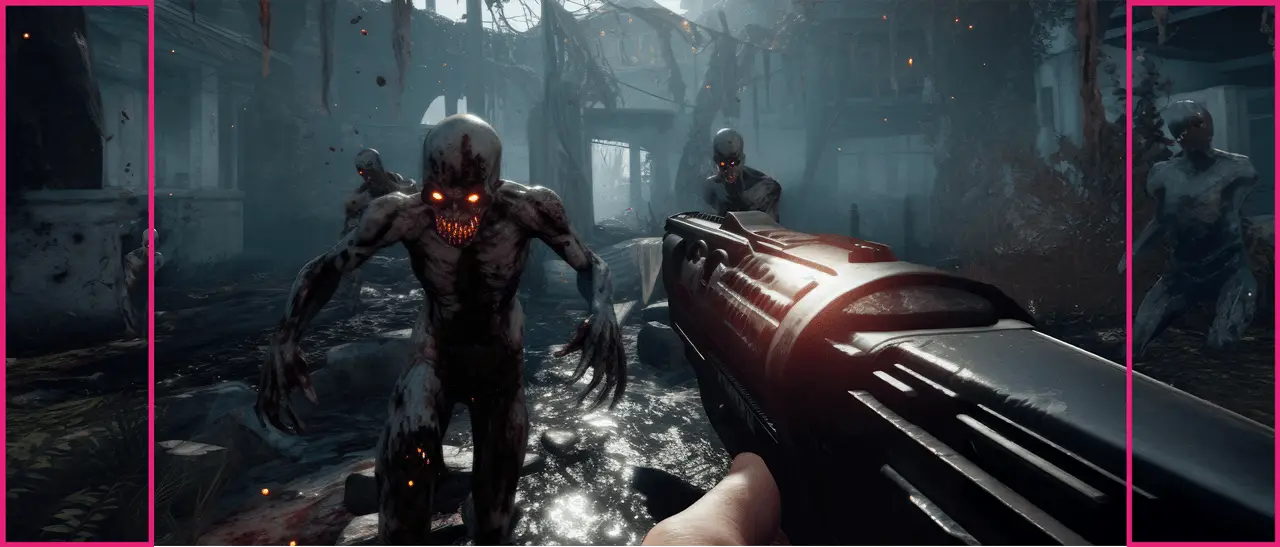
The 21:9 ultrawide format significantly enhances gaming by providing a much wider Field of View (FOV) than 16:9, giving players a competitive edge by revealing more peripheral action.
16:9

AI Care Sensor
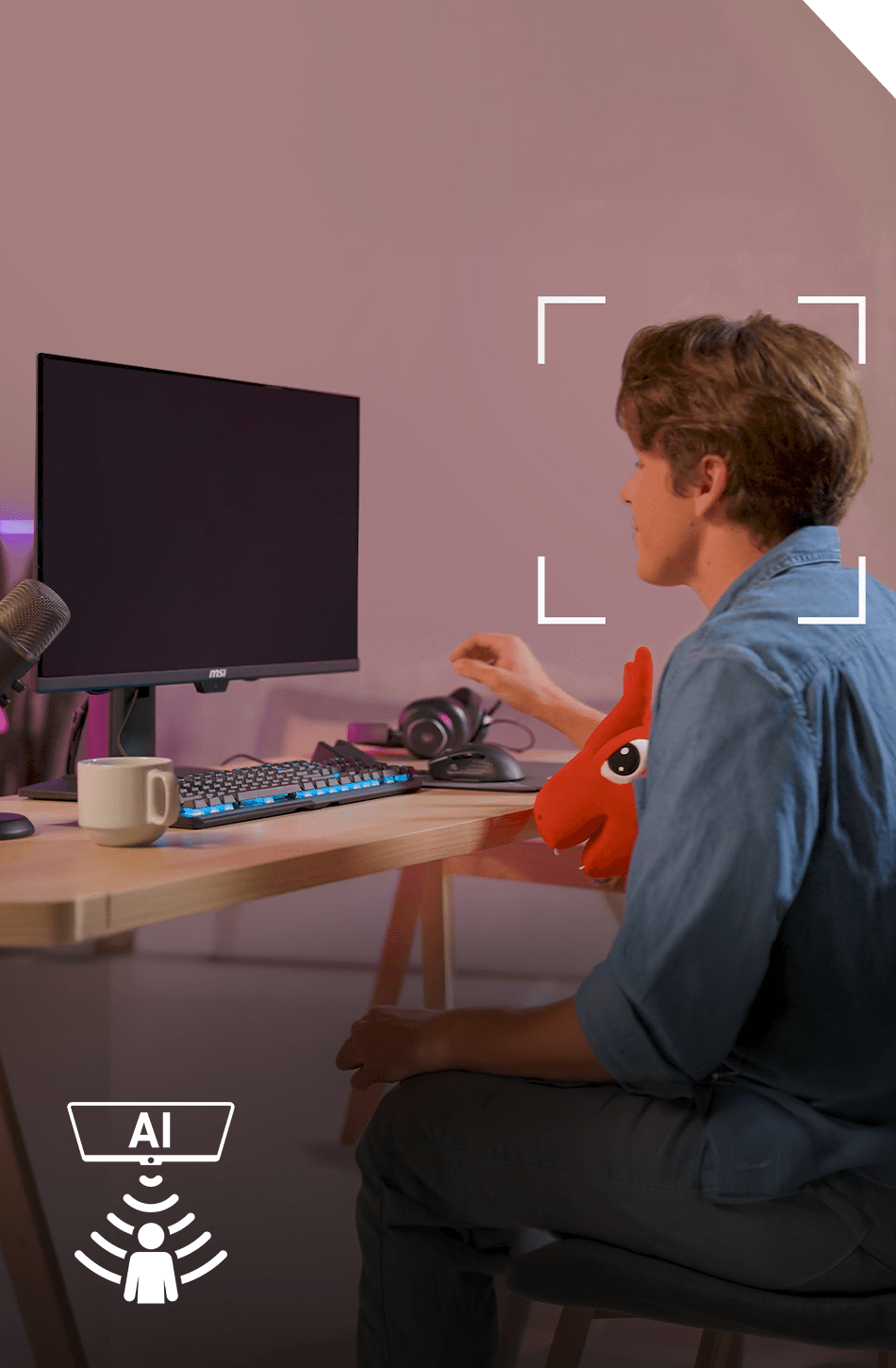
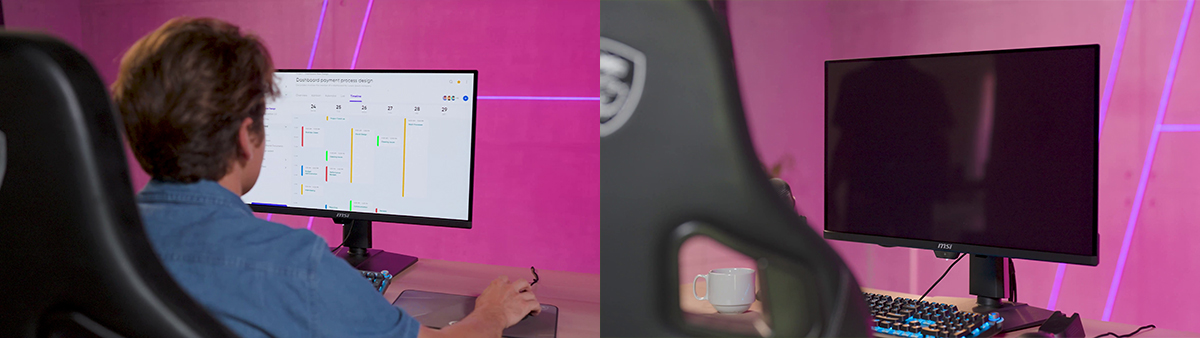
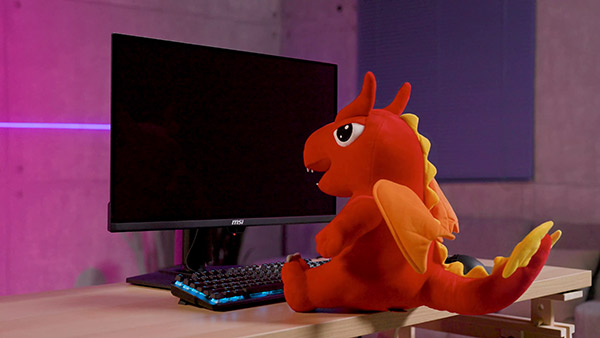
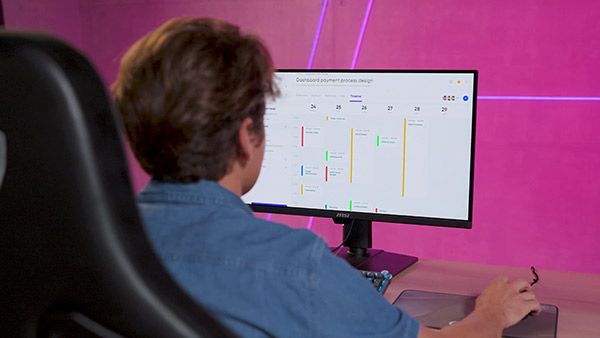
The AI Care Sensor technology uses a CMOS sensor to detect images every 0.2 seconds and, powered by an AI chip with an NPU (Neural Processing Unit) algorithm, accurately identifies human presence to prevent false detection and unintended screen turn-offs.
Support
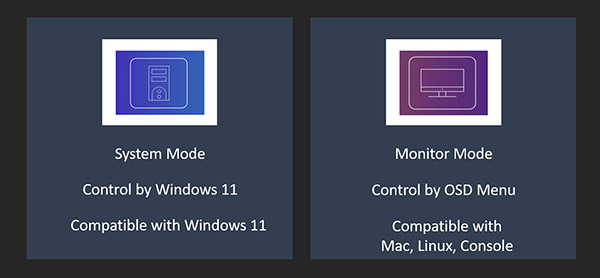

OLED Care
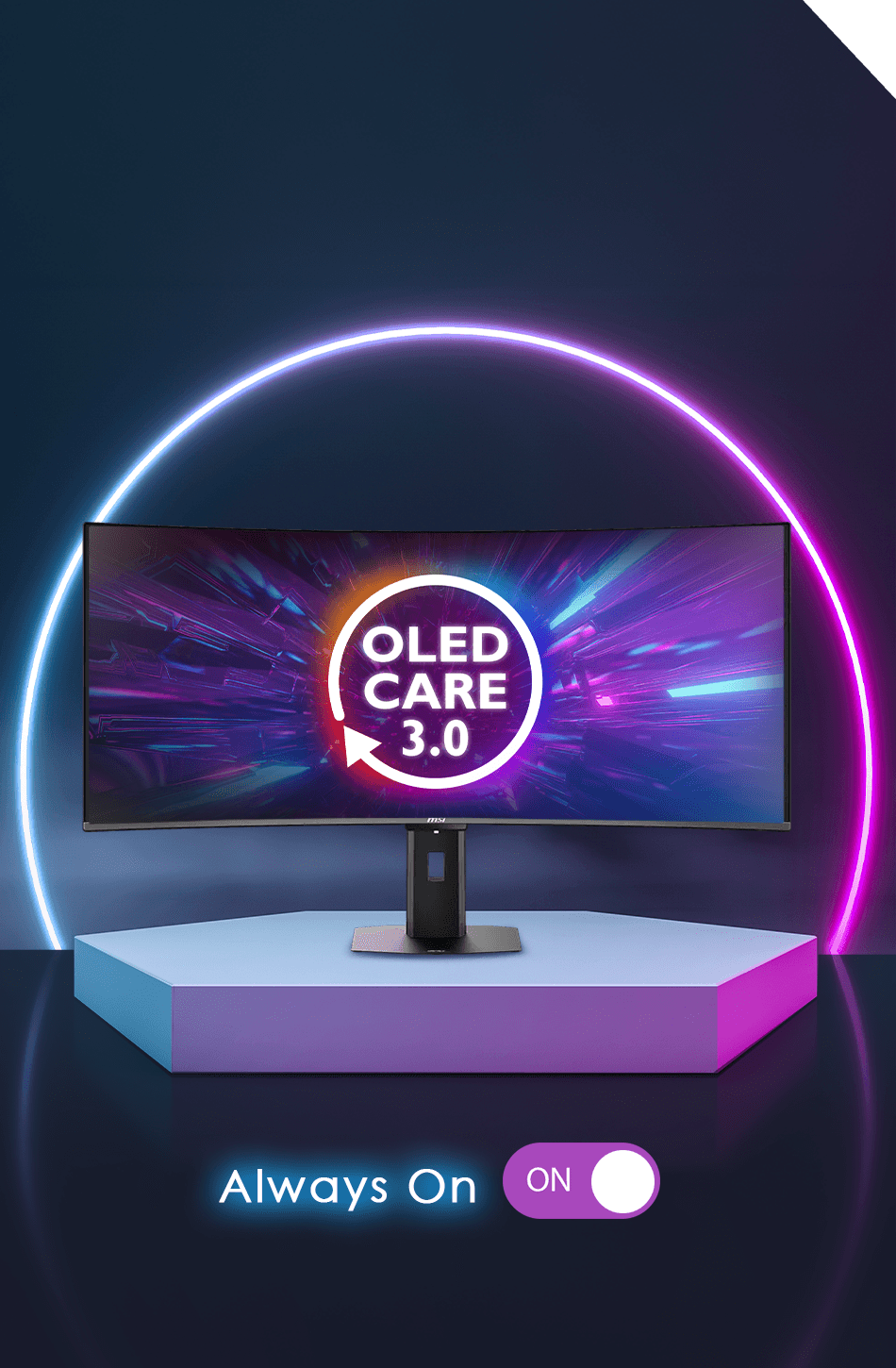
MSI QD-OLED monitors deliver long-lasting, stunning visuals. Advanced heatsinks and graphene film improve cooling, while MSI OLED Care prevents burn-in and manages peak brightness automatically.

Multi-icon Detection
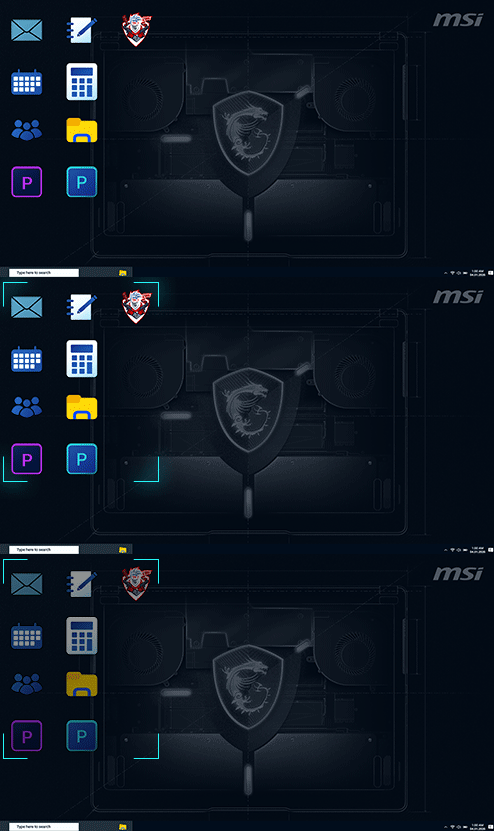
Boundary Detection
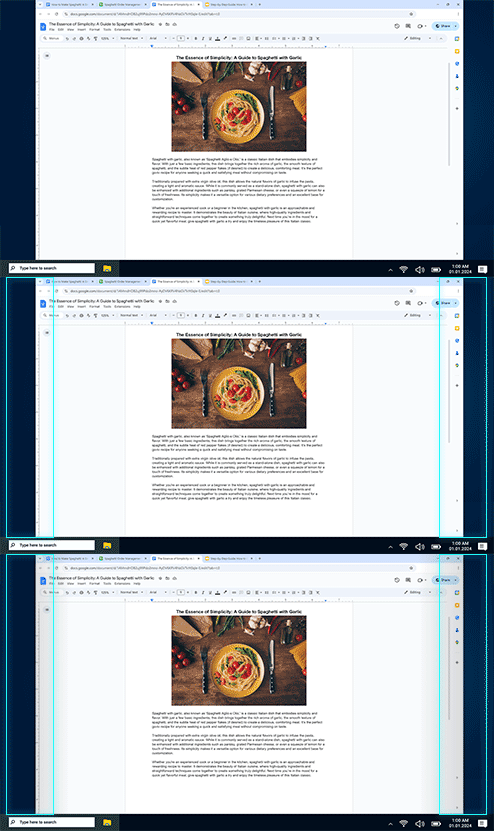
Taskbar Detection
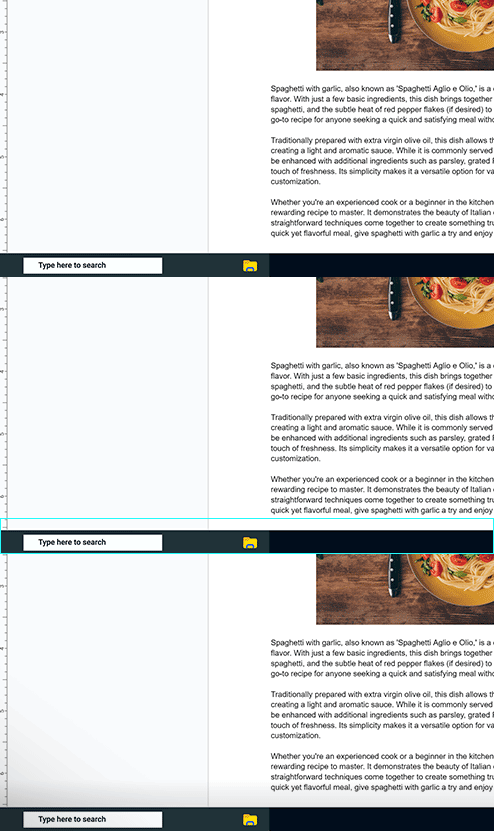
Multi-logo Detection

Pixel Shift
Static Screen Detection

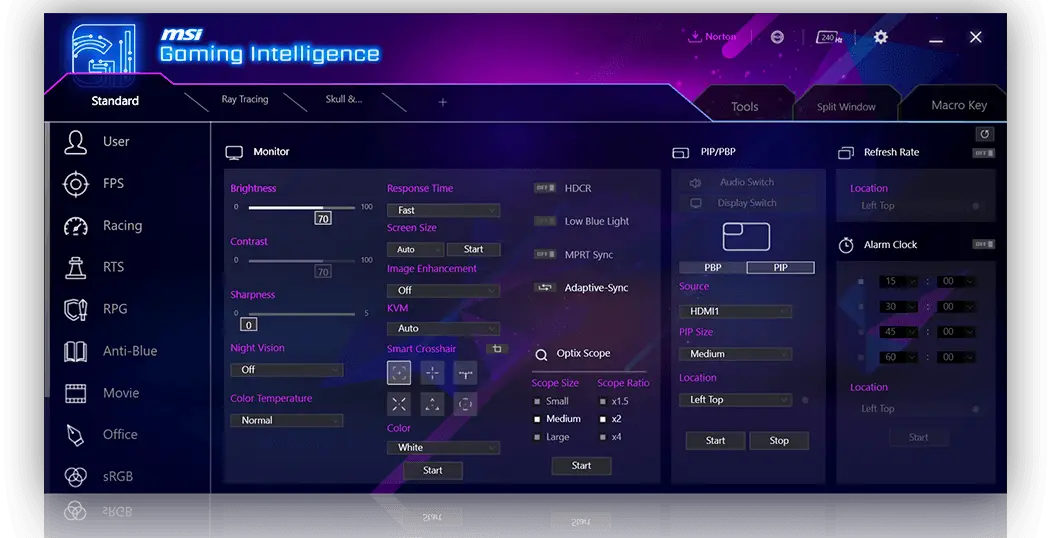
Gaming Intelligence
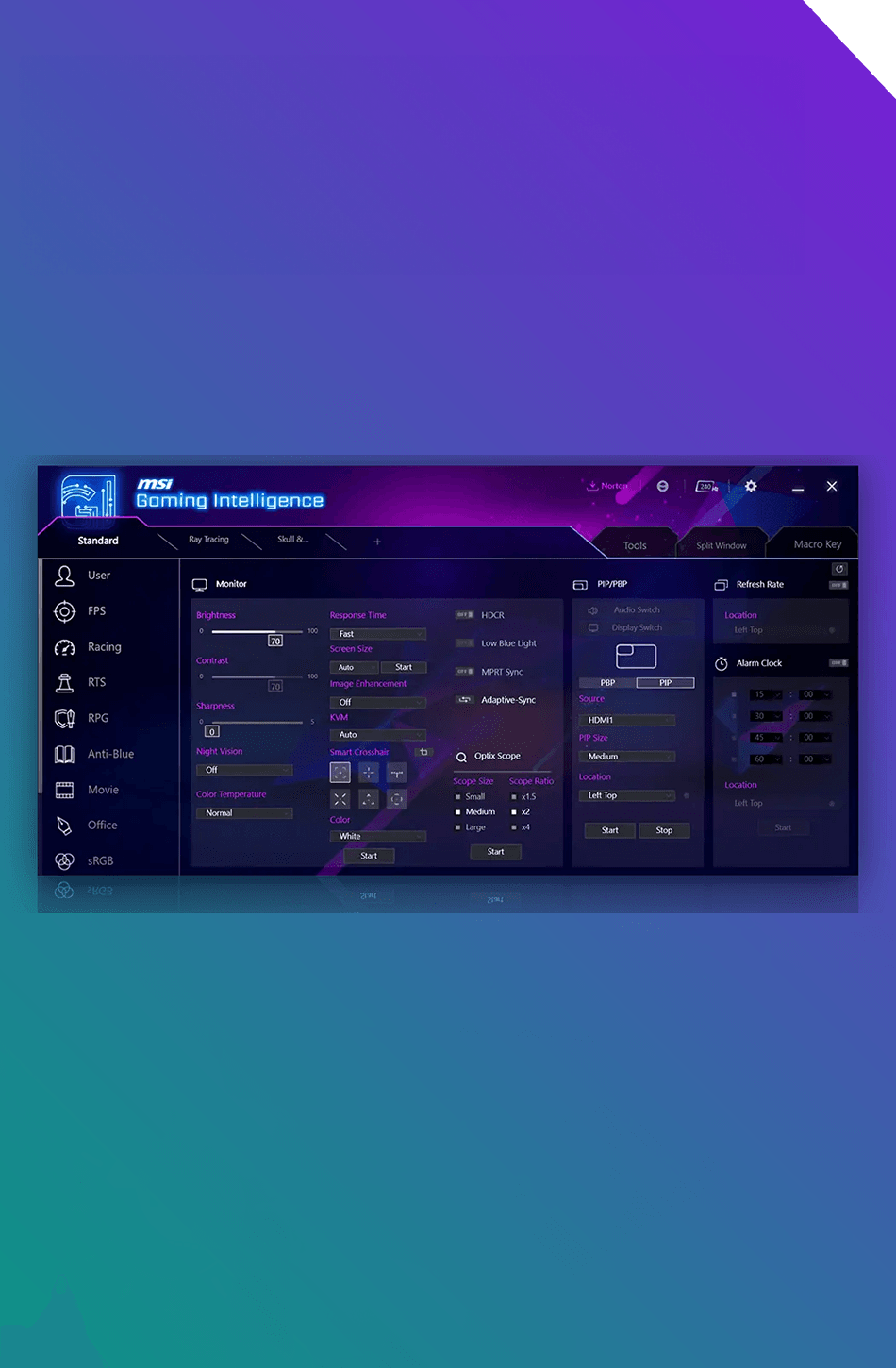
With Gaming Intelligence APP, you can easily customize display settings using your keyboard and mouse. The AI menu lets you quickly set up profiles that automatically activate when you launch a game or watch a movie, delivering optimized contrast, brightness, and more for the best experience.
3-Year Warranty
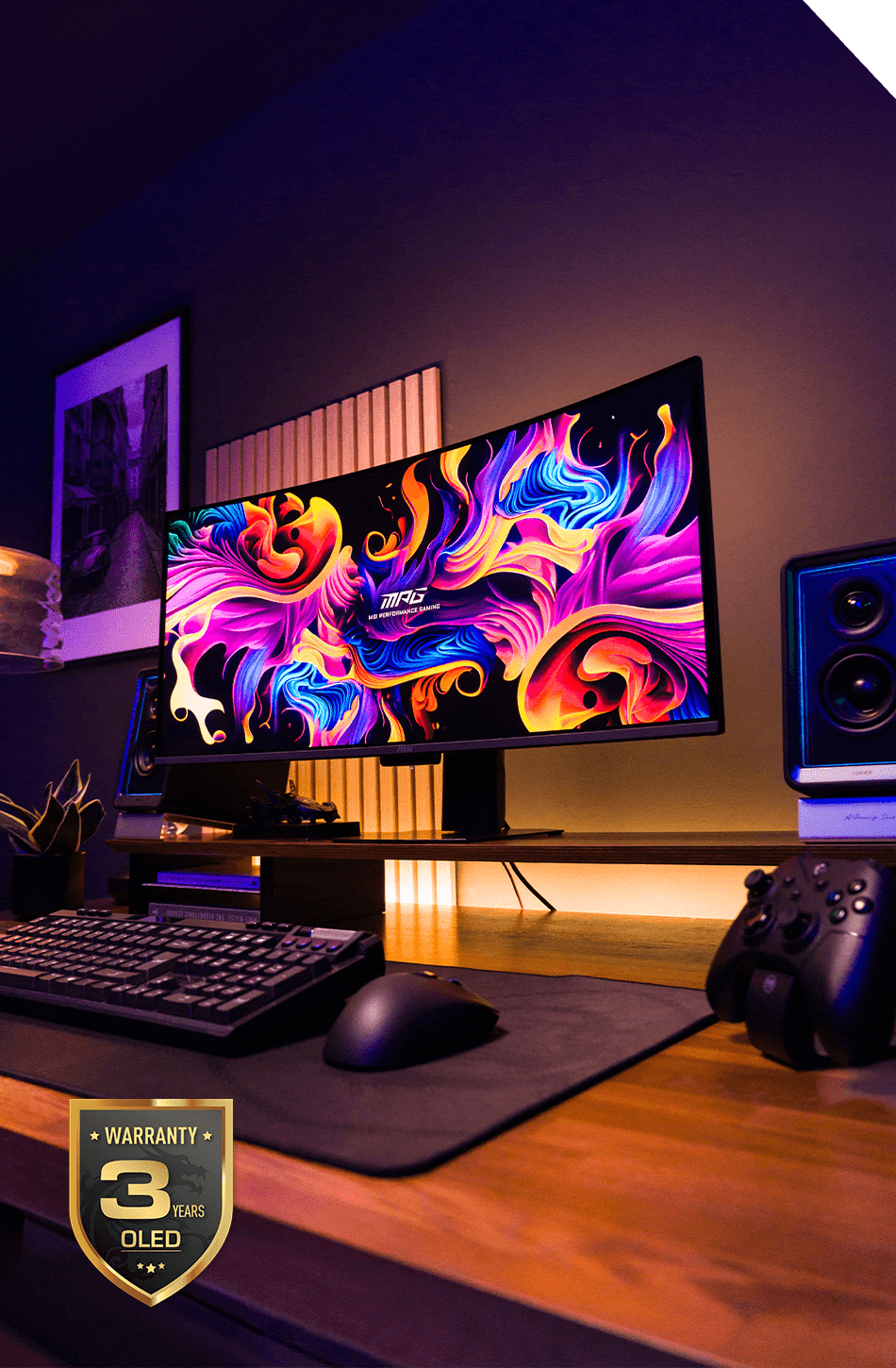
MSI recognizes the significance of providing extensive support, allowing our users to enjoy their gaming experience worry-free. We offer a 3-year warranty for OLED panels, exceeding standard coverage by including safeguards against the OLED burn-in issue.
Find MSI QD-OLED Monitor
What Experts Say
The Display Guy
"This is probably one of the best if not the best 1440p OLED ultrawides that I've ever tested thus far."

PC Gamer
"The new MSI MPG 341CQR QD-OLED X36 has an utterly appalling name for an incredibly appealing monitor."

Kitguru
"This is a curved ultrawide with a 360Hz refresh rate, making it the fastest 21:9 OLED monitor to date."
TFTCentral
"The MPG 341CQR X36 is an excellent new ultrawide OLED monitor and it offers some very good new panel updates and improvements that set it apart from all of the previous QD-OLED ultrawide monitors."

Club386
"There's no other ultrawide gaming monitor I'd rather have than this one."
HDTVTest
"The MSI MPG 341CQR QD-OLED X36 represents a major upgrade over all previous 34-inch ultrawide QD-OLED monitors so far."
FAQ
What’s the difference between 32 inch and 34 inch monitors?

A 32-inch monitor typically features a 16:9 4K resolution, offering higher pixel density and sharper detail for precision gaming and content creation. A 34-inch monitor usually comes in a 21:9 ultrawide format, delivering a wider field of view and a more immersive experience for gaming and multitasking. The choice depends on whether you prioritize clarity or cinematic immersion.
What desk depth do I need if I buy 32 inch or 34 inch monitors?
Desk depth matters for a comfortable viewing distance. For a 32 inch monitor, 70–80 cm desk depth is recommended. A 34 inch ultrawide also works well with 70–80 cm depth, and a desk width of 140–160 cm gives you a more comfortable, balanced setup.
Do I need an ultrawide monitor?
An ultrawide monitor is ideal if you want a wider field of view in games or a seamless multitasking experience without the bezels of a dual monitor setup. If you prefer higher pixel density and a traditional 16:9 aspect ratio, a 32 inch 4K display may be a better fit.
What defines the 5th-Gen QD-OLED?
The 5th-Gen QD-OLED panel features an optimized RGB Stripe sub pixel layout, delivering sharper text clarity and reduced color fringing. For a detailed comparison between generations and a full list of MSI QD-OLED monitors by generation, visit our blog to learn more.
What is DarkArmor Film?
DarkArmor Film is a specialized film technology designed to enhance light absorption and eliminate purple or reddish tints. It deepens black levels by up to 40 percent and increases surface hardness to 3H, delivering 2.5 times better scratch resistance.
What is Uniform Luminance and how does it work?
Standard HDR can triggers aggressive ABL (Auto Brightness Limiter), causing sudden dimming. Uniform Luminance refines the HDR brightness curve to reduce these shifts, delivering smoother transitions between dark and bright scenes while maintaining visual comfort. Visit our blog to learn more.
What is a QD-OLED monitor?
A QD-OLED monitor combines Quantum Dot technology with OLED panels. It delivers self-emissive pixels for true blacks and high contrast, while quantum dots enhance color vibrancy and brightness accuracy. Visit our blog to learn more.
Are QD-OLED monitors worth it?
OLED monitors offer true blacks, faster response times, and exceptional contrast compared to traditional LCD panels. For gamers and creators who value image quality and motion clarity, QD-OLED is a premium upgrade that significantly enhances visual experience.
What is the best OLED monitor for me?
The best OLED monitor depends on your needs, from competitive play to immersive experiences. MSI offers a full lineup of QD-OLED monitors ranging from 27 to 49 inches, with resolutions from WQHD to 4K UHD and refresh rates up to 144Hz to 500Hz. Powered by the latest panel technology and exclusive features like Uniform Luminance, AI Care Sensor, and OLED Care, MSI QD-OLED monitors deliver outstanding clarity, contrast, and reliability for high-performance gaming and professional use.
Is burn-in a concern with OLED monitors?
MSI’s QD-OLED monitors feature advanced heatsinks and graphene to improve cooling, while MSI OLED Care helps manage peak brightness automatically to reduce burn-in risk. In addition, MSI has extended the panel refresh cycle from 16 to 24 hours, reducing interruptions during gameplay or work. Visit our blog to learn more.
Gallery