

Glorious apps to boost your game
MSI laptops now offer a new level of customization with gaming apps
from SteelSeries GG. Fine tune your gear and audio settings to battle your enemies like the
pros.
Free Download
Windows 8.1 or newer
Steelseries Engine
Wake up your gear
Customize the lighting, audio, macros and more for all your premium
MSI laptops in the SteelSeries GG Engine app.
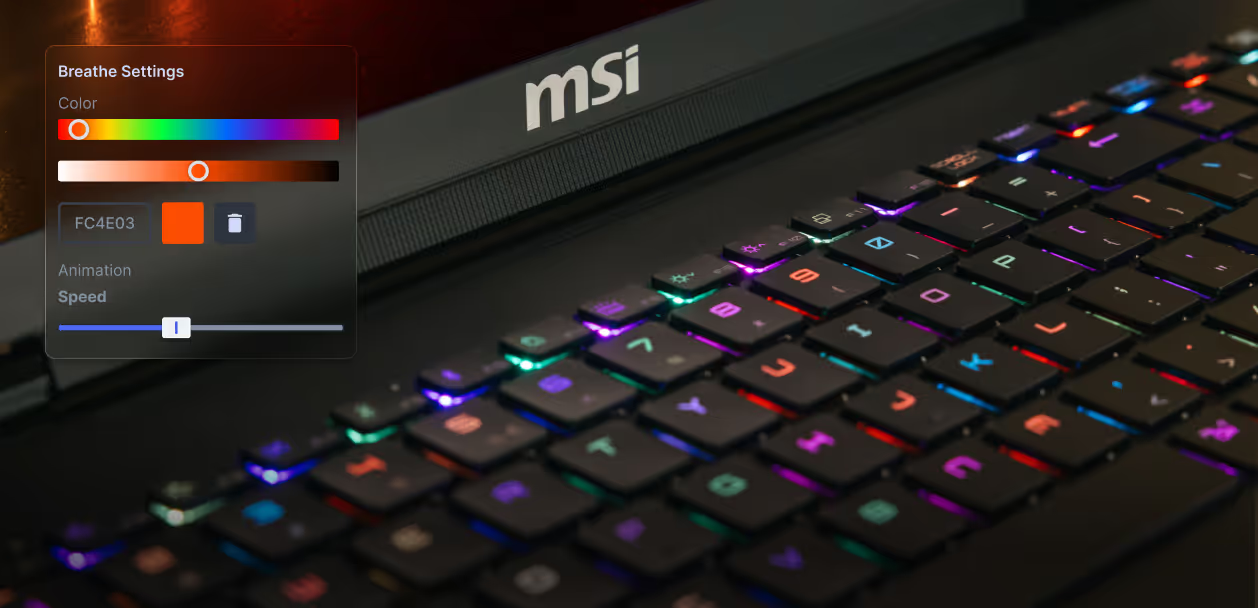


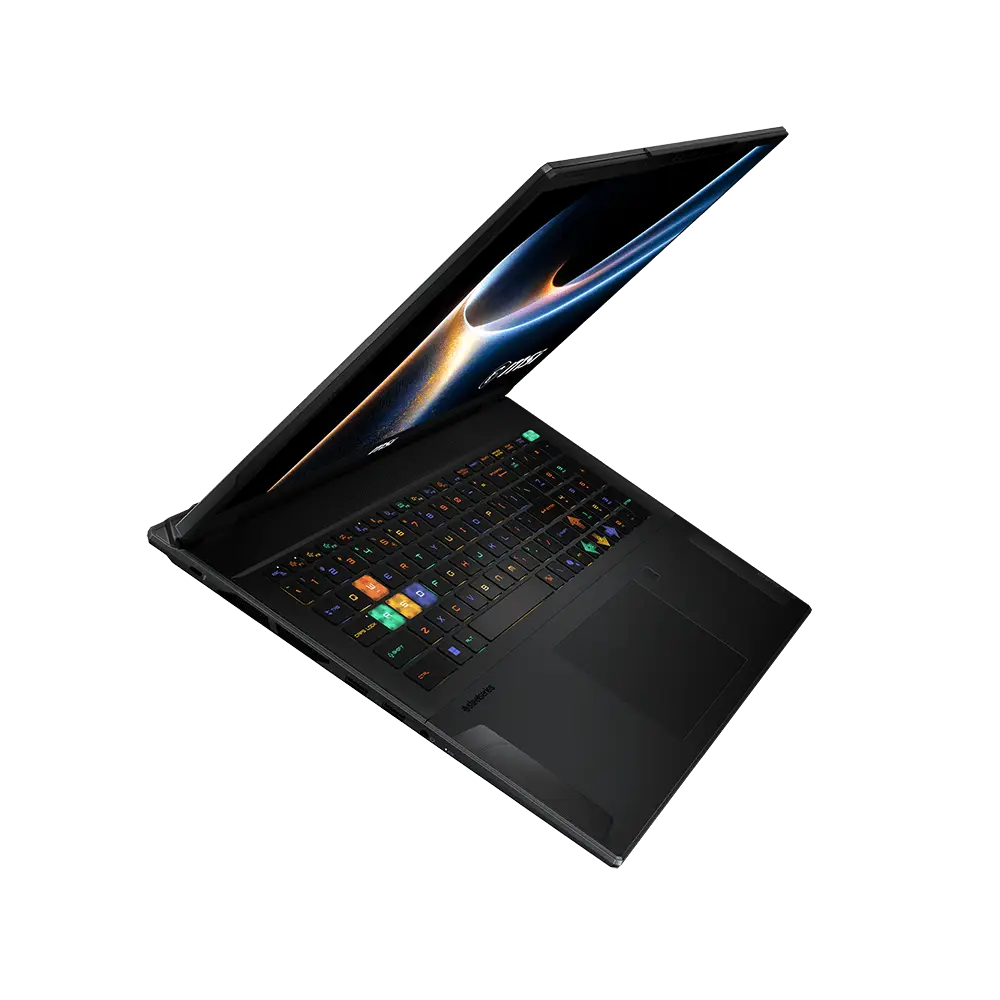
Illumination
Light em’ up
Personalize the coloring effects from millions of colors
across your keyboard for interactive light shows in your gear. Start from templates or
build your own.

Macros, Binds & More
Make it yours
Set custom button or click shortcuts for compatible MSI
devices in SteelSeries Engine, then save your settings to any game or device profile for
an edge in every battle.

GameSense
Sync your game
Use in-game events like ammo, health, and cooldowns to trigger
reactive illumination changes in select GameSense compatible apps.
How Engine works with your MSI keyboard
steelseries sonar
crush your enemies with precise audio control
Gaming’s first-ever 200+ Game Presets allow you to easily use
pro-level audio settings fine-tuned for most popular games via the SteelSeries GG Sonar.
Activate AI noise cancellation, spatial surround sound, enhance your microphone, and make your
friends sound better on Discord too — all from your MSI laptop.

Presets
Unlock 200+ Game Presets for Quick Wins
Ease into Parametric EQ with the click of a preset—each
carefully designed by our sound engineers with input from pro players and game
developers. Try one on for a competitive edge or a cinematic experience, or share your
custom presets to help your squad dominate the competition.

Parametric EQ
Hear What Matters Most
Amplify or reduce specific in-game sounds to hear real-time
footsteps, potion slurps, and bomb plants clearer than ever in SteelSeries Sonar. The
entire spectrum of audio is yours to remaster for victory in every game.

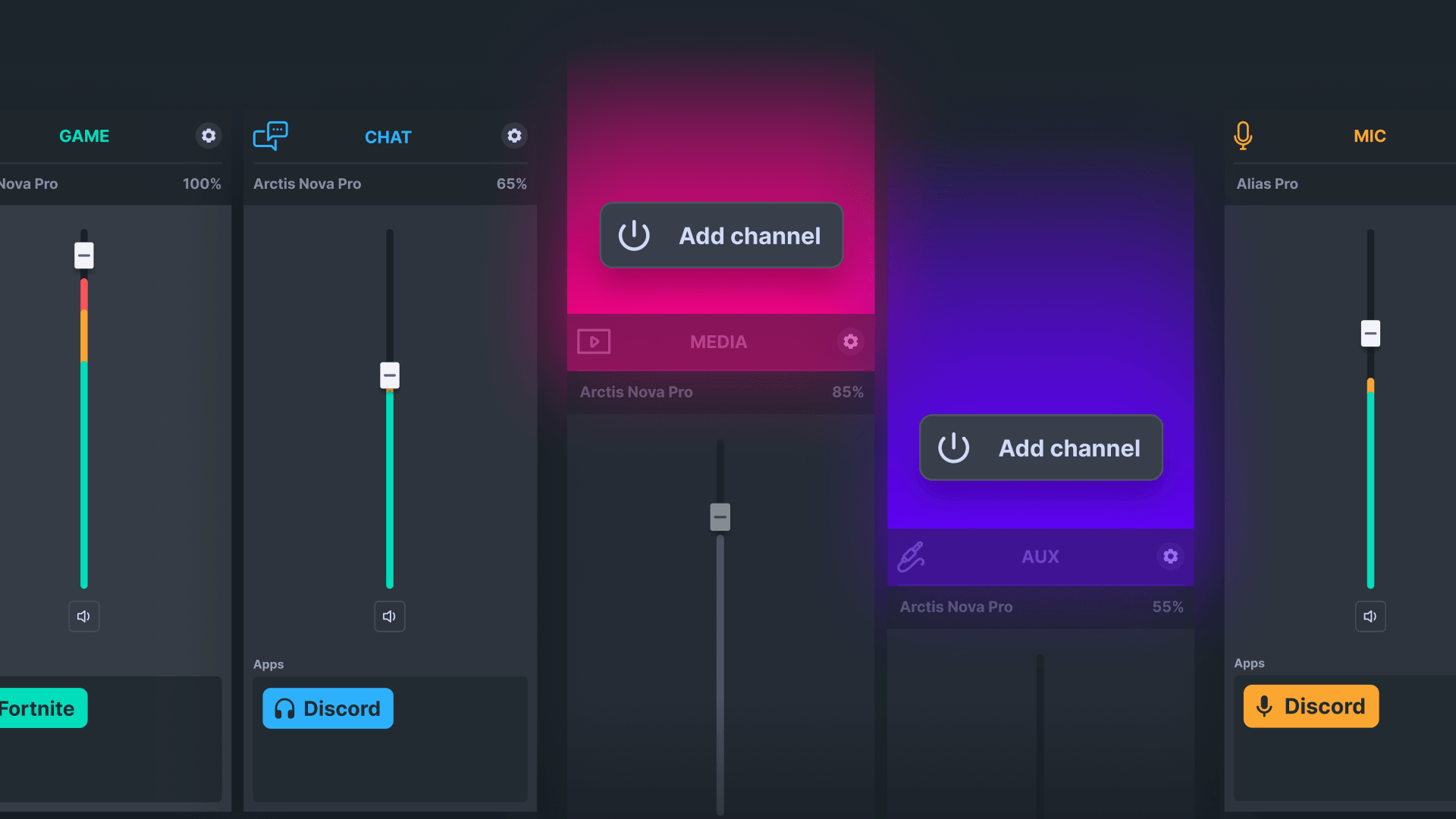
Audio Mixer
Flex Sound Control
For the first time, SteelSeries Sonar balances your volume,
equalizers, and audio settings for game, chat, media, aux, and mic—all in one place.
With ChatMix, adjust the balance between game and chat sounds, whether you're
muting a rage-quitting teammate or focusing on a crucial callout.
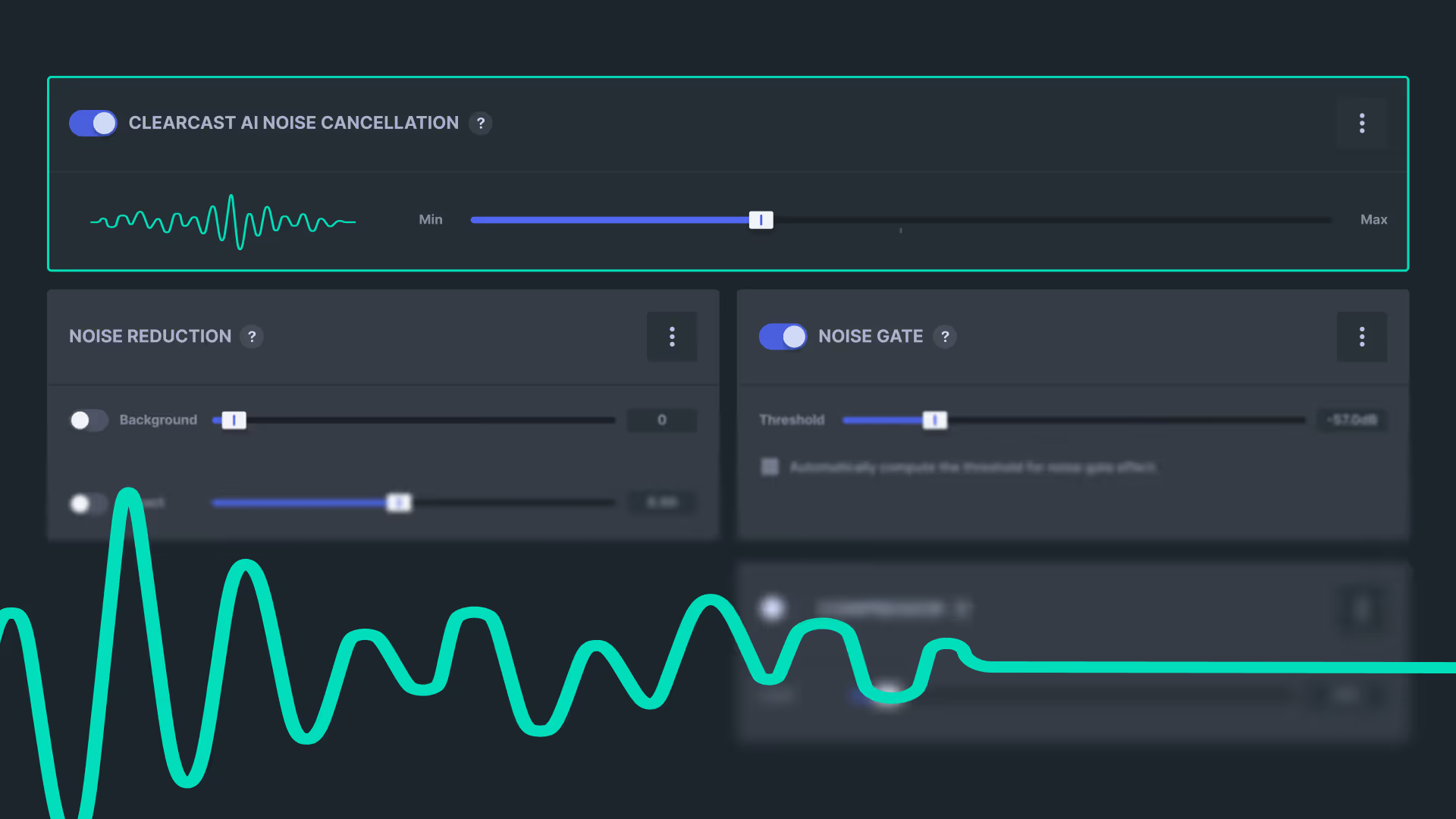

AI Noise Cancellation
Hush Your Clickity Clacks
Eliminate background keyboard clicks and ambient noise so only
your voice comes through crystal clear.

Spatial Surround
Buff Your Speakers
Go beyond widening a stereo track. Connect pure 5.1 or 7.1
surround sound audio tracks from your game to your headphones or MSI speakers for a more
realistic sound experience.
Hear Sonar in action on your MSI laptop
Take your game further
Windows 8.1 or newer
steelseries GG

Frequently Asked Questions
If the SteelSeries GG is not preinstalled on my MSI PC, how should I get it?
SteelSeries GG is available for free to
download on any Windows 8.1 or newer. Download free here. Installing GG will
give you access to all your favorite SteelSeries apps like Sonar, Moments,
and Engine—with more to come in the future.
Can I download Engine and Sonar apps separately?
Engine and Sonar are only available as
apps in the SteelSeries GG platform. Download GG free to access them, then
only enable the apps you want to use to keep your setup as light as
possible.
Will inactive apps in GG affect performance even if I don’t use them?
No. If you don’t want to use an app such
as Moments, you can turn it off in the settings. When turned off it will not
affect your performance and will not run in the background.
The same goes for SteelSeries Engine. If you don’t have a SteelSeries device plugged in, the Engine application inside GG will not be running in the background.
To turn Moments off you can do either of the following:
1. Click the dropdown menu above the Moments gallery and turn off “Gameplay capture”
2. Go to Settings -> Capture and Sound -> Turn off “Allow Moments to capture while gaming”
The same goes for SteelSeries Engine. If you don’t have a SteelSeries device plugged in, the Engine application inside GG will not be running in the background.
To turn Moments off you can do either of the following:
1. Click the dropdown menu above the Moments gallery and turn off “Gameplay capture”
2. Go to Settings -> Capture and Sound -> Turn off “Allow Moments to capture while gaming”
What else is available in GG?
SteelSeries GG is a powerful,
free-to-download platform that offers a suite of tools and features to
enhance your gaming experience beyond Sonar and Engine. GG also
includes:
- Moments – A built-in gameplay capture tool that lets you easily record, clip, and share your best gaming moments
- 3D Aim Trainer (3DAT) – An interactive aim-training platform to improve your FPS skills. Launch it through GG to practice and track your aiming accuracy and speed with professional drills.
- Giveaways – Regular in-app giveaways and rewards for gamers. Participate in exclusive game key giveaways, contests, and other promotions available only through the GG client.
With all these tools, SteelSeries GG gives you everything you need to play better.
- Moments – A built-in gameplay capture tool that lets you easily record, clip, and share your best gaming moments
- 3D Aim Trainer (3DAT) – An interactive aim-training platform to improve your FPS skills. Launch it through GG to practice and track your aiming accuracy and speed with professional drills.
- Giveaways – Regular in-app giveaways and rewards for gamers. Participate in exclusive game key giveaways, contests, and other promotions available only through the GG client.
With all these tools, SteelSeries GG gives you everything you need to play better.
Who is SteelSeries and why is MSI partnering with them?
SteelSeries has been a driving force of
esports and professional gaming since 2001 and a partner with MSI since
2011. Together, they have a long history and shared goal of giving gamers
the tools they need to crush the competition.
What specs do I need to run Sonar?
You will need the following:
- OS: Windows 10 RS4 or newer
- CPU: Intel Core i5-2xxx or newer, AMD FX-4xxx processor or newer
- Network: Broadband internet connection
- Video: none- HDD Space: 700MB
- Video RAM: none
- OS: Windows 10 RS4 or newer
- CPU: Intel Core i5-2xxx or newer, AMD FX-4xxx processor or newer
- Network: Broadband internet connection
- Video: none- HDD Space: 700MB
- Video RAM: none
How can I set up my MSI keyboard RGB effects with Engine?
Follow the detailed
instructions outlined in this helpful video walkthrough: https://youtu.be/akTnqbC3_rU.
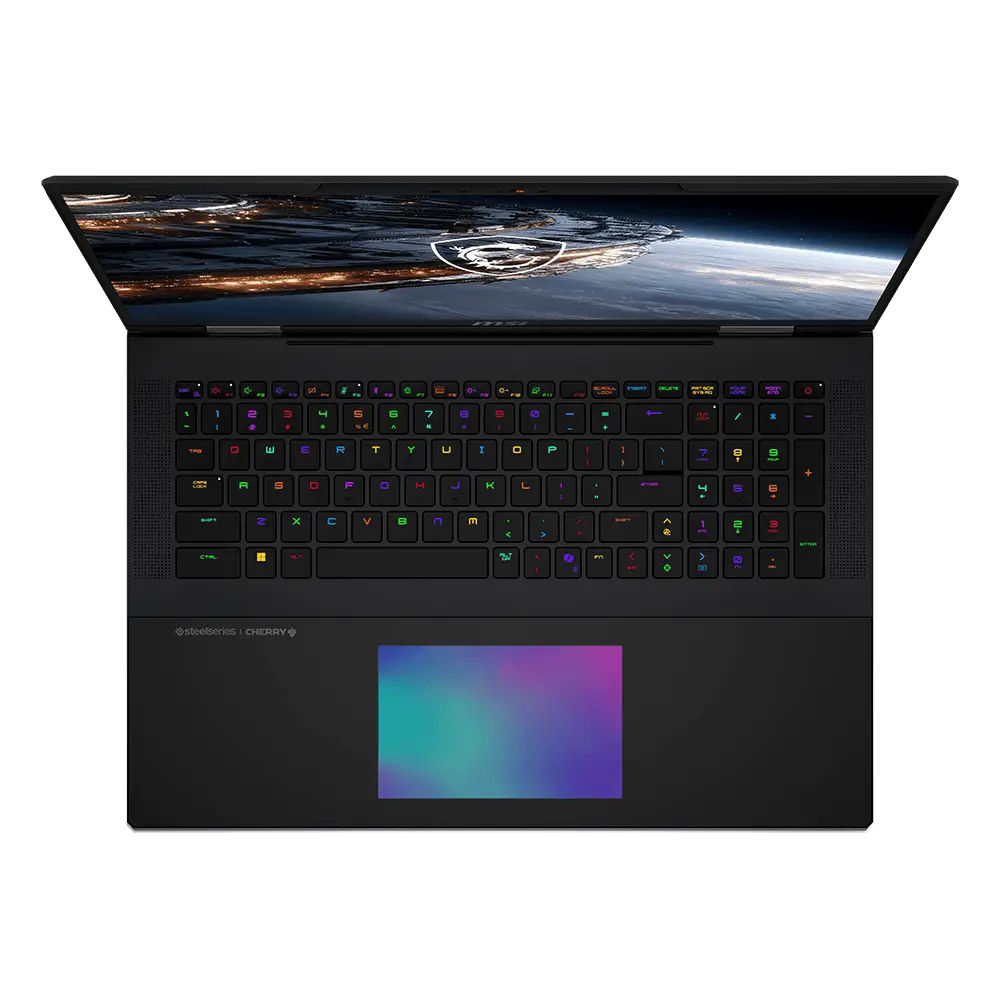
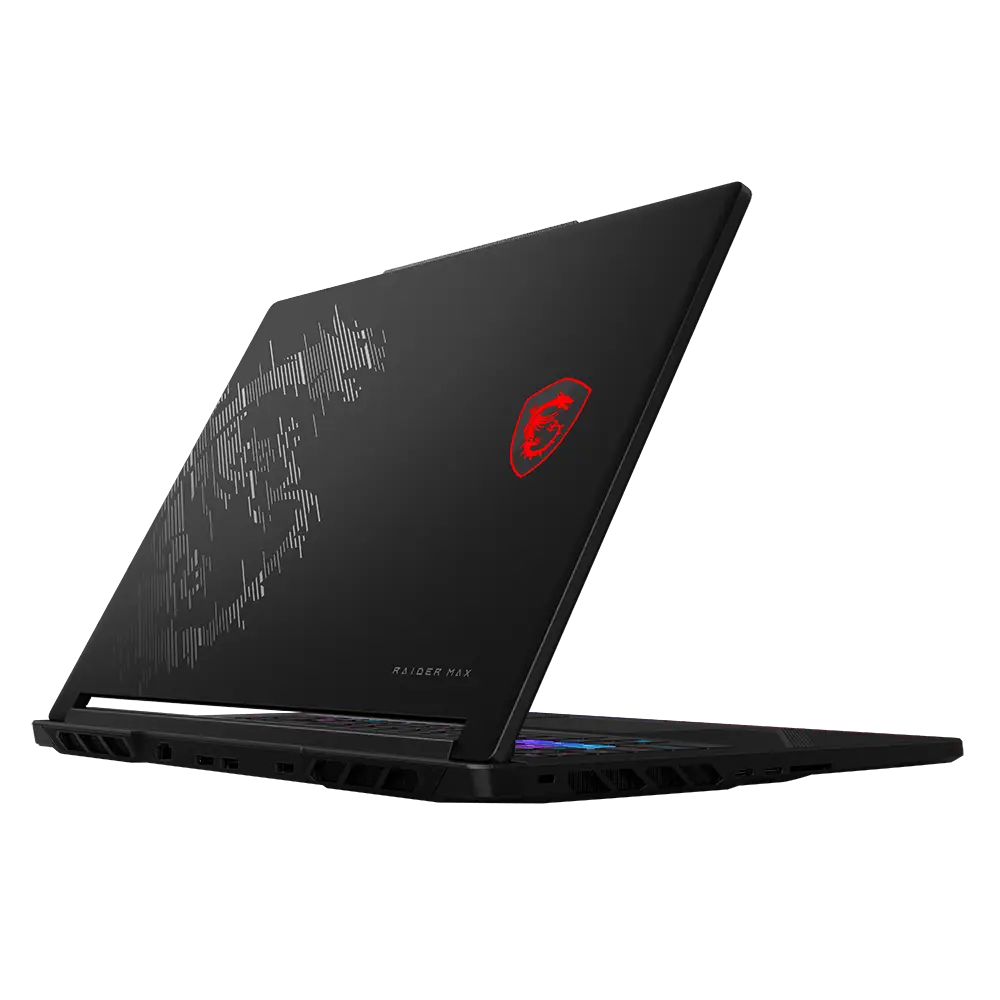
SteelSeries is a leading provider of gaming gear and software. For twenty years, they have been innovating cutting-edge technology specifically to improve gaming performance. Learn more.
For more than 10 years, MSI and SteelSeries have collaborated to bring SteelSeries' innovative technology to gamers using MSI laptops and other MSI systems. Together we push gaming further and help exceptional gamers become global superstars.