[How To] Optimize Application Performance with Intel Application Optimization
Answer
Intel Application Optimization (APO) is a software technology designed for specific applications, especially games. It optimizes thread scheduling by evaluating workloads in real time and directing hardware resource allocation. This technology can improve performance and system responsiveness in supported games. Unlike traditional overclocking tools, Intel APO does not modify processor frequencies or overclocking settings. Instead, it optimizes how Windows schedules threads and allocates resources for specific games, helping ensure that Performance-cores (P-cores) are used efficiently. To use this software, refer to the instructions below.
This article applies to all MSI laptops equipped with Intel 14th Gen or newer processors.
*The Intel Application Optimization user interface can still be installed on unsupported models, but it will not provide any optimization benefits.
System Requirements
Refer to Intel® Application Optimization Overview for the complete list of supported platforms.
Installation and Usage Instructions
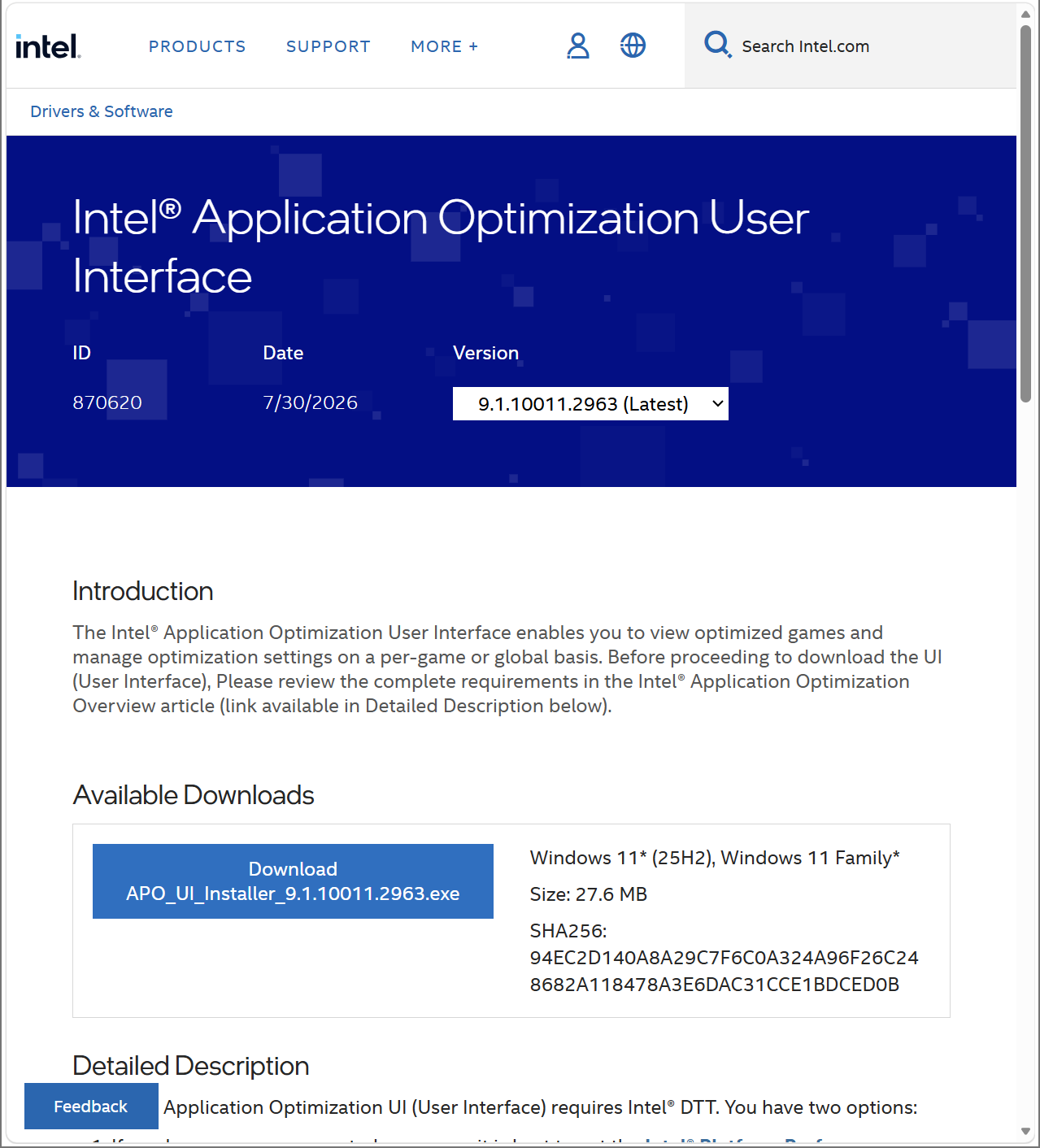
- Go to Intel® Application Optimization User Interface to download and install the application.
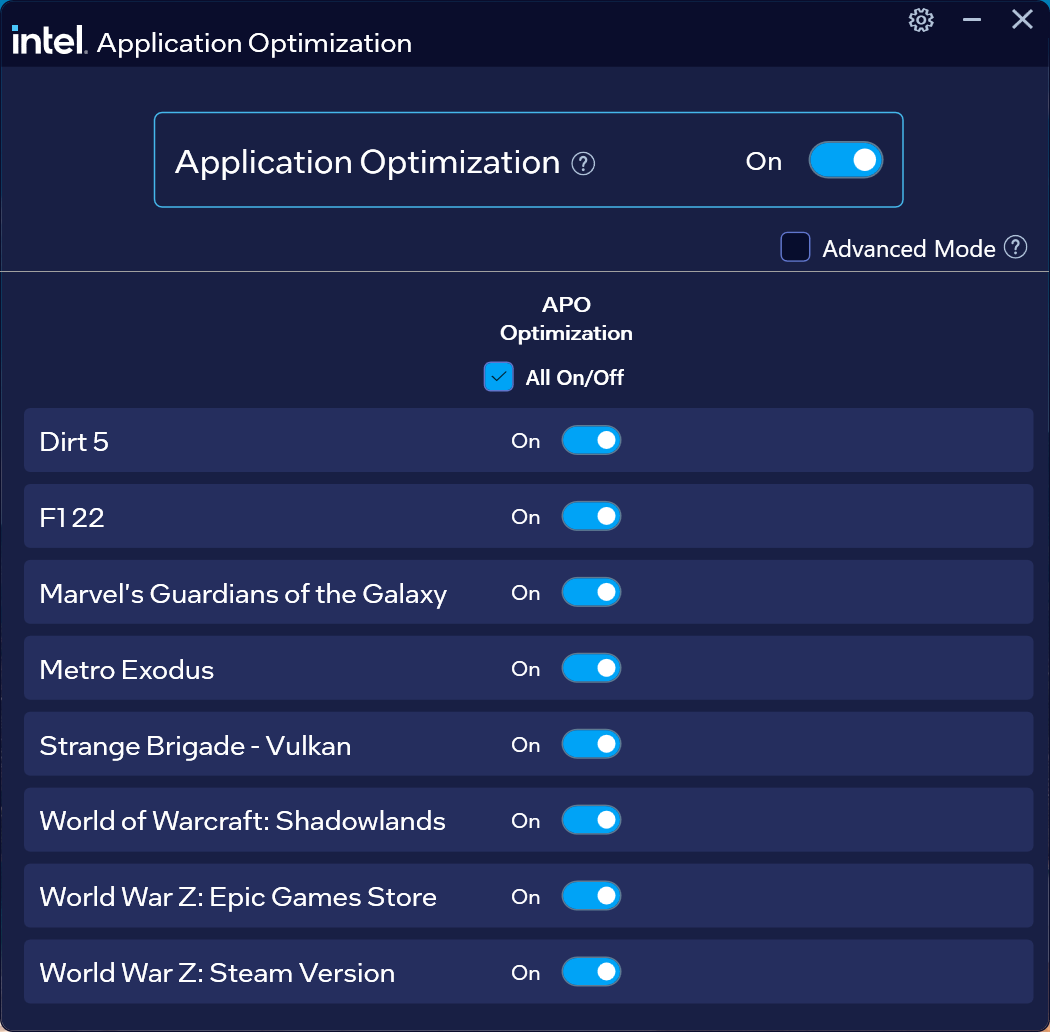
- After opening the application, the system automatically detects installed and supported games. You can manually enable or disable optimization for each game.
FAQ
Q: How can I confirm that APO optimization is enabled on my computer?
A: After installing and opening the application, the detected games appear in the list. If the application displays "Enabled," optimization is running in the background. If "Failed to Connect" appears, check whether the Intel DTT driver is installed correctly.
Q: What should I do if "Failed to Connect" appears when I open the application?
A: Please refer to [Troubleshooting] Intel Application Optimization Displays a "Failed to Connect" Error.