The S-Video Cable is connected from the laptop to the TV, but it does not display any video on the TV when using InterVideo InstantON.
LastUpdate : Tue, 22 Mar 2005
Answer
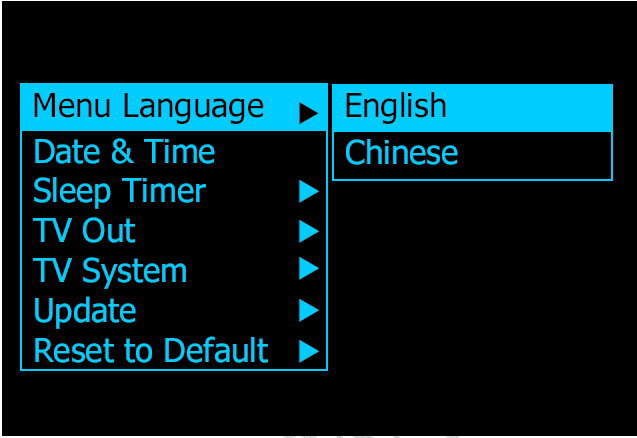
The default value of TV-Out is Disable. Please follow the below procedures to enable TV-Out function.
(1) Press "Video Button" located next to the "Power Button"
(2) When you see the IntervVideo popup screen, press letter "O" or press Menu button on the remote controller to enter the setup menu. (3) Select General Setup item.
(4) Select TV-Out item.
(5) Select Enable.
Reference
Models
M620
If the above answers do not resolve your issue, please
Contact Us