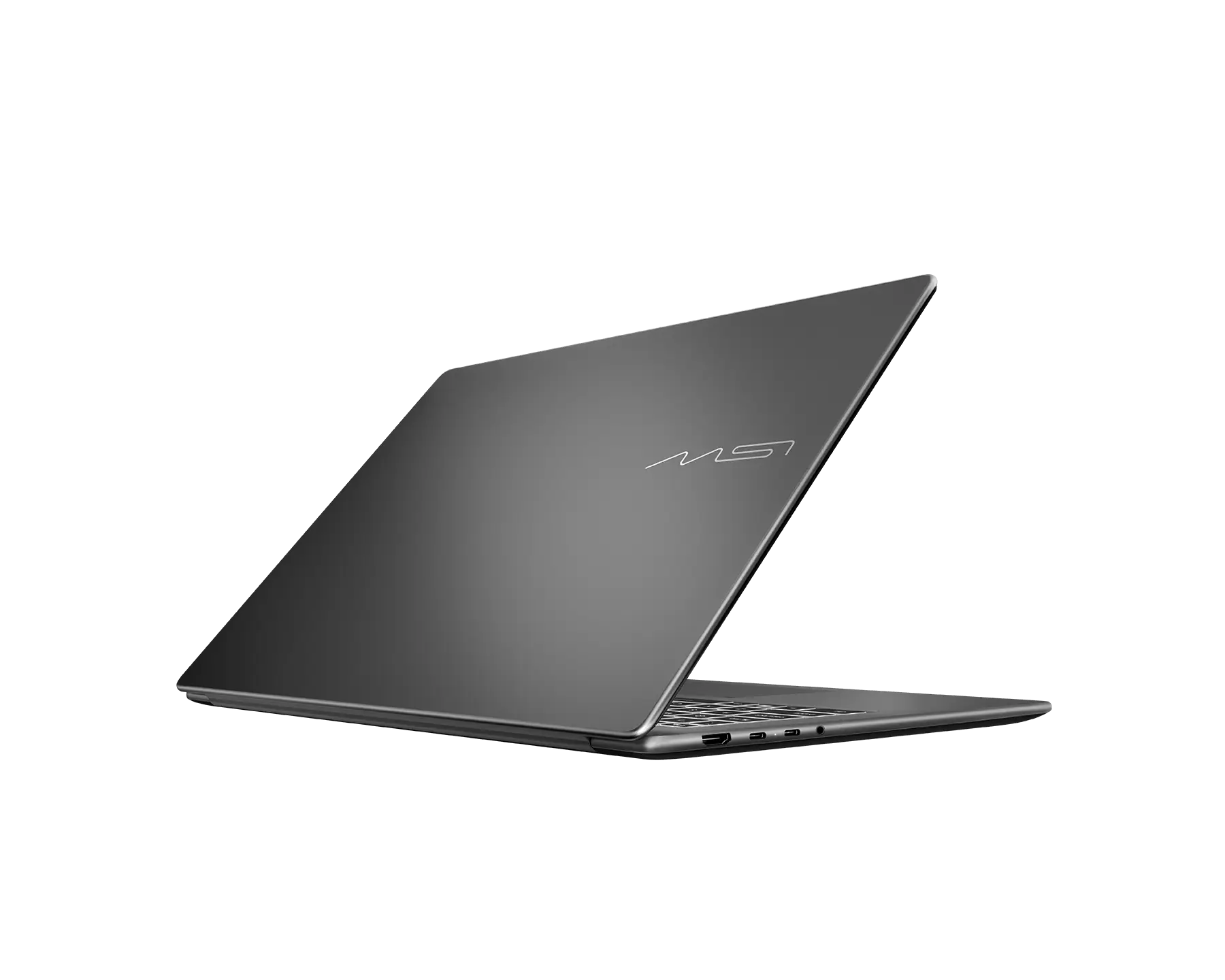
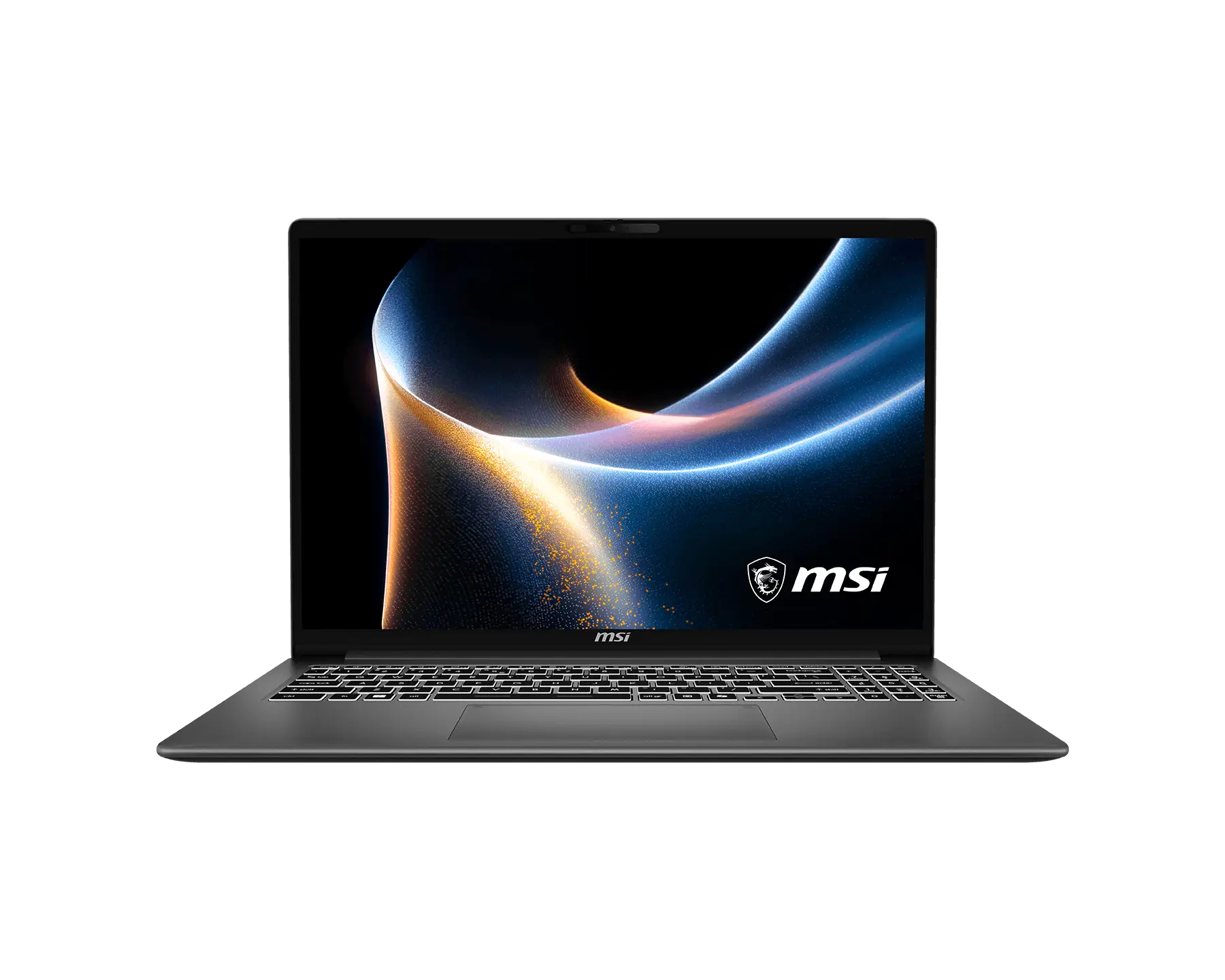
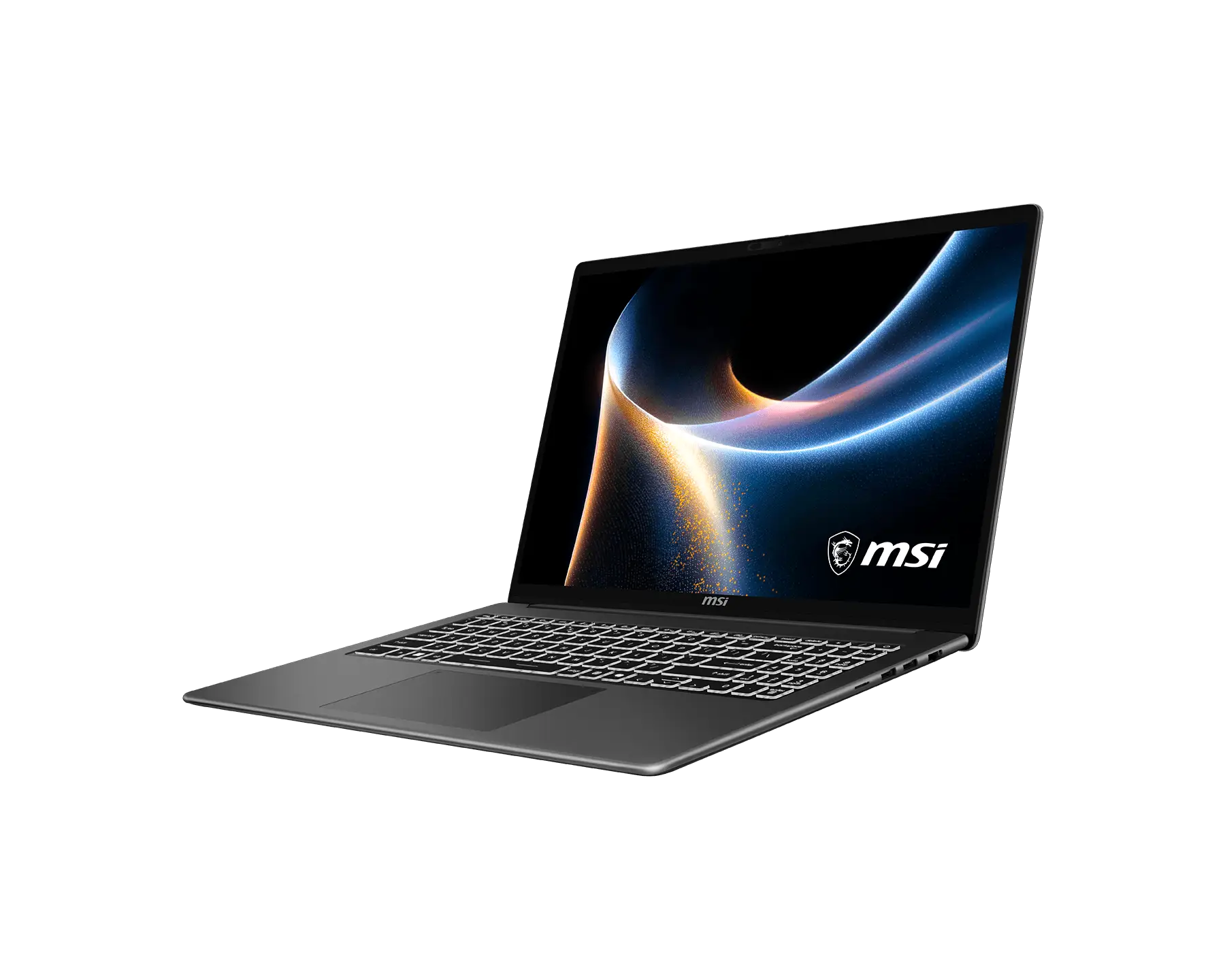
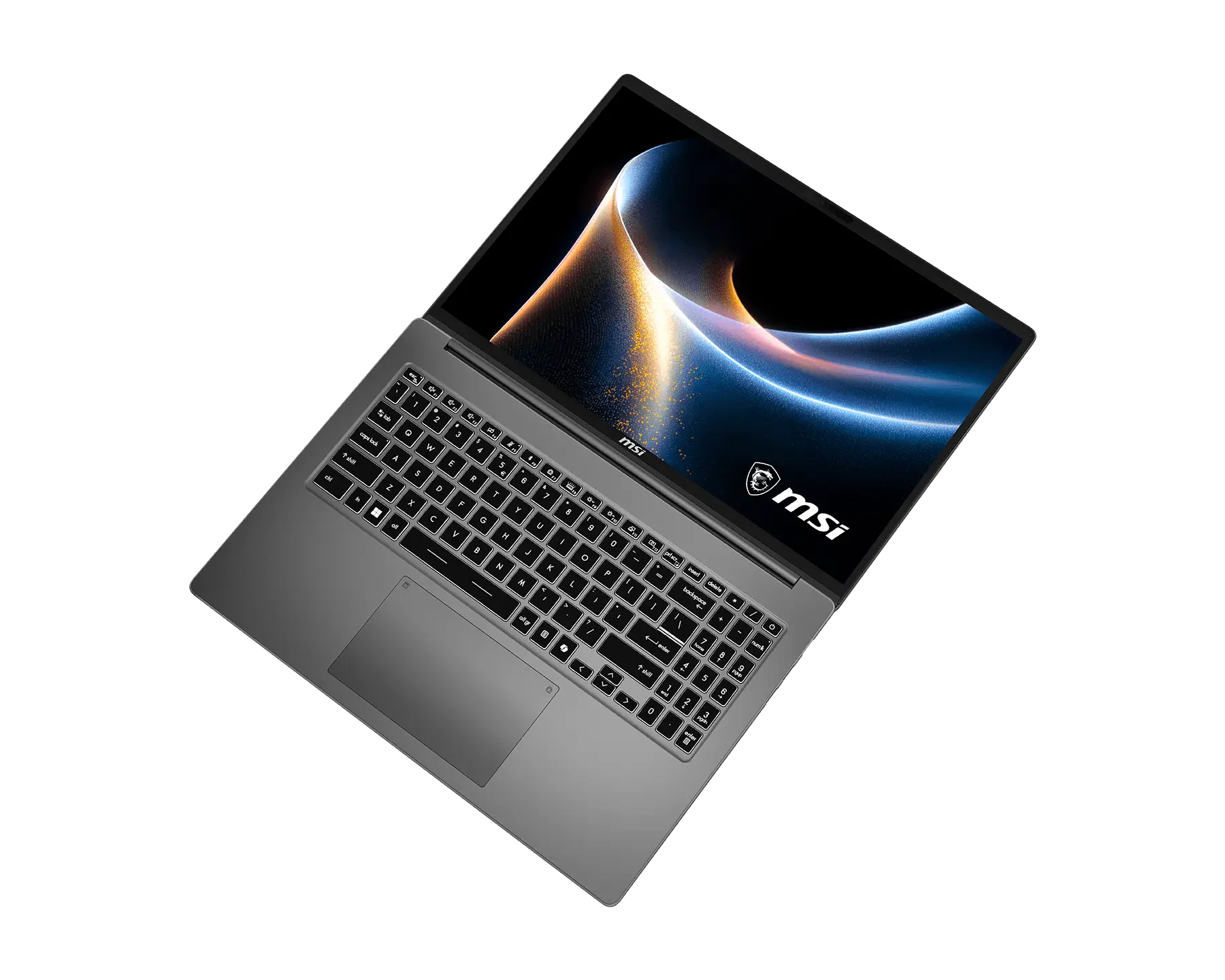
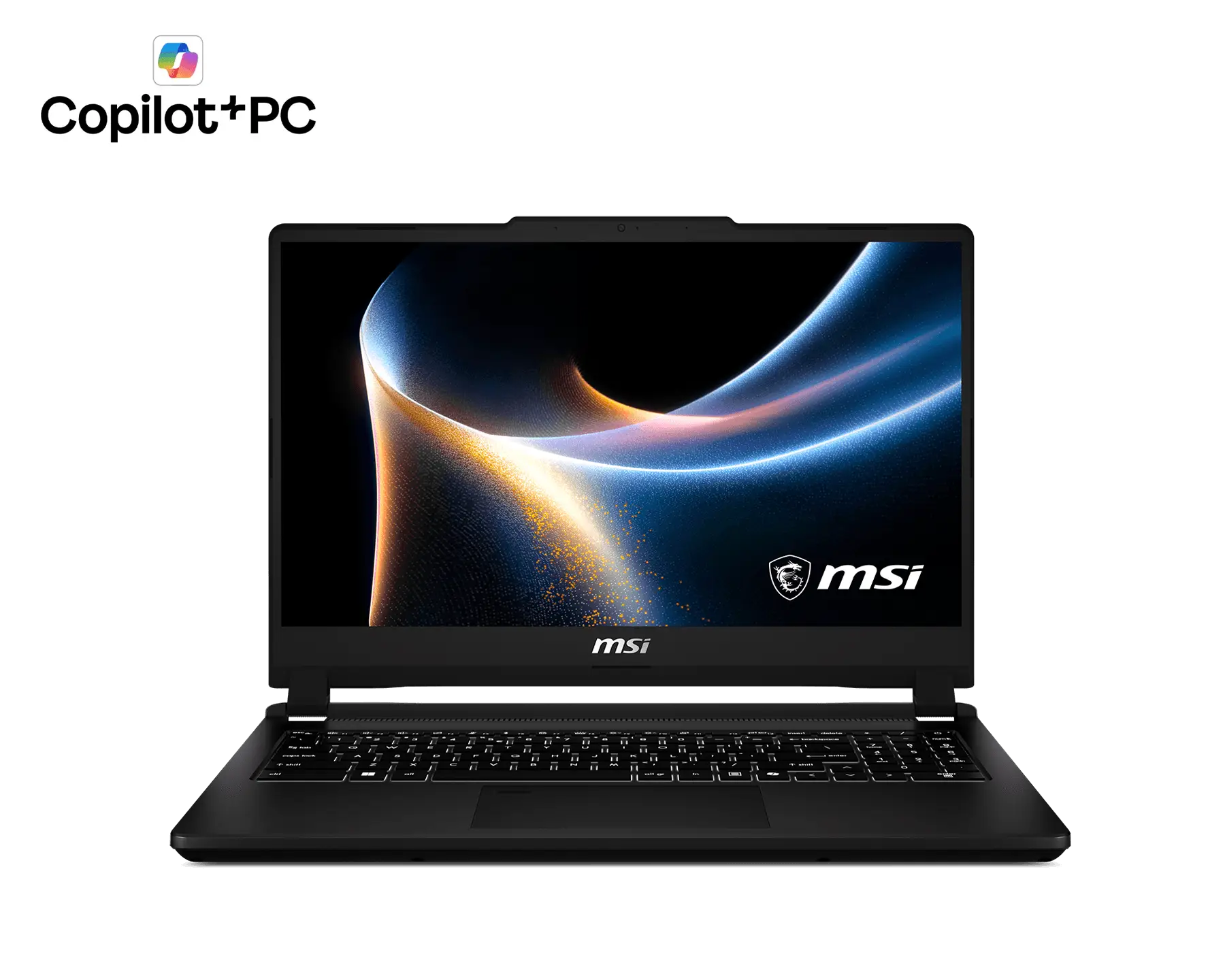
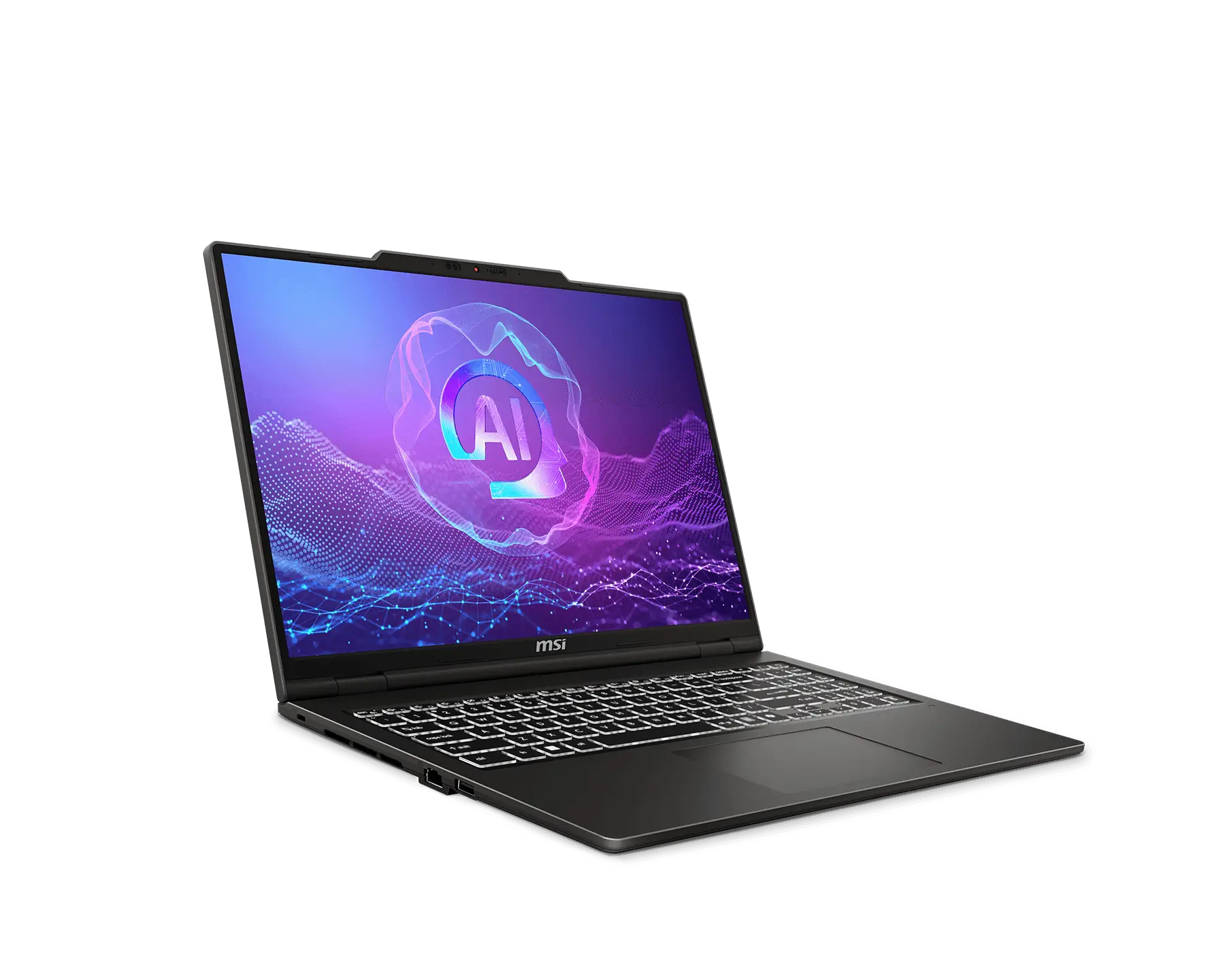
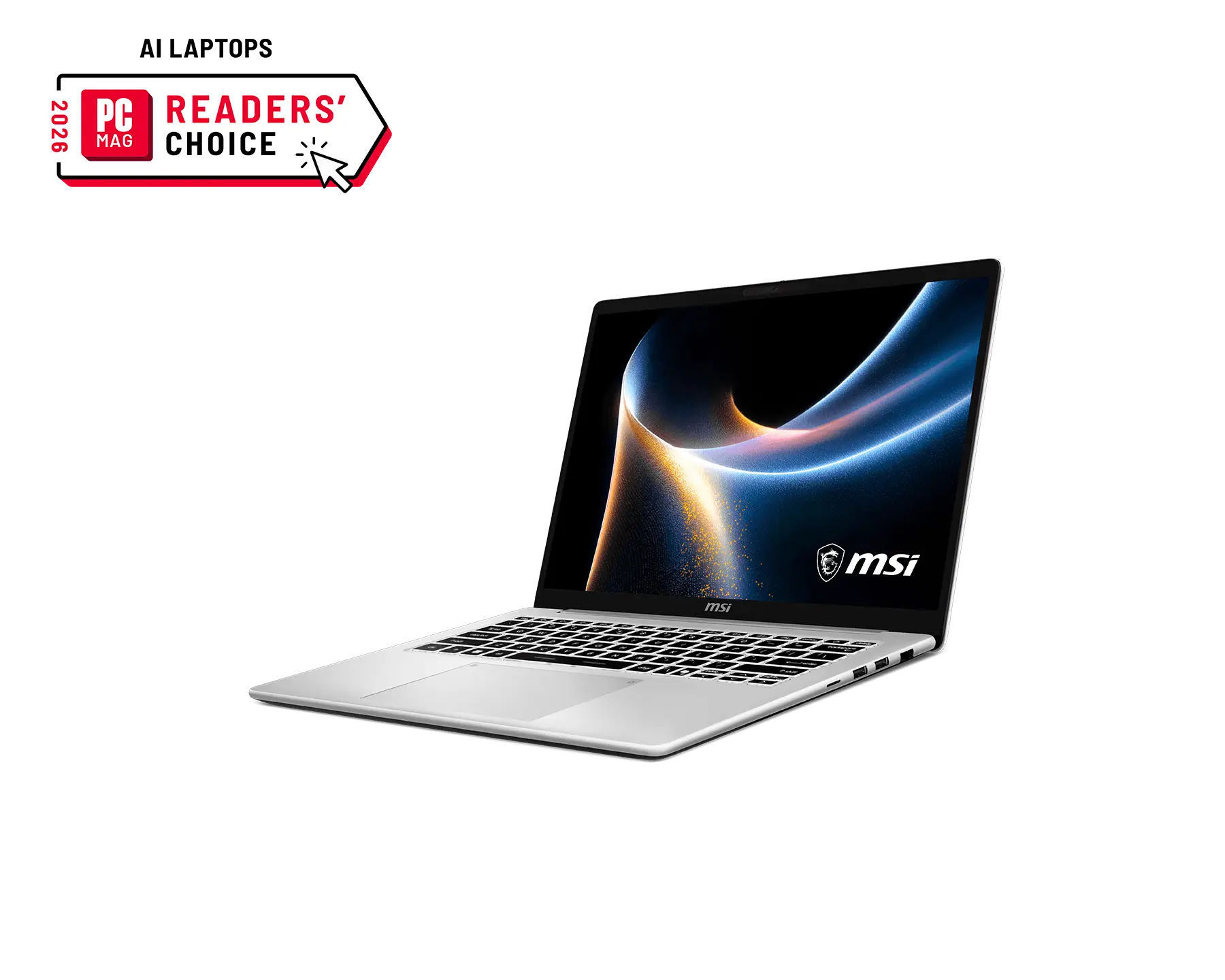
Streamline your workflow with the sleek and powerful MSI Modern 16S.
Modern 16S is a lightweight laptop designed for students and professionals on the go.
Built to redefine productivity, it combines performance and style to elevate your daily work wherever you go.
Stylish. Cool.
A bold new look made for
the modern you.
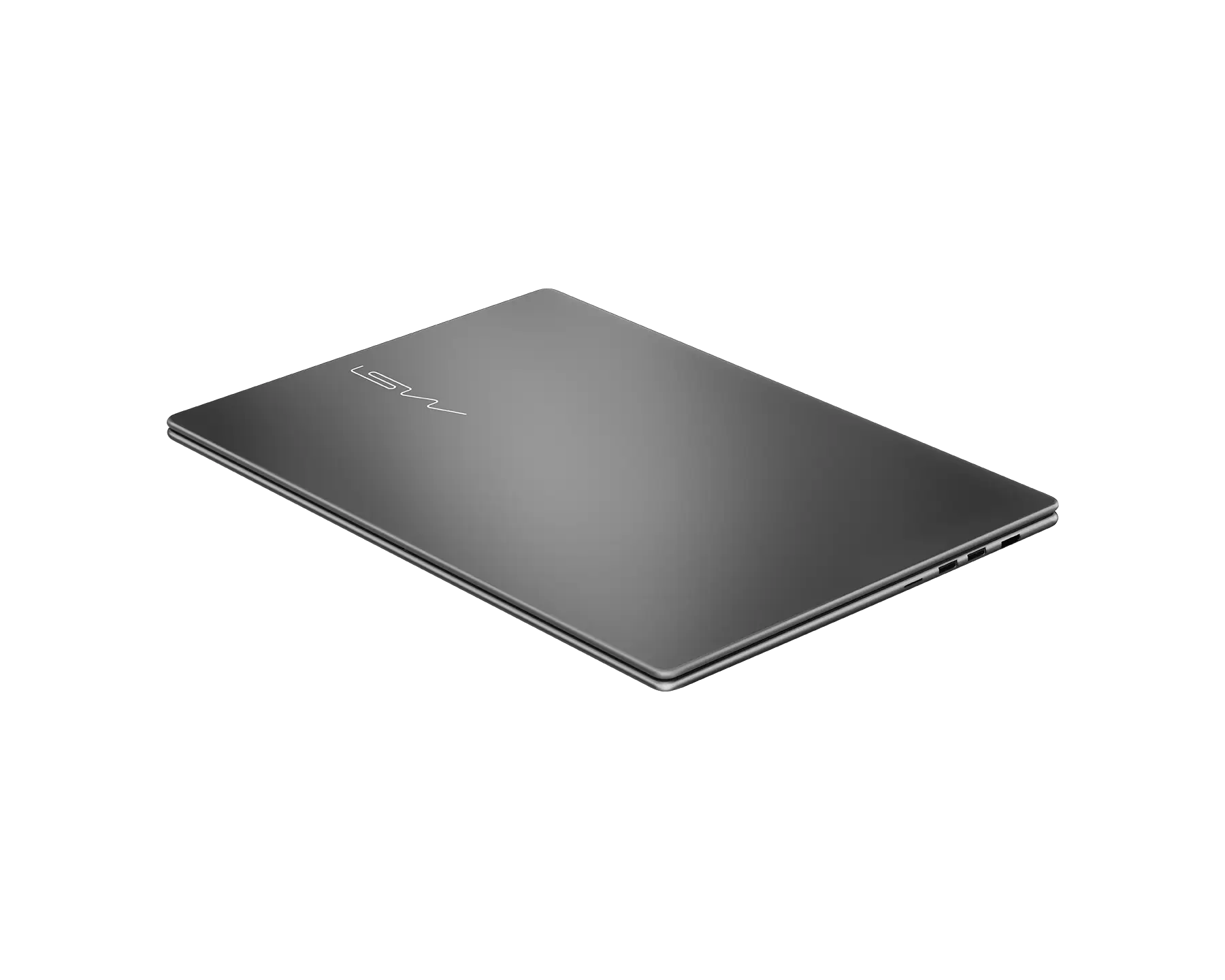
The slim and lightweight Modern Series features a refined metal chassis shaped by a fluid curve design,
creating a form that feels natural at every touch.
Softened edges and smoothly rounded corners flow into seamless, continuous contours,
forming a clean and effortless silhouette that keeps ideas moving and productivity flowing.
Powered by up to Intel® Core™ 7 processor 350,
delivering strong performance for everyday tasks—from presentations to creative projects and multitasking—so you can stay productive,
focused, and ready for what’s next.
Up to
6 Cores
Up to
4.8 GHz P-core
Max Turbo Frequency
NPU inside
Travel with Ease
With its ultra-slim chassis, the Modern 16S offers extreme mobility and a stylish appearance for on-the-go use.
Long-lasting battery power lets you stay focused longer,
and USB-C PD charging keeps recharging fast and efficient wherever you work.
Ultra light
1.7kg
Battery Life
12hrs
*The battery life test is conducted using the 1080p video playback scenario with video in full screen.
Test configuration: Modern 16S G3M / Intel® Core™ 7 processor 350/ FHD+ 120Hz VRR Display / 512GB SSD /
8GB RAM / 150 cd/m² brightness level setting / Speaker volume 15% / Disable keyboard lighting / Disable Wi-Fi / Eco-Silent mode.
Actual battery life may vary depending on usage, specifications, and system configuration.
Low Blue Light and Flicker-free Comfortable Visual Experience
SGS-certified low blue light and flicker-free technology keep your eyes comfortable, helping you to stay focused longer without fatigue.
Extend Your Workspace
The 16:10 aspect ratio gives you the power for a more spacious workspace and a comfortable visual experience during long-term use.
Connect up to two extra monitors via HDMI™ and USB Type-C ports for a triple-screen setup (Matrix Display 1+2), boosting your productivity with seamless multitasking.
Stunning Visuals
Launch Calculator
Launch MSI Center S
Video Timeline ±5s
Last/Next page
Volume ±
Brightness ±
Convenience at Your Fingertips
Launch Calculator
Launch MSI Center S
Video Timeline ±5s
Last/Next page
Volume ±
Brightness ±
Action Touchpad
The Modern 16S now have a 17% larger touchpad, so you get more room to swipe, scroll, and click with ease.
Intuitive control your laptop with action touchpad. Easily change brightness, volume, or fast forward the videos as you need.
Clean Typing, Faster Number Input
The anti-fingerprint finish helps keep the keyboard clean and free from smudges during everyday use,
while the integrated physical number pad enables smooth and efficient number input for daily tasks.
Real Security
Close the laptop's camera through the physical Webcam Shutter to ensure a safer and private experience.
Flip-n-Share
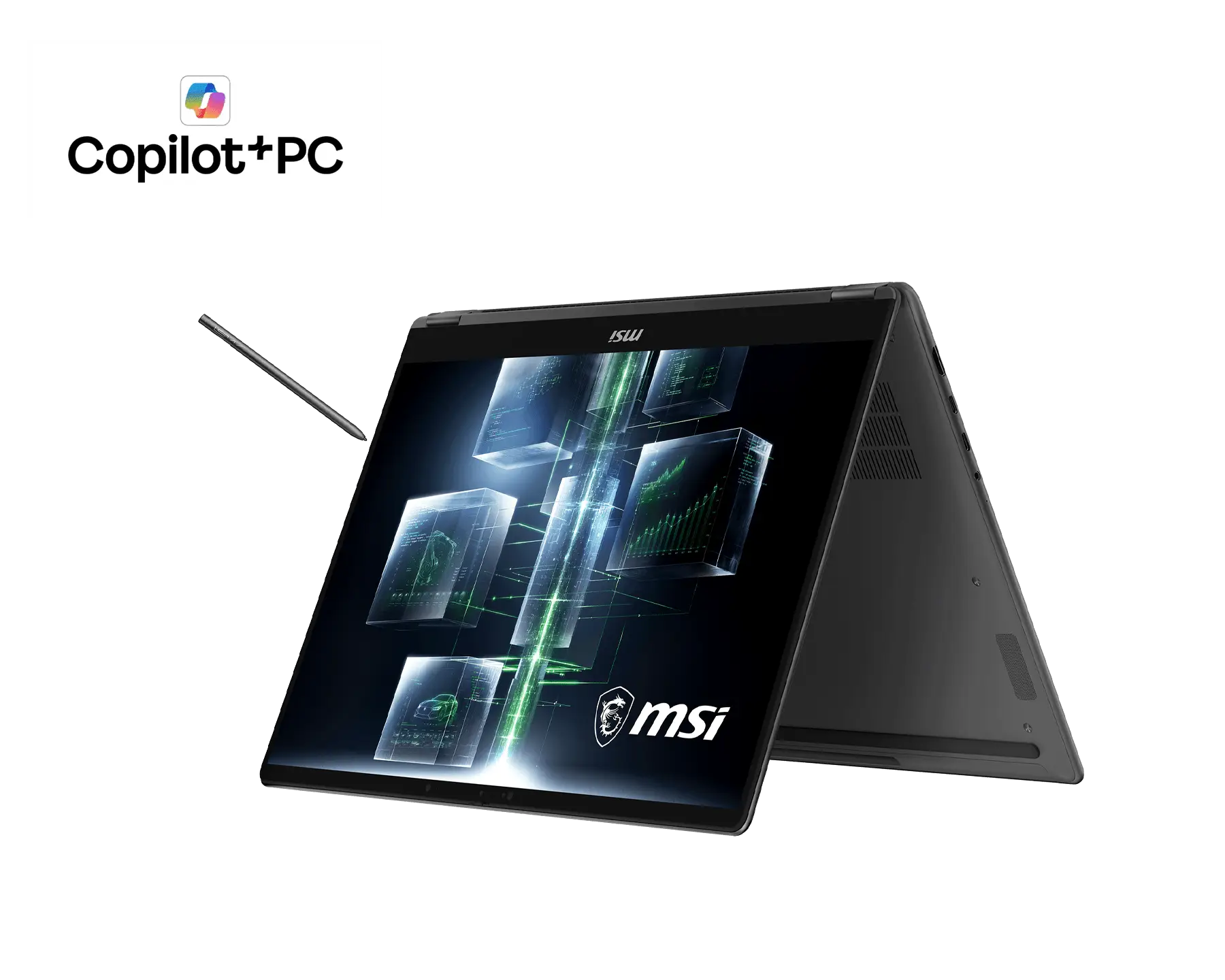
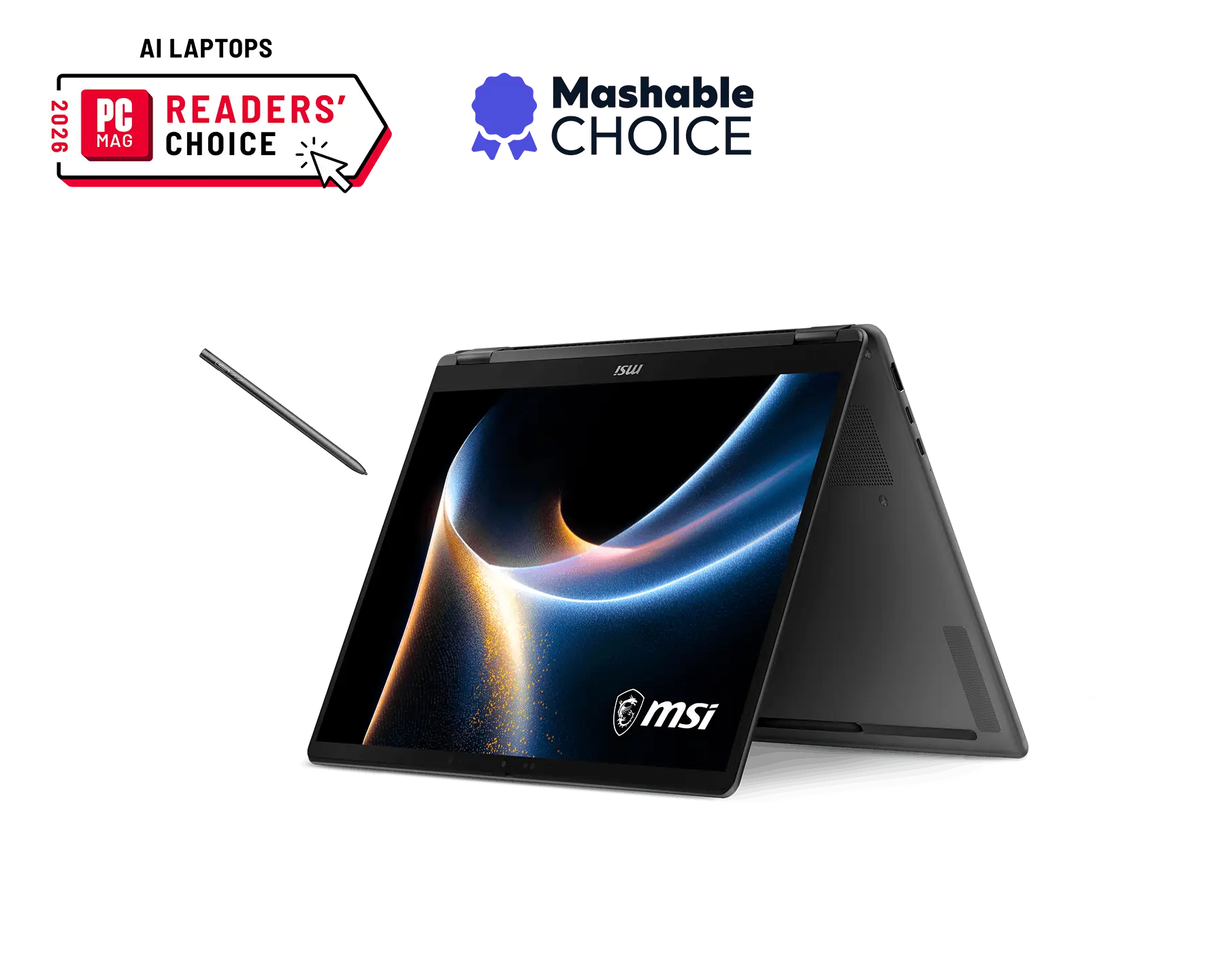
The 180° lay-flat and Flip-n-Share function allows you to share your screen for a more effective workspace.
Ultra-Cool. Whisper-Quiet. Full Performance
The upgraded cooling design maintains stable temperatures and
consistent performance while remaining
30 dBA in balanced mode.
*Actual sound volume may vary depending on usage scenarios.
Stay Clean. Stay Fast.
Smart Dust Cleaning feature helps maintain optimal system performance
by periodically reversing the fan to expel dust
and particles. This smart mechanism keeps internal components clean and efficient,
ensuring stable performance and
extending overall system lifespan.
MSI Center S
Take control effortlessly with the redesigned MSI Center S with a brand-new design, featuring streamlined settings,
personalization tools, and a dedicated AI Zone for next-gen optimization.
* The interface and functionality may differ due to version changes.
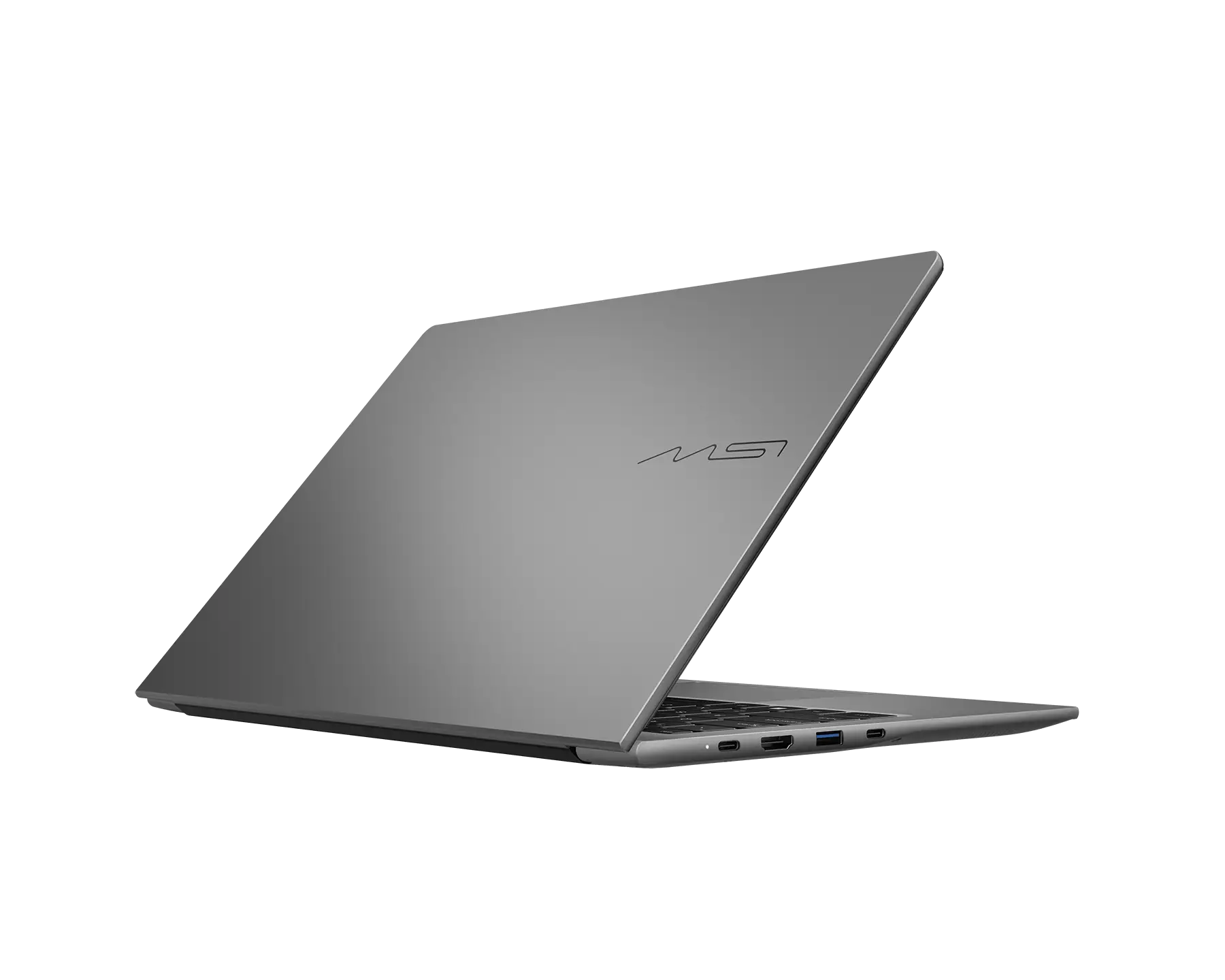
The Modern 16S provides all the ports you need, with USB-A, USB-C,
microSD card reader, Gigabit Ethernet,
and HDMI™ 2.1. You can charge while connecting devices simultaneously.
RJ45
USB 3.2 Gen1 Type-A
microSD Card Reader
Audio combo jack
USB 3.2 Gen2 Type-C / DisplayPort™ / Power Delivery 3.0
HDMI™ 2.1 (4K@60Hz)
*PD Charging supports 27W(9V@3A) and up to 100W(20V@5A) at System running (S0 Power State) and Sleep mode (Modern Standby Low-Power Idle State),
15W(5V@3A) and up to 100W(20V@5A) at Hibernate (S4 Power State), Off (S5 Power State).
The overall system performance may be affected in order to adapt the charging current.
The charging rate will vary depending on the system and battery status. MSI PD Charger is recommended.
Immersive Sound
With DTS audio technology, the Modern Series delivers rich, detailed sound.
Whether you're in a meeting or enjoying your favorite content, every tone feels clearer and more true-to-life.
More Flexible, More Capacity
Faster memory read/write speed on DDR5 memory, which leads to accelerated performance across every aspect of this laptop.
Efficient Wireless Experience
Wi-Fi 6E delivers stunning internet speeds while keeping the network smooth and stable.
You can always enjoy smooth streaming of online videos or transferring large files.
Safe and Secured
MSI laptops go through rigorous tests to provide best-in-class experience. Tailored for professional minds and exploratory spirits.
FAQs
What is the Modern Series?
The Modern Series is ideal for those who seek a perfect balance between style and everyday efficiency. This ultra-portable companion features a sleek, lightweight design that fits
seamlessly into your daily life. it ensures you stay productive and polished wherever you go.
Who is Modern 16S for?
Workspace Professional: Power users who need a lightweight 1.7kg laptop that features an expansive screen and a 17% larger touchpad for effortless, precise control.
With 12 hrs of battery life and rapid USB-C PD charging,
you can maintain high productivity throughout the longest workdays.
The students who demands a stylish and ultra-lightweight device to fully enjoy campus lives.
Experience peak productivity while researching or streaming featuring an Action Touchpad for seamless control and elite multitasking.
Lifestyle enthusiasts who demand a stylish, ultra-slim design that fits their high-end aesthetic.
Enjoy every moment of browsing or streaming cinema-grade content on a massive 16" display for ultimate viewing comfort and immersive sound with DTS audio.
Is Modern 16S suitable for different scenarios?
Maximized Mobile Productivity: A lightweight 1.7kg and ultra-slim 11.1~17.9 mm chassis paired with an expansive 16-inch display and 12 hrs of battery life for reliable, high-efficiency work during long-haul travel.
Seamless Collaborative Pitching: Features a 180° lay-flat hinge for effortless idea sharing in professional meetings.
High-End Lifestyle Hub: A premium aluminum-alloy design paired with DTS Audio, it delivers a stylish social media experience and cinema-grade video enjoyment.
What makes Modern 16S special?
Windows 11 Home / Windows 11 Pro (MSI recommends Windows 11 Pro for business.)
Premium Aluminum-Alloy Chassis | Just 1.7kg and 11.1~17.9 mm thin, offers extreme mobility and a sophisticated look for professionals on the move.
All-Day Battery Life | Stay focused and productive for up to 12 hrs with the high-capacity 60Wh battery.
Rapid USB-C PD Charging | Recharge 50% in 30 min. Power up quickly and stay connected wherever your work takes you.
Matrix Display for Multitasking | Expand your workspace with a triple-screen setup designed to maximize productivity.
Enhanced Action Touchpad | instantly adjust system brightness, volume, playback, and even customize functions for seamless control.
180° Lay-Flat Design | Share ideas seamlessly with the 180° Flip-n-Share hinge, perfect for collaborative discussions.
Why should I buy the Modern 16S?
At just 1.7kg, the Modern 16S is a refined, ultra-slim Aluminum-Alloy laptop built for life on the go.
Featuring a stunning 16" display panel and an Action Touchpad for seamless control,
it ensures elite multitasking and sustained performance—perfectly blending style and productivity for your daily work.
Modern 16S G3M
Up to Intel® Core™ 7 processor 350
Windows 11 Home / Windows 11 Pro (MSI recommends Windows 11 Pro for business.)
Intel® Graphics
16" FHD+ (1920 x 1200), 48-120Hz VRR, IPS-Level panel, Low Blue Light & Flicker-free certified by SGS
Ultra-Slim 11.1~17.9 mm, Ultra-Light 1.7kg
180° lay-flat and Flip-n-Share Design
Support USB-C PD-charging
Matrix Display supports up to 2 extra displays with USB-C and HDMI™
Support Wi-Fi 6E
Exclusive MSI AI Engine senses the user scenarios and adjust to the best performance mode
*Configuration may vary by models, please check spec sheet for detail info.
*Copilot key feature availability varies by market, see aka.ms/Keysupport
Intel, the Intel Logo, Intel Inside, Intel Core, and Core Inside are trademarks of Intel Corporation or its subsidiaries in the U.S. and/or other countries.
The terms HDMI™, HDMI™ High-Definition Multimedia Interface, HDMI™ Trade dress and the HDMI™ Logos are trademarks or registered trademarks of HDMI™ Licensing Administrator, Inc.
MSI, MSI gaming, dragon, and dragon shield names and logos, as well as any other MSI service or product names or logos displayed on the MSI website, are registered trademarks or trademarks of MSI. The names and logos of third party products and companies shown on our website and used in the materials are the property of their respective owners and may also be trademarks. MSI trademarks and copyrighted materials may be used only with written permission from MSI. Any rights not expressly granted herein are reserved.
All images and descriptions are for illustrative purposes only. Visual representation of the products may not be perfectly accurate. Product specification, functions and appearance may vary by models and differ from country to country. All specifications are subject to change without notice. Although we endeavor to present the most precise and comprehensive information at the time of publication, a small number of items may contain typography or photography errors. Some products and configuration may not be available in all markets or launch time differs. Supplies are limited. We recommend you to check with your local supplier for exact offers and detail specifications.
Adobe product box shots reprinted with permission from Adobe Systems Incorporated. Adobe® products are either registered trademarks or trademarks of Adobe Systems Incorporated in the United States and/or other countries.Autodesk screen shots reprinted courtesy of Autodesk, Inc.
MIL-STD 810H or MIL-STD 810G testing is conducted on select MSI products. The testing is not a representation of MSI products satisfying U.S. Department of Defense (DoD) requirements or for military use. Validation process is done in laboratory conditions. Test results do not guarantee future performance under these test conditions. Damage under such test conditions is not covered by MSI’s standard warranty.
Third-Party Feature & Compatibility Notice: Certain product features rely on third-party technologies and hardware-specific optimizations. Feature compatibility and performance may be subject to change due to third-party software requirements, updates, or deprecation. Please refer to the respective third party technology providers for more detailed information and technical specification.
For detailed legal information regarding Microsoft® products, please visit this page: Microsoft Information.