

AMD Ryzen™ 100 series processor


Lightweight Laptop for Work, Study, and Everyday Use
The MSI Modern A14 LE is designed for students, entry-level professionals, and remote workers who need a lightweight laptop for daily work and study. It supports multitasking, productivity applications, and online meetings, making it suitable for working at home, in the office, or while commuting.


Windows 11 Pro
Windows 11 Home
(MSI recommends Windows 11 Pro for business.)
Up to
AMD Ryzen™ 7 170 processor
MSI AI Engine
AI Solution for Best Usability
Slim & Lightweight
Only 1.29 kg
Wi-Fi 6E
Extraordinary Wireless Experience
Complete I/O ports
Seamless Connectivity
Sleek. Light.
Designed to Move with You.
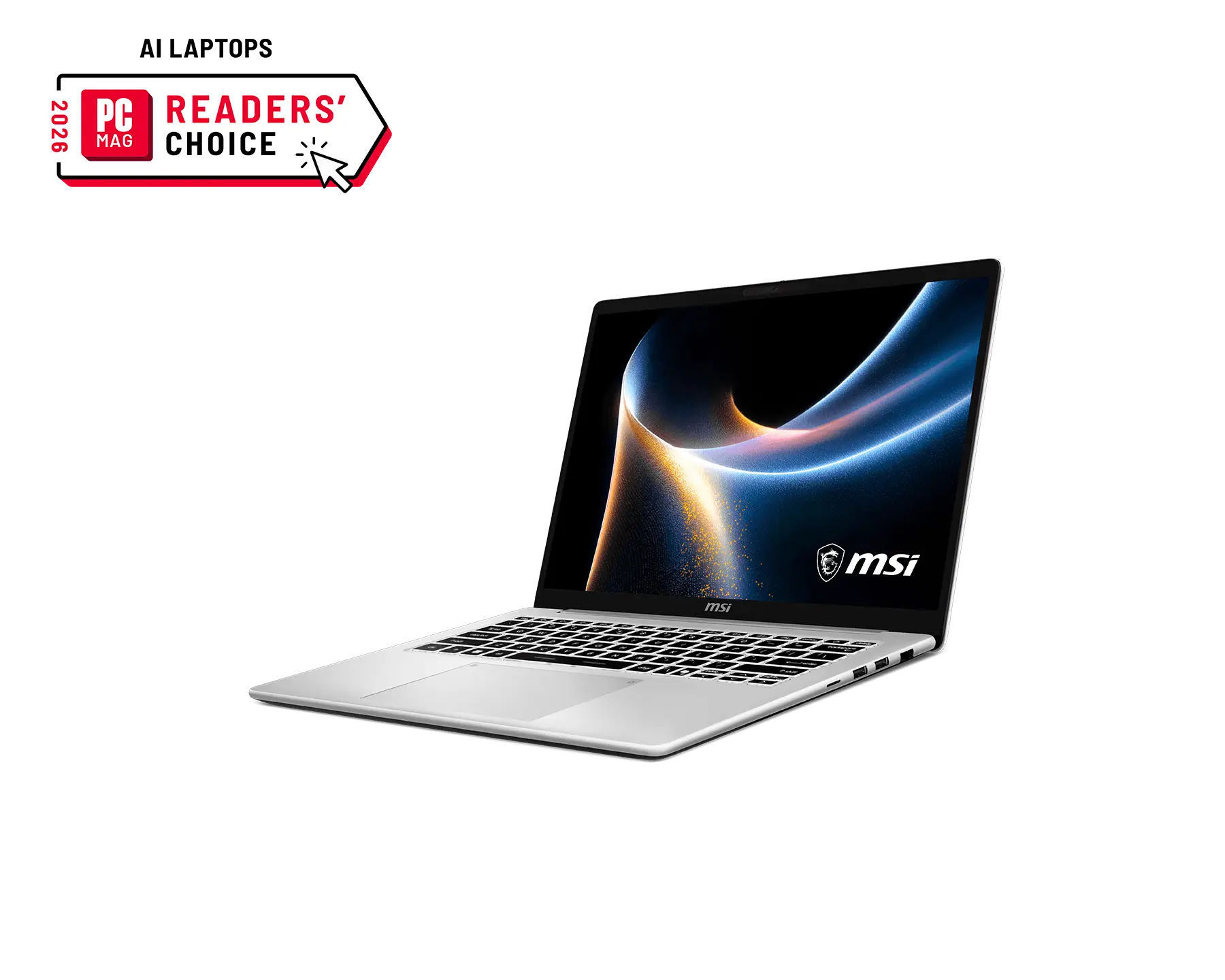
The slim and lightweight Modern Series is designed to keep up with your everyday routine. Its sleek, minimalist design offers a clean look that's easy to carry anywhere, making it the perfect companion for work, study, and everything in between.
See More Photos


Trusted speed for high performance laptops on-the-go
Powered by the AMD Ryzen™ 7 170 processor, the Modern Series delivers responsive performance for multitasking and data-driven workloads.
-
Up to
8 Cores -
Up to
4.75 GHzMax Turbo Frequency
*Specs varies by model.

Travel with Ease
With its ultra-slim chassis, the Modern A14 LE offers extreme mobility and a stylish appearance for on-the-go use. It also supports USB-C PD charging, enabling fast and efficient battery recharging.
-
Ultra light
< 1.3kg

Unlock Efficiency with Microsoft Copilot
Uncover new opportunities, create compelling content, and solve problems faster anywhere with Microsoft Copilot on Windows, your AI assistant at work. To enhance data security, privacy, and compliance, Copilot provides enterprise data protection when employees are signed in through their Microsoft Entra ID account.*


Convenience at Your Fingertips
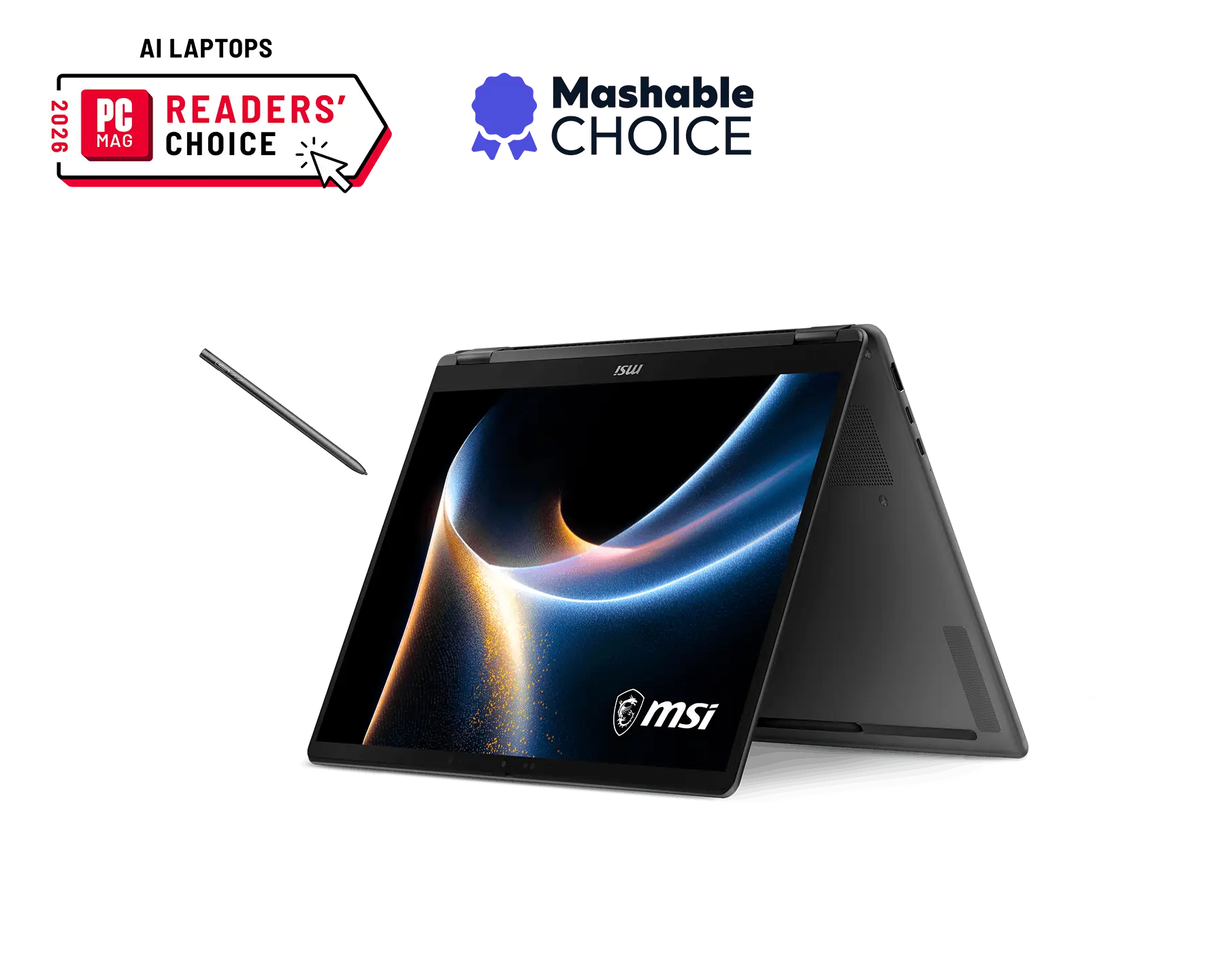
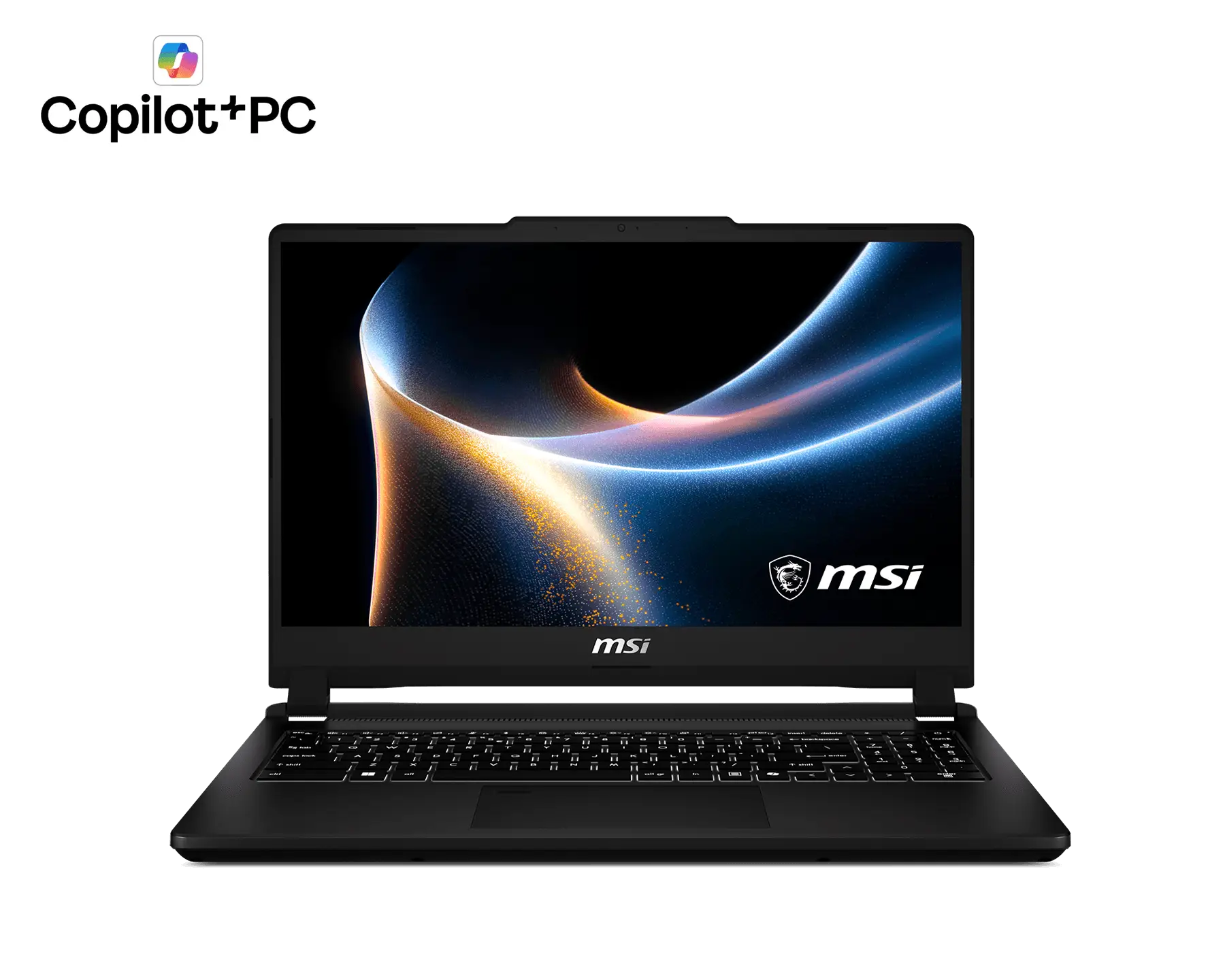
Modern Series is designed to cater to your diverse needs, across various scenarios on mobility. Now with an upgraded, larger touchpad and 180° lay-flat Flip-n-Share function. You can also close the laptop's camera through the physical Webcam Shutter to ensure a safer and private experience.


webcam shutter

enlarged touchpad

Flip-n-Share




Extend Your Work Space
Connect three extra monitors via HDMI™ and Type-C ports for a multi-screen setup (Matrix Display 1+3) , boosting your productivity with seamless multitasking.

All the Ports You Need
The Modern A14 provides all the ports you need, with USB-A, USB-C, microSD card reader, Gigabit Ethernet, and HDMI™ 2.1. You can charge while connecting devices simultaneously.

- Kensington lock
- USB 3.2 Gen1
Type-A - Gigabit Ethernet
- Audio combo jack
- microSD Card
Reader

- USB4® Type-C / DisplayPort™ /
Power Delivery 3.0
(Thunderbolt™ 4 Compatible) - USB 3.2 Gen1 Type-A
- HDMI™ 2.1
(4K@60Hz) - USB 3.2 Gen1 Type-C /
DisplayPort™ / Power Delivery 3.0
*PD Charging supports 30W(20V@1.5A) and up to 100W(20V@5A) at System running (S0 Power State) and Sleep mode (Modern Standby Low-Power Idle State), 30W(20V@1.5A) and up to 100W(20V@5A) at Hibernate (S4 Power State), Off (S5 Power State). The overall system performance may be affected in order to adapt the charging current. The charging rate will vary depending on the system and battery status. MSI PD Charger is recommended.

MSI Center S
Take control effortlessly with the redesigned MSI Center S with a brand-new design, featuring streamlined settings, personalization tools, and a dedicated AI Zone for next-gen optimization.
* The interface and functionality may differ due to version changes.
Learn more

MSI AI Engine
MSI AI Engine is able to detect user scenarios and automatically adjust hardware settings to achieve the best performance. With simple AI tuned modes and resources, you can focus on the important things like creating, work and entertainment.

Efficient Wireless Experience
Wi-Fi 6E delivers stunning internet speeds while keeping the network smooth and stable.
You can
always enjoy smooth streaming of online videos or transferring large files.





FAQs
What is the Modern Series?
The Modern Series is ideal for those who seek a perfect balance between style and everyday efficiency. This ultra-portable companion features a sleek, lightweight design that fits seamlessly into your daily life. It ensures you stay productive and polished wherever you go.
Who is Modern A14 LE for?
- The Professionals on the move: that need this feather-light 1.29 kg laptop features a larger touchpad for effortless and rapid USB-C PD charging, you can stay powered and productive anywhere.
- The students who demands a stylish and ultra-lightweight 1.29 kg device to fully enjoy campus lives.
- Lifestyle enthusiasts who demand a stylish, ultra-slim design that fits their aesthetic.
Is Modern A14 LE suitable for different scenarios?
- Travel Mobility: A feather-light 1.29kg and ultra-slim 18.9 mm chassis.
- Collaborative Pitching: Features a 180° lay-flat hinge for effortless idea sharing in professional meetings.
- Complete I/O ports: Complete I/O ports with microSD card reader, HDMI™, USB4®, and RJ45 provides more convenient usage.
What makes Modern A14 LE special?
- Windows 11 Home / Windows 11 Pro (MSI recommends Windows 11 Pro for business.)
- Ultra lightweight | Just 1.29kg and 18.9 mm thin, offers extreme mobility and a sophisticated look for professionals on the move.
- Rapid USB-C PD Charging | Recharge 50% in 30 min. Power up quickly and stay connected wherever your work takes you.
- Matrix Display for Multitasking | Expand your workspace with a triple-screen setup designed to maximize productivity.
- 180° Lay-Flat Design | Share ideas seamlessly with the 180° Flip-n-Share hinge, perfect for collaborative discussions.
Why should I buy the Modern A14 LE?
At just 1.29kg, the Modern A14 LE is a refined, ultra-slim laptop built for life on the go. It supports multitasking, productivity applications, and online meetings, making it suitable for working at home, in the office, or while commuting.
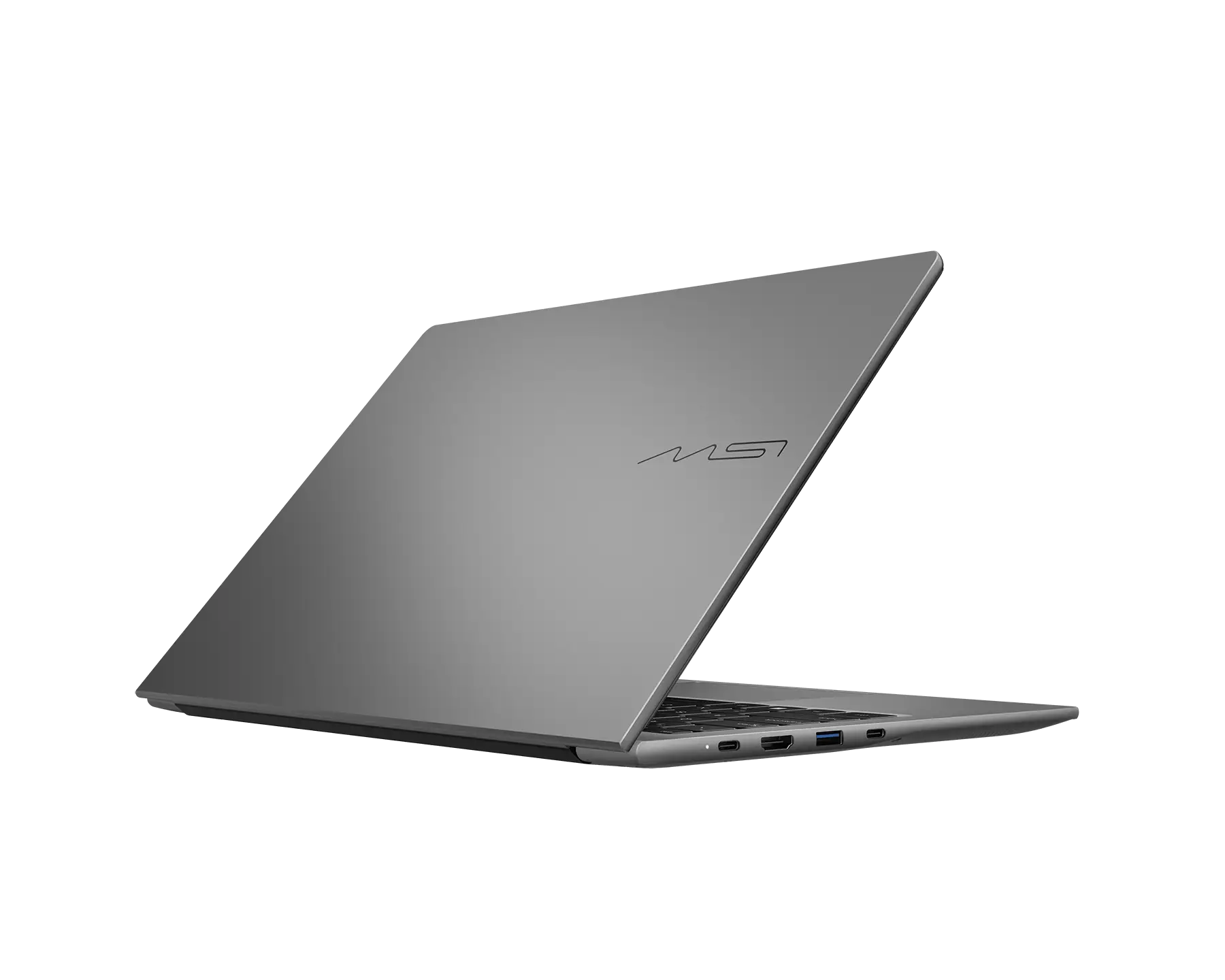
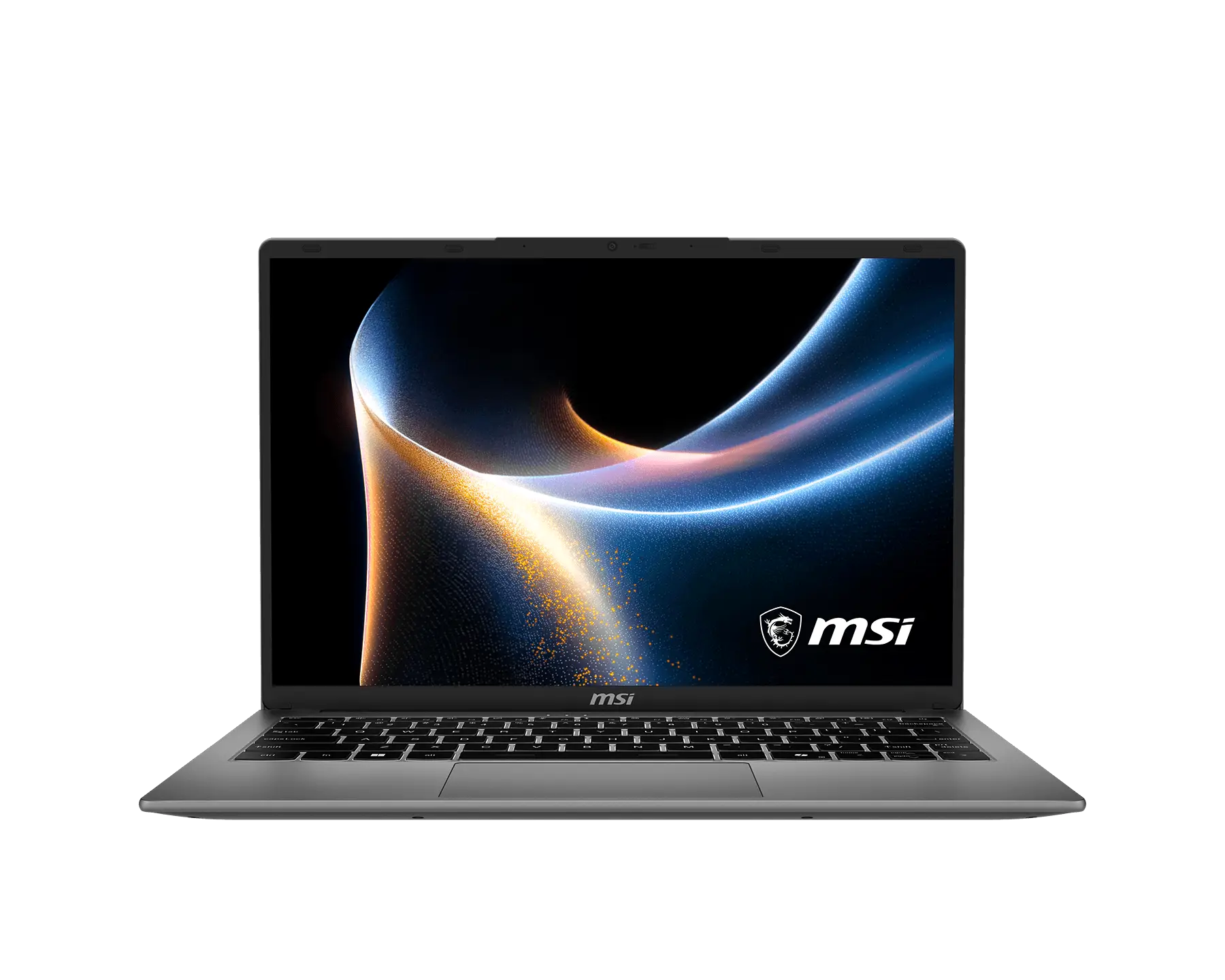
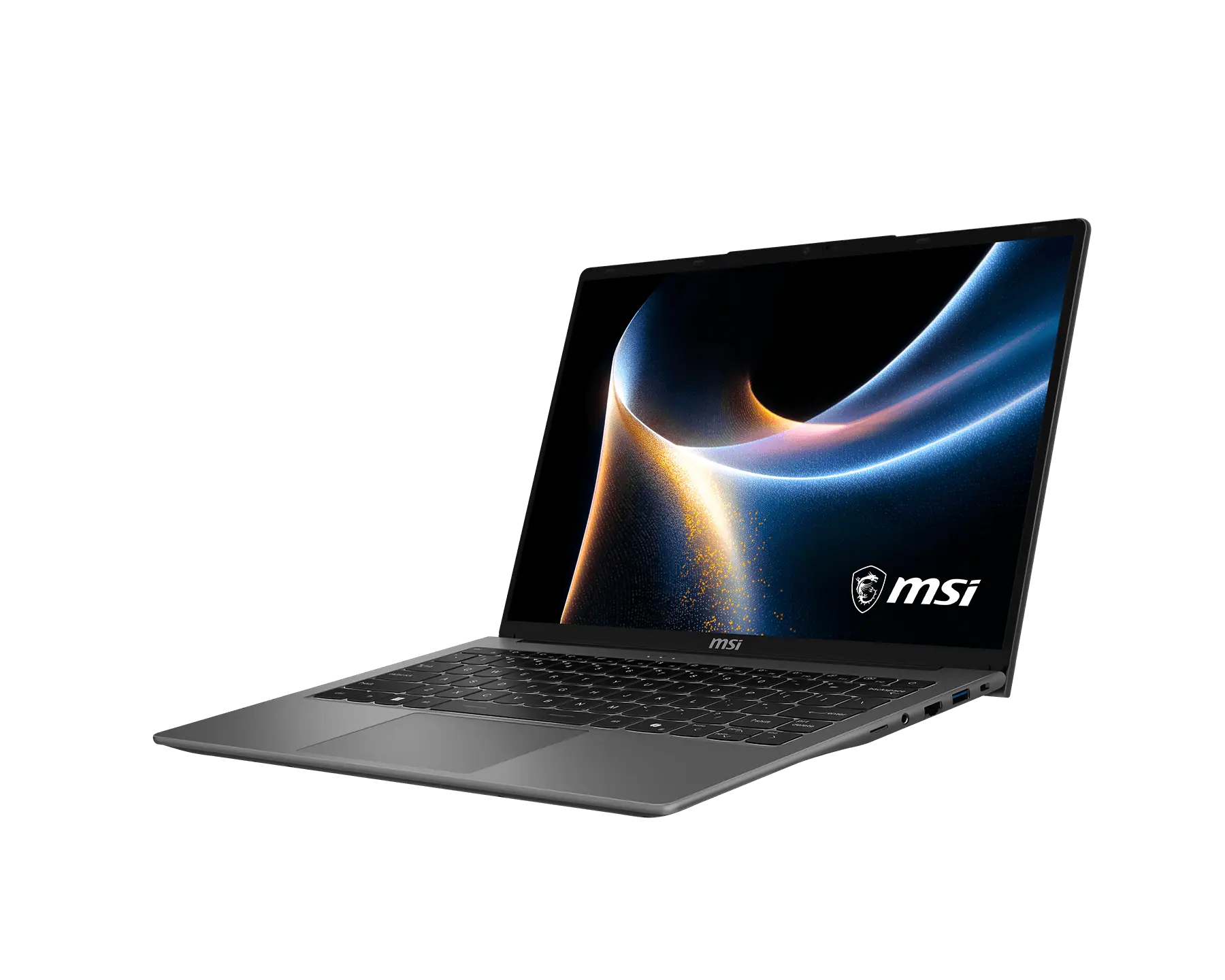
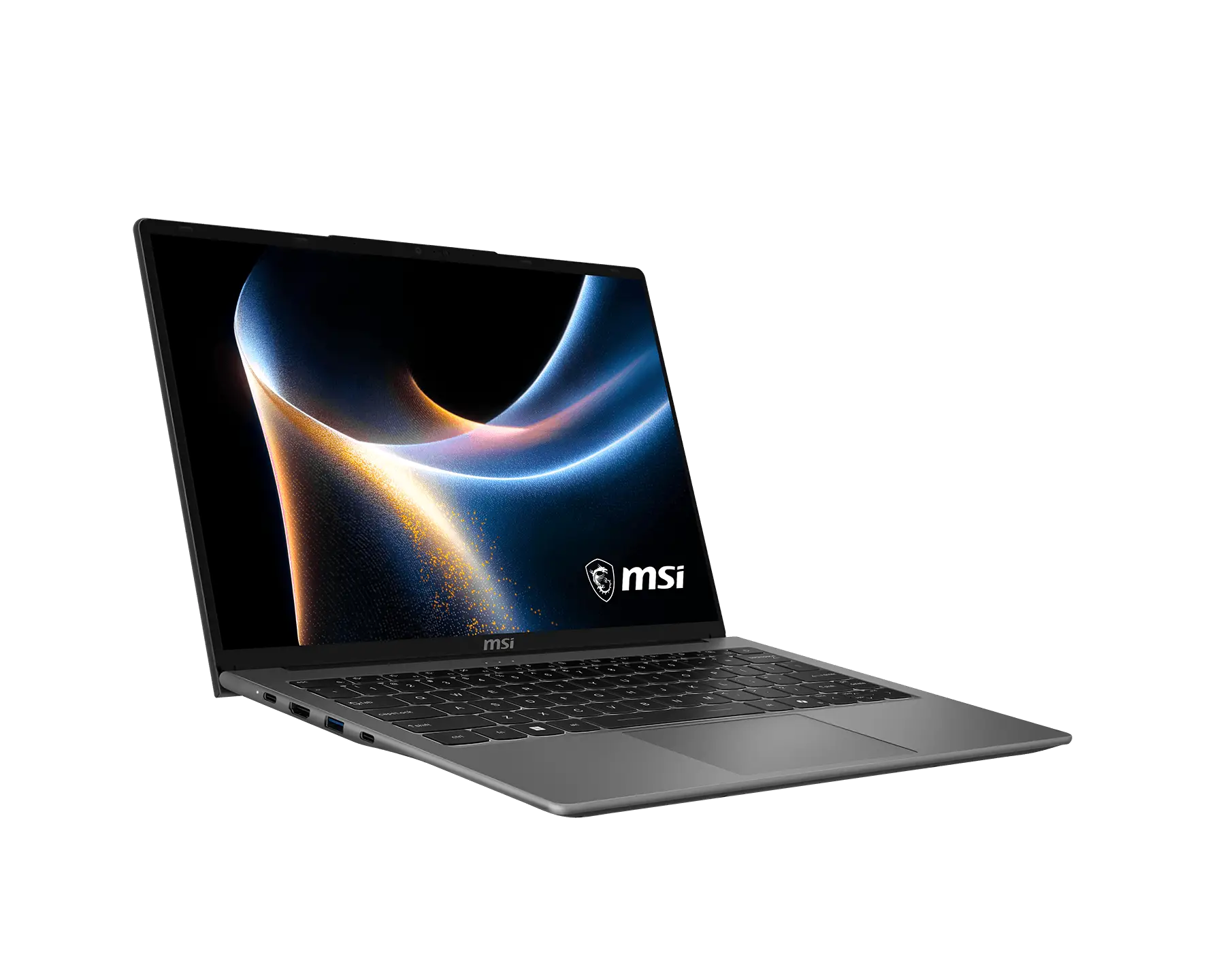
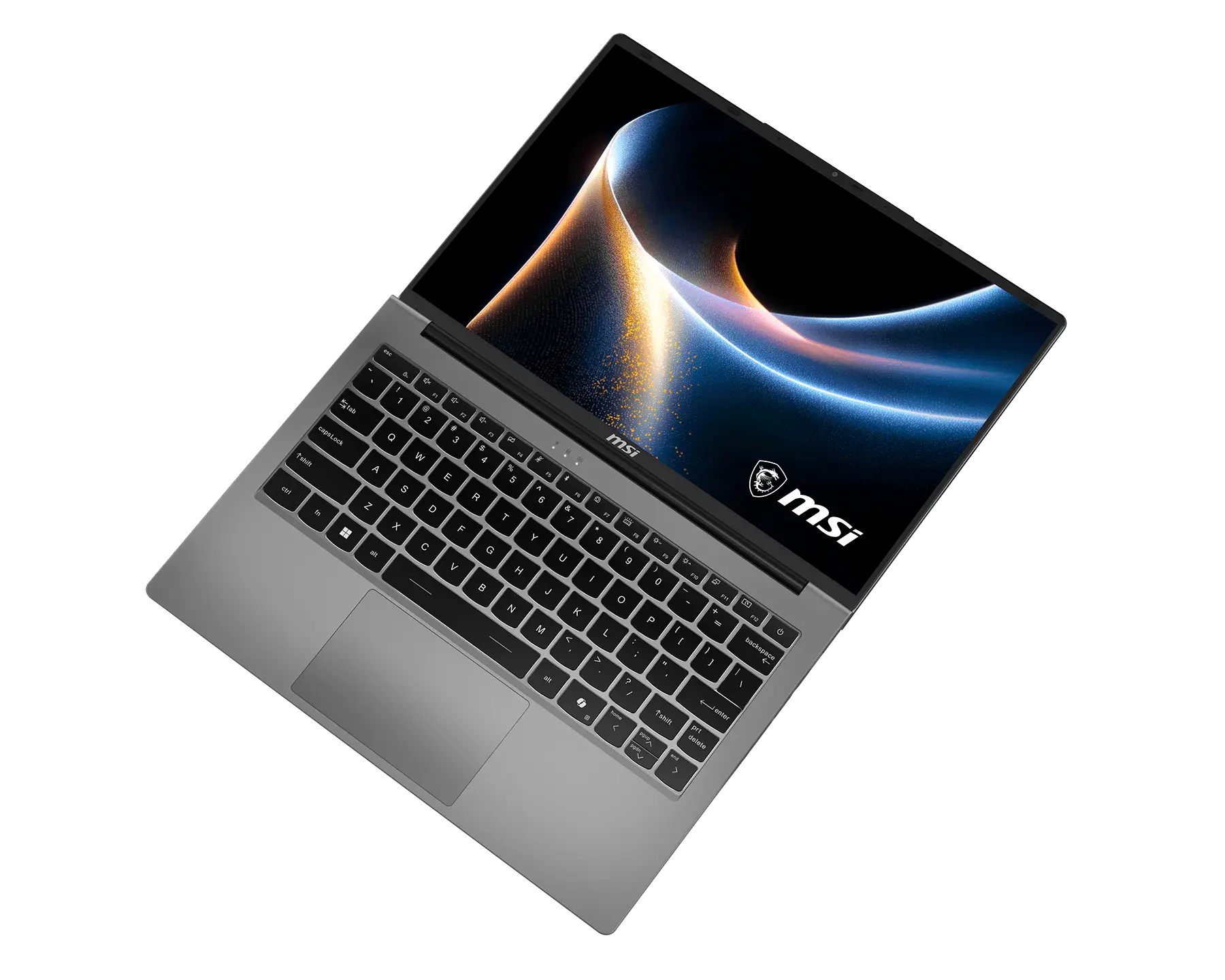
Modern A14 LE J1M
- Up to AMD Ryzen™ 7 170 processor
- Windows 11 Home / Windows 11 Pro
(MSI recommends Windows 11 Pro for business.) - 14" FHD+ (1920 x 1200), IPS-Level panel
- Ultra-light 1.29kg, 18.9mm
- Support USB-C PD-charging
- Exclusive MSI AI Engine sense the user scenarios and adjust to the best performance mode
- 180° lay-flat and Flip-n-Share Design
- Matrix Display supports up to 3 extra displays with USB-C and HDMI™
- Support Wi-Fi 6E
- *Configuration may vary by models, please check spec sheet for detail info.
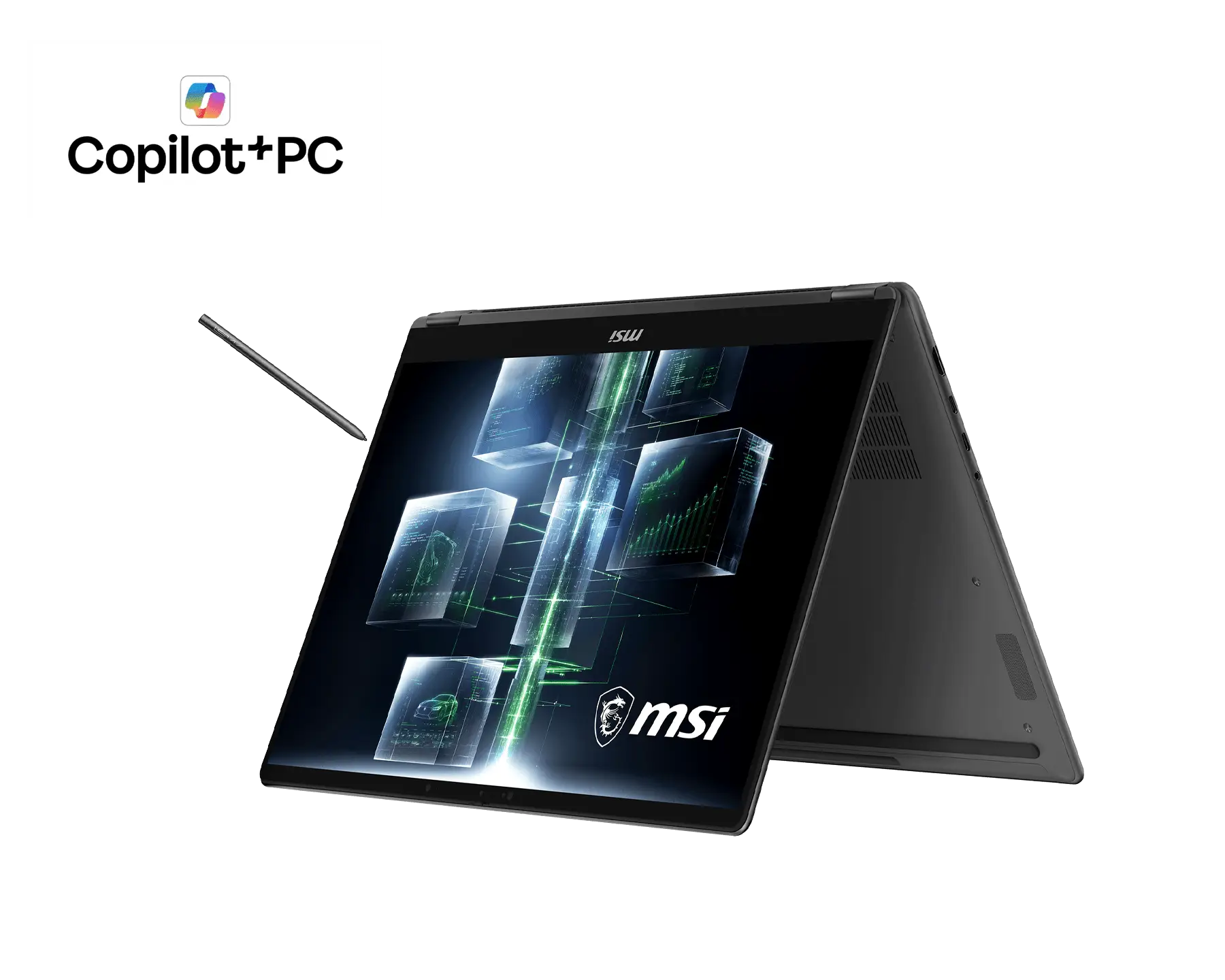
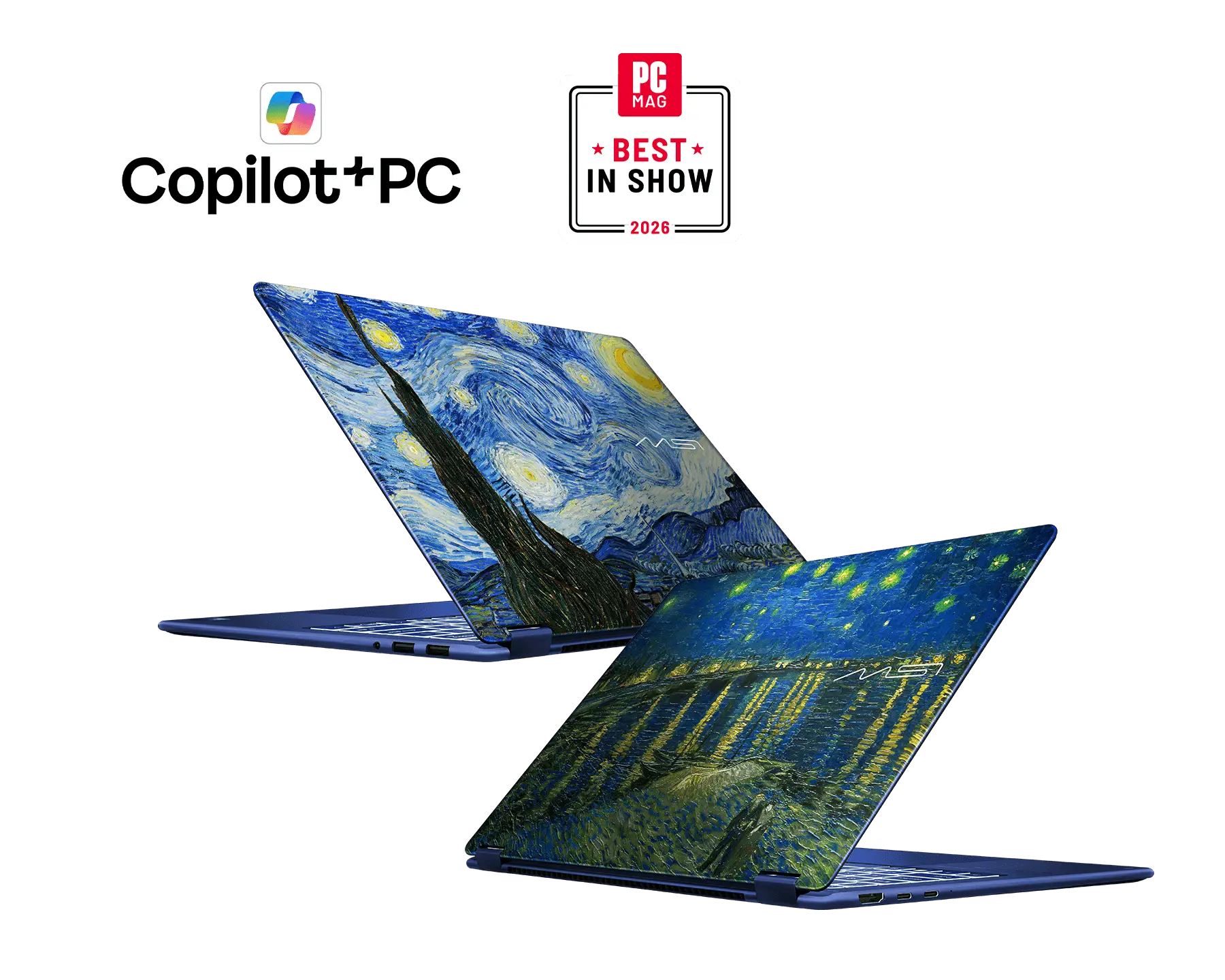

For detailed legal information regarding Microsoft® products, please visit this page: Microsoft Information.