Best Gaming Monitor for Multiple Monitor Setups

Best Gaming Monitor for Multiple Monitor Setups

Best Gaming Monitor for Multiple Monitor Setups

Everything You Need to Know About Dual and Triple Monitor Setups with Monitor Arms
Why Use Multiple Monitors? Multiple Monitor Setup Ideas Why Choose MSI Gaming Monitors? Setup Tips

Why Use Multiple Monitors?

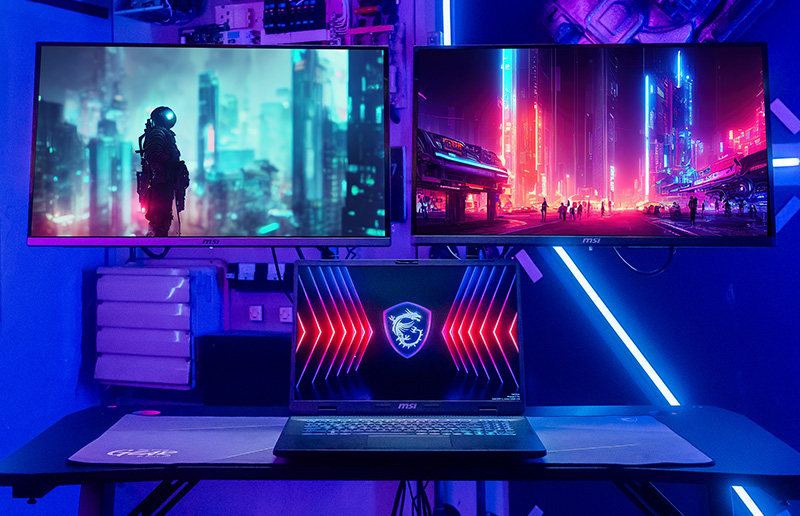
Whether you are a gamer, streamer, or power user, multiple monitors paired with monitor arms can elevate your experience like nothing else. They improve efficiency and productivity while delivering an exceptionally immersive visual experience.

Gamers

Unmatched Immersion

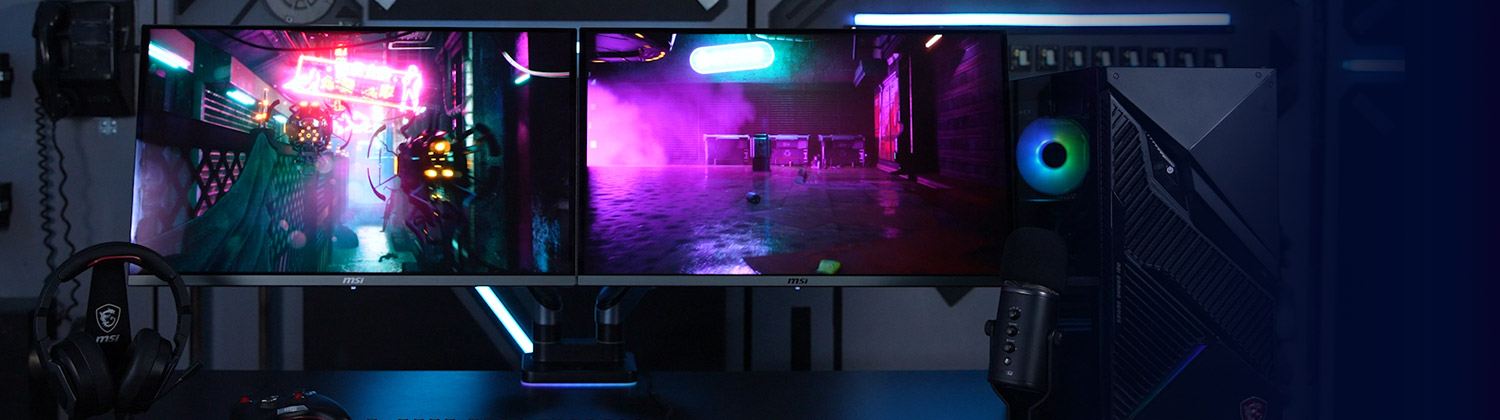
If you're a gamer looking to maximize immersion in modern games with gorgeous open worlds, or someone who plays racing and simulation games and wants to feel fully in control, a multi-monitor setup is the way to go. With only a single display, it’s easy to feel cramped when trying to see all the action around you. Upgrading to dual or triple monitors allows visuals to stretch across your entire field of vision for unmatched immersion.

Streamers

Enhance Audience Interaction

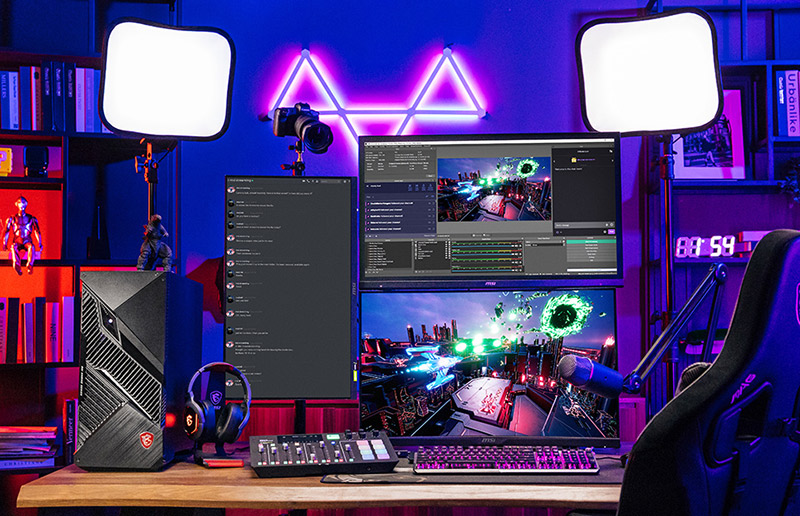
As a streamer on Twitch or YouTube, it can be challenging to monitor chat while playing your game at the same time. A multi-monitor setup allows you to interact more effectively with your audience by giving you constant access to chat, donations, and follower notifications. You can stay focused on your game without compromising engagement with your viewers.

Multitaskers

Boost Productivity

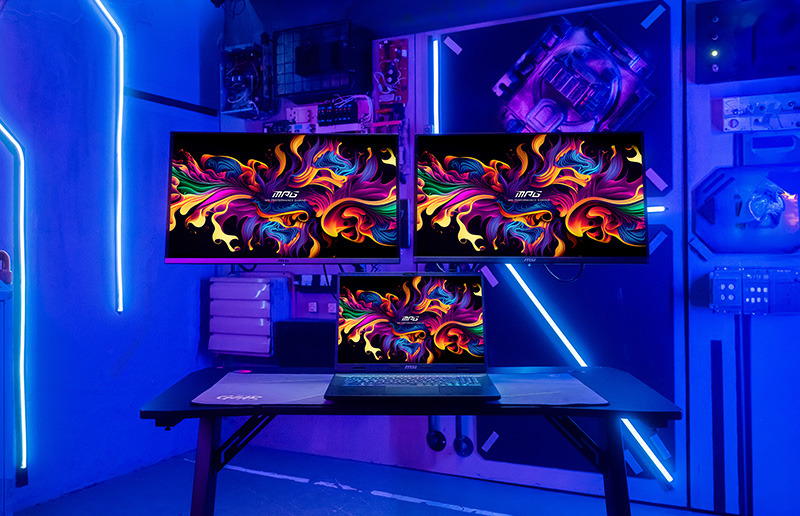
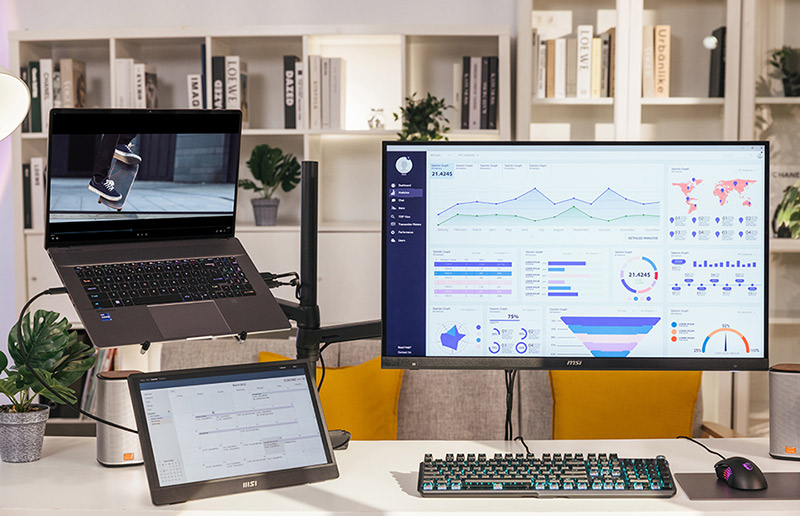
For multitaskers, juggling countless browser tabs and multiple apps is part of everyday life. However, managing all those windows on a single monitor—or worse, a small laptop screen—is a recipe for frustration and inefficiency. Connecting your laptop or desktop to multiple monitors expands your workspace and significantly boosts productivity.

Multiple Monitor Setup Ideas

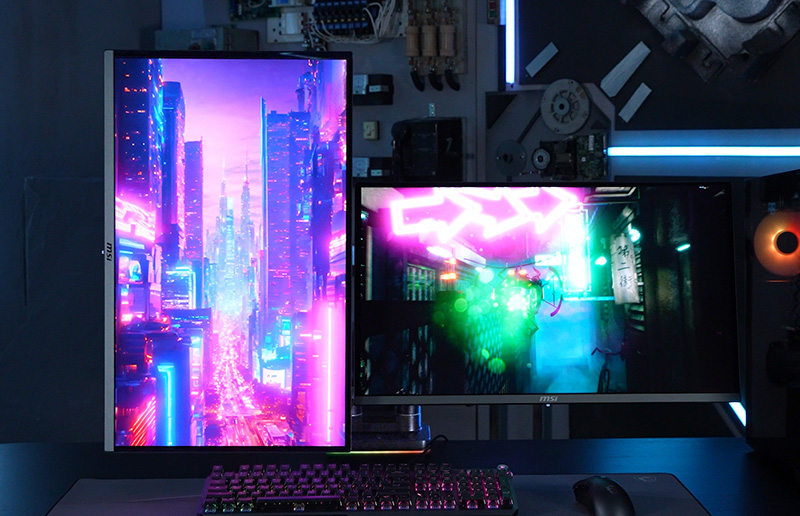
From simple dual monitor setups to multi-screen configurations, choosing the best setup depends on how you use your monitors daily.

Recommend MSI Monitors and Monitor Arms for Your Multi-Monitor Setup

Best MSI QD-OLED Gaming Monitors for Dual and Multi-Monitor Setups

QD-OLED monitors deliver ultra-fast response times, high refresh rates, and consistent image quality, making them ideal for seamless dual or multiple monitor gaming setups. (All models are fully compatible with VESA 75x75 and 100x100 mm mounting standards.)

Best MSI Monitor Arms for Dual and Multi-Monitor Setups

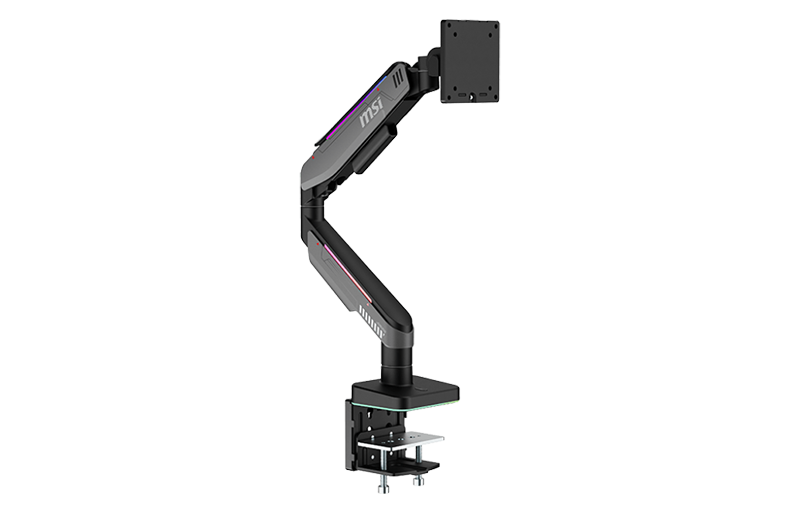
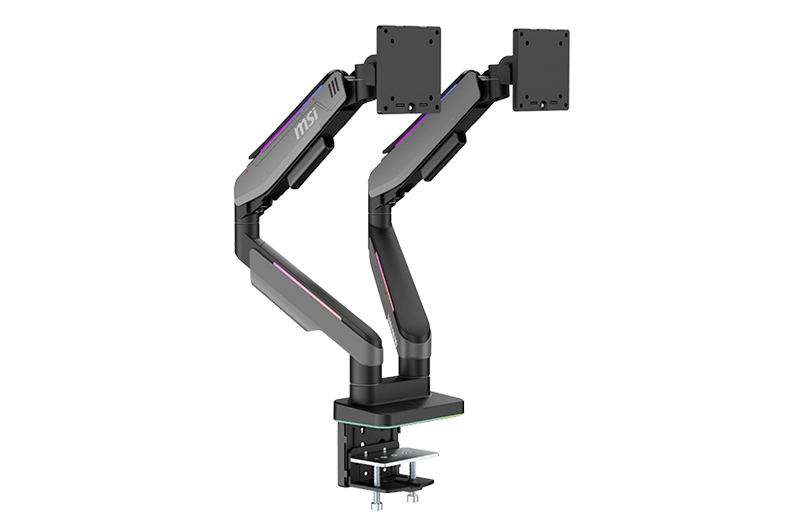
A monitor arm enables precise positioning, full-motion adjustment, and a clean desk layout, helping you create a flexible and space-efficient multi-monitor setup.

Monitor MPG MT201R

MPG MT201R

LEARN MORE
Monitor PG MT201DR

MPG MT201DR

LEARN MORE

Note: Weight capacity and range of motion vary by model. Complex setups may require multiple arm units. Please verify the specifications of both the monitor and arm before purchasing.

Monitor MAG 275CQRF-QD

MAG 275CQRF-QD

LEARN MORE
Monitor MAG 325CQRF-QD

MAG 325CQRF-QD

LEARN MORE
Monitor MAG 274UPF

MAG 274UPF

LEARN MORE
Monitor MAG 323UPF

MAG 323UPF

LEARN MORE
Monitor PRO MP161

PRO MP161

LEARN MORE
Monitor MAG 274UPF

MAG 274UPF

LEARN MORE
Monitor MAG 323UPF

MAG 323UPF

LEARN MORE

Why Choose MSI Gaming Monitors?

MSI gaming monitors, when paired with a monitor arm, offer exclusive features that enhance gaming immersion while maximizing desk space for dual or multiple monitor setups.

Build Your Ultimate Multiple Monitor Setup

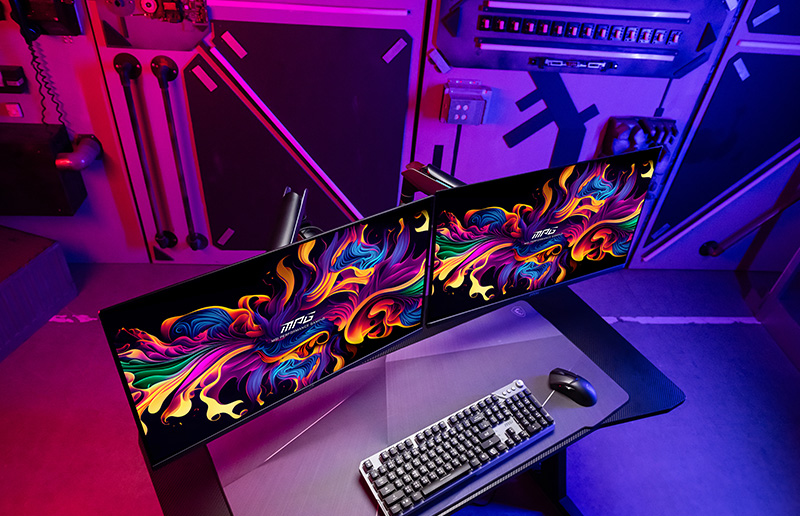
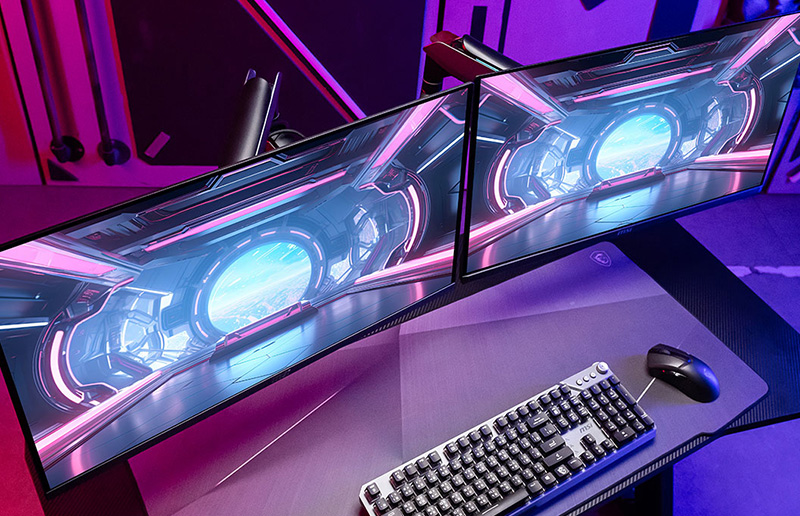
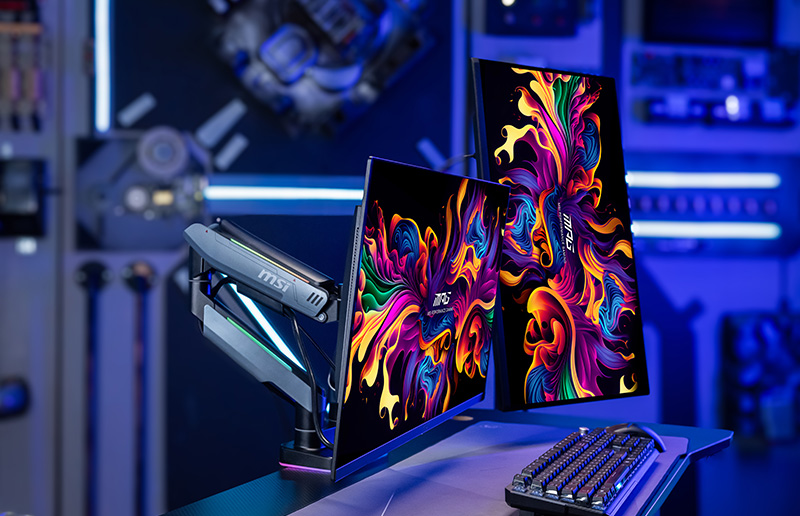
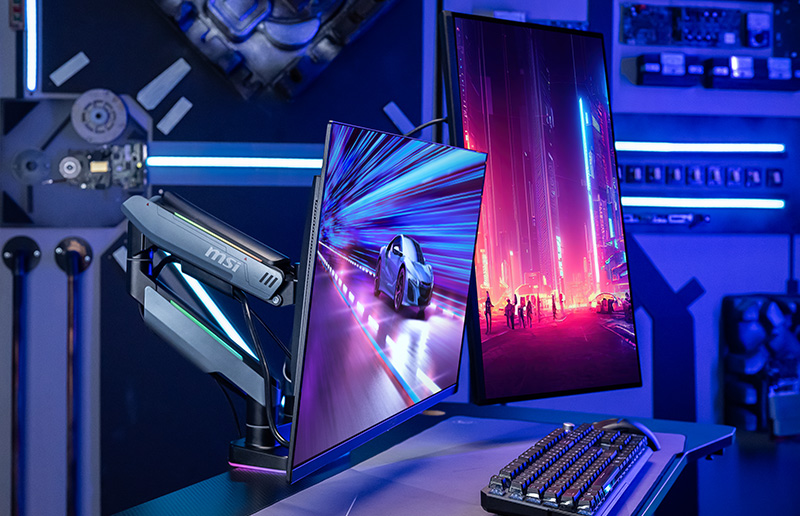
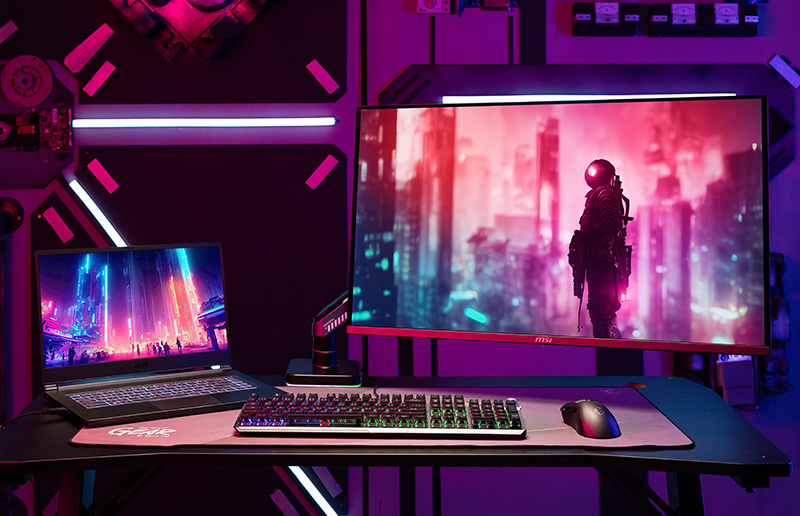
Experience deeper immersion with a dual- or triple-monitor setup designed for serious gaming. Ideal for sim racing and flight simulators, multiple screens create a more engaging and realistic gameplay experience.

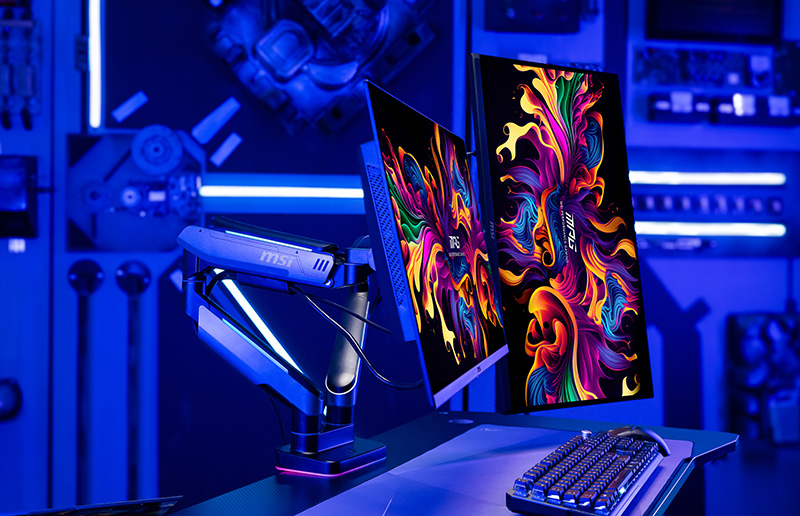
With a flexible monitor arm, each screen can be precisely positioned and angled to form a continuous, wraparound view. The result is a clean, space-efficient setup that draws you into the game and keeps your focus exactly where it belongs—on the action.

Built for Every Screen, Every Setup

Whatever size you choose—dual monitors, triple monitors, or an ultrawide gaming display—you can mount them with confidence. This monitor arm supports screens from 17″ to 49″, is compatible with VESA 75 × 75 and 100 × 100 standards, and has a weight capacity of up to 20 kg.

For gamers, streamers, and content creators seeking flexibility without compromising visual impact, it transforms your desk into a clean, immersive space where multiple screens coexist seamlessly.

17" ~ 49" Screen Size (MPG MT201R )

17" ~ 35" Screen Size (MPG MT201DR)

Maximize Desk Space, Move Without Limits

Whether you're gaming, streaming, chatting, or creating content, a fully adjustable monitor arm moves with you. Tilt, swivel, rotate, or extend your screens to suit any gaming scenario or multitasking setup, while freeing up valuable desk space for your keyboard, mouse, racing wheel, flight stick, or streaming gear.

Easily Control Your Monitors via App

Easily adjust and manage your monitors with MSI Gaming Intelligence, whether you’re gaming, streaming, or multitasking. Control multiple screens, switch modes, and fine-tune settings without reaching behind your monitors—making your setup smarter, cleaner, and fully focused on the action.

Want to own your ideal monitor setup?

Share your #MSIWallpaperChallenge wallpaper with us

DURATION

Aug 24th, 2023 to Sep 29th (ending at 11:59 PM UTC+8)

How to Win the prize?

Unleash your creativity and design captivating monitor wallpapers to showcase on your social media platform. By doing so, you'll have a chance to win MSI's latest gaming monitor and a DisplayFusion Procode, allowing you to fulfill your dreams of a multi-monitor setup

  • Step 1: Get the wallpaper template on Google drive
  • Step 2: Choose the monitor setup which you want to create
  • Step 3: Complete the wallpaper and share on Instagram with hashtag #MSIWallpaperChallenge​
  • Step 4: Mission completed.

Frequently Asked Questions (FAQs)

Use a dual-monitor setup based on your daily use, then position each screen with a monitor arm for a clean, space-efficient, and immersive workspace.

Learn More

Connect your laptop to multiple monitors to expand your workspace and boost productivity, and use a monitor arm to optimize positioning and keep your desk organized.

Learn More

You can connect two monitors to the same PC to increase screen space for gaming, streaming, or multitasking, and adjust their placement with a monitor arm for comfort and efficiency.

Learn More

Exclusive QD-OLED Upgrade for MSI Fans

Experience premium MSI QD-OLED performance and receive up to US$100 Steam Codes for free! Only exclusive for MSI fans!