


YOUR AI TEAM,
READY IN ONE CLICK.
Instant mastery, infinite efficiency.
Meet LuckyClaw — experience a new era of interaction where powerful AI
agents elevate your daily productivity in real-time.
Use Cases
See What LuckyClaw Can Do.
From everyday planning to complex tasks, see how LuckyClaw helps turn your requests into results.
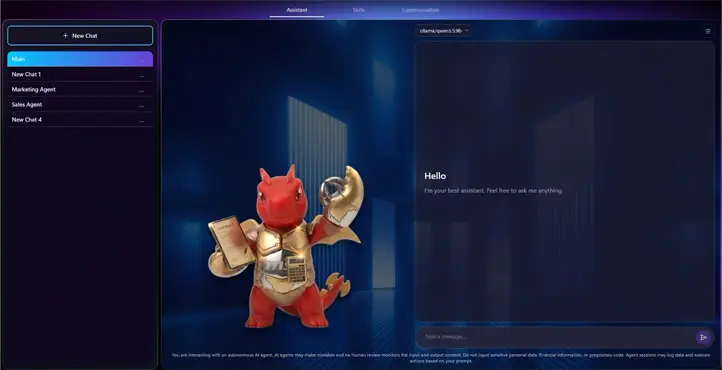

Your Dedicated Teaching Assistant
From weekend study plans to tonight's math homework – get clear, step-by-step help in one chat.
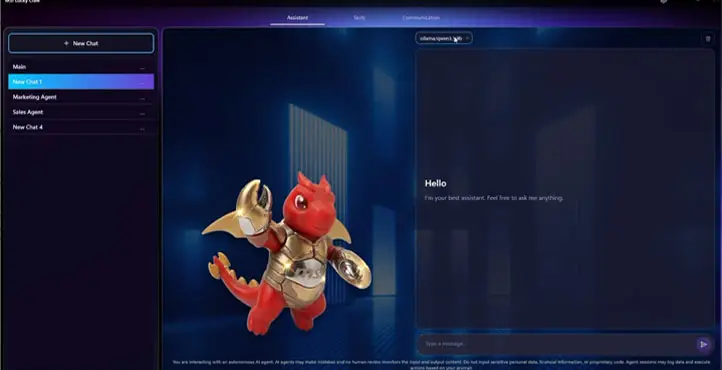
Your Trip, Fully Planned in Seconds
Tell LuckyClaw where you're heading to, and get a complete, timed itinerary in seconds.
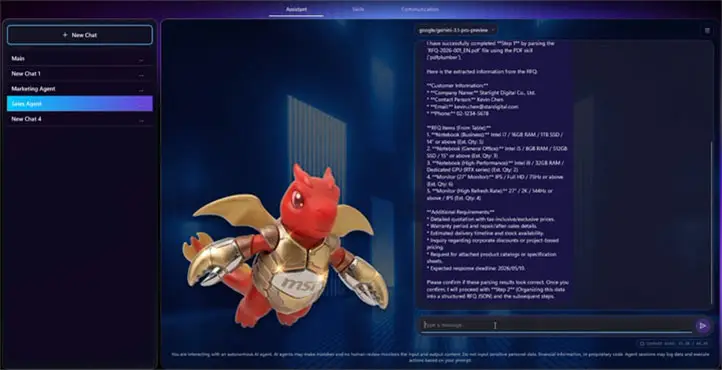
From Inquiry to Quotation – Automatically
Reads documents, translates them, and converts an inquiry to a ready-to-send quotation.
Key Features
AI Made Simple. Work Made Smarter.
Transforming the AI PC Experience for a New Generation. Redefine the boundaries between personal and business AI computing.
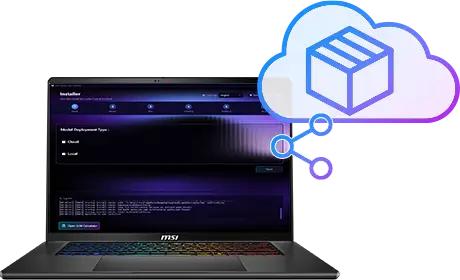
One-Click Setup
One-click MSI customized packaging and a GUI-first installation workflow lower the barrier for Windows and AI beginners.
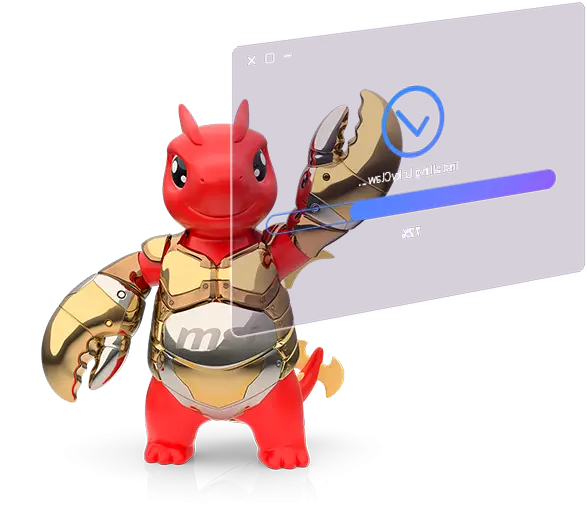
MORE IS LESS : LESS TOKEN/COST
Hybrid execution shifts routine work to local resources and lowers both token spend and monthly cost.
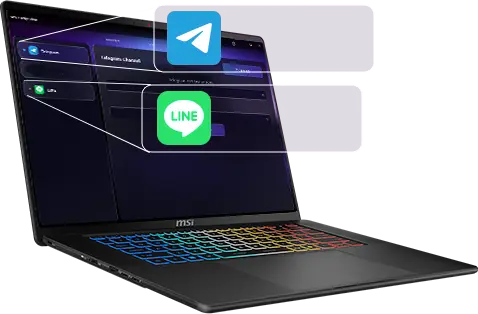
Social App Interaction
Offers both Web AI Agent for direct conversation and connections with LINE or Telegram for chat-based access.
Security & Privacy
Local AI Computing | Confidential Data Protection Enterprise-grade protection empowers secure control over critical digital assets.
Meet Your LuckyClaw
Explore a smarter way to work with AI agents that help you complete everyday tasks, simplify complex workflows, and turn your ideas into action.
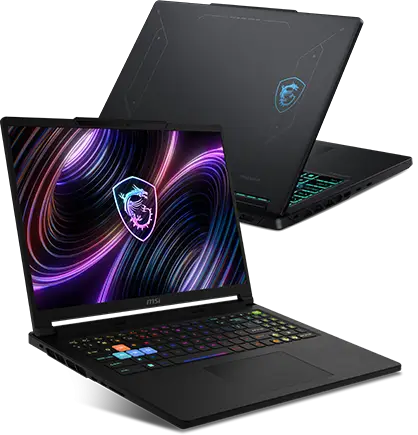
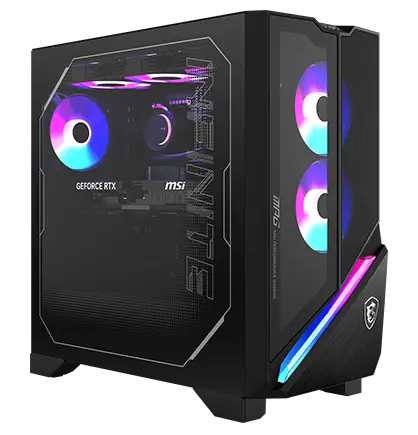
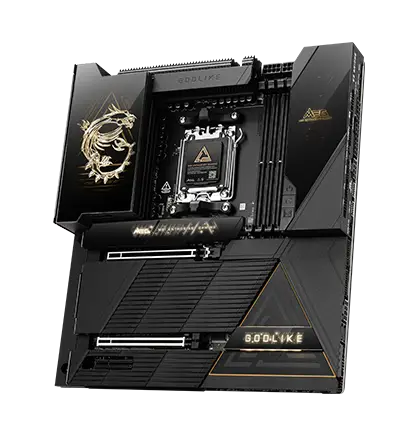
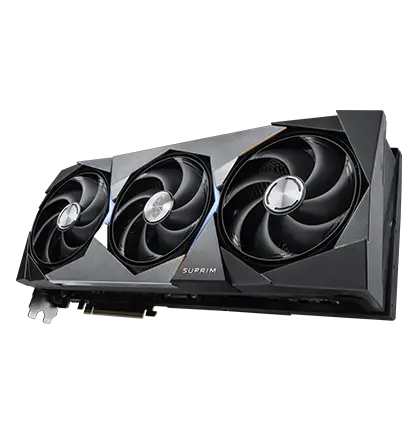
Featured Products
Built for AI. Engineered for Greatness.
Frequently Asked Questions
Find quick answers on LuckyClaw setup, system requirements, AI features, and data privacy.
- What is the difference between LuckyClaw and OpenClaw?
- LuckyClaw is free, but are there any hidden fees?
- I don't know how to code. Will this software be difficult to use?
- Worried your PC might not be fast enough? How do I choose the right AI model?
- During the first step of installation, under "Select Deployment Method," should I choose cloud deployment or local deployment?
- After selecting an LLM, the system displays many models available for installation. Should I install all of the recommended models, or select only one?
- After selecting a model, I do not see a confirmation or "Next" button. How can I continue?
- When installing the required packages, the list includes "Node.js," "LuckyClaw," "LLM Router," and "Ollama." Since all of these packages are required, why are they not selected by default instead of requiring users to select them manually?
- After LuckyClaw is installed, "Ollama Approve" appears at the top (searching the local-model server requires signing in to Ollama). Do I need to register and sign in on the official Ollama website first?
- Didn't find the issue you're experiencing?
Need more help? Contact our technical support team.