Find Your Best
Gaming Monitor

Why Choose a Gaming Monitor?
A gaming monitor bridges the gap between the virtual world and reality, delivering smoother motion, faster visual feedback, and clearer detail in the most intense moments. Let’s explore the core specifications that give gaming monitors their advantage over standard screens.
High Refresh Rate
Higher refresh rates on gaming monitors deliver smoother visuals and faster reactions than standard screens. Typical refresh rates and their ideal uses are:
- 144Hz – 200Hz: The sweet spot for most gamers, providing excellent fluidity and responsiveness for a wide variety of titles.
- 240Hz, 360Hz & Beyond: Designed for competitive and esports games, including fast-paced FPS and battle royale titles.
Fast Response Time
Gaming monitors feature faster response times than standard displays, keeping fast-moving scenes sharp and clear. A response time of 1ms or lower is ideal for gaming, while the latest panel like QD-OLED can reach an ultra-fast 0.03ms to further reduce motion blur and ghosting for ultra-smooth gameplay.
Optimal Resolution
Resolution determines visual clarity in gaming. Higher resolutions deliver sharper, more detailed images but require more from your hardware. Choosing the right resolution balances image quality, frame rate, and system performance for smooth and immersive gameplay.
- FHD (1080p): Many FPS gamers choose FHD to achieve high refresh rates for competitive play.
- QHD (2K/1440p): Balances sharp visuals with smooth gameplay, suitable for most genres.
- 4K (UHD): Delivers the most immersive and detailed visuals for cinematic RPGs and adventure titles.
Hardware Tip: Higher resolutions such as 4K require more powerful hardware to maintain smooth frame rates, especially in visually intensive games. Refer to this website to explore recommended gaming PCs and monitors for different performance targets.
Next-Gen Panels
Next-generation panels on gaming monitors provide superior color, contrast, and responsiveness compared to traditional displays. Latest panels such as QD-OLED and Mini-LED deliver near-instant response, exceptional color accuracy, and deeper contrast, creating a more immersive and highly responsive gaming experience
Monitors COMPARE
Add up to 4 models to the comparison and proceed to review their specifications in a single overview.
{{item.title}}
What Is the Best Gaming Monitor for You
Finding the right monitor starts with your gaming style. Choose one that fits how you play, and it can make all the difference. Below, select a scenario or the specs you care about, and we’ll recommend the gaming monitors that suit you best.

FPS players focus on smooth visuals and precise reactions. They typically choose 240Hz+ high-refresh-rate, 24–27-inch monitors for better focus, and FHD or QHD resolution to maintain stable frame rates.

For detailed 4K visuals, a 27–32-inch monitor offers the optimal experience. Gamers seeking even better color and contrast can choose QD-OLED or Mini-LED panels, with a graphics card powerful enough to support smooth 4K gameplay.

Console gamers prioritize smooth, responsive gameplay and vivid visuals. HDMI 2.1 enables 4K at 120Hz, while 1ms or lower response times ensure fluid motion. VRR (Variable Refresh Rate) reduces screen tearing. 27–32-inch monitors are ideal for desk setups.

Ultrawide monitors provide a wider field of view for enhanced immersion. Players should confirm that their games support the extended screen space. To ensure smooth gameplay, choose a monitor with at least 144Hz refresh rate. For enhanced colors and deeper contrast, QD-OLED panels are recommended.

For gamers who enjoy both fast-paced FPS gameplay and detailed 4K visuals, Dual Mode monitors let you switch between performance-focused and resolution-focused modes, providing the right balance of speed and visual quality for different gaming scenarios.
Oops! There are no applicable products in your country, but we're working on it!
Why Choose an MSI Gaming Monitor
MSI’s QD‑OLED monitors combine OLED self‑emissive pixels with quantum dot technology to deliver vibrant colors, deep blacks, and high brightness. Ultra-fast response times and smooth motion create an immersive, lag-free gaming experience, while OLED Care 2.0/3.0 helps prevent burn-in and extends panel lifespan, ensuring long-lasting performance.


MSI’s Mini‑LED monitors use full‑array local dimming to deliver superior brightness, deep blacks, and vibrant color precision, significantly enhancing HDR visuals. With precise backlight control and rich color performance, Mini‑LED creates immersive, high‑contrast scenes that make game worlds feel more intense and detailed. Find Your Best Mini-LED Monitor
AI Care Sensor
Real Human Detection
The screen locks when you step away and wakes instantly upon return.
It also automatically runs pixel refresh to protect the OLED from burn-in—all without interrupting your gaming flow.
Auto Brightness & Color Control
It automatically adjusts brightness and color to match your room’s lighting, so the screen always looks clear and feels easy on your eyes.

Multi-Platform Support

Monitor Mode
Works seamlessly access Windows OS, macOS, Linux, and consoles.

System Mode
Integrated with Windows 11 presence interface for direct sensor control.
Extended Interval
Smarter 24-Hour OLED Refresh
Protection Without Disruption
The panel refresh cycle has been extended from 16 to 24 hours, reducing interruptions during gameplay or work. Users will only see a reminder 30 minutes before the refresh, ensuring minimal disruption. The refresh still activates automatically when the monitor enters standby or powers off, maintaining full OLED protection without compromising your experience.

4hour
16hour
24hour
New
Between 4hrs and 24hrs
Over 24hrs
Current
Notifications every 4hrs
Over 16hrs


3-YEAR OLED WARRANTY
MSI provides comprehensive support so gamers can enjoy worry-free experiences. Our 3-year OLED panel warranty goes beyond standard coverage, including protection against the OLED burn-in issue.
For details, see our Product Support Page
Console Mode
HDMI™ 2.1 provides full bandwidth up to 48Gbps, supporting VRR and ALLM for a smoother, low-latency console gaming experience at up to 120Hz. With built-in HDMI™ CEC (Consumer Electronics Control) technology, the monitor can communicate with controllers, allowing them to wake the monitor and adjust modes tailored to different devices.


-
HDMI™ 2.1 48Gbps
-

-
HDMI™ 2.0 18Gbps
-
-
HDMI™ 1.4 10.2Gbps
Optix Scope
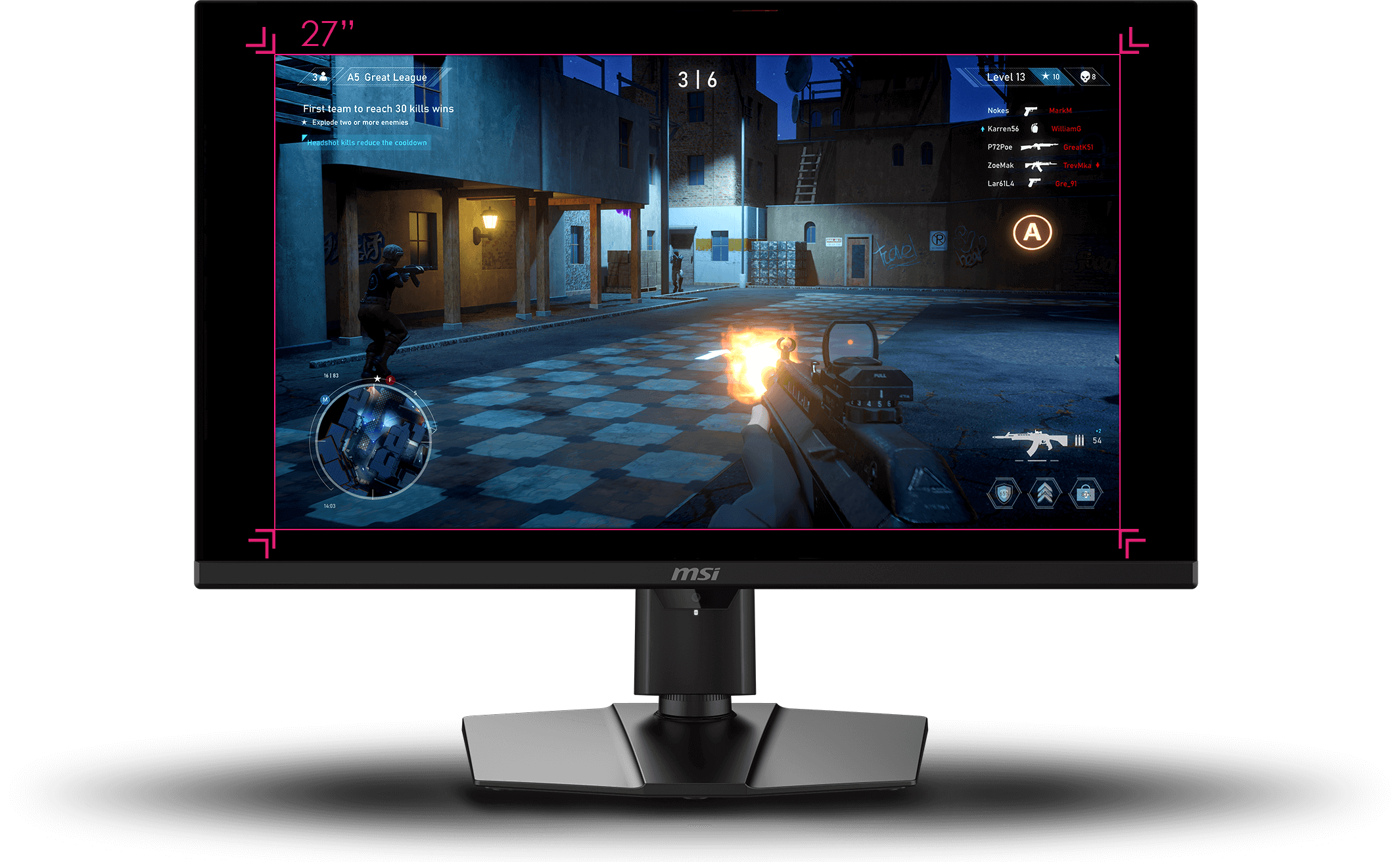
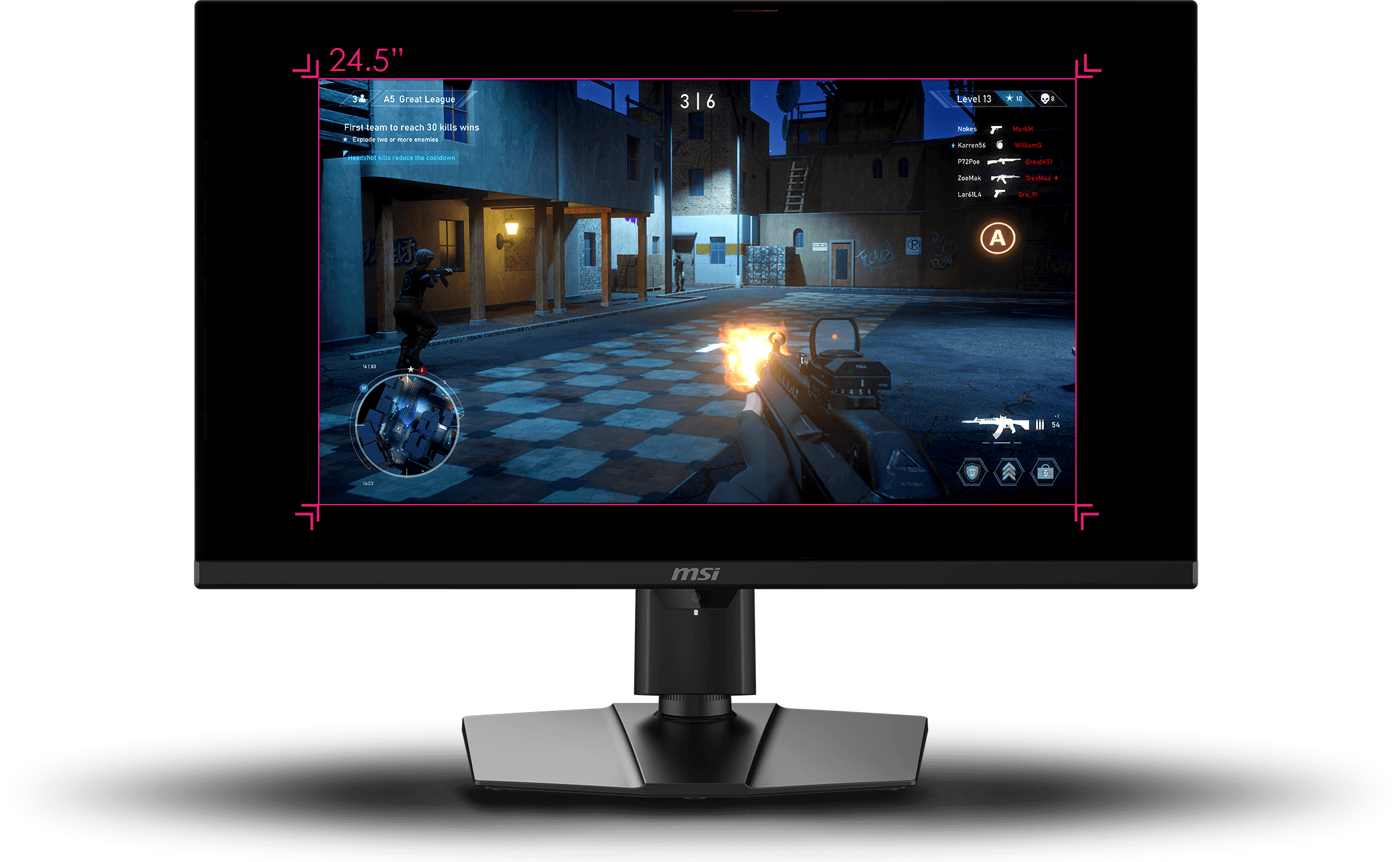
The built-in aim magnifier provides multi-stage zooming with shortcut keys to quickly switch the magnification. The screen can maintain the magnification regardless of the weapon used.

Smart Apps Supported
Control your MSI gaming monitor easily with the MSI Remote Display app on your Android phone or the Gaming Intelligence app on your PC. Adjust settings like contrast, brightness, and black equalizer, and customize with MSI Mystic Light LED effects.
GAMING Intelligence APP

Remote display app


AI Menu
AI Menu customizes display settings that auto-activate when you launch a game, including AI Crosshair, AI Vision, AI Dual Mode, as well as brightness, contrast, and more. You can also easily export and import profiles to share with friends or apply them on a new monitor.

- Add Your Application
- Customize Profile Settings
- Apply Settings
- Quick Setup & Share

AI Vision
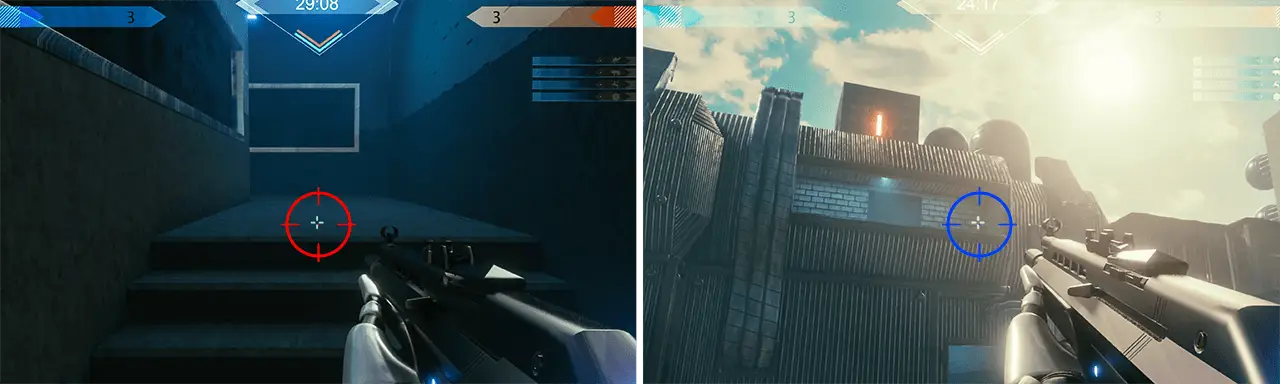
The new AI Vision technology can not only reveal details in dark areas but also enhance overall brightness and saturate colors, bringing brightness to your day.
AI VISION OFF

- Level 1
- Level 2
- Level 3
AI VISION ON




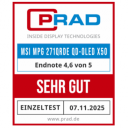
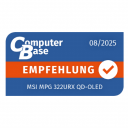
Award-Winning MSI Gaming Monitors
Explore MSI gaming monitors honored with global awards for design and performance.









Media-Recognized MSI Gaming Monitors
Find expert opinions and media quotes evaluating MSI gaming monitors across gaming performance, display quality, and features.





FAQ
- What is the best monitor size for gaming?
- What is a good refresh rate for gaming?
- What is a good response time for gaming?
- What is the best resolution for gaming?
- Are OLED monitors good for gaming?
- How to prevent OLED monitor from burn-in?
- Are dual mode monitors worth it?
- Why is my FPS so low in all games?