5 Reasons Why The MSI Prestige 16 AI Studio Might Just Be Your Next Favourite Laptop
Laptops
For many people these days, a good laptop is crucial for their day-to-day life. Everyone wants a powerful laptop that can handle their day-to-day tasks for work or school, but also capable enough to play games on the side. Everyone also wants a good display for when they’re watching Netflix and YouTube, as well as a long battery life so that they can work anywhere, anytime without worry.
Well if that sounds like you, then MSI got just the laptop for you: introducing the MSI Prestige 16 AI Studio. Powered by the latest Intel Core Ultra platform and NVIDIA GeForce RTX 40 series graphics cards, the Prestige 16 AI Studio packs one heck of a punch in a thin and light chassis, and here are five of the best things about the MSI Prestige 16 AI Studio.
Practical yet minimalist aesthetics
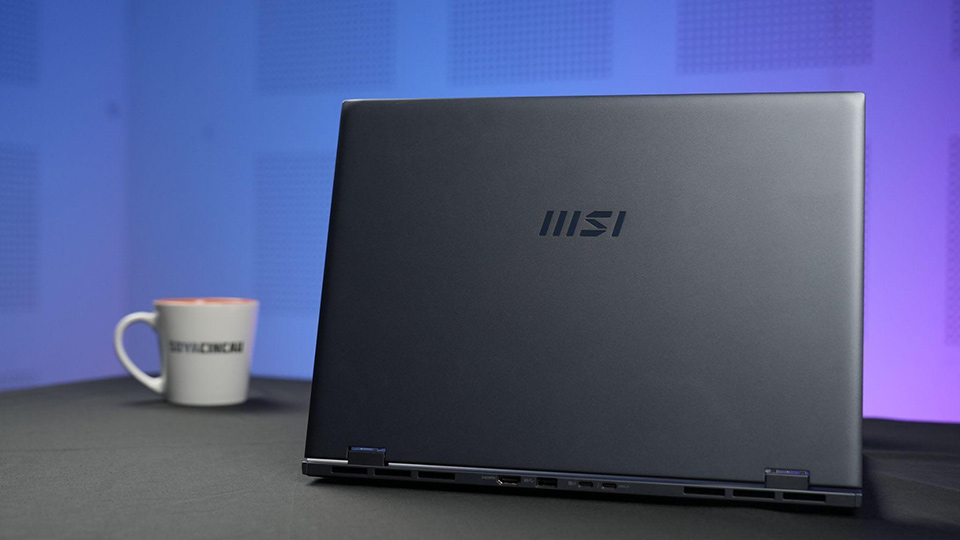
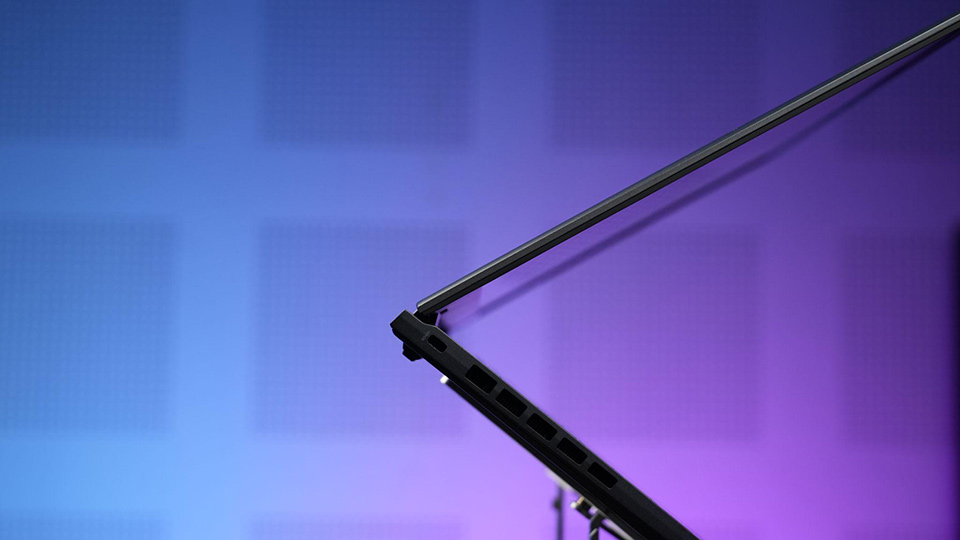
The MSI Prestige 16 AI Studio is a perfect example of why sometimes less is more. It comes in a magnesium-aluminum chassis that measures a mere 18.95mm thin and weighs in at only 1.6kg. Those numbers might not be that impressive at first, until you realize that this is actually a massive 16-inch laptop, making it the lightest 16” laptop with discrete graphics around. Its Stellar Grey finish meanwhile continues this minimalist look that would allow it to fit in to any surrounding, be it in a business meeting or a lecture hall.
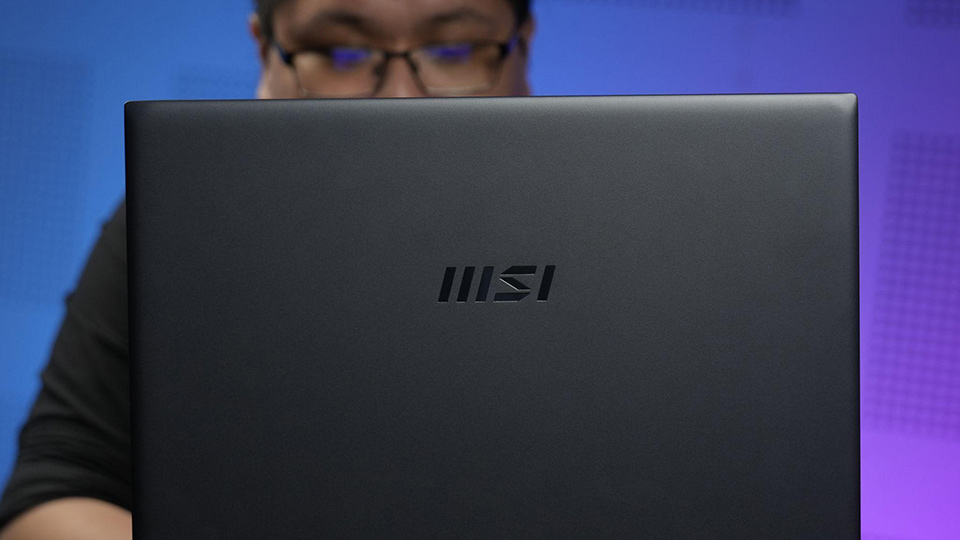
The seamless metal body was achieved using an advanced thixomolding technology that improves on both strength and durability. The Prestige 16 AI Studio doesn’t have much deck flex to it, which has always been a problem for these larger laptops, while the hinge feels solid and sturdy too.
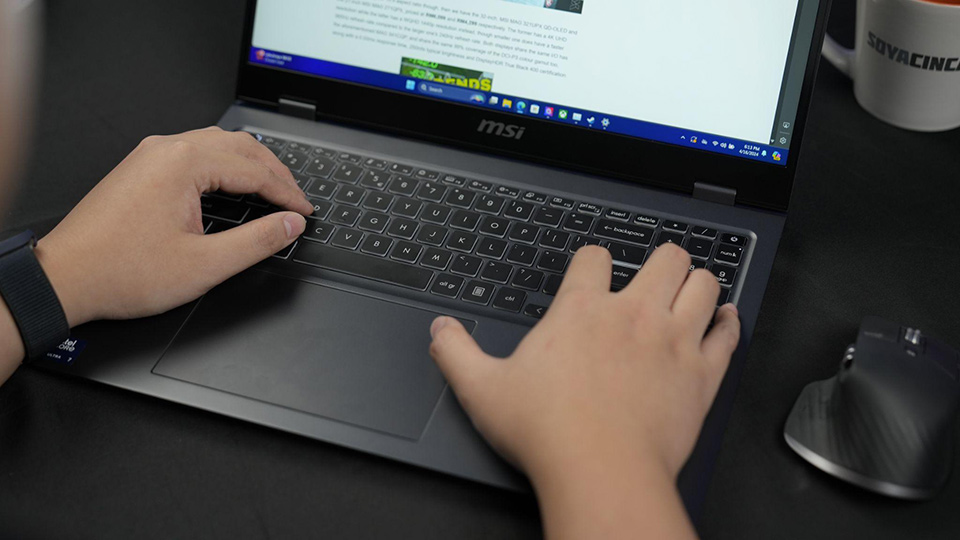
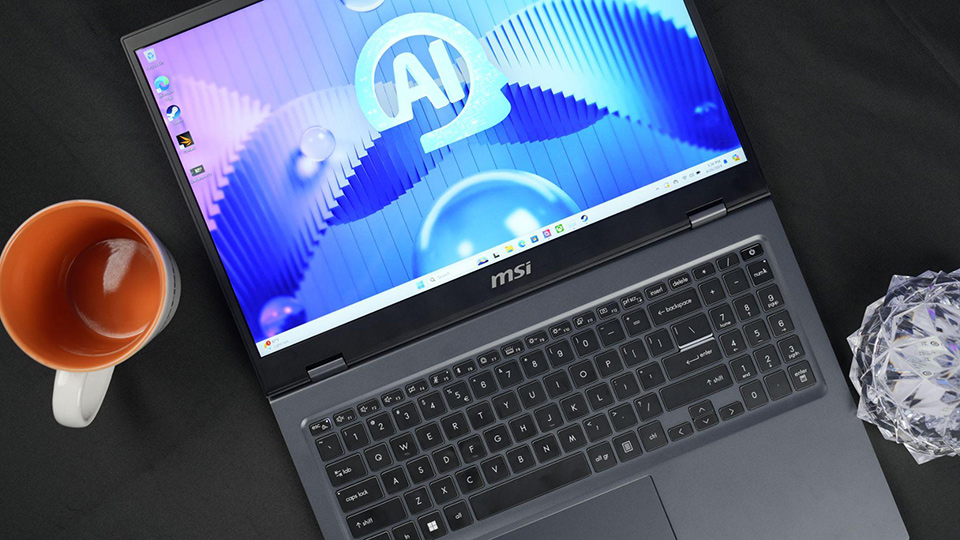
Speaking of which, the keyboard is pretty decent to type on, with a fair amount of travel on the keys. The full size keyboard also offers a numpad to the side, which is another nice-to-have. By far though the best part about the Prestige 16 AI Studio’s design is its giant touchpad, which makes full use of the large laptop’s footprint by giving users plenty of real estate to navigate the mouse with.
Bright and brilliant display
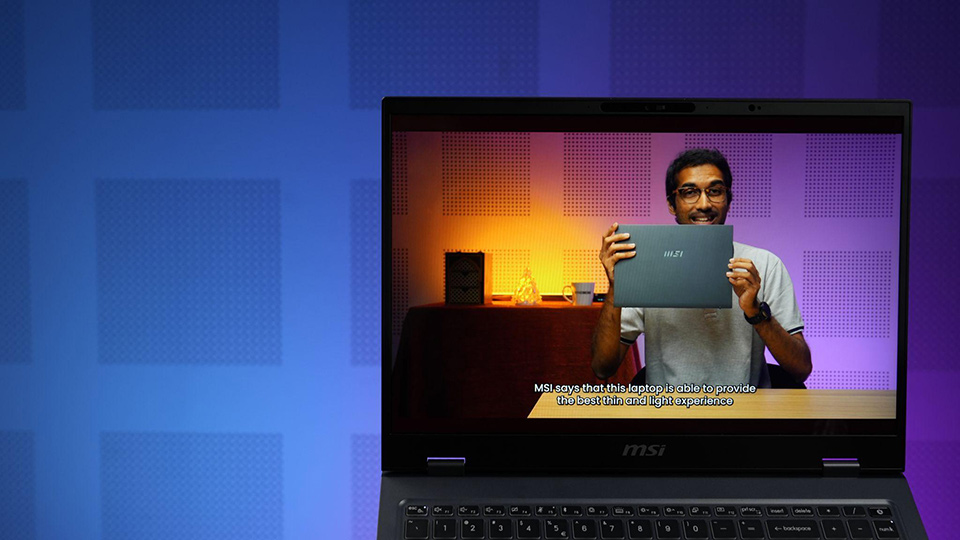
Perhaps the most noticeable feature of the MSI Prestige 16 AI Studio though is of course the large display. As its name suggests, the Prestige 16 AI Studio packs a 16-inch, IPS-Level panel pushing a 2560 x 1600p resolution with full coverage of the DCI-P3 colour gamut along with a peak brightness of 400nits. Alternatively, an optional UHD+ OLED display is also available for the Prestige 16 AI Studio.
Now while it may not have the fancy high refresh rates that its gaming counterparts have, the one thing that the Prestige 16 AI Studio can boast is that this is a really good display when it comes to colour and brightness.
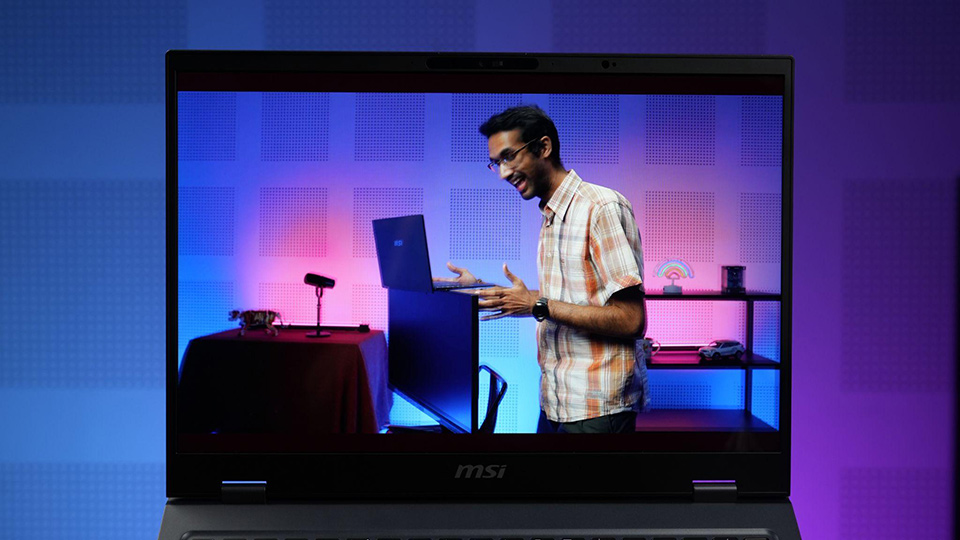
Considering that it is positioned more towards productivity and business users than your hardcore gamer, the choice of display is actually the correct one. This would make the Prestige 16 AI Studio a great choice especially if you’re a content creator seeking a laptop to do some video and photo editing, where colour accuracy and brightness are crucial factors.
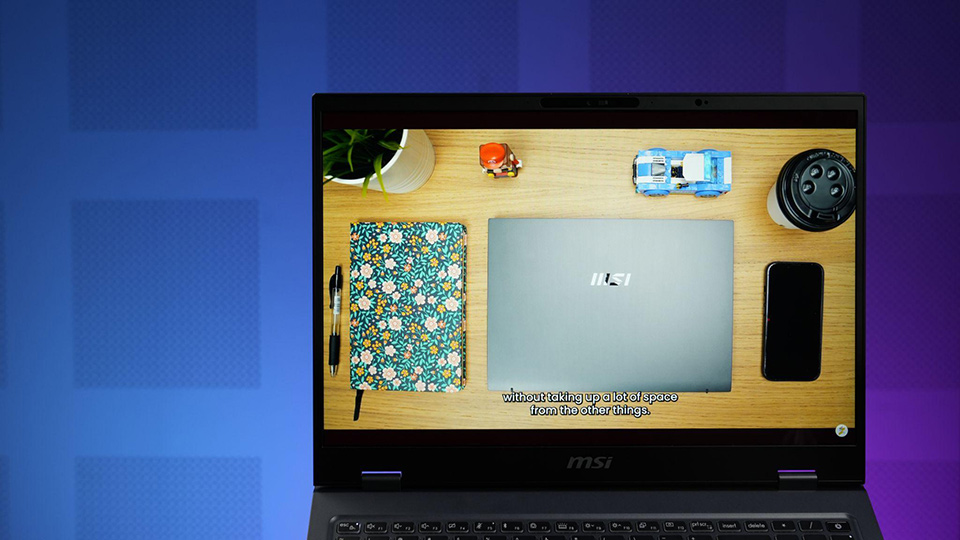
Of course, even if you’re not going to be doing colour-critical work on it day in day out, I think you’d still be able to enjoy the Prestige 16 AI Studio’s display for watching videos and TV shows on YouTube and Netflix just because of how good it is. You won’t even have to grab a pair of headphones or external speakers because the pair of 2W speakers on the Prestige 16 AI Studio again outperformed expectations with how well they sound. Despite being a rather thin laptop, the speakers have quite a bit of oomph in them for a well rounded sound.
Portable performance
The MSI Prestige 16 AI Studio packs plenty in performance, thanks in part to the Intel Core Ultra 7 processor 155H. In case you haven’t heard, the new Intel Core Ultra processors use a tile-based architecture with a compute tile for the CPU cores built on the Intel 4 process, a SoC tile with its own low power cores and NPU, a graphics tile housing the integrated GPU and the IO tile for connectivity. New technologies are cool and all sure, but how does it perform?
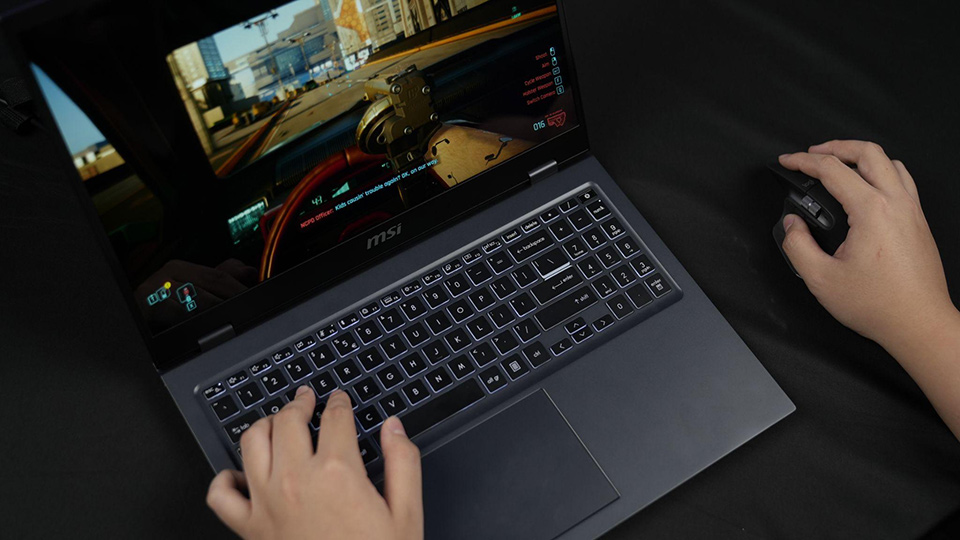
In Cinebench R23, Prestige 16 AI Studio here managed to score 1777 points in the single core run while managing 16010 points in the multi core run. To put that into perspective, those numbers are higher than the average Intel Core Ultra 7 155H laptop, perhaps thanks in part to a higher TDP afforded by the larger chassis. Those multicore numbers in particular are significantly higher than what the last generation Intel Core i7-1360P could do too.
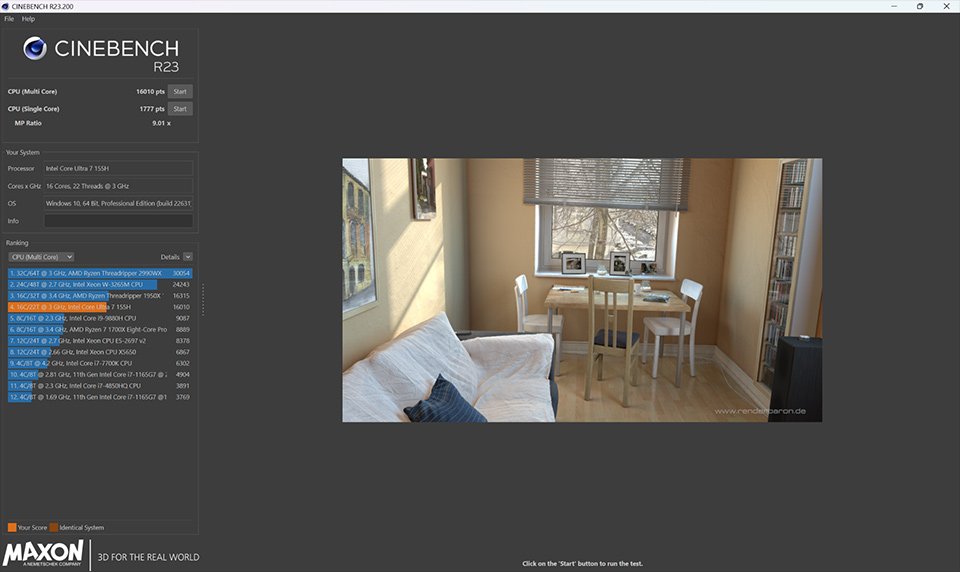
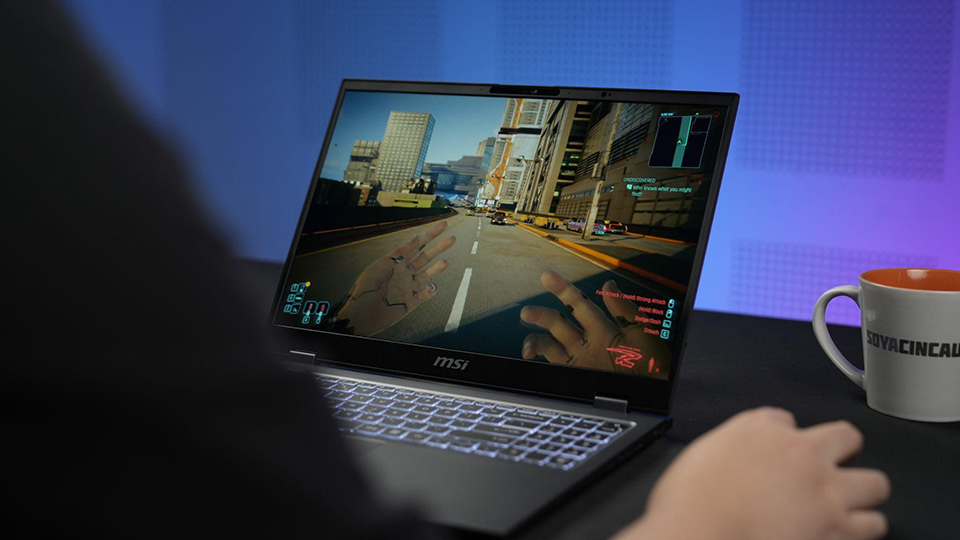
That being said, it should also mention that the Prestige 16 AI Studio has an NVIDIA GeForce RTX 40 graphics card too. Now it’s actually meant for content creation of course, coming with the more stable NVIDIA Studio Drivers rather than Game Ready Drivers, but we couldn’t resist throwing in some games to test out. And it turns out it’ll run triple-A titles just fine too.
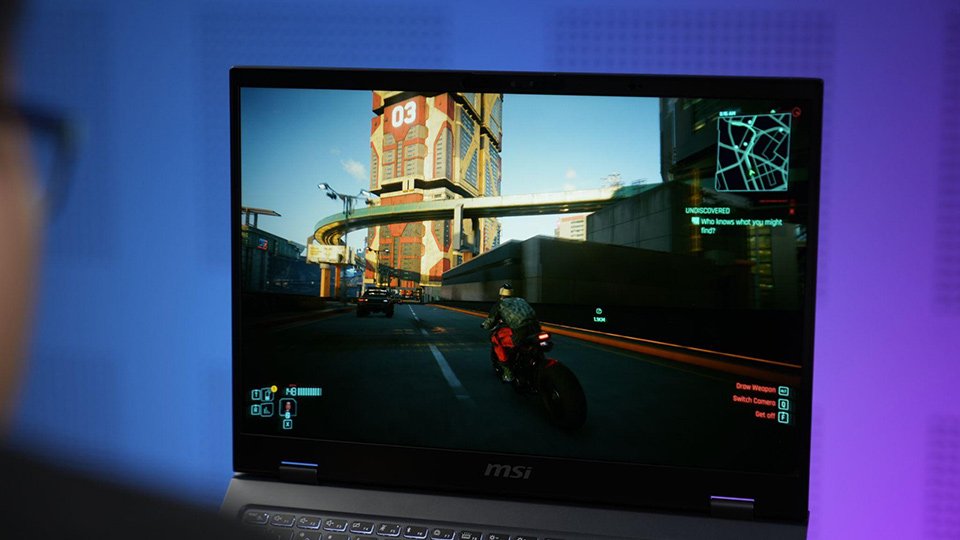
In Cyberpunk 2077, it ran with Ultra settings at native resolution (DLSS on, ray tracing off), netting us around 35fps. Switching it over to the High preset however at 1080p gave us significantly better results without losing much in graphical fidelity and we were able to get around between 80 to 110fps depending on the scene.
On top of that, thanks to the Intel Core Ultra 7 processor 155H’s built-in NPU, you’ll find support for local AI model acceleration here such as Microsoft Copilot and Stable Diffusion. There’s also MSI AI Engine pre-installed, which can understand and analyze your behaviour and usage practices to automatically adjust system settings to best fit your needs. Then there’s the MSI AI Artist tool too, which can help you create images as and when you need via MSI’s own AI image generator platform done completely offline for better privacy. And speaking of security, a hardware TPM chip ensures the safety of your data along with Tobii Aware, an IR camera and a fingerprint sensor.
Worry-free battery life
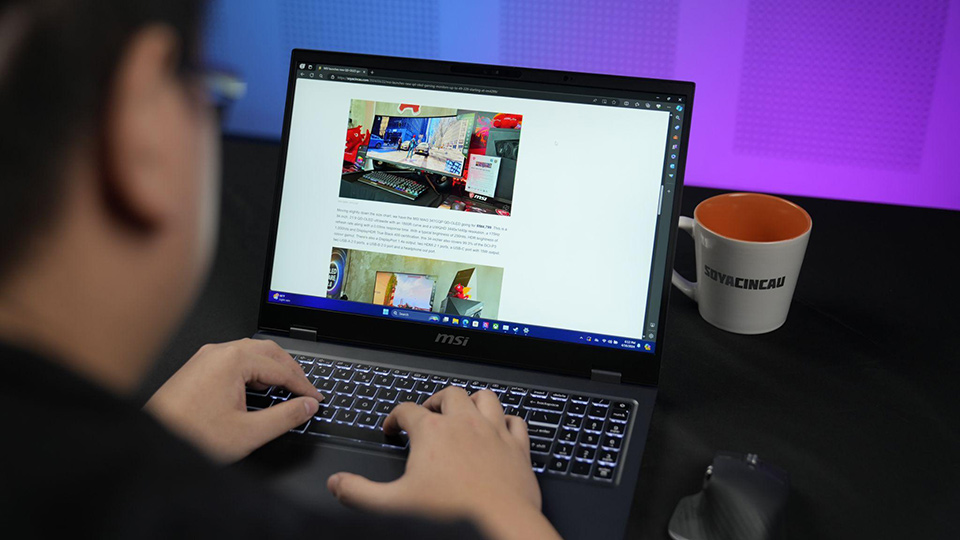
Compared to the last generation Prestige, MSI has kitted out the new Prestige 16 AI Studio with the largest battery possible. The Prestige 16 AI Studio has a massive 99.9Wh battery to keep the lights on, which they say will be able to last you up to 16 hours for 1080p local playback. Considering how power efficient the new Core Ultra platform is, all day usage without needing a power source is certainly possible now.
And besides, even if you do run low on power, the MSI Prestige 16 AI Studio comes with support for 140W 28V fast charging via USB-C. This means that even when battery life gets down to critical levels, you can very easily top it back up with the included MSI PD power adapter.
Plenty of ports and blazing fast Wi-Fi
Since the Prestige 16 AI Studio is meant for productivity and business use cases, it’s crucial that it packs all of the necessary I/O ports you would need to use on a daily basis. MSI has done just that, with plenty of ports not just on the left and right but also on the back of the Prestige 16 AI Studio.
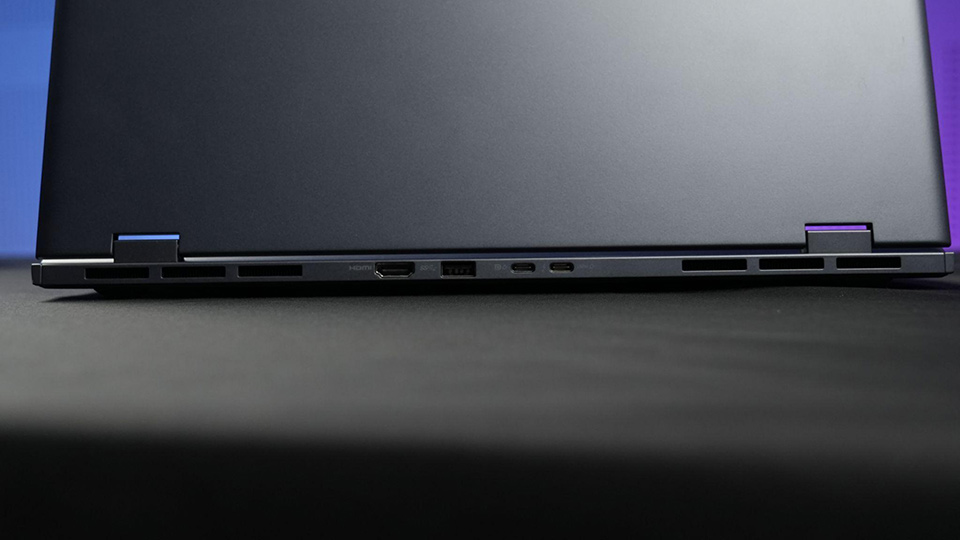
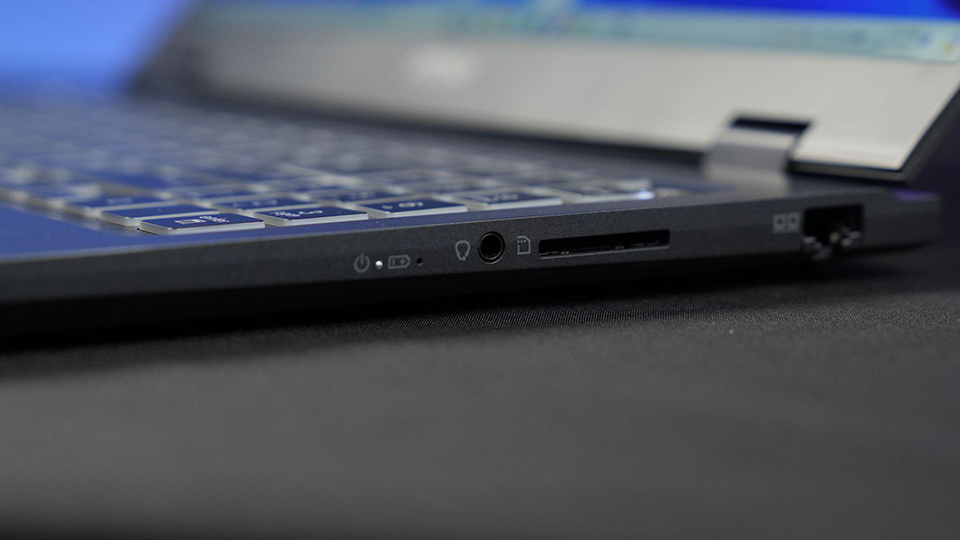
You’ll find a USB-C Thunderbolt 4 port, a USB-C 3.2 Gen 2 port with DisplayPort output, a USB-A 3.2 Gen 2 port, a full size SD card reader, a HDMI 2.1 port with support for up to 8K60Hz output as well as an RJ45 Ethernet port. If that’s not enough, you’ll also find support for Wi-Fi 7 and Bluetooth 5.4 wireless connectivity, future proofing it for years to come. Intel Unison is available too, enabling you to connect your Android or iOS smartphone to your PC for an integrated experience.
If you’re keen on getting a Prestige 16 AI Studio for yourself, you can simply click here to head over to the MSI Prestige 16 AI Studio website