From AI Assistant to AI Agent to AI Coworker: How to Choose an AI Business Laptop
Laptops
Learn how to move from asking AI questions to delegating tasks, while keeping control of the work and choosing a suitable laptop.
Ask an assistant to draft an email, and it drafts an email. Ask an agent connected to your tools to “follow up with this client,” and it can gather the context, draft the message, update your CRM, and hand it back for a final look. As AI gets more context, more tool access, and more staying power, it starts feeling less like a chatbot and more like a coworker — and that changes what you should expect from an AI business laptop.
How Do Assistants, Agents, and Coworker-Style AI Affect Your Laptop Choice?
Assistant, copilot, agent, and coworker describe different ways of working with AI. The labels overlap, so choose your laptop by where the AI runs: cloud-first work runs on any MSI business laptop — Prestige, Venture, or Modern — while MSI recommends RTX configurations with sufficient VRAM for more demanding local models and agent workflows.
How Is Workplace AI Evolving?
Assistant, copilot, agent, and coworker aren't four generations of AI — they're four ways of working with it, and most tools mix and match. The easiest way to see the difference is to watch the same person use all four. Meet Sarah, a marketing manager three weeks out from a product launch.
Here’s the quick version before we follow Sarah through each one:
What It Does
You're In Control Of
Best For
Assistant
Answers when you ask
Every next step
Quick questions, brainstorming, and first drafts
Copilot
Helps inside a defined app or workflow
Accepting or guiding suggestions
Writing, coding, and editing in everyday tools
Agent
Plans and carries out steps toward a goal
Permissions, checkpoints, and final approval
Research, scheduling, and follow-ups
Coworker
Supports an ongoing workflow and coordinates the work
Goals, guardrails, and final sign-off
Campaigns, projects, and recurring processes
What Is an AI Assistant?
Sarah opens a chat window and asks, “What should go in a launch announcement email?” The assistant answers with a draft. That's the whole interaction — she reads it, decides what to keep, cut, or rewrite, and takes it from there herself.
This is the AI experience most people know: conversational and reactive. Assistants are excellent for brainstorming, quick answers, and first drafts, but they wait for your prompt and don't act on their own.
What Is an AI Copilot?
Later, Sarah opens the actual launch slide deck. A copilot embedded right in the app suggests slide copy and cleans up formatting as she builds it — she stays in the driver's seat the entire time, accepting some suggestions and ignoring others.
Copilots, like GitHub Copilot or Microsoft Copilot in Microsoft 365, bring AI into a familiar app and work alongside you while you stay in control. Some now reach across apps or take limited actions, so judge a copilot by what it can see and change, not by its name.
What Is an AI Agent?
A few days later, Sarah hands off a whole task: “Get this week's social posts ready.” The agent researches talking points, drafts the posts, and prepares a publishing schedule for Sarah to approve before anything goes live. She could even set it running on a standing basis: scan for one trending topic every week and draft a short video around it, ready for her to review.
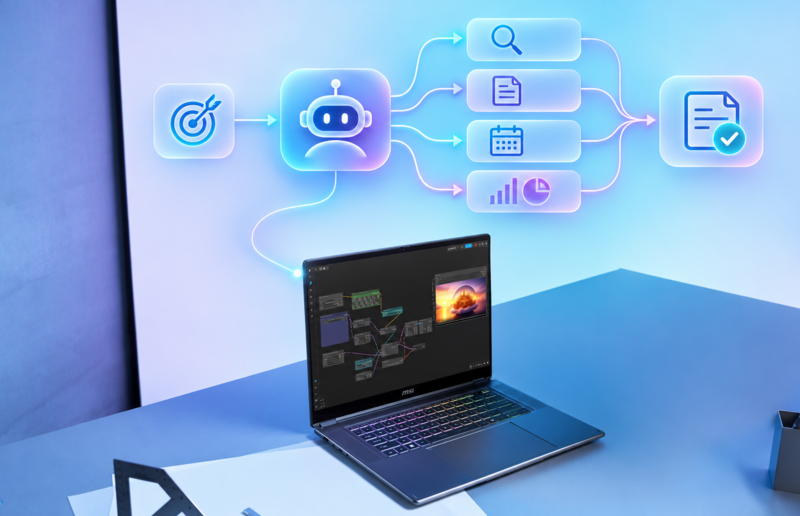
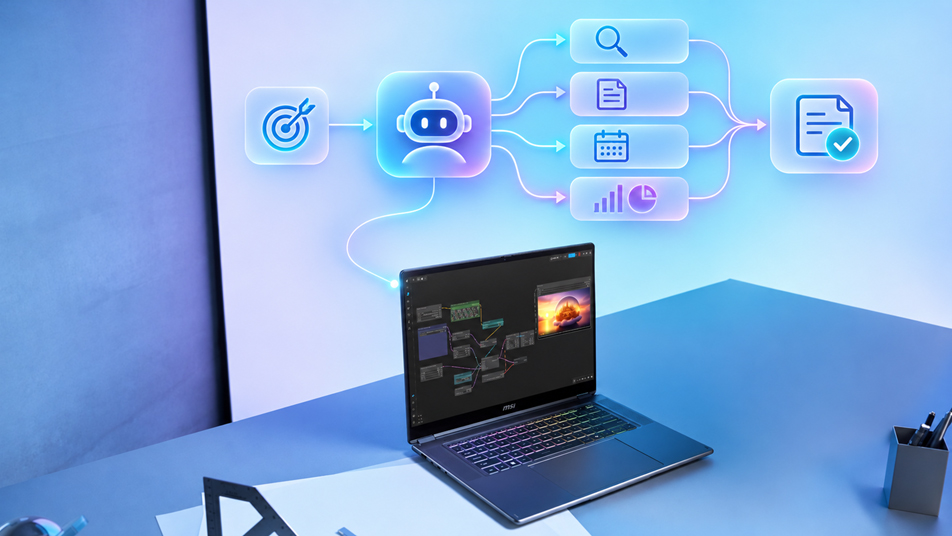
An agent is goal-driven: give it an objective and, with the right connected tools, permissions, and approval steps, it can search sources, call tools, edit files, and adjust its plan as it goes. That is also why guardrails matter most here. Picture asking an agent to prepare a campaign update, only to find it has published the post before you reviewed it. Define what an agent can touch, what needs human sign-off, and who reviews the outcome.
When Does AI Start to Feel Like a Coworker?
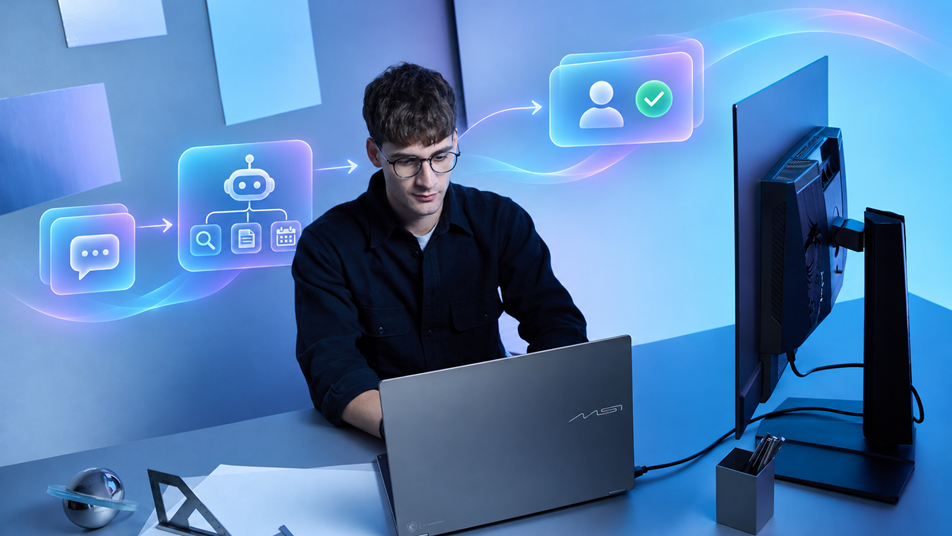
For the launch itself, a coworker-style setup takes over the coordination: one agent drafts copy, another checks it against brand guidelines, another handles scheduling, and Sarah reviews and signs off on the finished result.
The shift is from conversation to ongoing collaboration: a coworker-style setup keeps context, works across approved tools, and moves a project forward between check-ins. The relationship becomes less “I ask, AI answers” and more “I assign, review, and decide.”
When Is It Safe to Just Let AI Handle It?
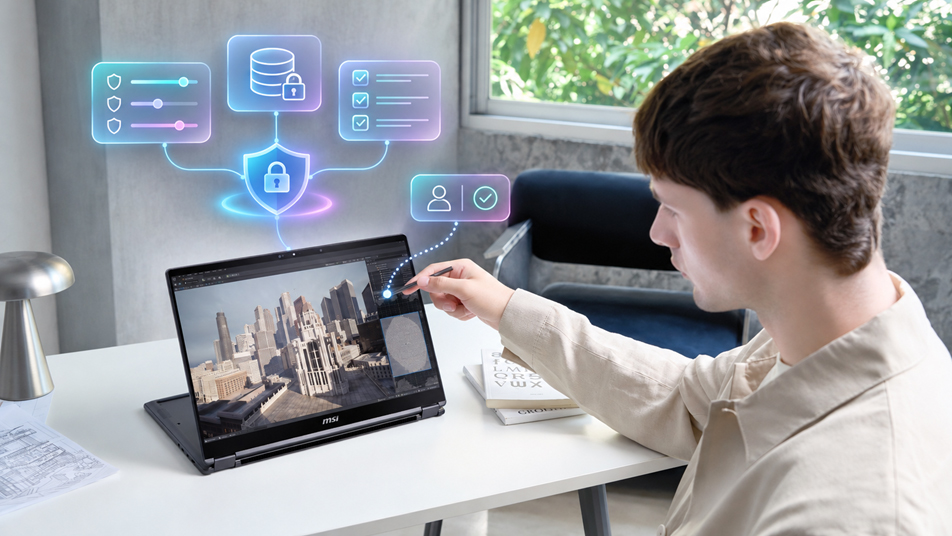
A capable model is only half the story. Before you let AI act more on its own, make sure the work is actually observable and reviewable:
- A clear target: what's the deliverable, who's it for, and what counts as “good enough”?
- Tight permissions: only the data, apps, and actions the task actually needs — nothing extra.
- A human checkpoint for anything that matters: sending a message, touching a record, spending money, changing access — a person signs off first.
- A paper trail: keep the sources, the intermediate steps, and the logs, so someone can actually reconstruct what happened.
- A plan B: know when it should stop, ask, retry, or just hand the whole thing to a person.
- Measure the results: track accuracy, time saved, rework, and adoption against how things worked before.
How Should You Choose an AI Business Laptop?
Start with where the AI runs, not with its label. A multi-step cloud agent can run in a browser on a balanced business laptop, while a small local image generator asks much more of the GPU. Here's how Sarah's ways of working map to MSI laptops.
Assistants, copilots, and cloud agents
When Sarah drafts in a chat window, builds slides with a copilot, or hands the week's social posts to a cloud agent, the heavy work runs online, and the same goes for cloud-assisted coding with tools like GitHub Copilot. Any laptop in MSI's Everyday Productivity & Cloud AI tier handles all of it, since cloud AI assistants and agents need no particular NPU. On a Copilot+ PC, including every Prestige model from 2026 onward, the 40+ TOPS NPU adds on-device features such as Live Captions translation and Windows Studio Effects for her back-to-back launch calls.
Recommended: Prestige / Venture / Modern · cloud AI on every model; Copilot+ PC features on models with a 40+ TOPS NPU
Small local models and single-step automation
If Sarah wants AI to draft from private notes, sort files one task at a time, or help build a small personal tool on her laptop, start with the software and model she plans to use. A discrete GPU with dedicated VRAM gives compatible local workloads more headroom.
MSI's Hybrid to Local AI & Content Creation tier covers this: Cyborg brings accessible AI gaming in a compact build, Katana is the dependable mainstream pick, Crosshair adds fast, precise performance, and a Stealth with entry-level configurations is a thin-and-light portable AI studio.
ecommended: Stealth (entry-level configurations) / Crosshair / Katana / Cyborg · RTX 5070 & Below, 8GB
Multi-step local agents and private coworker setups
When the whole coworker-style setup runs on the laptop, such as multi-step agents with offline document search, a local coding assistant that keeps the codebase private, or 4K AI editing for the launch video, step up to MSI's Advanced Local AI & Professional Creation tier.
Titan is the edge AI workstation for the heaviest local AI, Raider is the AI powerhouse for creators, and a Stealth in higher-end configurations keeps that power portable.
Recommended: Titan / Raider / Stealth (higher-end configurations) · RTX 5070 Ti & Above, 12–24GB VRAM
*Specifications, configurations, and availability may vary by market. For how Copilot+ PC features change the workday, see Your AI Coworker: How AI Business Laptops Are Changing the Way We Work; for VRAM detail by workload, see the Laptop GPU Buying Guide. For Prestige, Venture, and Modern, see Which MSI Business Laptop Is Right for You?
FAQ
What's the difference between an AI assistant, copilot, agent, and coworker?
An assistant answers a prompt, a copilot helps inside an app while you guide it, an agent carries out several steps toward a goal, and a coworker-style setup supports an ongoing workflow with context and human checkpoints. The labels overlap, so check what a product can actually do.
Is an AI copilot the same as an AI agent?
Not necessarily. A copilot usually works alongside you, while an agent can continue through several steps once it has a goal and the right permissions. Some copilots now include agent-like features, so check what the software can see, plan, and change.
Can an AI coworker run entirely on my laptop?
Yes, if the application and model support local operation. In practice, many coworker-style workflows are hybrid: selected sensitive data can remain local, depending on the app and its data path, while larger models and shared services use the cloud. For more demanding local agent workflows, MSI recommends RTX 5070 Ti & Above.
Related Reading
Cloud AI vs. Local AI vs. Hybrid AI: Which Is Right for You? — where AI should run, and why.
Laptop GPU Buying Guide: How to Choose VRAM and Power for Gaming, AI, and Content Creation — how much GPU and VRAM each workload needs.
Your AI Coworker: How AI Business Laptops Are Changing the Way We Work — how Copilot+ PC features change the workday.
Which MSI Gaming Laptop Is Right for You? — MSI's official series-by-series positioning.
Which MSI Business Laptop Is Right for You? — MSI's official Prestige, Venture, and Modern positioning.