Your AI Coworker: How AI Business Laptops Are Changing the Way We Work
Laptops
How AI features help with calls, translation, file search, and everyday follow-ups — and how to choose the right laptop for your team.
An AI business laptop helps you spend less time adjusting call settings, finding files, and preparing follow-ups. It combines supported on-device features with cloud AI tools for everyday work. It works less like a tool you operate and more like a coworker that quietly handles the small things, so you can walk into every meeting prepared and stay focused on the work that actually needs you.
What Kind of AI Laptop Do Most Business Users Need?
For most business roles, start with a laptop that supports everyday on-device AI features and your preferred cloud AI tools. A Copilot+ PC runs features such as Windows Studio Effects, Live Captions translation, and Improved Windows Search (semantic file search) on the device, while cloud AI tools help with drafts and summaries.
On MSI laptops, that is the Everyday Productivity & Cloud AI tier — the Prestige, Venture, and Modern series, where every Prestige model from 2026 onward is a Copilot+ PC. Step up only for roles that run AI locally: MSI's Hybrid to Local AI & Content Creation tier for light local AI and content work, and its Advanced Local AI & Professional Creation tier for developers, video teams, and multi-step local agents.
What Makes a Laptop an “AI Coworker”?
A good coworker doesn't wait to be asked for every little thing. The same is true of a modern AI business laptop, where three layers share the work. On the device, a Neural Processing Unit (NPU) — a processor designed to handle supported AI tasks efficiently — powers Windows features for calls, captions, and search, with selected features available offline once set up. In the cloud, AI assistants like Copilot and ChatGPT handle what comes after, like drafts and summaries. And the CPU, memory, and battery keep everything responsive through a day away from an outlet. On MSI business laptops, MSI adds its own layer on top: MSI Center S, with its built-in MSI AI Engine, retunes performance, sound effects, display mode, and keyboard backlight to the app you're using on every model, while NPU-powered noise reduction cleans call audio on Prestige, Venture, and Modern S.
Copilot+ PC is Microsoft's designation for eligible Windows 11 PCs with a 40+ TOPS NPU and Microsoft's other minimum hardware requirements; the on-device features below require one. TOPS is a measure of the NPU's AI processing capability. The designation covers the device and its on-device features, not every Copilot cloud service; some of those require a separate subscription. Eligibility depends on the configuration, not the model name, so check each model's spec sheet for the 40+ TOPS NPU and Copilot+ PC badge.
4 Ways an AI Business Laptop Changes the Workday
1. Video calls that fix themselves
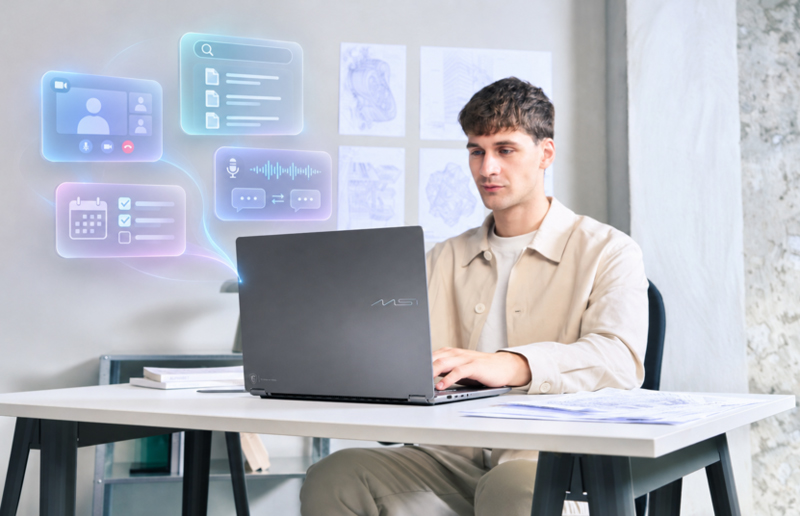
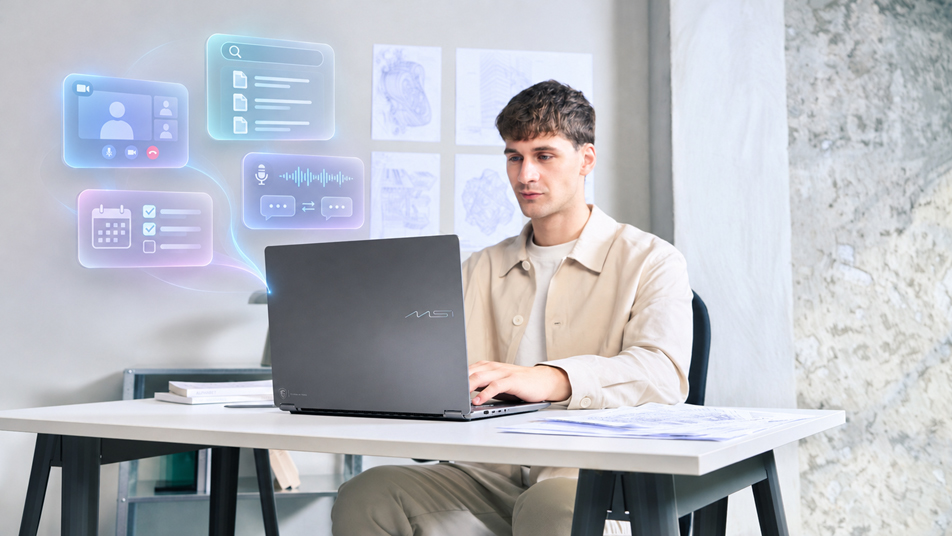
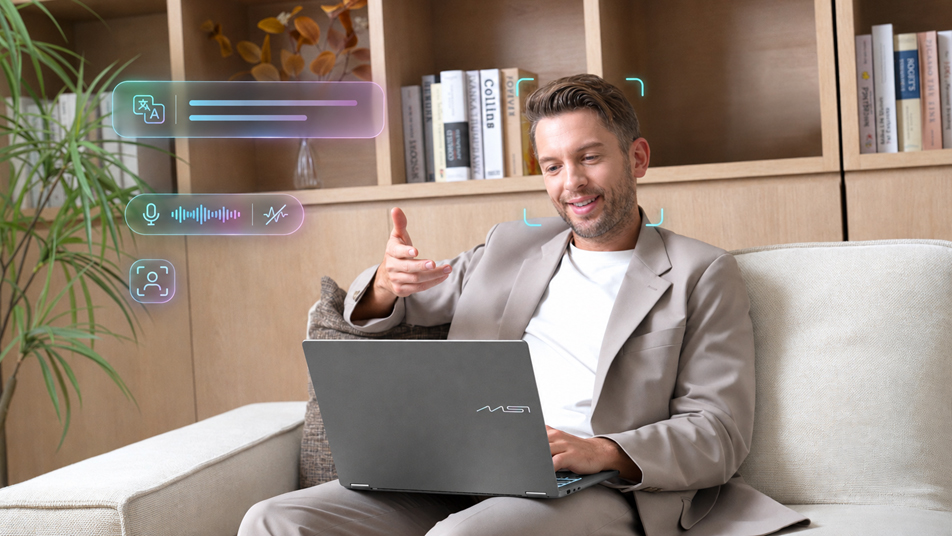
Spend less time adjusting your camera before a call. On supported devices, Windows Studio Effects can help with background blur, framing, eye contact, and audio. Because the processing happens on the device's NPU, it holds up in a hotel room, an airport lounge, or a home office. It works with the laptop's built-in camera, and the call itself still needs a network connection. On Prestige, Venture, and Modern S, MSI's own on-device noise reduction also cleans call audio in both directions.
Picture a regional sales manager on back-to-back calls across three markets, often from a hotel with unreliable Wi-Fi. On-device effects help improve his camera and audio presentation in different working environments.
2. Captions that translate as people speak
Live Captions on a Copilot+ PC translates speech in real time, and the translation is computed on the NPU, so it keeps working even when in-flight or hotel Wi-Fi barely does. Two details are worth knowing before a rollout: on-device translation currently targets English or Simplified Chinese, and each language pack needs a one-time download while you're still online.
An HR coordinator interviewing candidates in three languages used to miss nuance whenever she was the one taking notes. Now each answer is translated into English as the candidate speaks, and the same captions help the sales manager follow calls in languages he doesn't speak.
3. Ask the laptop, not your memory
You can find relevant documents by describing what you remember, even when you cannot recall the file name. On supported Copilot+ PCs, Improved Windows Search uses semantic indexing to help match your description to indexed files. For anyone with a large archive of client notes, proposals, or interview records, “where did I save that?” stops being a daily question.
When the HR coordinator compares candidates, semantic search helps her find relevant interview notes.
4. Draft the follow-up with less effort
Cloud AI apps like Copilot and ChatGPT sit on top of the on-device layer, turning meeting notes into a recap, drafting the follow-up email, or producing a first pass at a report. The NPU keeps the call polished; the cloud does the heavy writing. Meeting summaries and integrated drafting may require compatible apps, subscriptions, and settings.
After the sales manager's last call, Copilot can help turn the meeting notes into a follow-up email for him to review.
What Should IT Look For in an AI Business Laptop?
- NPU of 40+ TOPS and feature availability: the baseline for Copilot+ PC features. Confirm which translation languages and Windows AI features are available in each market before a rollout.
- Enough system memory: RAM matters as much as the NPU; heavier multitasking alongside AI features feels noticeably smoother with more memory.
- Battery life for real workdays: on-device AI is efficient, but compare battery life under your own mix of calls, browsers, and apps.
- Quiet operation: fan noise matters in open offices and on calls; according to MSI's business laptop guide, every Prestige, Venture, and Modern laptop is tuned to run under 30 dB.
- Security and sign-in: Windows 11 requires TPM 2.0; also check biometric sign-in and compatibility with your device-management tools.
- A clear data policy: decide which content can go to cloud assistants and which should stay on the device. If a role needs local AI, that changes the hardware tier.
- Portability: a coworker has to travel with you, so weigh size and weight against screen and port needs.
Once the must-haves are clear, pilot with one team, measure time saved against how the work was done before, and scale from there. For guardrails once AI starts taking actions on its own, see From AI Assistant to AI Agent to AI Coworker: How to Choose an AI Business Laptop.
Which MSI Laptop Fits Each Role on Your Team?
Most business roles live comfortably on a Copilot+ PC. The picture changes when a role needs to run AI on the laptop itself — to keep sensitive files off the cloud, work offline, or avoid metered cloud costs — because dedicated GPU memory (VRAM) then becomes a major deciding spec. MSI's three AI laptop tiers follow that logic.
Sales, HR, finance, and support teams
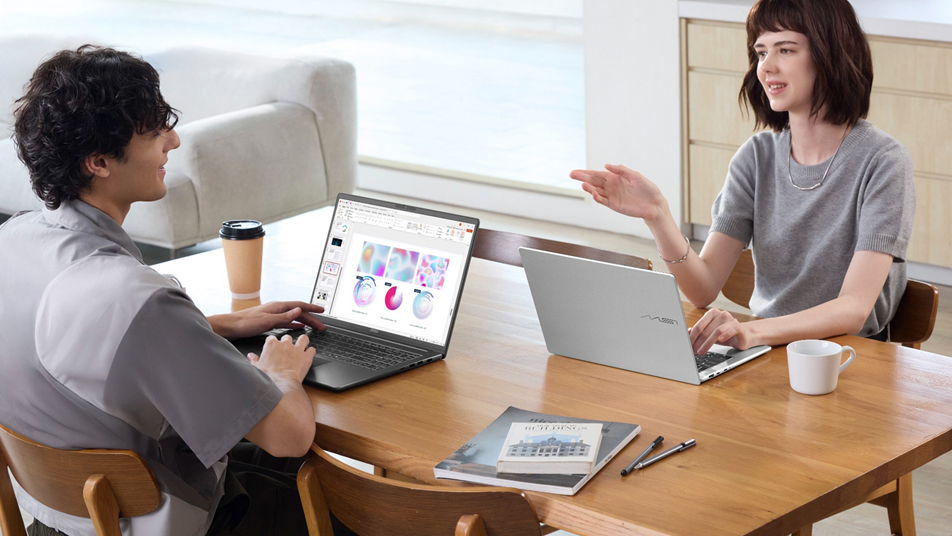
Like the sales manager and HR coordinator above, these roles live in calls, documents, and email, with cloud AI doing the drafting. MSI's business lineup covers this Everyday Productivity & Cloud AI tier in three series: Prestige for executives and consultants on the move, with every model from 2026 onward a Copilot+ PC in a thin, long-battery chassis; Venture for everyday professionals, hybrid teams, and IT-managed fleets that want steady all-round performance and broad connectivity; and Modern for first-job professionals and home-office users who need dependable everyday computing at an accessible price. For Copilot+ PC features on Venture and Modern, check the spec sheet for a 40+ TOPS NPU.
Recommended: Prestige / Venture / Modern · cloud AI on every model; Copilot+ PC features on models with a 40+ TOPS NPU
Prestige (X9/X7 config): the integrated-graphics option in MSI's AI lineup. Its Intel Arc B390 graphics deliver performance comparable to entry discrete GPUs for teams that need extra graphics headroom. MSI positions this configuration for everyday and hybrid AI. For more demanding local AI workloads, consider an RTX configuration.
Marketing, social, and internal-tools teams
These teams polish webinars and streams with NVIDIA Broadcast, touch up photos and video, run small local models for private Q&A, and automate one task at a time. Dedicated VRAM gives these local AI and creative workloads more headroom, which is what MSI's Hybrid to Local AI & Content Creation tier adds. Cyborg brings accessible AI gaming in a compact build, Katana is the dependable mainstream pick, Crosshair adds fast, precise performance, and an entry-level Stealth is a thin-and-light portable AI studio for hybrid workers and frequent business travelers who want GPU power without a gaming look.
Recommended: Stealth (entry-level configurations) / Crosshair / Katana / Cyborg · RTX 5070 & Below, 8GB
Video production, in-house developers, and R&D
When a team edits 4K footage under NDA, runs a private local coding assistant, builds multi-step local agents with offline document search, or prototypes robotics on suitable 16GB+ configurations, MSI recommends its Advanced Local AI & Professional Creation tier. Titan is the edge AI workstation for the heaviest local AI, Raider is the AI powerhouse for creators, and a Stealth in higher-end configurations keeps that power portable.
Recommended: Titan / Raider / Stealth (higher-end configurations) · RTX 5070 Ti & Above, 12–24GB VRAM
*Specifications, configurations, and availability may vary by market. For VRAM detail by workload, see the Laptop GPU Buying Guide; for series-by-series positioning, see Which MSI Gaming Laptop Is Right for You? For Prestige, Venture, and Modern, see Which MSI Business Laptop Is Right for You?
FAQ
What is an AI business laptop?
An AI business laptop helps with everyday tasks such as calls, file search, and follow-ups through supported on-device features and cloud AI tools. On MSI laptops, that's the Everyday Productivity & Cloud AI tier: the Prestige, Venture, and Modern series, with Copilot+ PC features on models whose NPU is rated 40+ TOPS, including every Prestige model from 2026 onward.
Do I need a Copilot+ PC to use Copilot or ChatGPT?
No. Cloud AI assistants and agents run on any MSI Prestige, Venture, or Modern laptop with an internet connection, with no particular NPU required; the hardware decides how much runs privately on the device, not whether you get AI at all. A Copilot+ PC adds on-device features that run on the NPU, like Live Captions translation, Windows Studio Effects, and Improved Windows Search.
Do Copilot+ PC AI features work offline?
Selected on-device features do, once they're set up. Live Captions translation, Windows Studio Effects, and Improved Windows Search can keep working offline after language packs are downloaded and the search index is built, though availability varies by feature, region, and language. Video calls, cloud Copilot, and other connected services still need a network connection.
Do business users need a discrete GPU for AI?
Most don't. Writing, meetings, translation, and search run on a Copilot+ PC and cloud AI. A discrete GPU with dedicated VRAM matters when a role runs AI locally: RTX 5070 & Below (8GB) for light local AI and content creation, and RTX 5070 Ti & Above (12–24GB) for developers, video teams, and multi-step local agents.
Is on-device AI more secure than cloud AI?
It can reduce how much data leaves the laptop for tasks such as translation and file search, because those run locally. Overall security still depends on your apps, permissions, encryption, and IT policies.
Related Reading
Cloud AI vs. Local AI vs. Hybrid AI: Which Is Right for You? — where AI should run, and why.
From AI Assistant to AI Agent to AI Coworker: How to Choose an AI Business Laptop — how assistants, copilots, and agents differ.
Laptop GPU Buying Guide: How to Choose VRAM and Power for Gaming, AI, and Content Creation — how much GPU and VRAM each workload needs.
Which MSI Gaming Laptop Is Right for You? — MSI's official series-by-series positioning.
Which MSI Business Laptop Is Right for You? — MSI's official Prestige, Venture, and Modern positioning.