Find Your Best Monitor
The Complete Guide to Choosing the Best Monitor

What Should You Look for When Buying a Monitor?
A monitor is a key part of your setup, shaping how you work, play, and view content. When buying a monitor, factors like size, resolution, refresh rate, response time, and panel type all influence your visual experience. This guide offers clear explanations and practical tips to help you choose the monitor that best fits your needs.
What Is Monitor Size?
Monitor size refers to the diagonal measurement of the screen, and it affects your viewing comfort, workspace layout, and overall user experience. When choosing a monitor size, factors such as desk space, viewing distance, and usage scenarios all play a role.
Common Monitor Sizes
24 inches & Under

Compact & Efficient
- Compact size: ideal for small desks or multi-monitor setups.
- Best for: basic work, competitive esports, fast-paced gaming.
27-32 inches

Balanced & Versatile
- Mainstream: A well-balanced option for most work and gaming.
- Best for: most gaming genres, productivity, daily multitasking.
34 inches & Above

Immersive & Multitasking
- Large/ Ultrawide: provides stronger immersion and more horizontal workspace.
- Best for: racing and flight sims, open-world RPGs, heavy multitasking.
What is Refresh Rate?
A refresh rate refers to how many times your monitor updates the image on the screen per second. Higher refresh rates make motion smoother, reduce screen tearing, and create a better viewing experience.

Common Refresh Rate Range
-
60-144Hz:
Delivers smooth motion for everyday tasks and casual gaming. Ideal for web browsing, office work, and light gameplay. -
144-240Hz:
Offers fast, responsive visuals suited for most modern games. A great choice for gamers who want a noticeable performance boost. -
240Hz and above:
Provides ultra-fluid motion for high-speed action. Best for competitive esports players who need every frame advantage.
What Does Monitor Resolution Mean?
Monitor resolution is the number of pixels that form the images on your screen. Higher resolution delivers sharper details and clearer text, enhancing work, gaming, and movie quality. Here’s a quick comparison to help you pick the best resolution for your needs.
Monitor Resolution Comparison
| Name | Resolution | Typical Use |
|---|---|---|
| FHD (1080p) | 1920 x 1080 |
|
| QHD (1440p/2k) | 2560 x 1440 |
|
| 4K (Ultra HD/UHD) | 3840 x 2160 |
|
| 5k | 5120 x 2880 |
|
Why Is Monitor Response Time Important?
Monitor response time measures how quickly a pixel changes color. Lower response times reduce motion blur and ghosting, making fast-moving scenes smoother. For gaming, 1ms or lower is ideal, and the latest panels like QD-OLED can reach an ultra-fast 0.03ms, while 4ms is sufficient for everyday use.

Which Should You Choose: Curved vs Flat Monitor?
Curved and flat monitors provide different viewing experiences. Curved screens vary in curvature, with tighter curves like 1000R aligning more naturally with the human eye. Flat screens offer a uniform, straightforward view and flexible placement for different setups. The right choice depends on your intended use and personal preferences.

Curved monitor
- Benefits: Reduces edge distortion and eye strain for a more immersive, comfortable view.
- Best For: Racing and flight sims, RPGs, action-adventure games, and ultrawide setups.

Flat monitor
- Benefits: Offers accurate visuals and smoother multi-monitor alignment.
- Best For: FPS, MOBA, RTS (Real-Time Strategy), graphic design, and precision-focused work.
What Are the Differences Between LCD, OLED, and Mini-LED Panels?
LCD, OLED, and Mini-LED panels create images differently, affecting brightness, contrast, color accuracy, and viewing experience.
How These Panels Work
LCD
Liquid crystals control light from an LED backlight to create the screen's image.

OLED
Self-emissive pixels generate their own light and can turn off completely.

Mini-LED
Advanced LCD with thousands of tiny LEDs for precise brightness and dimming.

| Feature | LCD (IPS/TN/VA) | OLED | Mini-LED |
|---|---|---|---|
| Black Levels | Moderate (dark gray) | Perfect blacks | Very good (deep blacks) |
| Contrast Ratio | Moderate | Infinite | Very high |
| Brightness | Good | Good | Extremely high |
| Color Performance | Good | Excellent | Excellent |
Quick Tips for Picking the Right Panel
- OLED: Perfect blacks and unmatched contrast. Best for movies and gaming in controlled lighting.
- Mini-LED: Extremely bright, HDR-ready, and durable with no burn-in risk. Ideal for bright rooms.
- LCD: Budget-friendly with solid performance for everyday use.
What is G-Sync and FreeSync?
G-Sync (NVIDIA) and FreeSync (AMD) are adaptive sync technologies that reduce screen tearing and stuttering by matching the monitor's refresh rate to the GPU's frame rate. When choosing a monitor, pick one that supports your graphics card for the smoothest gaming experience.


Which Monitor Do You Need: Gaming or Daily Use?
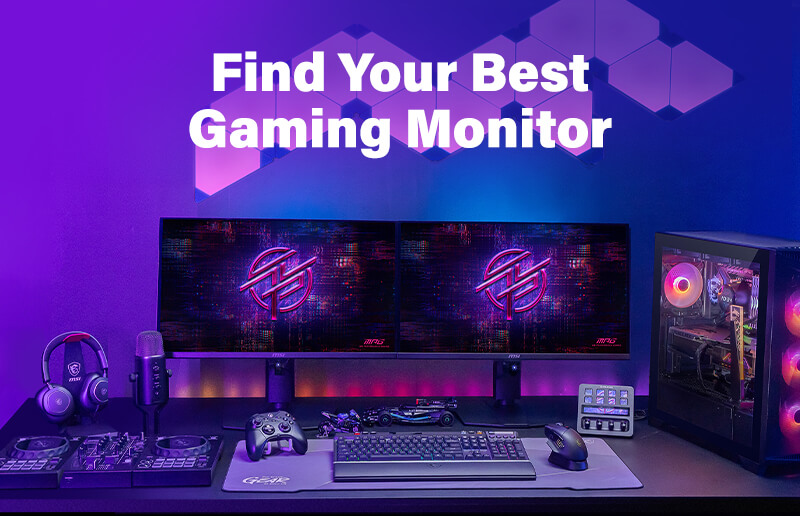
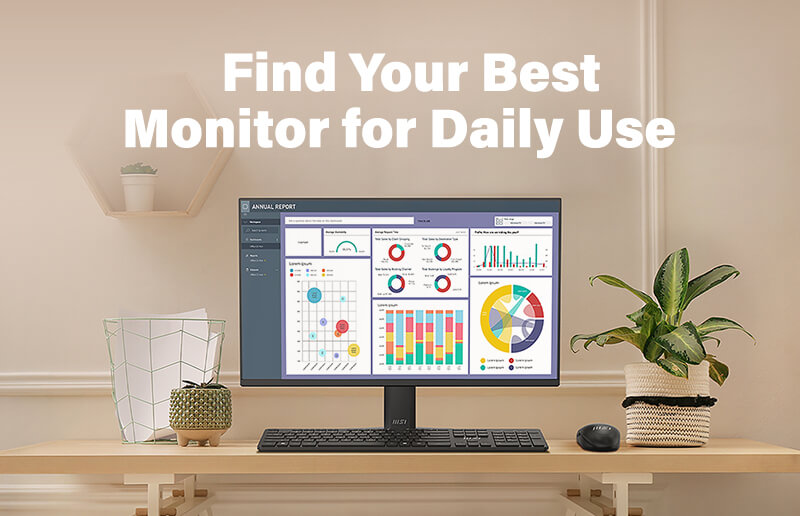
Are you looking for a Gaming monitor or one for Daily Use? Gaming monitors excel in speed and performance, daily use monitors prioritize comfort and practicality. Discover helpful guides below to find what fits you best!
Discover Monitor Setup Options
Your monitor setup affects your experience. When choosing a monitor, also consider different usage scenarios. Check out the links below for more setup tips and guides!