
The 2026 Memory Shortage Survival & PC Upgrade Guide

The 2026 Memory Shortage Survival and Upgrade Guide hero visual

Memory Shortage

Survival & PC
Upgrade Guide

Maximizing PC Performance through Strategic Asset Reallocation in a High-Cost RAM Market

The Memory Bottleneck

Navigating the 2026 Hardware Crisis

In 2026, the PC market faces an unprecedented crisis. DDR5 memory prices have surged over 300% in the last six months. This guide presents the data, explains the economics, and positions our brand as your rational ally in navigating this market distortion.

Why are RAM prices so high?

  • AI data-center demand – Enterprise AI clusters require massive amounts of memory, absorbing much of the global DRAM supply.
  • Manufacturers prioritizing HBM – Memory makers are shifting production to High-Bandwidth Memory for AI GPUs, reducing DDR4/DDR5 supply.
  • Rising DDR5 adoption – New CPUs and platforms require DDR5, causing a rapid surge in demand.
  • Limited fabrication capacity – DRAM fabs take years to build, so supply cannot quickly scale to meet spiking demand.
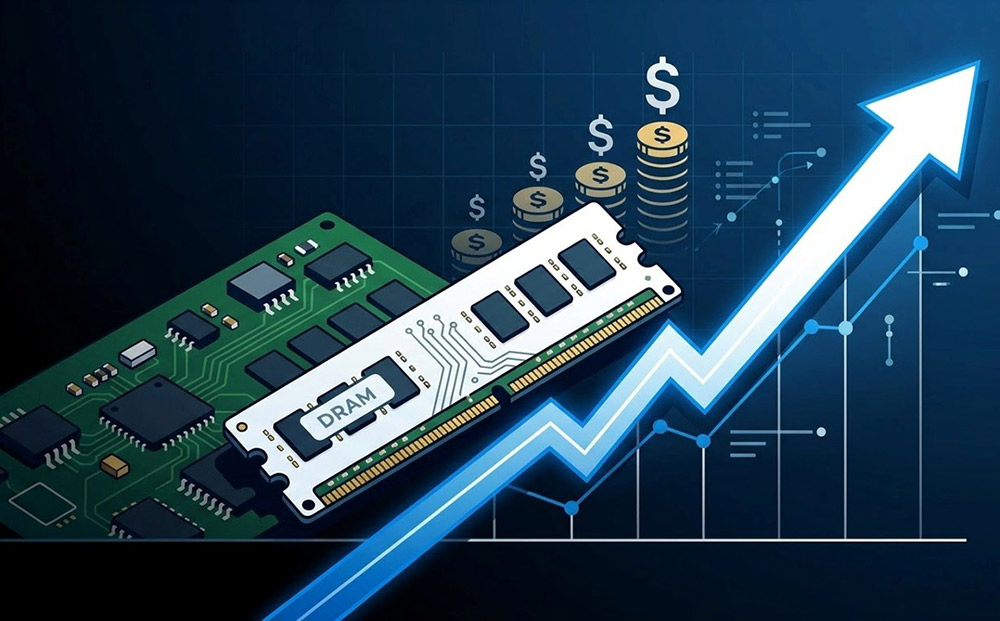
Illustration of RAM market pressure and rising memory prices

Memory Price Forecast (4Q25–1Q26)

Category 4Q25 (Actual) 1Q26E (Revised)
PC DRAM Up 38–43% Up 105–110%
Server DRAM Up 53–58% Up 88–93%
Mobile DRAMX Up 43–53% Up 88–93%
Total DRAM Up 45–55% Up 80–95%
Enterprise SSD Up 25–30% Up 53–58%
Total NAND Flash Up 33–38% Up 55–60%

** As of Feb, 2026

** Data Source: Trend Force

What is the Next Step for a PC Builder?

First of All: Know Where You Are and Where You Want to Go

This section analyzes the massive price surge in the memory market caused by AI infrastructure demand. It challenges builders to reconsider their "Next Step": Should you pay a 100% premium for a 5% performance gain, or is there a smarter way to evolve your setup? Here are some factors to weigh, to help determine whether upgrading RAM should be a priority.

Self-Assessment #1: Memory Upgrade Urgent Check

  • Light Gaming Only: You only play eSports (LoL, Valorant, CS2). 16GB is still more than enough for these.
  • Low Usage: Your Task Manager shows RAM usage is under 80% while gaming. Adding more RAM won't give you more FPS.
  • Single-Tasker: You always close Chrome and Discord before starting a game. You have plenty of "breathing room."
  • The "Alt-Tab" Lag: Your PC freezes or stutters for 2–3 seconds when switching between a game and a web browser.
  • App Crashes: Professional tools (Premiere, Blender, AI Apps) suddenly close or show "Out of Memory" errors.
  • High Idle: Your PC uses over 50% RAM just sitting on the desktop. You have no “CAPACITY" left for actual tasks.

Self-Assessment #2: Memory Capacity Check

  • 16GB (Baseline): Ideal for general office productivity, 1080p light gaming, and standard daily multitasking.
  • 32GB (Sweet Spot): The gold standard for 2026 mainstream AAA gaming, 4K video editing, and multi-window streaming.
  • 64GB+ (Professional): Recommended exclusively for users handling 8K video processing, complex 3D rendering, or running large-scale AI models.

Self-Assessment #3: Memory Platform DDR4 vs. DDR5 Evaluation

Evaluation Factor DDR4 (The Rational Path) DDR5 (The Future Path)
Market Condition Mature supply with stable, low-cost pricing. Severe shortage due to AI server demand; prices remain at a premium.
Best For... Users upgrading existing systems or building new value-to-performance PCs. Professional workstations or enthusiast builds where budget is not a primary concern.
Performance Gain Sufficient for 95% of modern gaming and productivity tasks. Provides a 3-8% edge in specific memory-intensive tasks (e.g., heavy multitasking and bandwidth-sensitive tasks).
Strategic Advantage Saves $200-$400 to be reallocated into cooling, case, displays, and peripherals. Provides the latest architecture at the cost of a significantly higher "shortage tax".

Navigating the Generational Leap

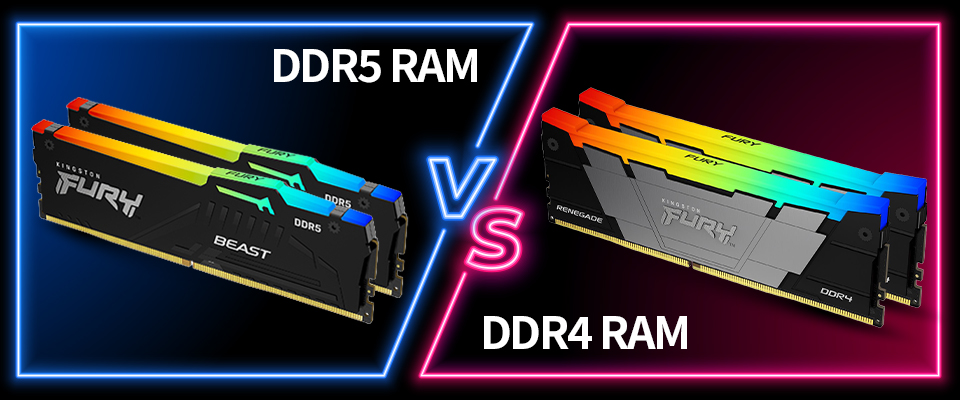
The Generational Crossroads: DDR4 Stability vs. DDR5 Velocity

Identifying your need is only half the battle; choosing the right path is the other. In a market where compatibility dictates longevity, builders face a critical decision: Should you maximize the efficiency of the proven DDR4 ecosystem or invest in the high-bandwidth future of DDR5? This isn’t just about speed—it’s about matching the right memory to the right motherboard to ensure your "Next Step" is a well‑timed one.

DDR4 and DDR5 platform upgrade comparison visual

Path A: The High-Efficiency Standard (DDR4)

Ideal for: Budget-conscious creators, professional office builds, and stable gaming.

Why Go for DDR4 RAM?

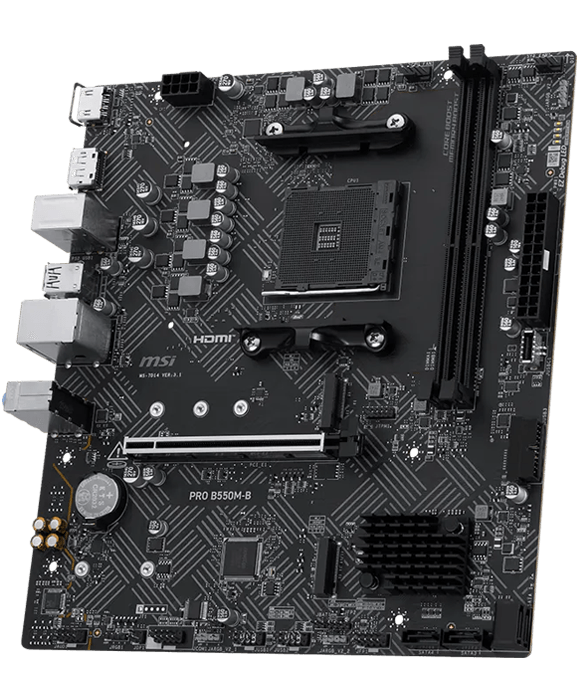
  • Mature Ecosystem: DDR4 platforms (e.g., Intel 12/13/14th gen or AMD AM4) currently have very stable drivers and BIOS support.
  • Thermal Efficiency: DDR4 delivers stable performance under low power and low heat, which is especially valuable for users upgrading older systems who prioritize quiet operation.
  • Accessible Choice: While DDR5 is the new standard, DDR4 remains the most mature and cost-effective option in the current market, providing stable performance at a more accessible price point for balanced builds.

Why stay with a stable and cost-effective motherboard platform?

To maximize the value of DDR4, the surrounding motherboard ecosystem offers unparalleled flexibility.

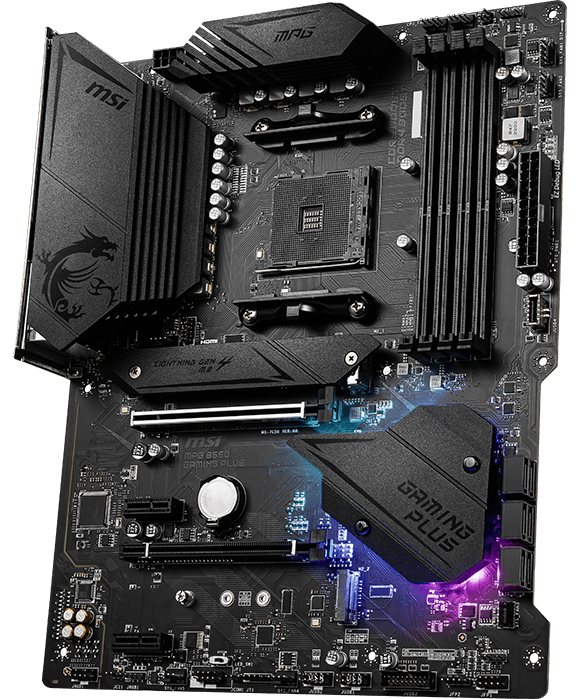
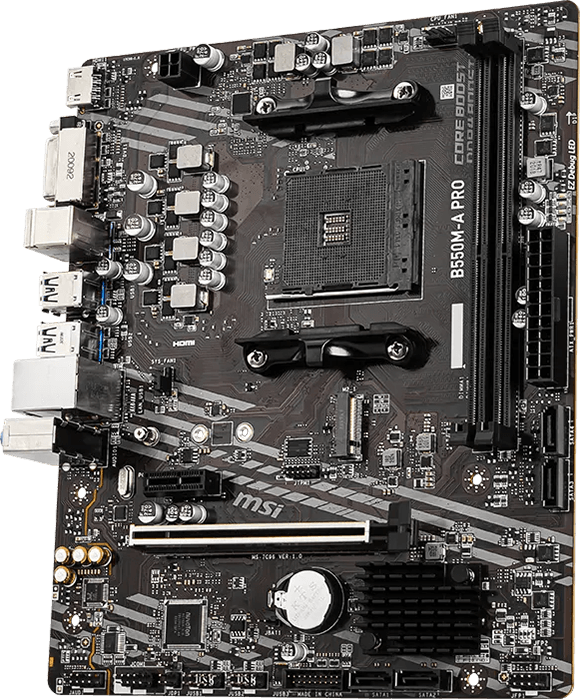
  • The AM4 Legacy (AMD): A prime example of longevity, stable chipsets from the budget B450 to the high-performance X570. Years of silent optimizations-such as improved VRM cooling and refined memory traces-ensure these battle-tested boards seamlessly support modern 5000 series CPUs and high-speed DDR4 kits.
  • Seamless Intel Integration: For Intel users, the B660/B760 series (12th-14th Gen) continues to offer dedicated DDR4 versions. This allows you to leverage modern processing power while benefiting from the mature stability and lower entry costs of the DDR4 standard.

*Advertised speeds require overclocking, enabled through XMP profile selection in the BIOS.
Maximum speed may be limited by processor, motherboard, and/or memory configuration.

Path B: The AI & Future-Proof Powerhouse (DDR5)

Ideal for: If money is no object, AI developers, 4K video editors, bleeding-edge computing and gaming enthusiasts, and extreme overclockers.

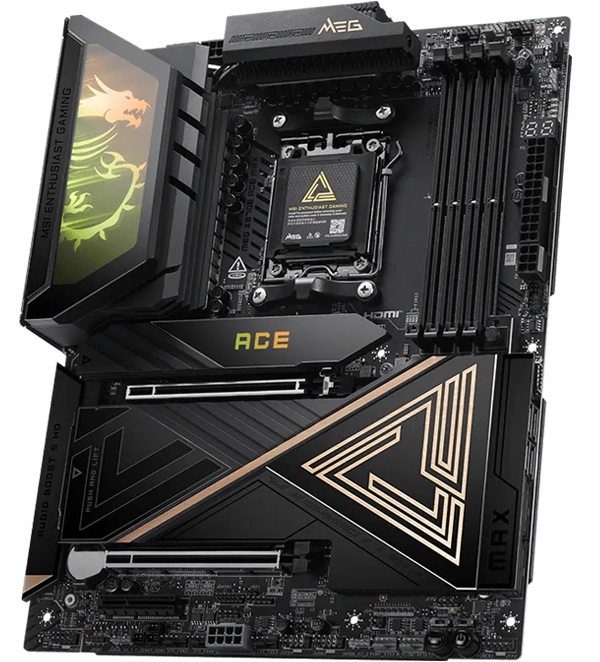
MEG X870E ACE MAX
MEG X870E ACE MAX
  • Designed for AMD Ryzen 9000, 8000, and 7000 Series desktop processors (AM5).
  • Dual-channel DDR5 support with overclocking capabilities reaching 9000+ MT/s.
  • 18+2+1 Duet Rail Power System with 110A Smart Power Stage (SPS) and 8-layer server-grade PCB.
  • Features wavy fin heatsinks, direct-touch heat-pipes, and 9W/mK thermal pads for maximum cooling.
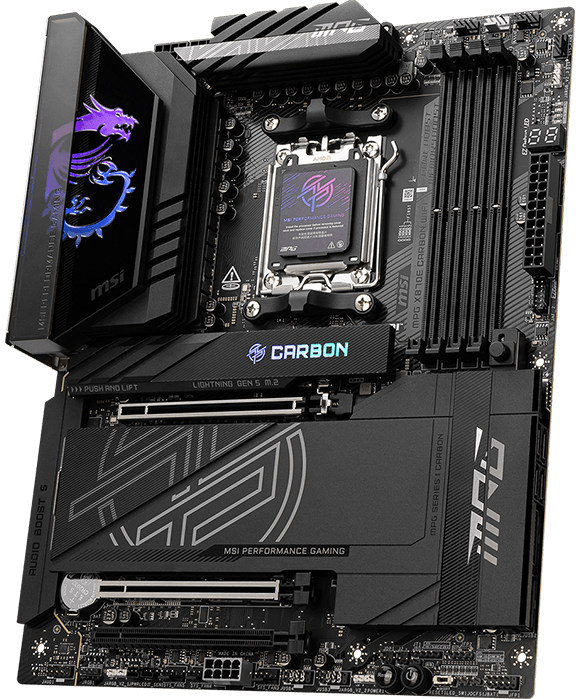
MPG X870E CARBON MAX WIFI
  • Full compatibility with AMD Ryzen 9000, 8000, and 7000 Series processors.
  • Supports Dual Channel DDR5 at speeds of 8400+ MT/s (OC).
  • 18+2+1 Duet Rail Power System with 110A Smart Power Stages and OC Engine for precise tuning.
  • Enlarged heatsinks with heat-pipes, 7W/mK thermal pads, and M.2 Shield Frozr for high-thermal efficiency.
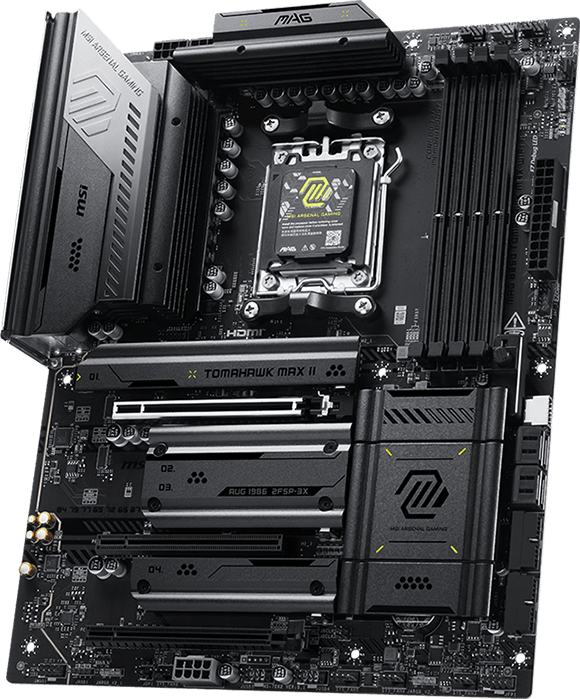
MAG B850 TOMAHAWK MAX WIFI
  • Fully compatible with AMD Ryzen 9000, 8000, and 7000 Series processors.
  • Dual Channel support with overclocking speeds up to 8200+ MT/s.
  • 14+2+1 Duet Rail Power System with dual 8-pin connectors for stable CPU performance.
  • Extended heatsinks with 7W/mK thermal pads and EZ M.2 Shield Frozr II for heat management.
  • PCIe 5.0 x16 slot and Lightning Gen 5 x4 M.2 for ultra-fast data transfer.
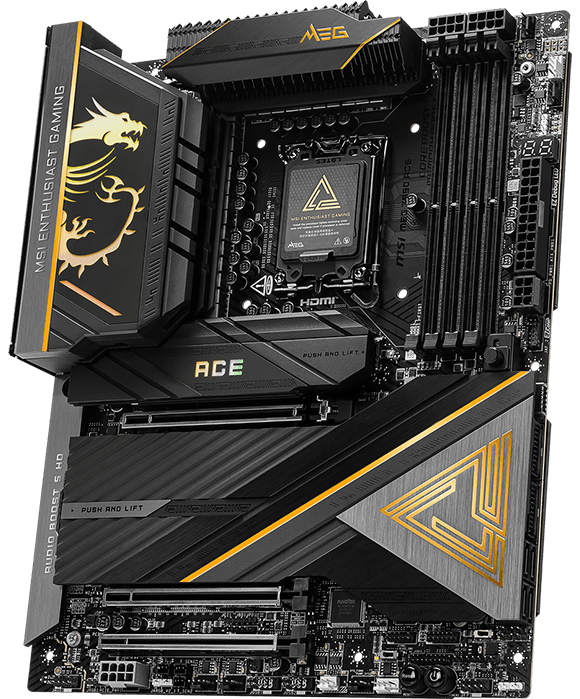
MEG Z890 ACE
MEG Z890 ACE
  • Designed for Intel Core Ultra Processors (Series 2) for LGA 1851 socket.
  • Dual-channel DDR5 support with overclocking capabilities reaching 9200+ MT/s.
  • 24+2+1+1 Duet Rail Power System with 110A SPS and 8-layer server-grade PCB.
  • Equipped with Dual Thunderbolt 4, 10G LAN, and Intel Killer Wi-Fi 7.
  • Onboard 5x M.2 connectors with PCIe 5.0 and 60W USB Power Delivery.
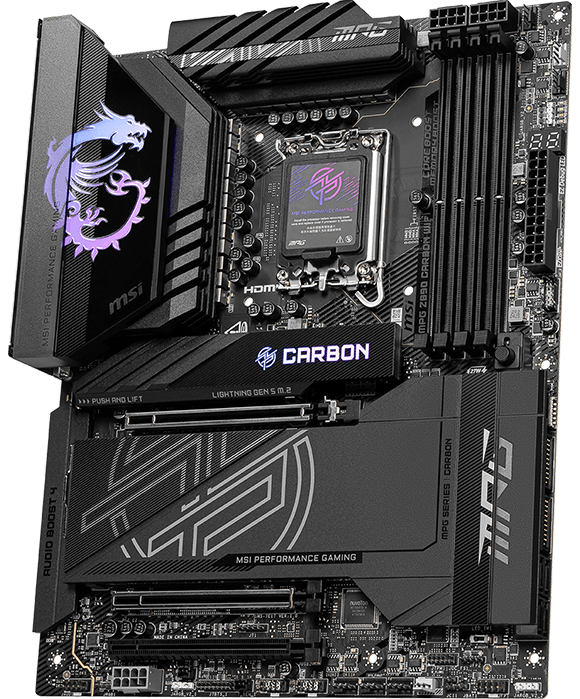
MPG Z890 CARBON WIFI
  • Supports Intel® Core™ Ultra Processors (Series 2) with LGA 1851 socket
  • Delivers DDR5 memory performance up to 9200+ MT/s (OC)
  • Powers extreme performance with Direct 20+1+1+1 phases design, dual 8-pin CPU connectors, Core Boost, and Memory Boost
  • Built on an 8-layer PCB with 2oz thickened copper and server-grade materials for maximum stability and durability
  • Features Frozr Guard
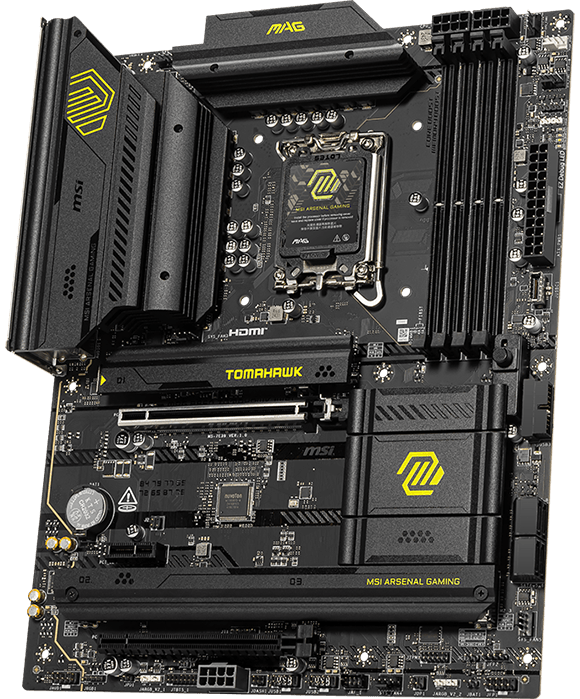
MAG B860 TOMAHAWK WIFI
  • Supports Intel® Core™ Ultra Processors (Series 2) with LGA 1851 socket
  • Delivers DDR5 dual-channel memory support up to 9200+ MT/s (OC)
  • Engineered for ultra performance with 12+1+1+1 Duet Rail Power System (60A SPS), dual 8-pin CPU power, Core Boost, and Memory Boost
  • Built on a 6-layer PCB with 2oz thickened copper and server-grade materials for enhanced reliability
  • Equipped with Frozr Guard

*Advertised speeds require overclocking, enabled through XMP/EXPO profile selection in the BIOS.
Maximum speed may be limited by processor, motherboard, and/or memory configuration.

Asset Reallocation

Investing in Components That Last

This section presents curated hardware recommendations. Every component listed has been selected for longevity, performance-per-dollar, and compatibility with future upgrades. These aren‘t affected by the memory crisis—they represent rational investments in your computing experience. What matters: user experience, thermals, and platform longevity.

Pivot Your Budget to Components That Outlast the Market

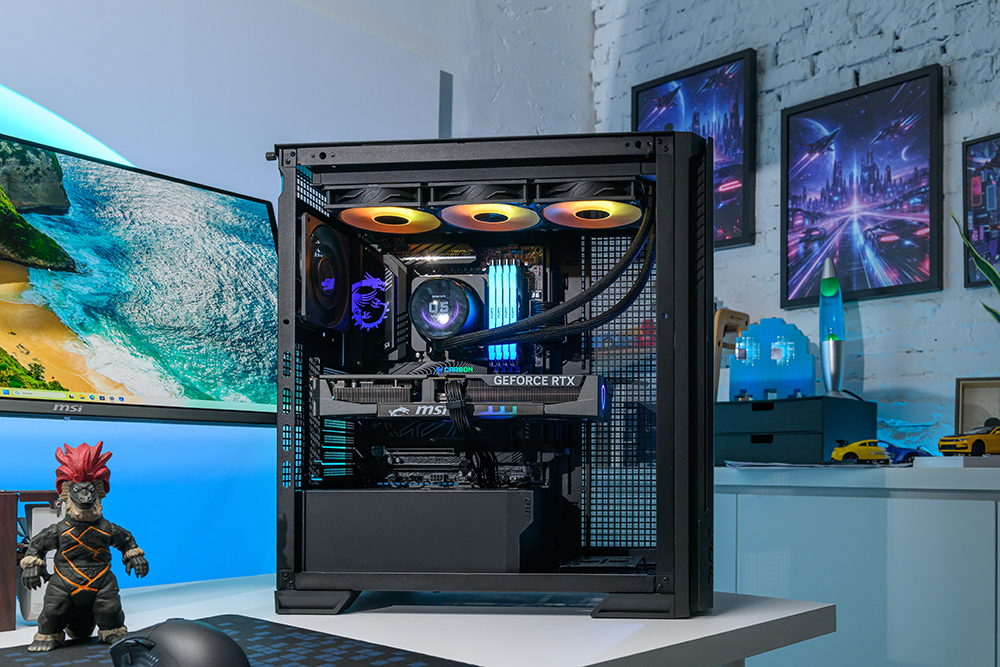
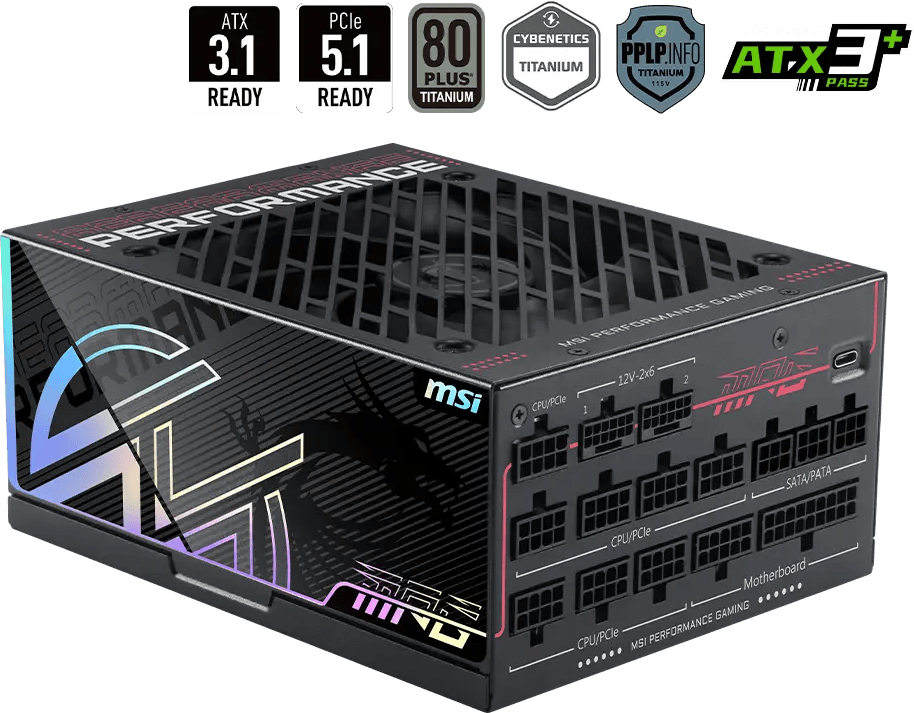
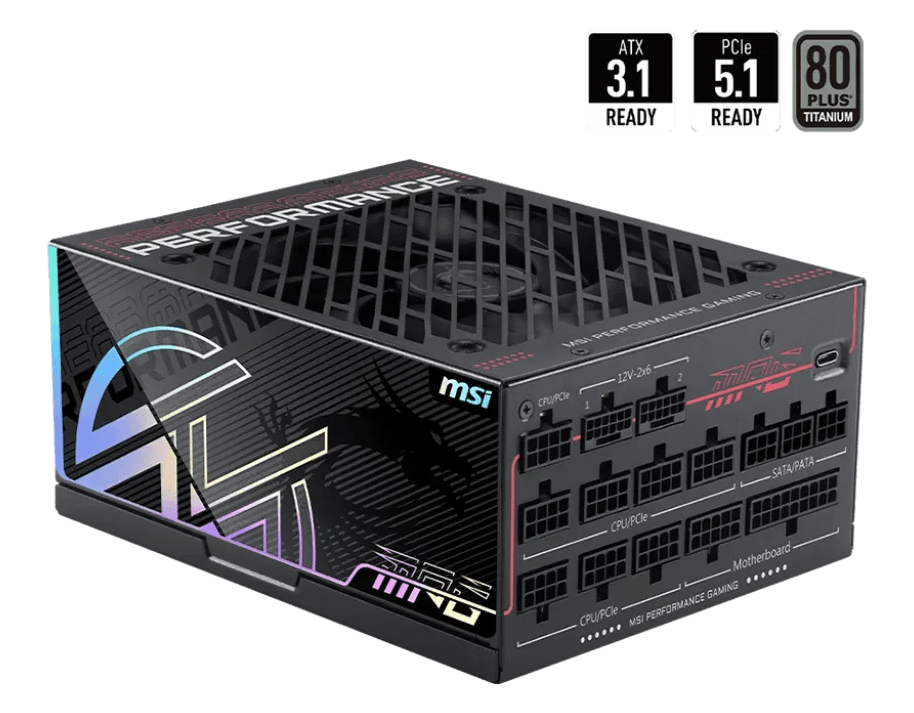
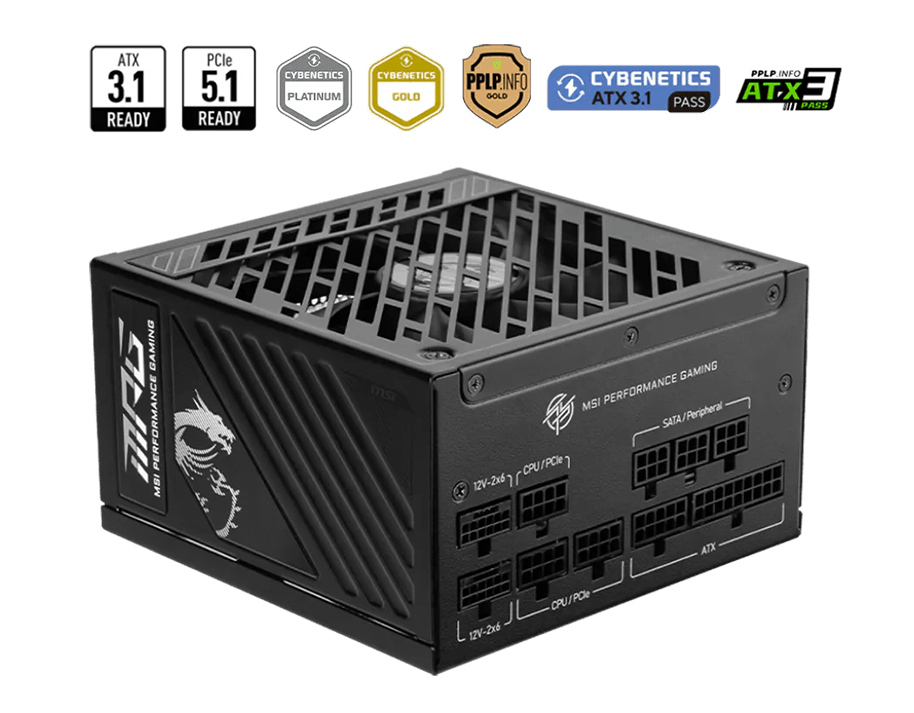
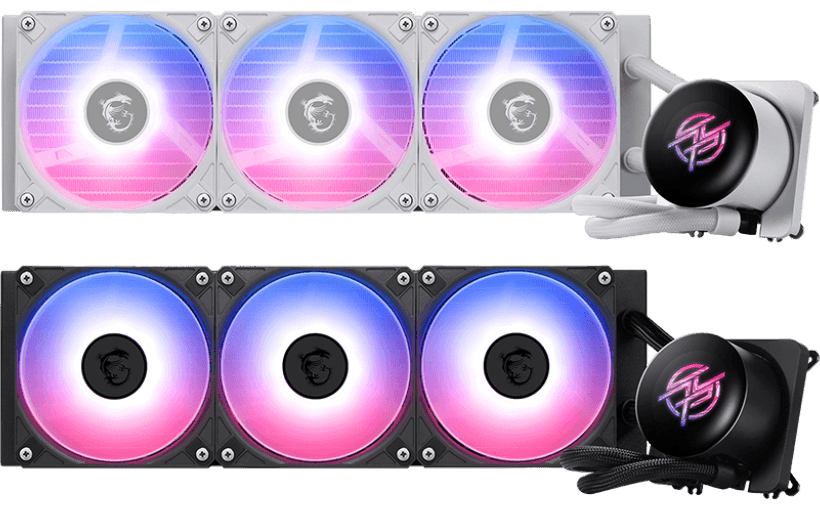
When the memory market faces volatility, the smartest move is to secure your investment in hardware with a longer life cycle. While RAM is subject to rapid generational shifts, these four categories including Monitor, Power Supply, Cooler and Case offer stable value and long-term performance insurance.

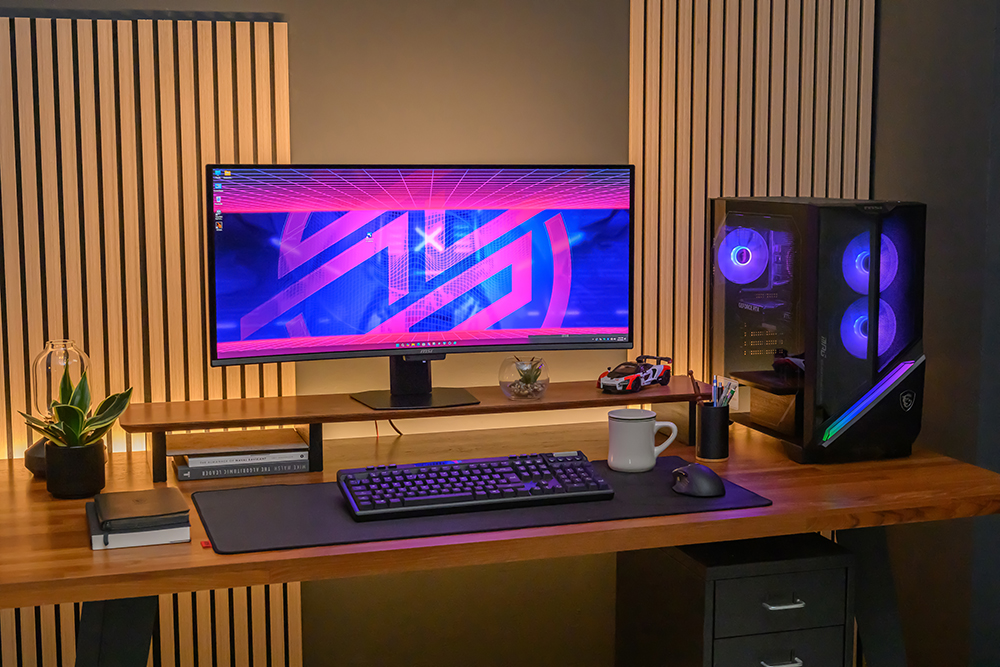
Gaming desktop setup scenario
Desktop PC setup scenario

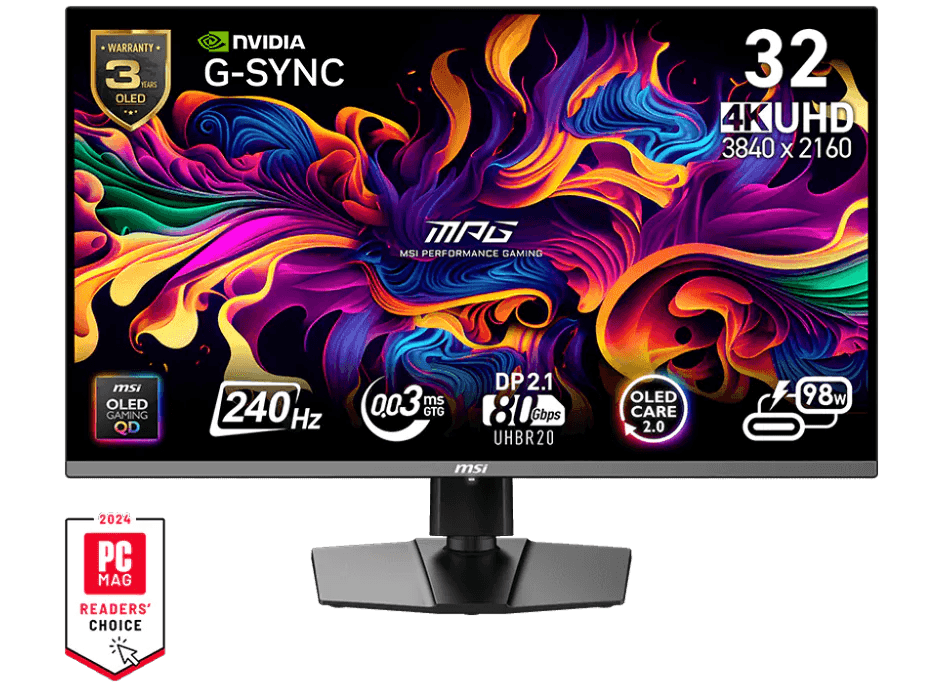
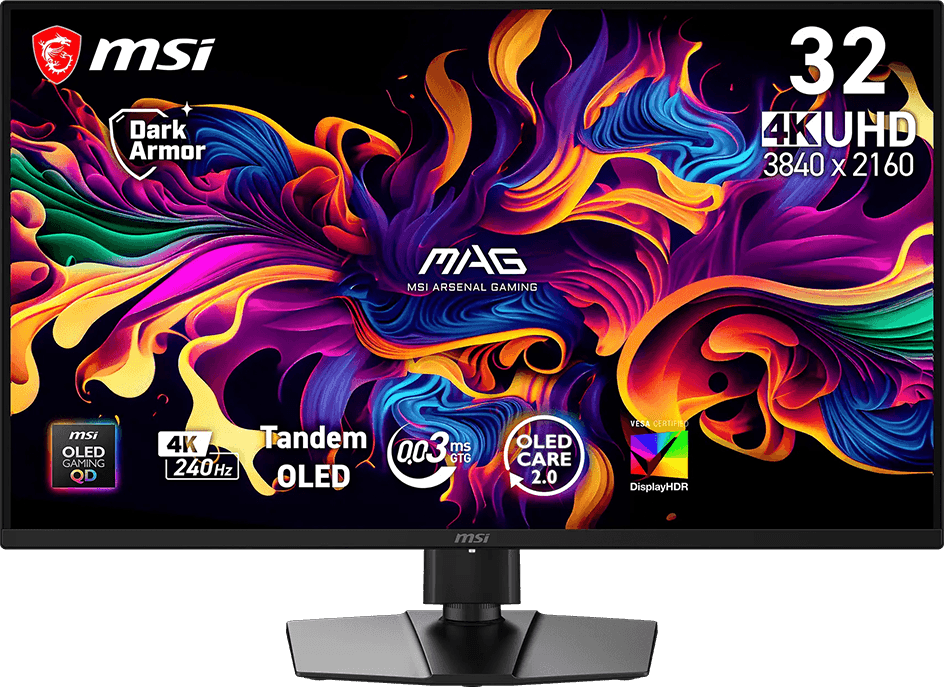
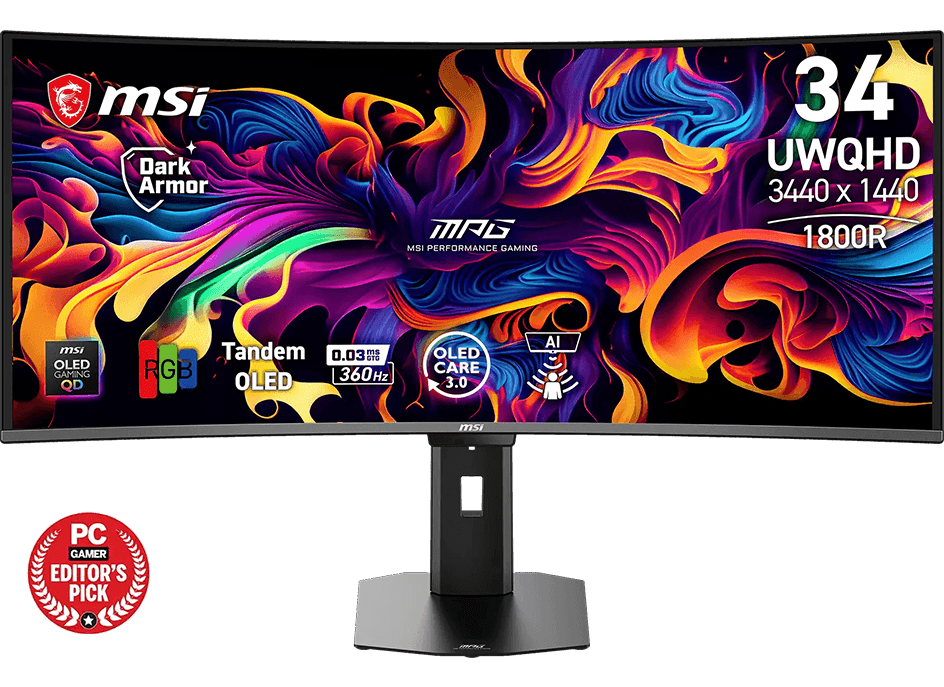
Investing your budget into a 32" or 34" Ultra-Wide or larger Monitor display transforms your entire interaction with your PC. Upgrading to QD-OLED technology delivers an immediate leap in performance that you can actually see, offering infinite contrast and the most vibrant color reproduction available today.

Power Supplies are "Infrastructure Investments." With warranties lasting up to 10 years, a top-tier PSU survives multiple system overhauls. Modern ATX 3.0/3.1 standards ensure you are ready for the next decade of GPU and CPU power demands, providing a stable voltage that protects all your other parts.

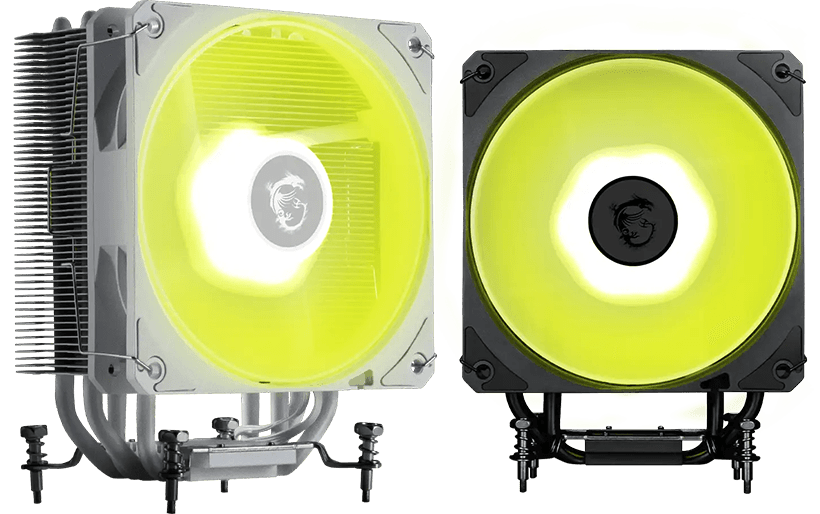
Efficient water / liquid cooling or air cooling prevents thermal degradation. By maintaining lower temperatures, you extend the lifespan of your existing processor and motherboard, allowing you to delay a total platform upgrade while still enjoying peak speeds throttling-free.

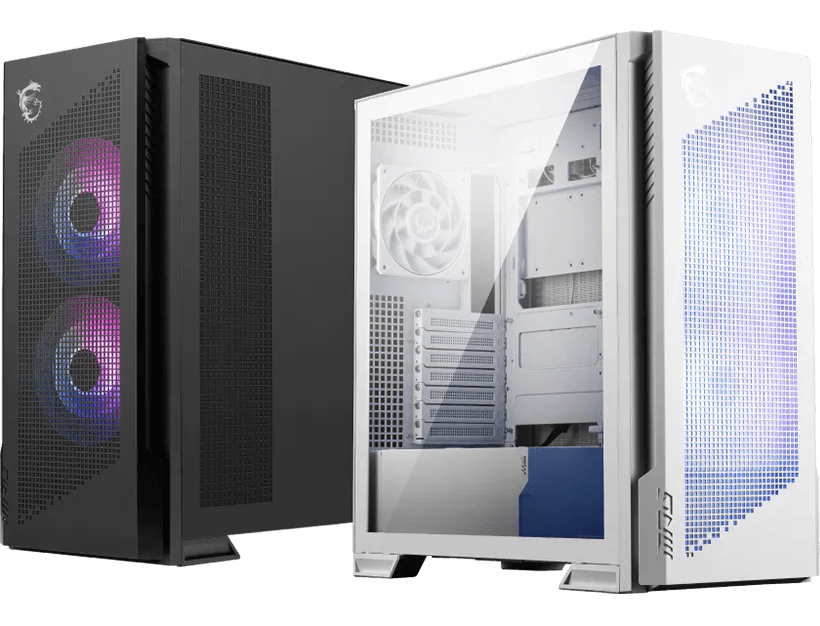
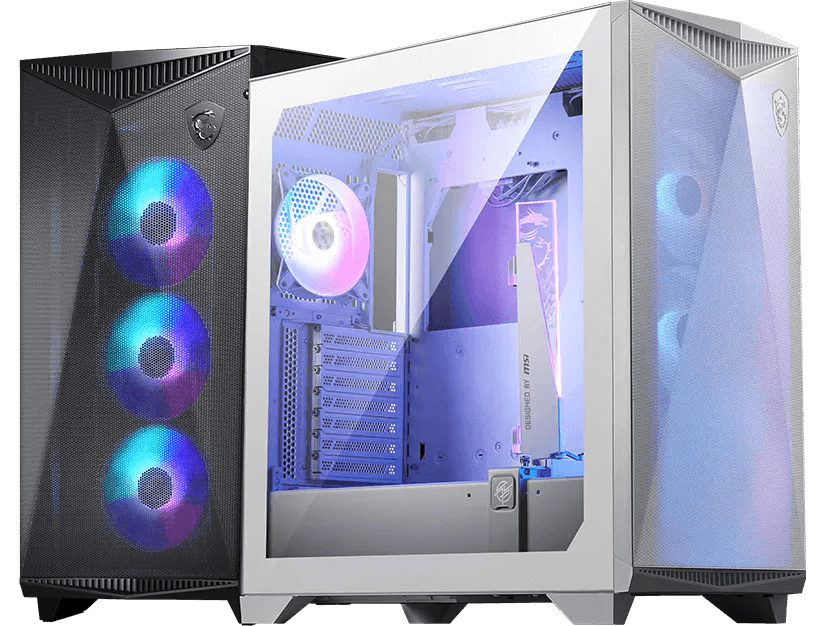
A high-quality case is socket-independent. As long as it isn't physically damaged, a well-engineered chassis can house 3 to 4 generations of internal upgrades (5–10 years). It ensures your components stay cool and your desk setup remains aesthetically pleasing regardless of the silicon inside.

FAQ

1. Why are RAM prices so high right now?

The price surge is primarily driven by the massive expansion of AI infrastructure. Global chip manufacturers are reallocating production capacity from consumer RAM (DDR4/DDR5) to High-Bandwidth Memory (HBM) for AI data centers. This structural shift has created a supply crunch in the PC market that is expected to persist through 2026.
2. Is DDR4 still a viable choice in 2026?

Absolutely. While DDR5 is the future, DDR4 remains a highly reliable and cost-effective standard for productivity and mainstream gaming. If your budget is tight, opting for a mature DDR4 platform allows you to allocate more resources to a better GPU or a professional-grade monitor.

3. I don't have enough budget for the high-capacity RAM I want. What should I do?

Buy RAM to align with your needs, rather than your desires. If current memory prices exceed your budget, the smartest strategy is to buy the "minimum viable" RAM for your needs (e.g., 16GB or 32GB) and reallocate that surplus budget into components that won't need replacing for a decade. Investing in a premium Chassis, Power Supply, or Monitor now ensures that when memory prices eventually stabilize, you already have a world-class foundation ready to host your future upgrades. Check your RAM needs Now:
Memory Compatibility on Kingston’s Product Configurator Now

4. How do I get my gaming memory to run at the advertised speed?

Most Kingston FURY memory uses XMP/EXPO profiles to overclock. These modules ship from the factory at JEDEC standard values. Some systems do not support overclock speeds and latencies upon first installation, so in order to give every customer the best experience, Kingston sets the module to the JEDEC standard values, giving the user the choice to overclock using the XMP/EXPO profiles if the system supports it. The XMP/EXPO profile can then be enabled within the system BIOS.

5. If I buy one Kingston FURY module, can I add another module of the same part number later to complete a set for dual channel?

While it’s always recommended to buy Kingston FURY parts as a kit of 2 or kit of 4, which are built and packaged with the same identical components, we know that sometimes this is not practical, especially on a budget. Installing a single Kingston FURY module and then pairing it with the same Kingston FURY part number later should be fine, as the modules are built to the same overclock specification. In some rare cases, differences in components between two builds of the same part number may cause instability or incompatibility. If this happens, Kingston’s support team is standing by to assist with a solution.