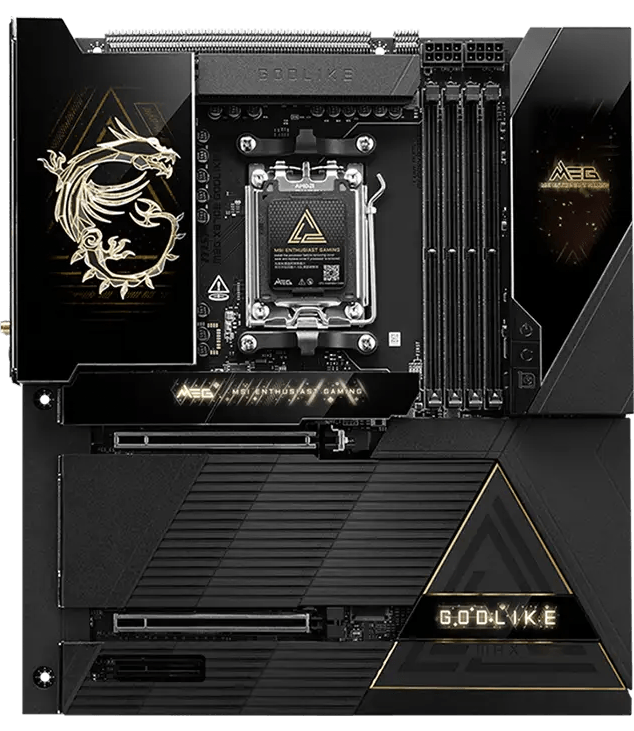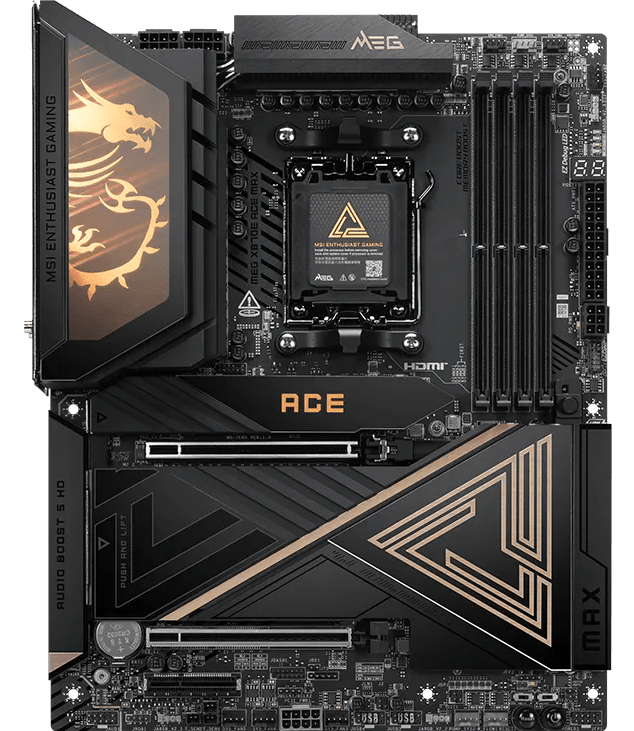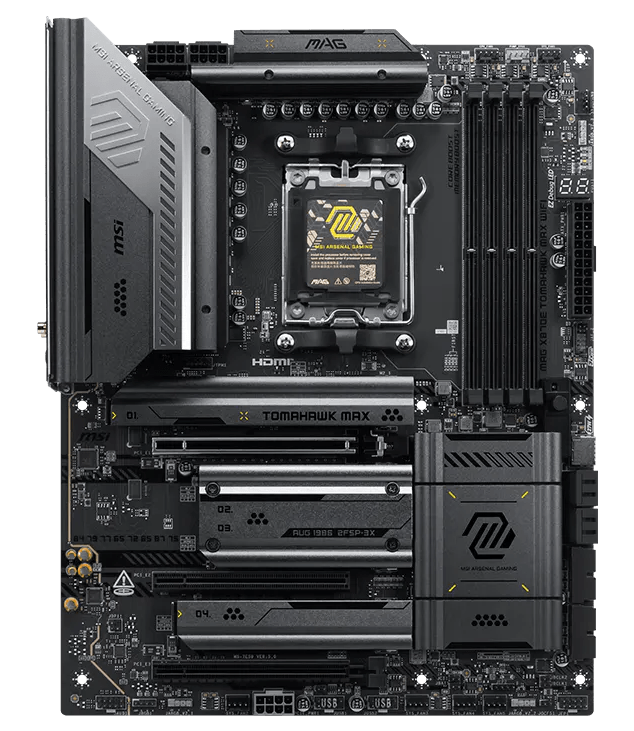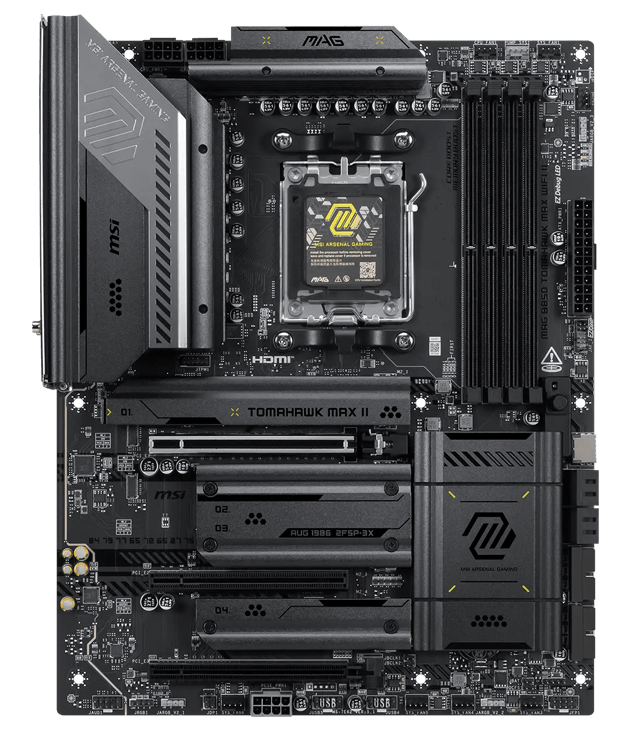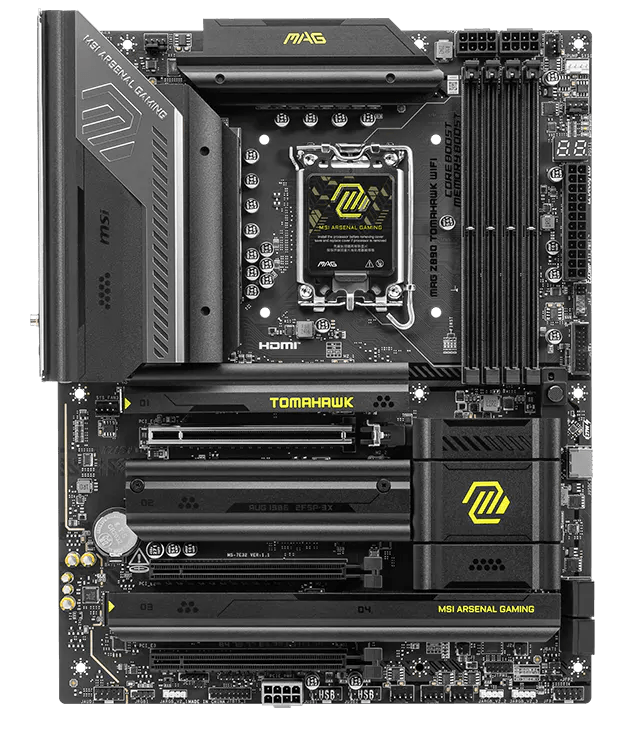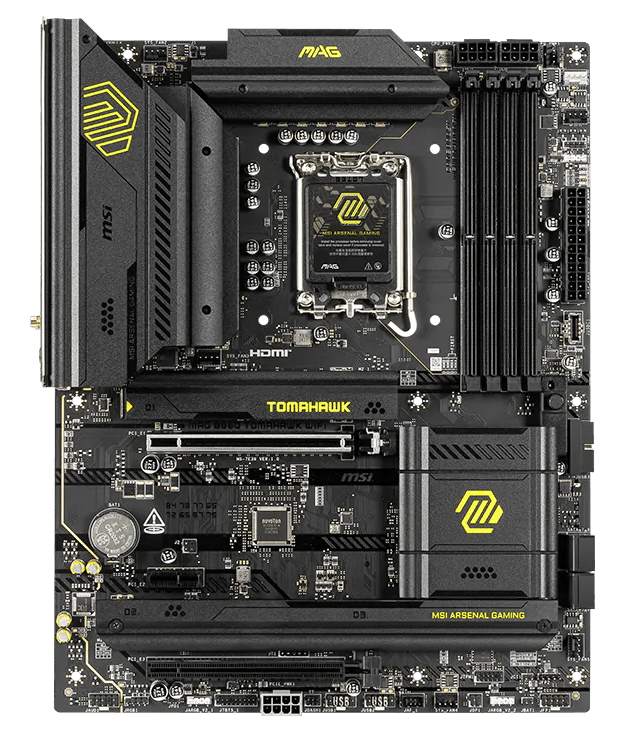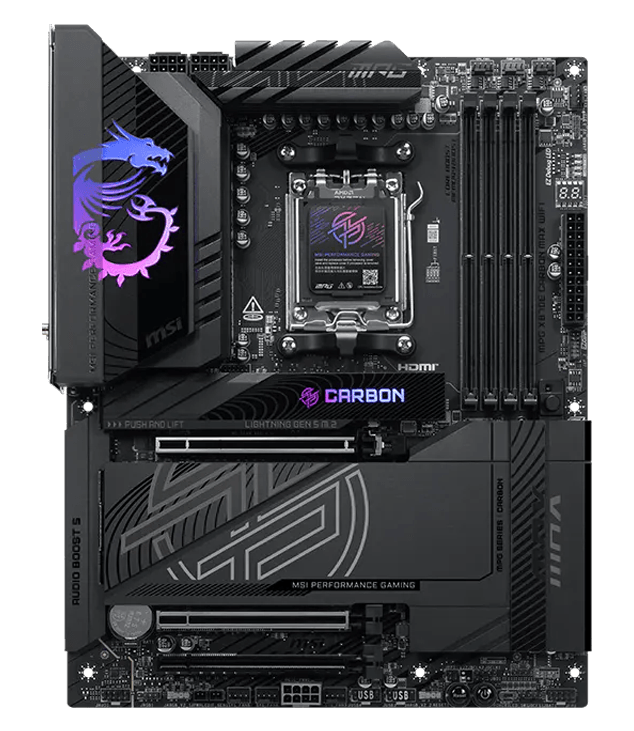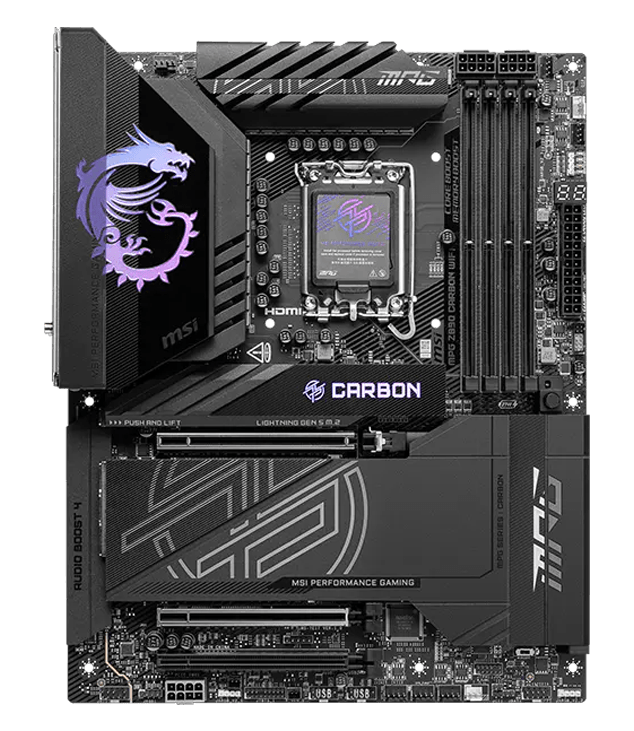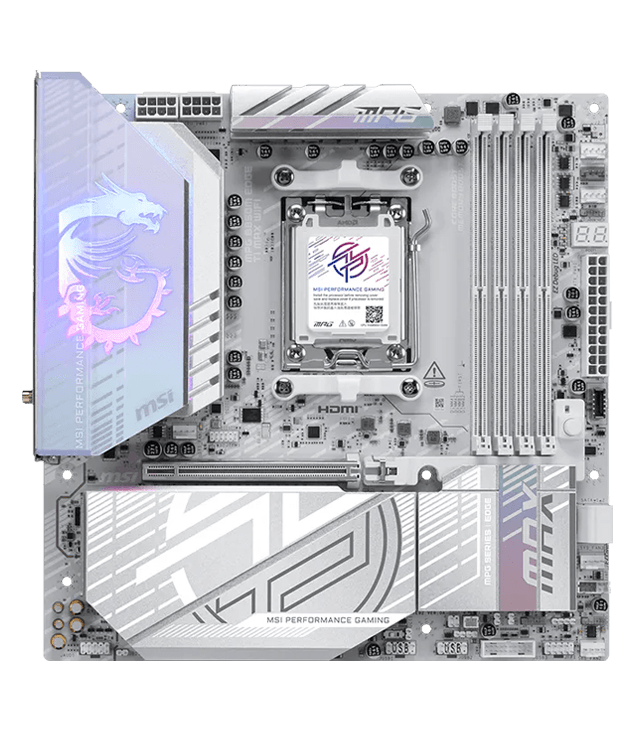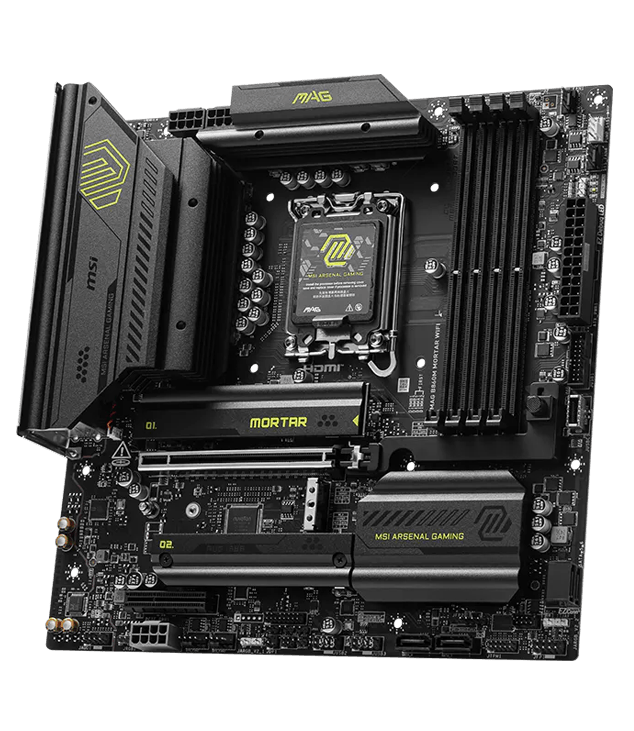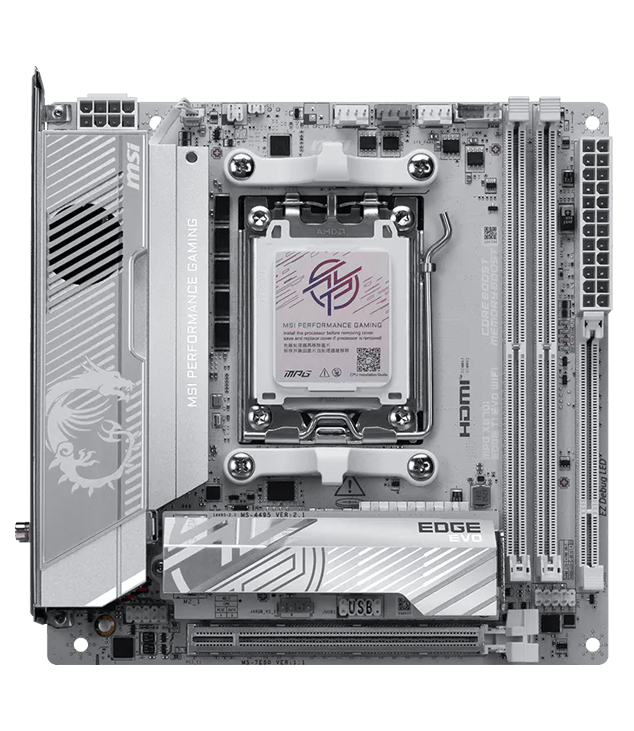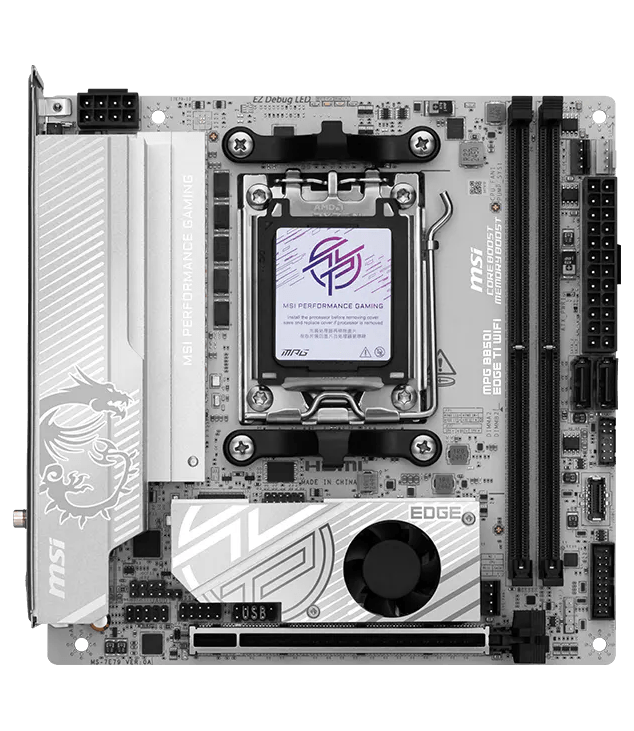

Best of the best gaming motherboard

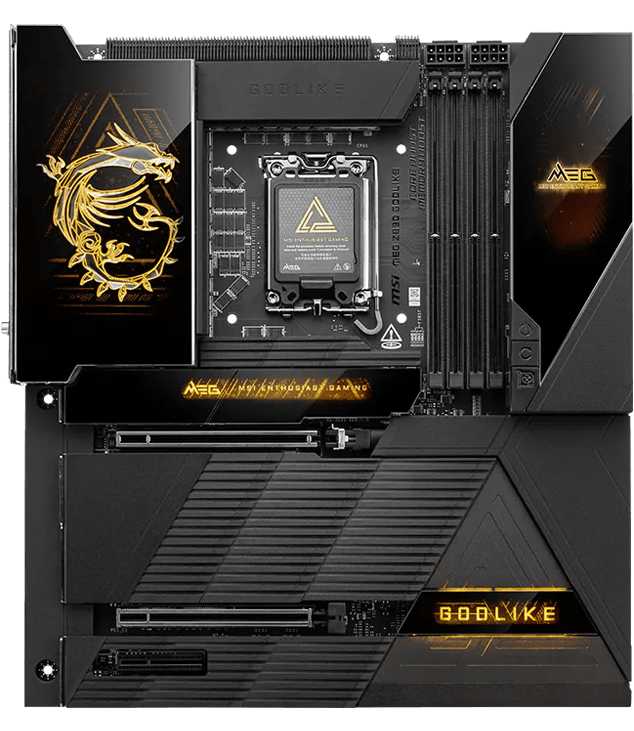
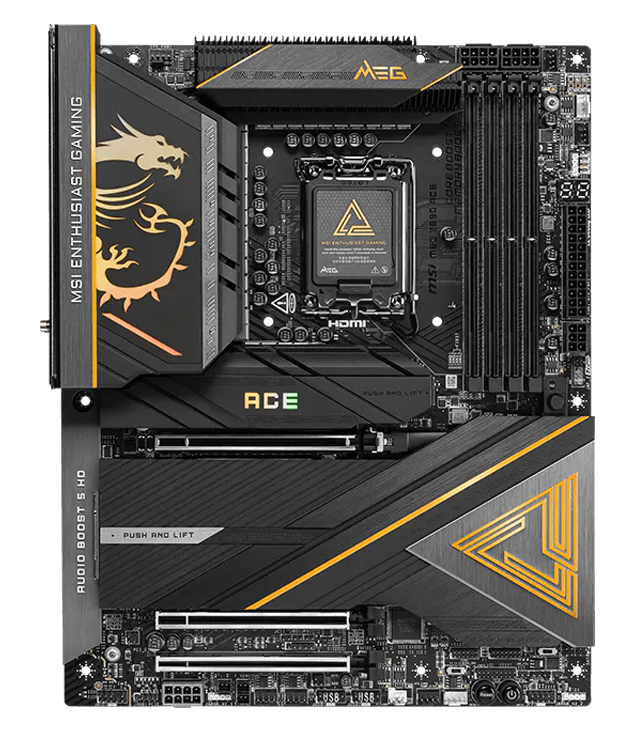
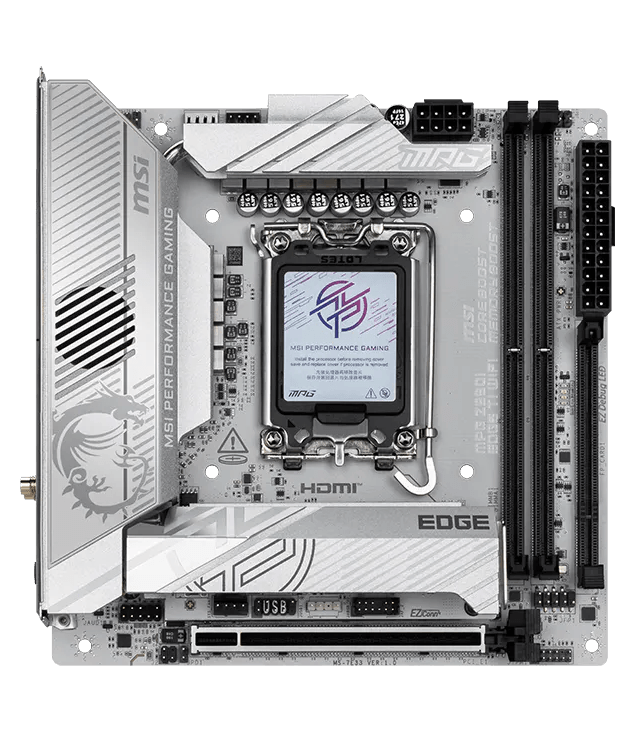
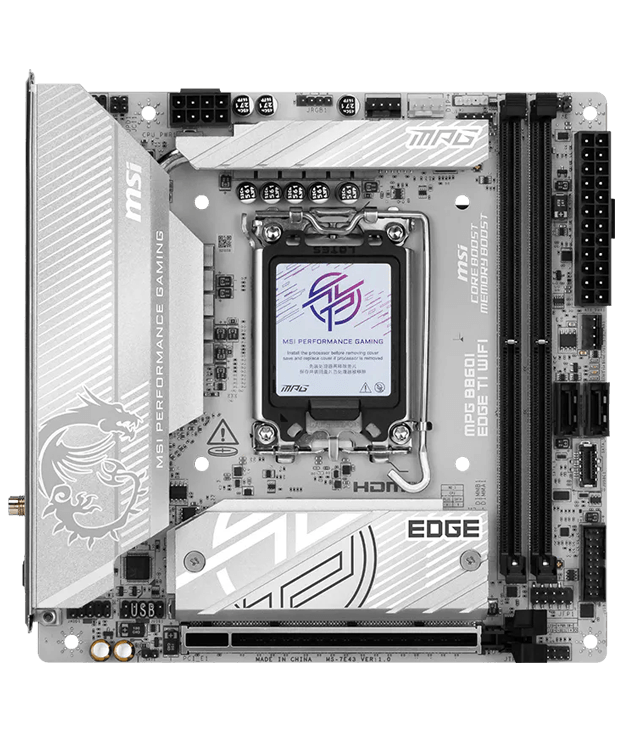
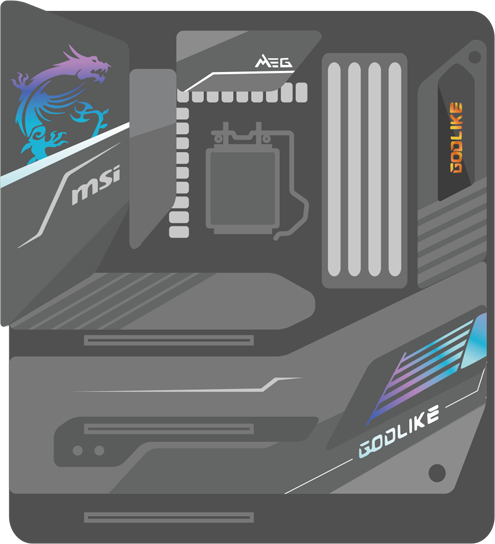
MSI gaming motherboard hero — Intel platform

Find Your Best
Gaming Motherboard

The Complete Guide to Choosing the Best Motherboard
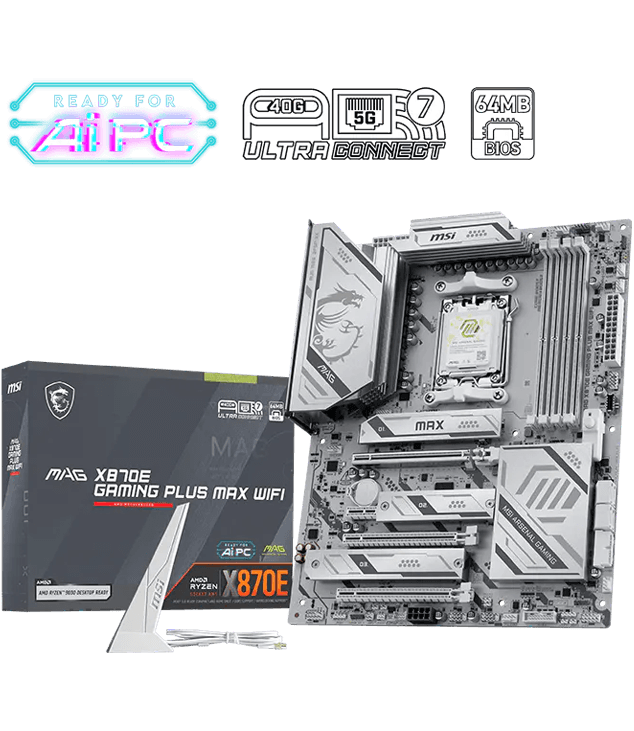
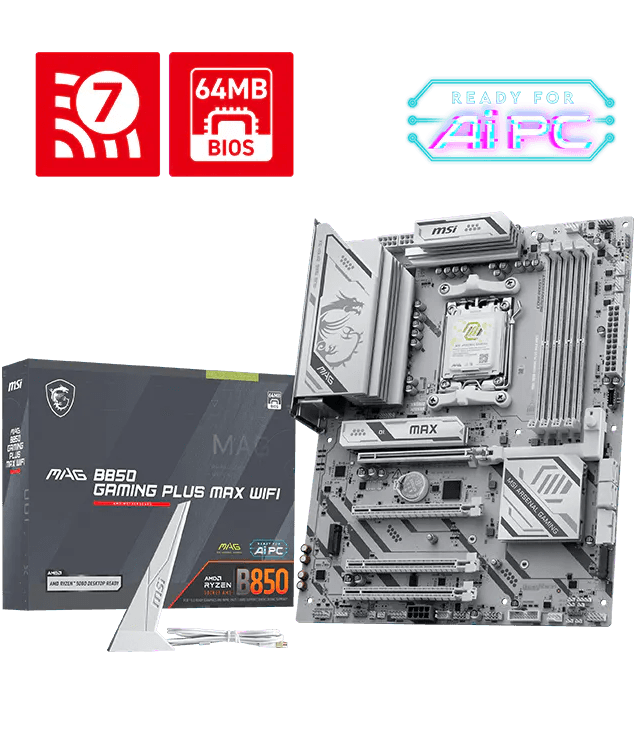
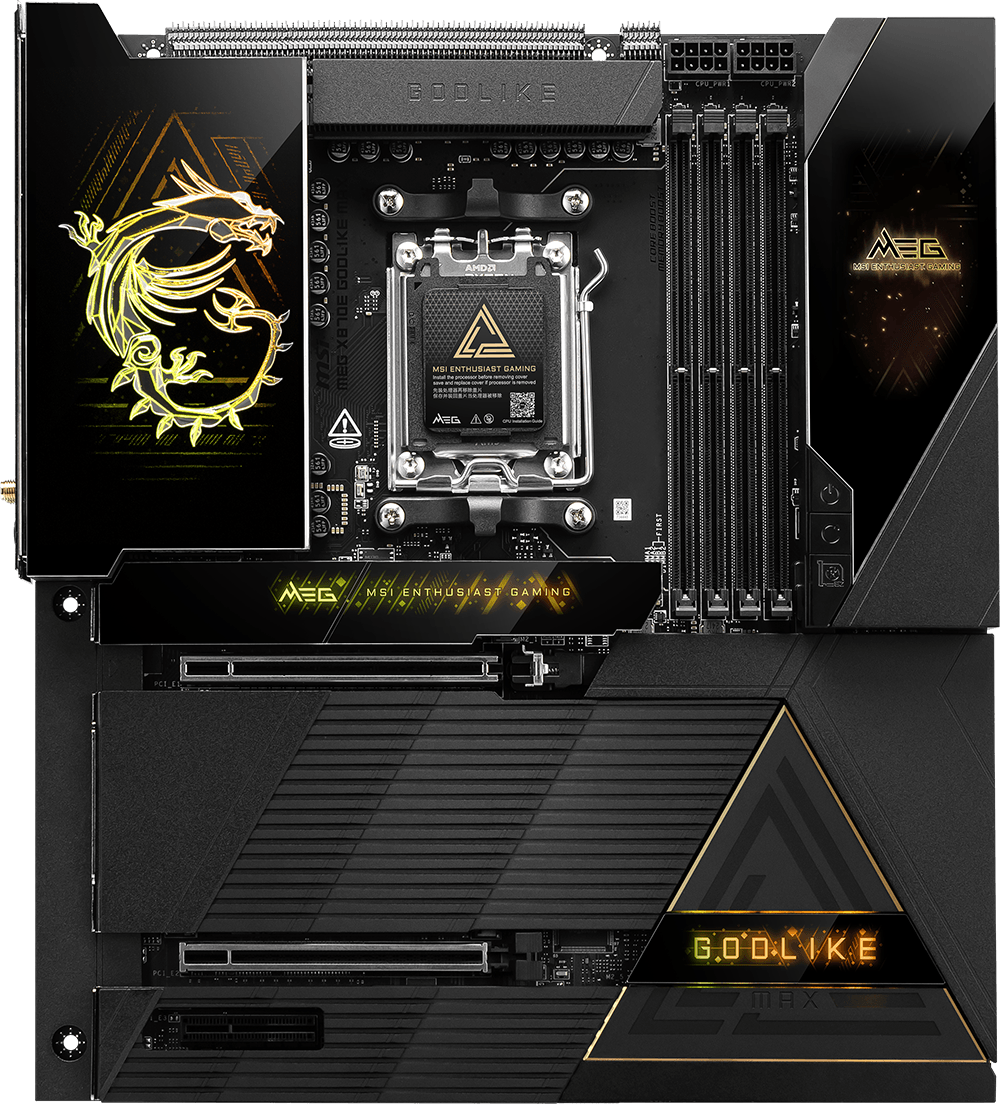
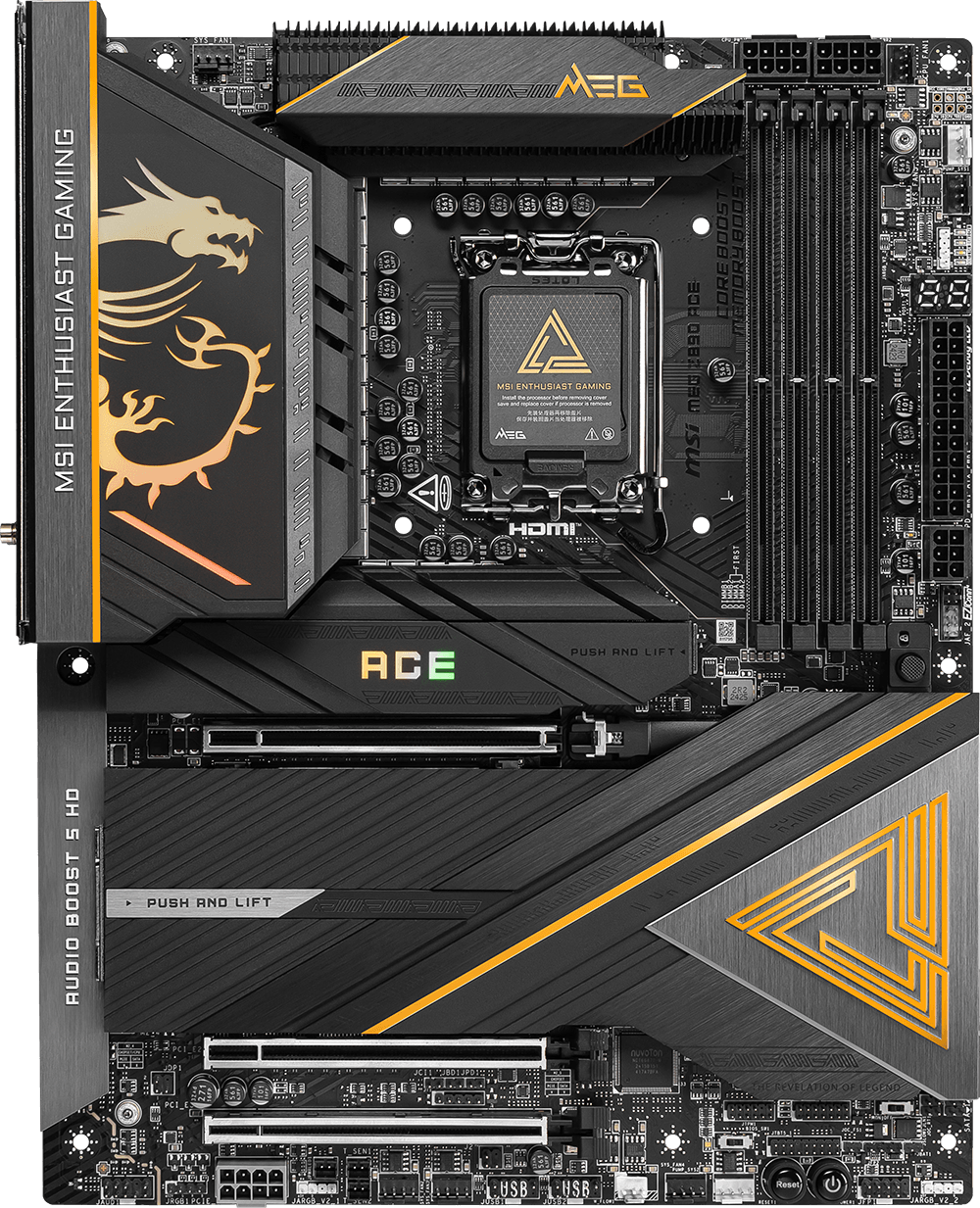
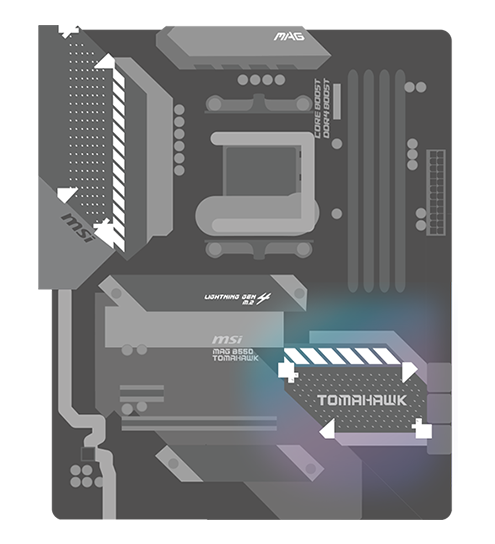
MSI gaming motherboard hero — AMD platform

Find Your Best
Gaming Motherboard

The Complete Guide to Choosing the Best Motherboard

What Is a Motherboard

A motherboard is the main circuit board of your PC. It connects the CPU, GPU, RAM, storage, and all components into one system.

Diagram of a motherboard with labeled major components Highlight overlay — CPU socket area on motherboard Highlight overlay — DIMM memory slots on motherboard Highlight overlay — PCIe expansion slots on motherboard Highlight overlay — M.2 SSD slots on motherboard
  • CPU Socket

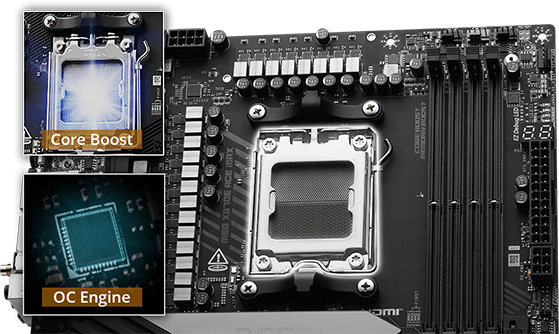
    The CPU socket provides the interface for installing a processor (CPU) on the motherboard. It is important to check platform compatibility before purchasing or installing a processor.

  • DIMM Slots

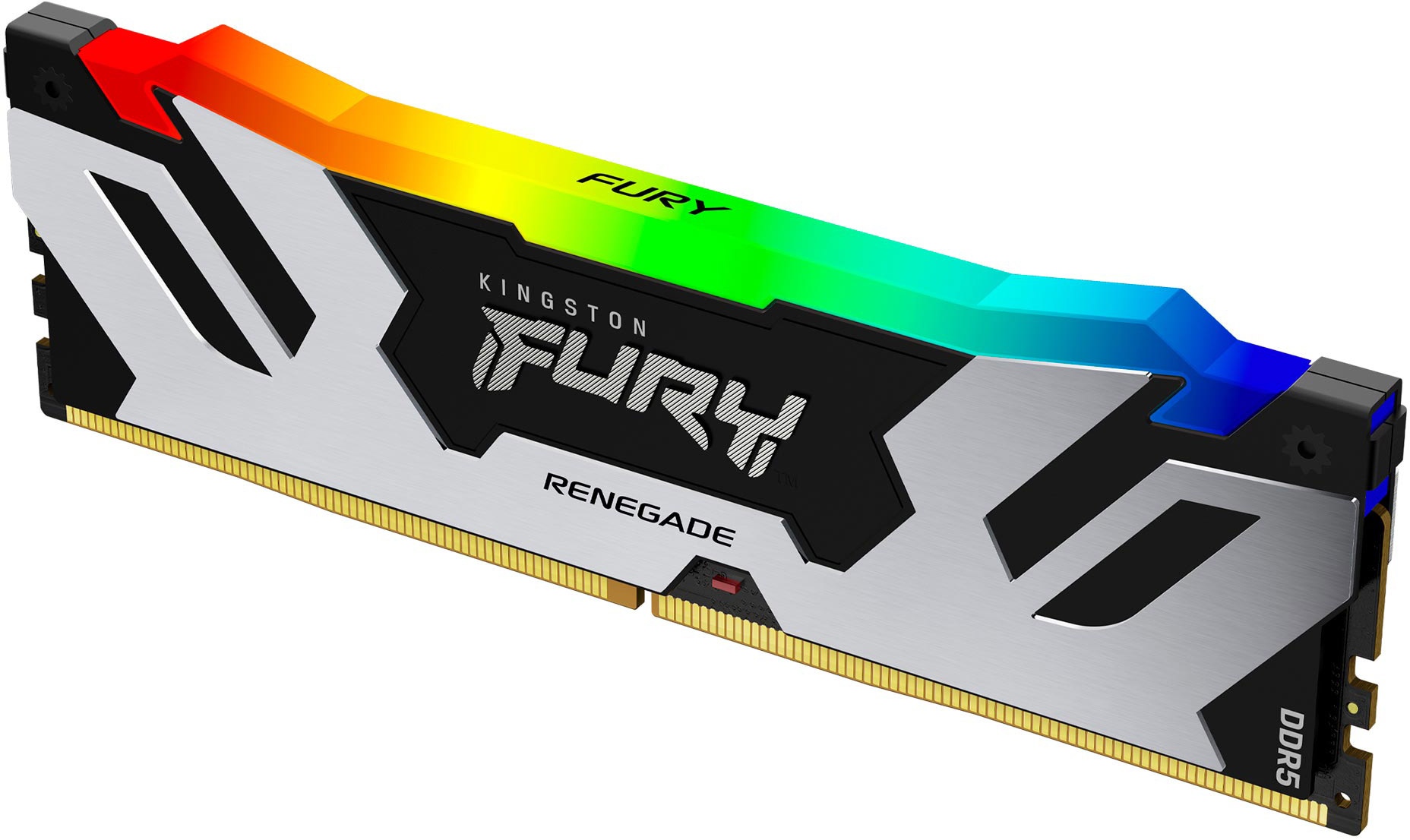
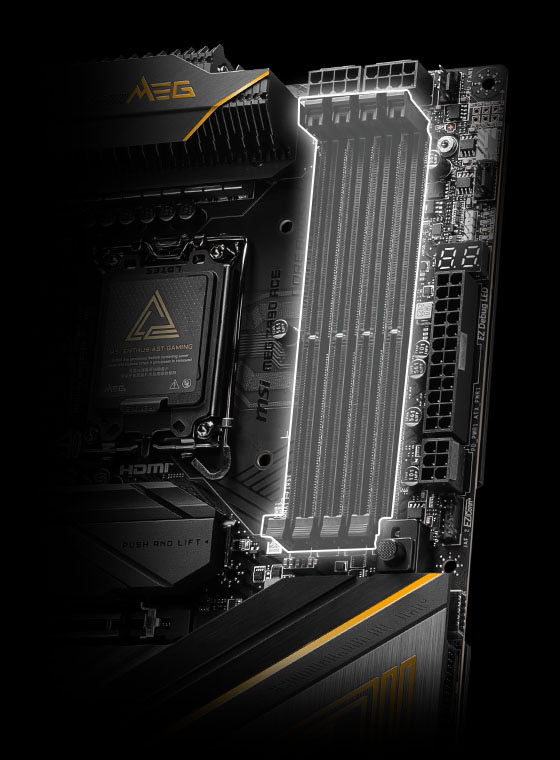
    DIMM slots are used for RAM installation ensure the board supports DDR4 or DDR5, as they are not interchangeable.

  • PCIe Slot

    The PCIe slot supports expansion cards such as graphics cards, network cards, sound cards, and capture cards, and is most commonly used for graphics cards to enhance gaming performance.

  • M.2 SSD

    The M.2 slot supports high-speed NVMe SSDs, MSI motherboards provides built-in heatsinks help prevent thermal throttling.

Learn More About What is a Motherboard

Why Choose MSI Motherboard?

MSI motherboards deliver optimized performance, advanced connectivity, efficient cooling, and user-friendly design for stable, future-ready gaming systems.

Ultra Connect

Ultra Connect

THUNDERBOLT 4 PORT

Thunderbolt 4 brings USB-C at true 40 Gb/s speeds, 8K display support, Daisy-Chaining. Multi-Port Accessory Architecture and USB 4.0 Compliant.

LAN CONNECTIVITY

10G Super LAN or premium 5G LAN deliver the next level network speed for the ultimate online gaming experience, while Intel Killer Performance Suite and MSI AI LAN Manager prioritizes apps and optimizes network performance automatically.

FULL-SPEED WI-FI 7 SOLUTION

The latest wireless solution with a new 320MHz channel, achieving a maximum transmission speed of 5.8Gbps, which is 2.4 times faster than Wi-Fi 6/6E.

MSI gaming motherboard with cooling heatsinks and EZ DIY design

Stay Cool For Ultimate Gaming Performance

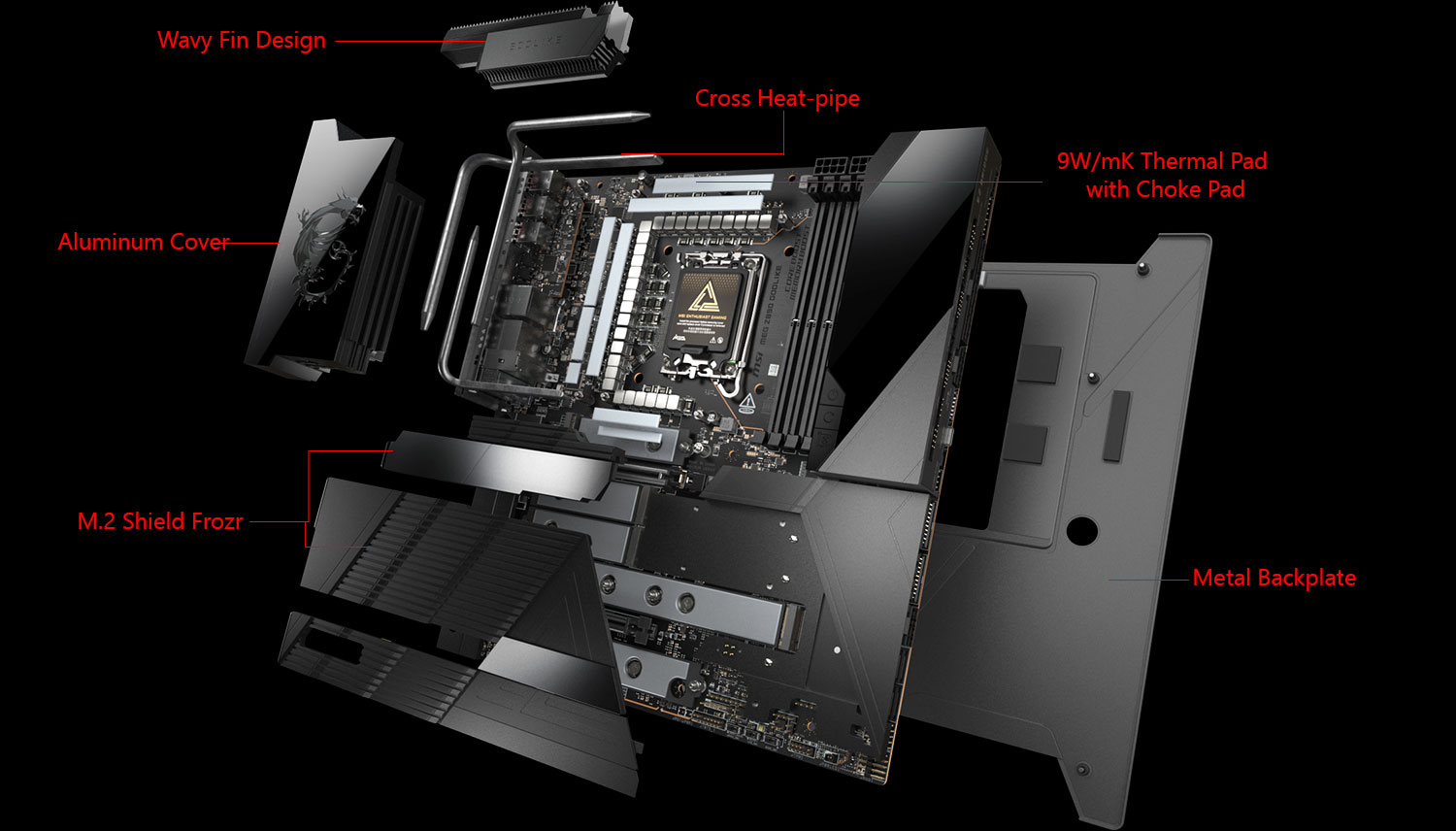
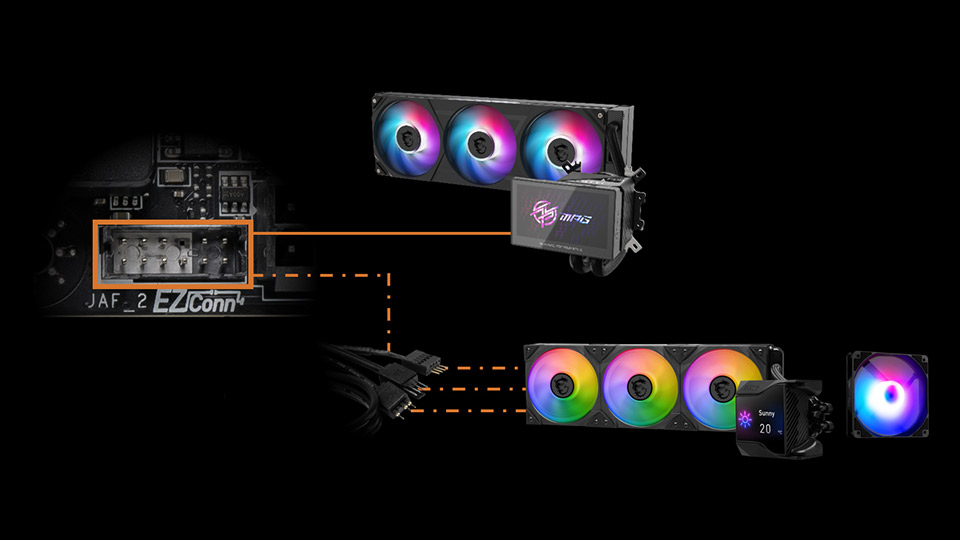
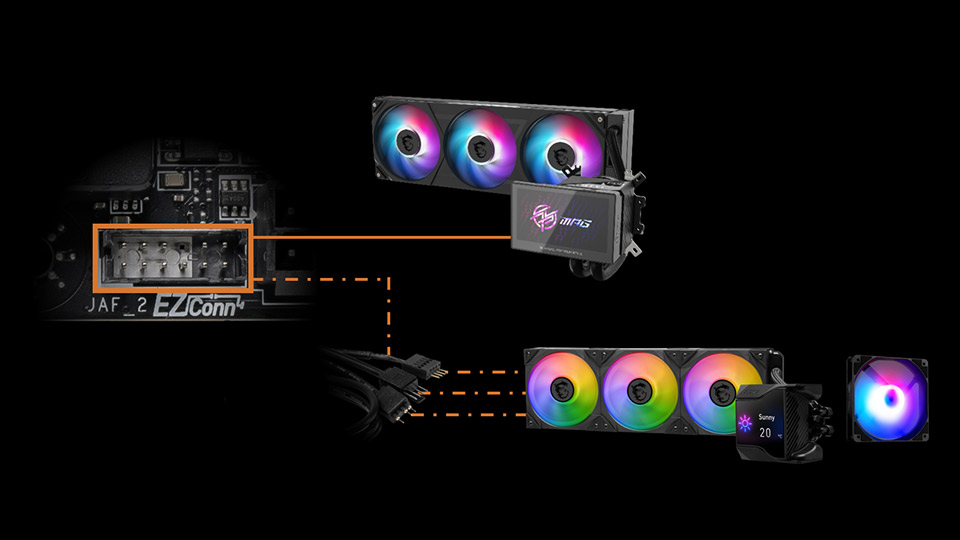
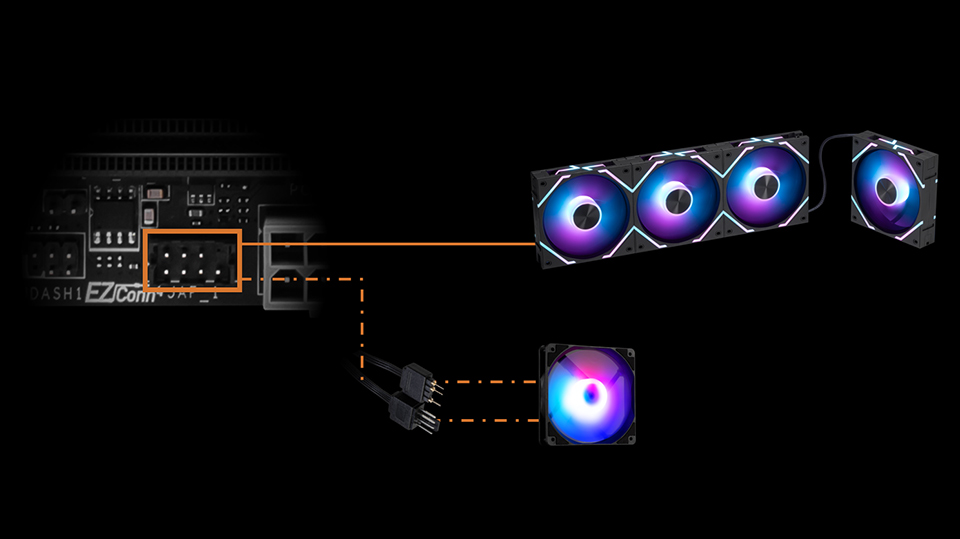
Cooling your PC is essential for reliable performance. MSI motherboards feature excellent power design with solid and heavy heatsink. We've made sure to include enough fan headers with full control to allow you to cool your system any way you want.

EZ DIY

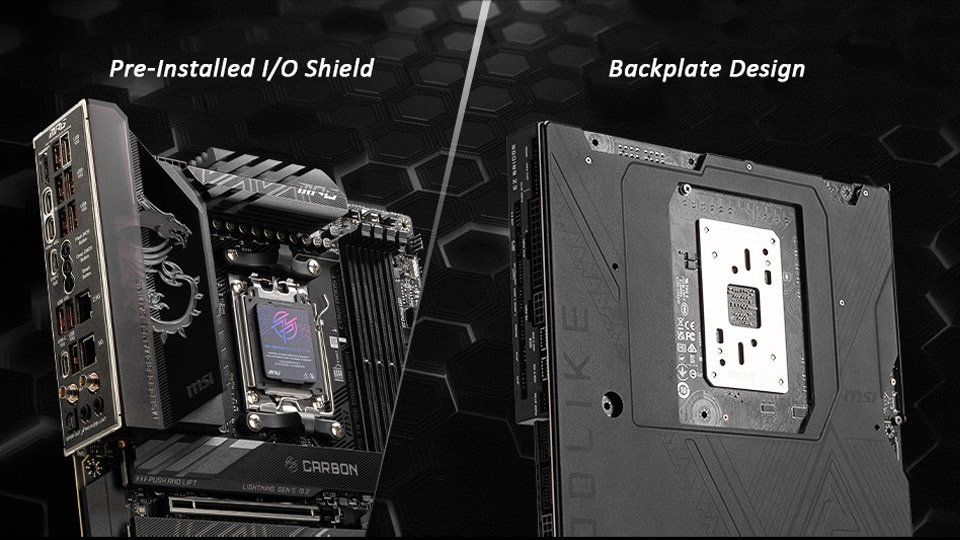
MSI motherboards feature multiple DIY-friendly designs that simplify the building process, improve troubleshooting, and offer more ways to customize your PC. Whether you’re a PRO builder or building your first PC, we’ve focused on making your build easier and more enjoyable.

  • EZ DEBUG

    • EZ Debug LED
    • EZ Digi-Debug LED
    • EZ Memory Detection LED
    MSI X870E MAX EVO SERIES FEATURE EZ DIY EZ DEBUG
  • EZ M.2 SHIELD FROZR II
    & EZ M.2 CLIP II

    MSI X870E MAX EVO SERIES FEATURE EZ DIY EZ M.2 SHIELD FROZR II & EZ M.2 CLIP II
  • Dynamic Dashboard III

    • 3.99” Dynamic LCD
    • Hardware Monitor
    • Debug Function
    • Customization
    MSI X870E MAX EVO SERIES FEATURE EZ DIY Dynamic Dashboard III
  • EZ ANTENNA

    MSI X870E MAX EVO SERIES FEATURE EZ DIY EZ ANTENNA
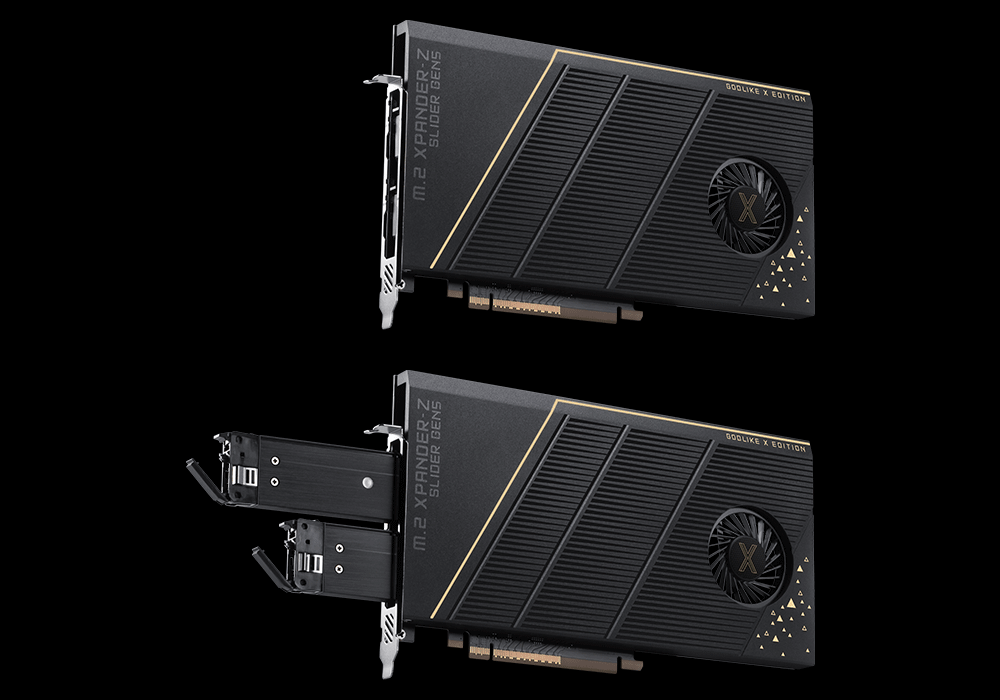
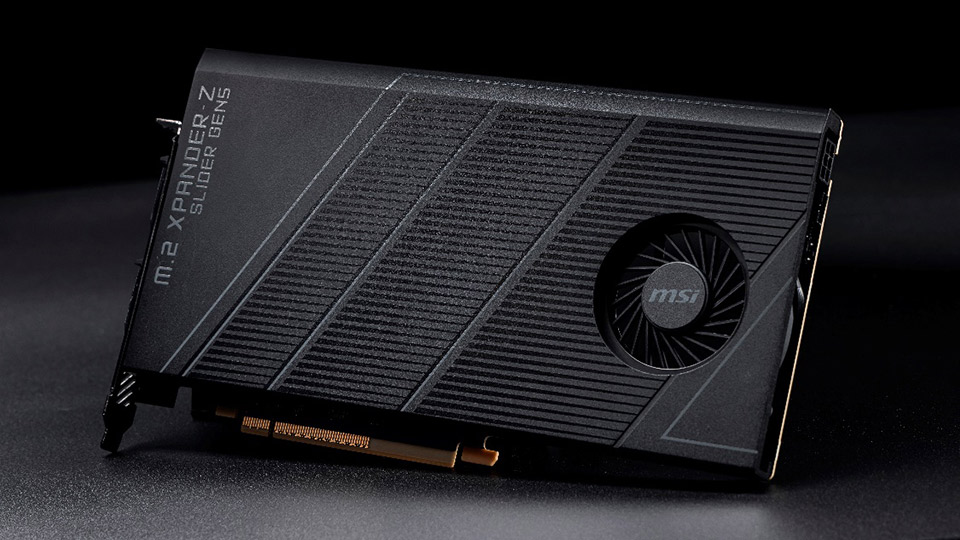
  • M.2 XPANDER-Z SLIDER GEN5

    MSI X870E MAX EVO SERIES FEATURE EZ DIY M.2 XPANDER-Z SLIDER GEN5
  • STEEL ARMOR II

    MSI X870E MAX EVO SERIES FEATURE EZ DIY STEEL ARMOR II

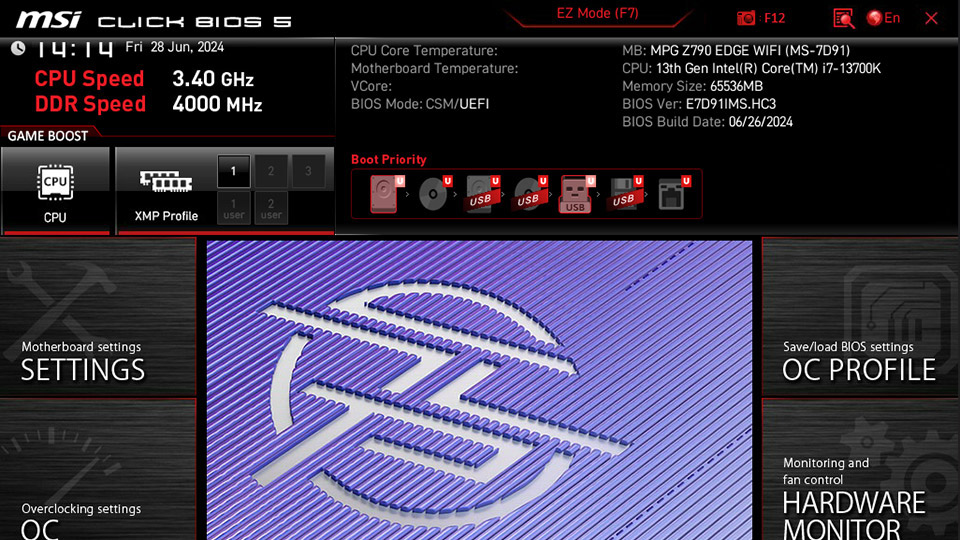
BIOS

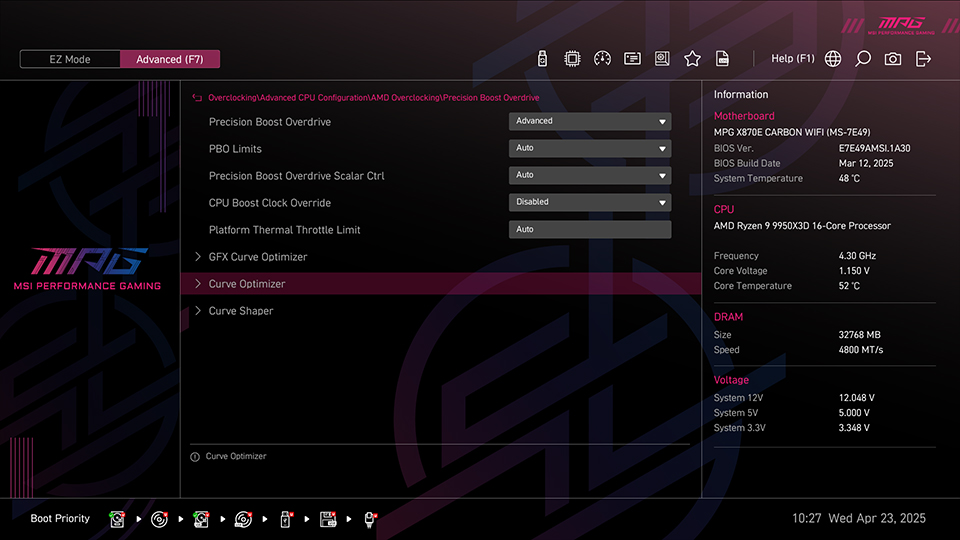
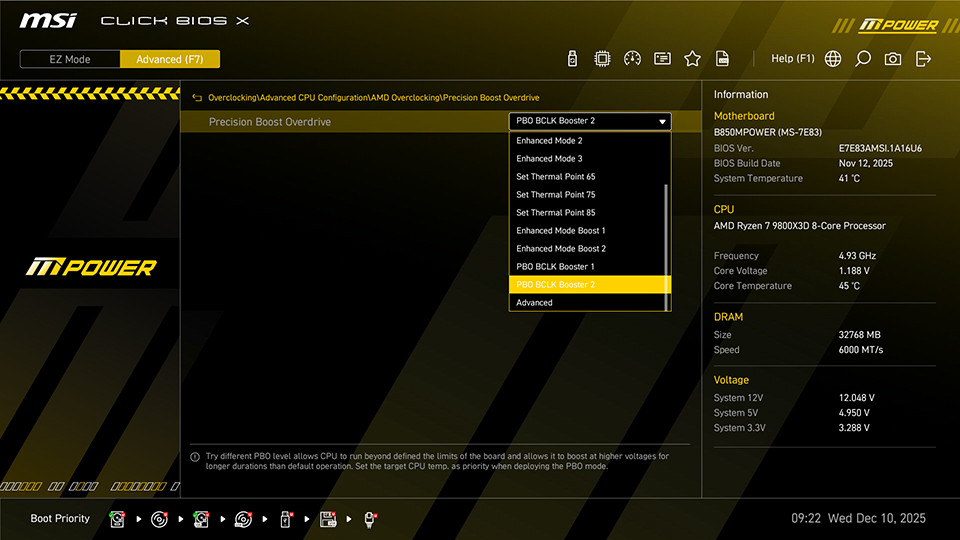
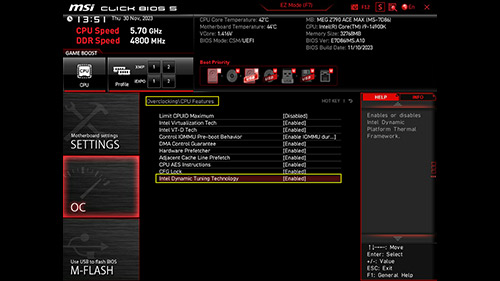
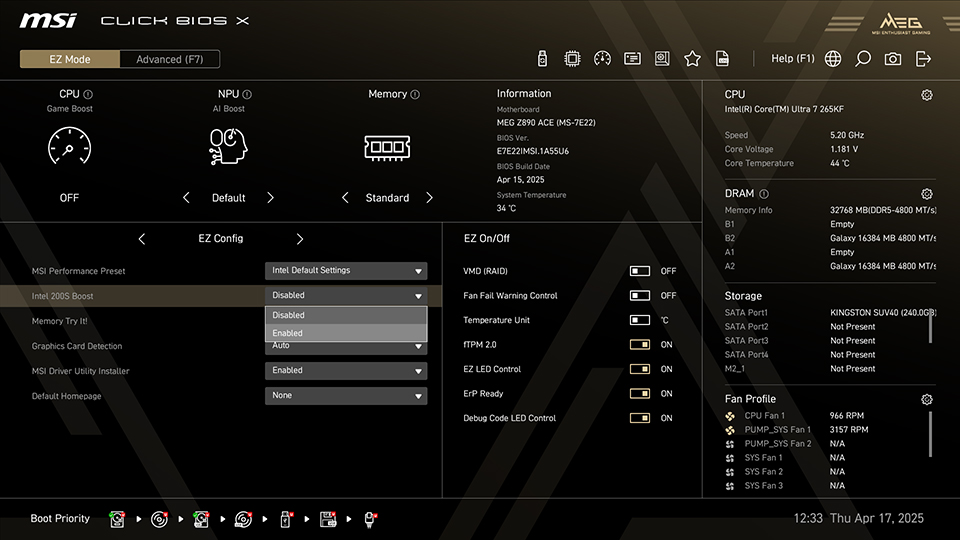
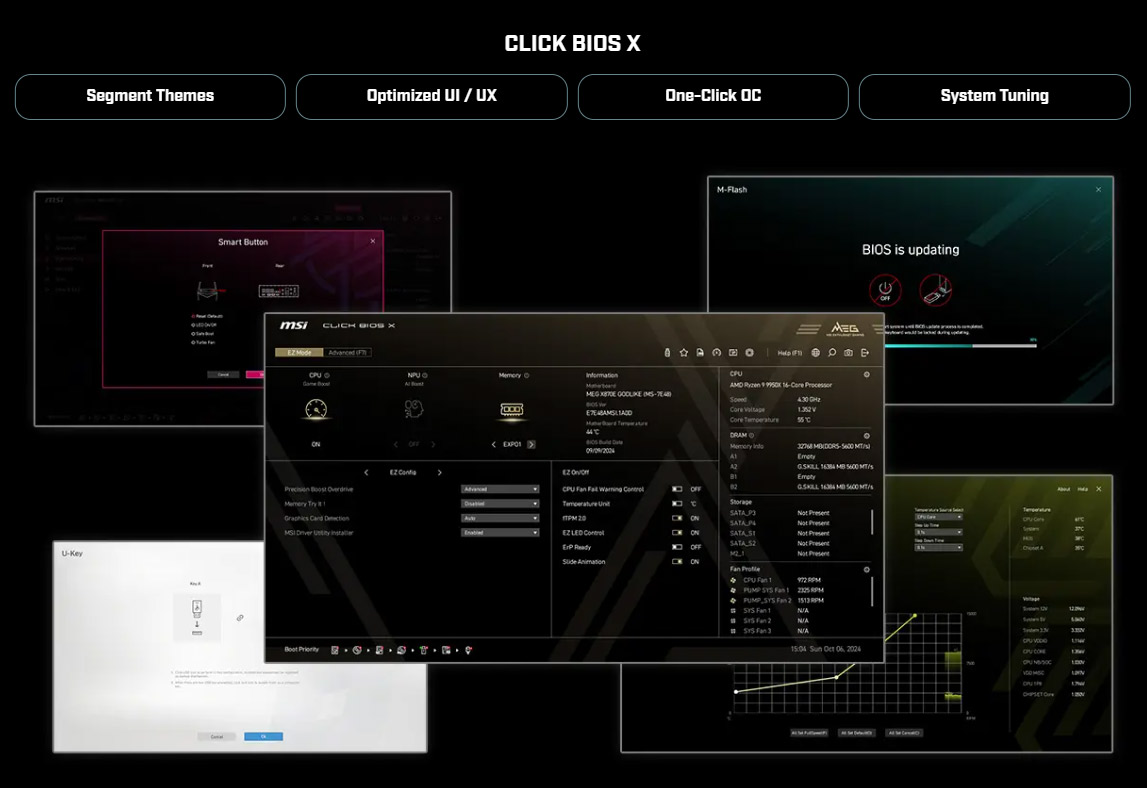
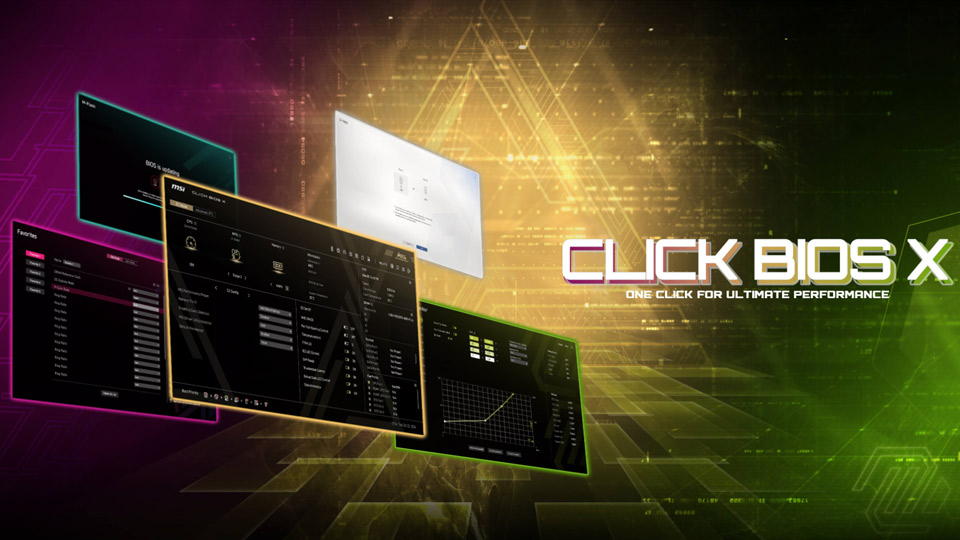
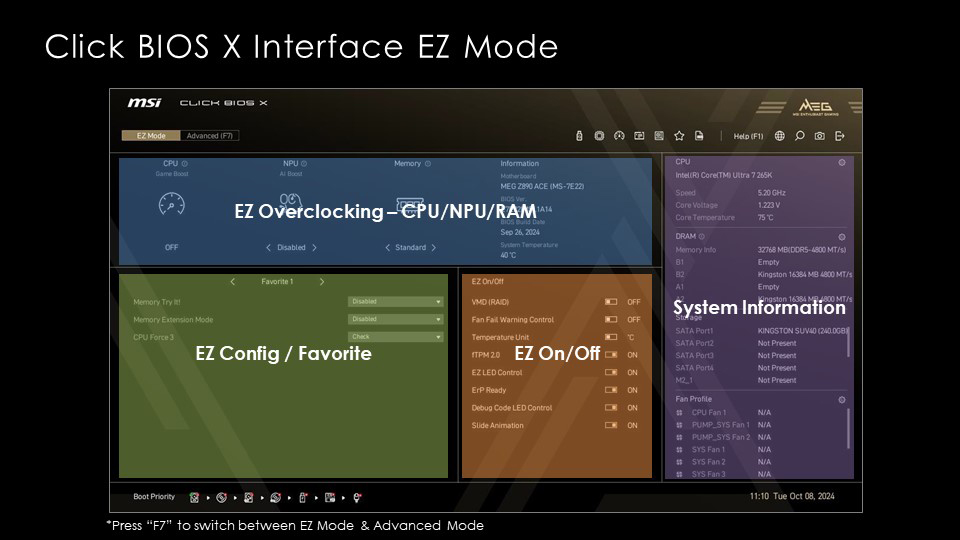
BIOS, or Basic Input/Output System, is a firmware built into a motherboard for seamless OS-hardware communication. MSI’s CLICK BIOS X offers a sleek, intuitive interface, allowing effortless system tuning and performance optimization. With enhanced functionality and MSI exclusive features, users can easily achieve peak performance for a superior computing experience.

MSI CLICK BIOS X firmware interface on a gaming motherboard

Mystic Light

Mystic Light lets you personalize and synchronize RGB lighting across compatible components for a fully customized gaming setup.

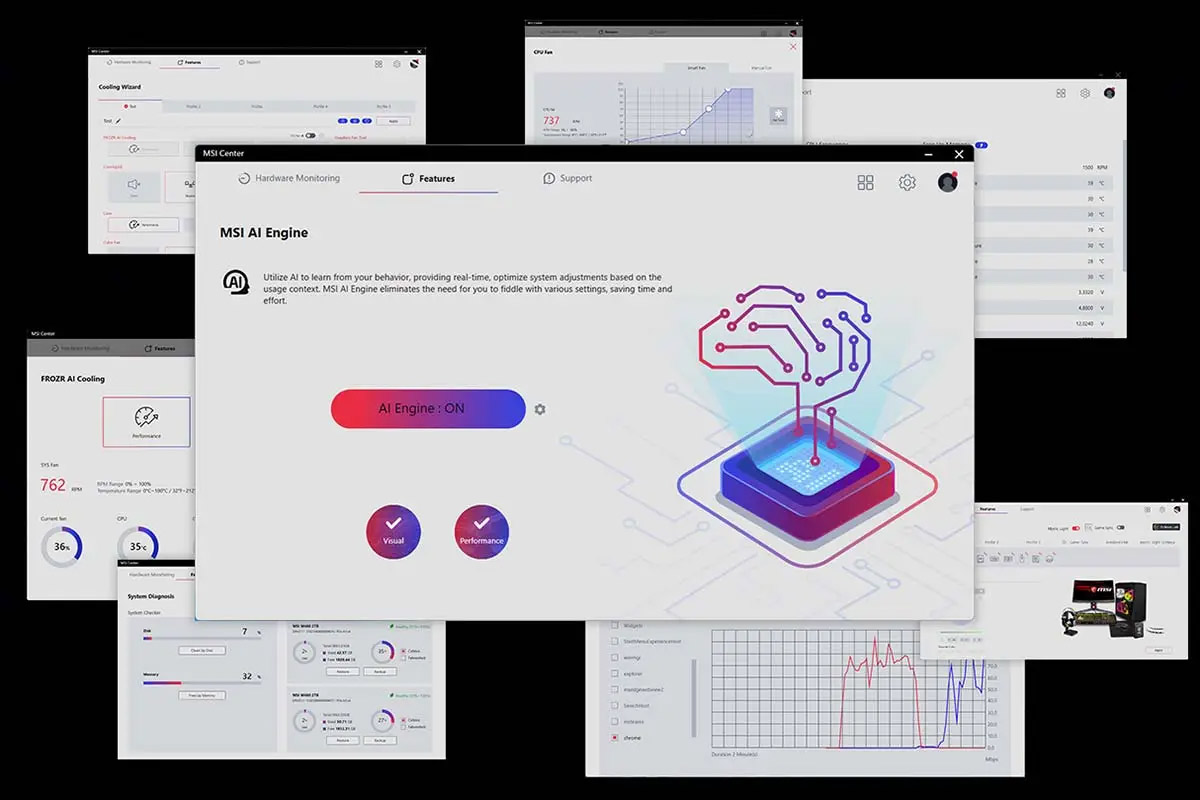
MSI Center

MSI Center provides an all-in-one platform to monitor, optimize, and customize your system performance with ease.

MSI Center software dashboard for system monitoring and tuning

Find Your Motherboard Fit Your Needs?

The best motherboard depends on your CPU platform, budget, and expansion needs.

Filter by CPU Performance

Advanced Filter

+
{{menu_tag_list}}

Oops! There are no applicable products in your country, but we're working on it!

What Experts Say About MSI Motherboards

Industry reviewers highlight MSI motherboards for their stability, performance, and build quality.

400+media reviews

With 400+ media reviews, MSI motherboards are recognized by top tech publications for their exceptional performance, reliability, and innovation. See why professionals recommend MSI for gaming and PC building!

30+prestigious awards

MSI motherboards have earned 30+ prestigious awards from leading industry media. Experience cutting-edge performance, AI-enhanced cooling, and next-gen connectivity with an award-winning design!

50+social media reviews

With 50+ social media reviews, MSI motherboards are a fan-favorite among gamers and PC enthusiasts worldwide. Join the conversation and discover why MSI is the go-to choice for high-performance builds!


F&Q

Find answers to common motherboard questions, from compatibility and features to setup and performance, helping you make informed decisions when choosing the right motherboard for your build.

Q: What motherboard should I get for gaming?

Expand FAQ answer icon

A: For gaming, focus on motherboards with good VRM cooling, PCIe 5.0 support, and quality audio components. Key considerations include:

  • Strong power delivery for CPU stability
  • High-speed memory support
  • Quality networking components

Q: How do I know what motherboard fits my CPU?

Expand FAQ answer icon

A: Check these compatibility factors:

  • Socket type match
  • Chipset compatibility
  • BIOS version support

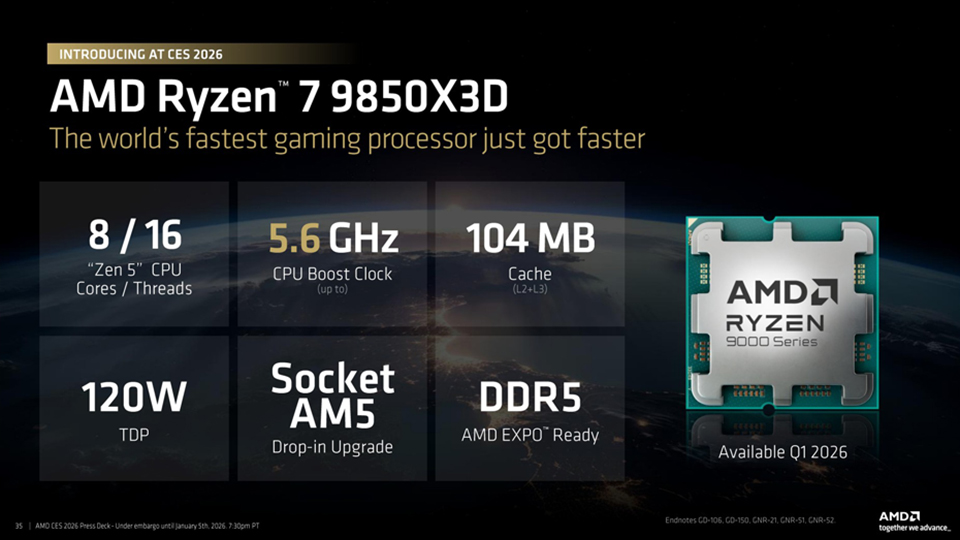
For example, AMD Ryzen 9000 series CPUs need an AM5 socket with a X870(E) or B850 chipset.

Q: Is it worth getting an expensive motherboard?

Expand FAQ answer icon

A: Consider these factors:

  • Better power delivery
  • More features and ports
  • Improved build quality
  • Better support and warranties Mid-range boards often provide the best value for most users.

Q: How do I ensure future upgrade compatibility?

Expand FAQ answer icon

A: Focus on these aspects:

  • Latest socket type
  • BIOS ROM size
  • PCIe 4.0/5.0 support
  • DDR5 compatibility
  • Multiple M.2 slots
  • Extensive USB connectivity

Q: Will extra RAM deliver a better gaming performance?

Expand FAQ answer icon

A: Yes—modern games benefit from more RAM. While 16GB may be sufficient for many titles, 32GB is increasingly recommended for smoother performance. Always check the game's recommended requirements and use matched memory kits for best results.
Learn More About Memory Knowledge