October 07, 2026
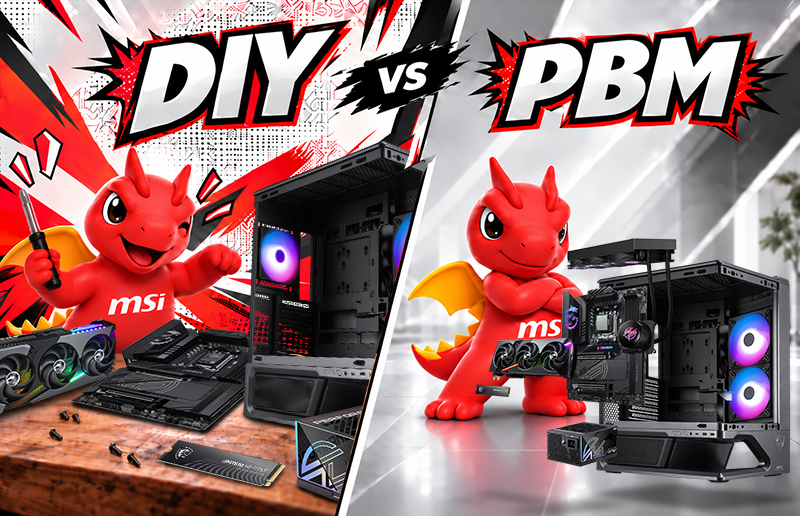
POWERED BY MSI vs. DIY PC: Which Is More Suitable for You?
Building or buying a PC is ultimately about choosing the experience that best fits your needs. Some PC enthusiasts enjoy researching every component, comparing specifications, assembling the system themselves, and fine-tuning every detail. For them, the process of building the [...]
September 29, 2026
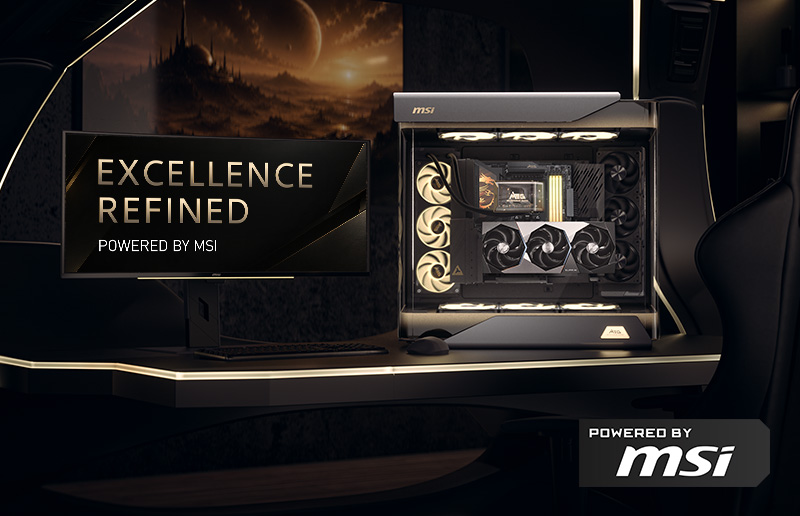
EXCELLENCE, REFINED. Where Elegance Meets the Ultimate POWERED BY MSI PC
For PC enthusiasts, a flagship PC is about more than a powerful processor or graphics card. It is about the complete experience—performance, cooling, power delivery, craftsmanship, aesthetics, and the way every component works together. That is the vision behind [...]
September 24, 2026
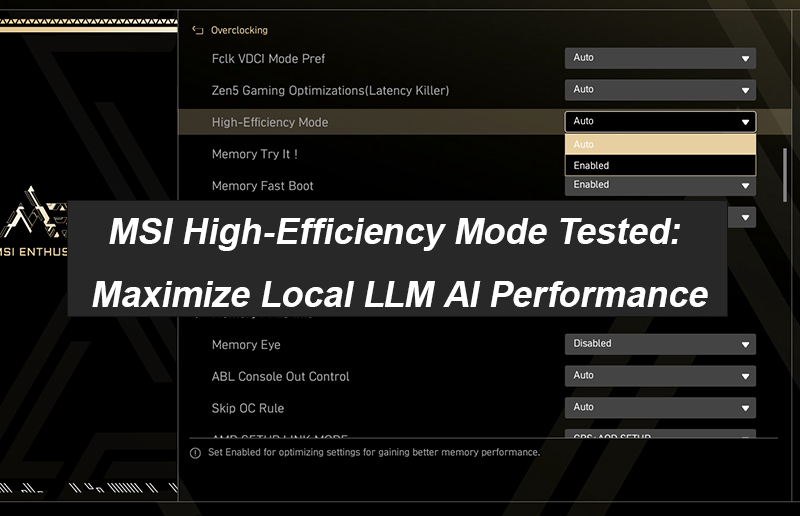
MSI High-Efficiency Mode Tested: Maximize Local LLM AI Performance
Computing power on AI platforms has become increasingly critical. While upgrading hardware delivers noticeable AI performance gains, it can be costly. To find a more cost-effective alternative, we conducted hands-on benchmark tests: by simply tweaking High-Efficiency Mode—one of the [...]
September 03, 2026
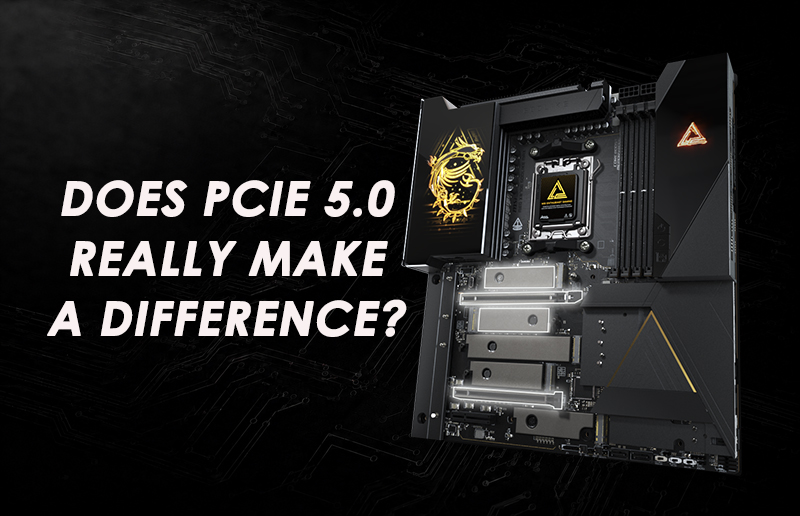
Does PCIe 5.0 Really Make a Difference? Everything You Need to Know Before Upgrading Your PC
When shopping for a new gaming motherboard, you have probably noticed one feature appearing more frequently than ever: PCIe 5.0. From motherboards and SSDs to the latest graphics cards, PCIe 5.0 has become an important part of modern PC platforms. But one [...]
August 31, 2026
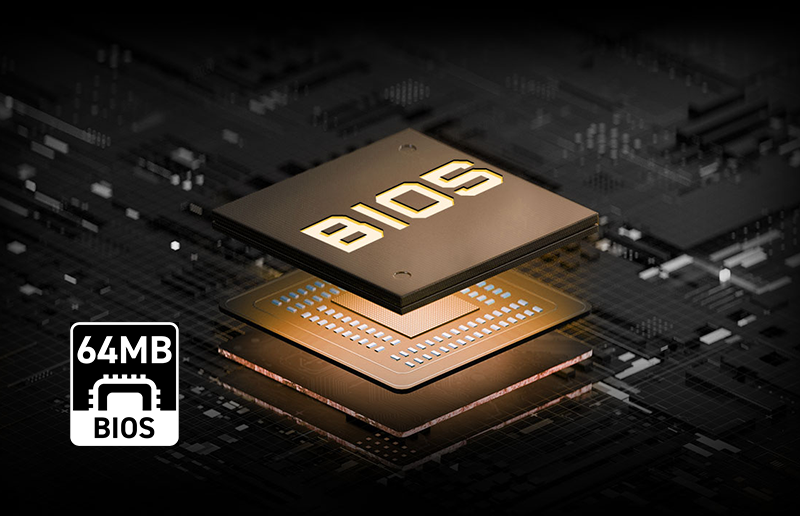
Why Does 64MB ROM Matter on a Motherboard? A Complete Guide to BIOS Storage, Features & Future-Proofing
When choosing a motherboard, specifications such as power delivery, PCIe support, memory speed, and connectivity usually receive the most attention. But another specification is becoming increasingly important for modern platforms: BIOS ROM capacity. The ROM, or flash memory chip, on [...]
August 28, 2026
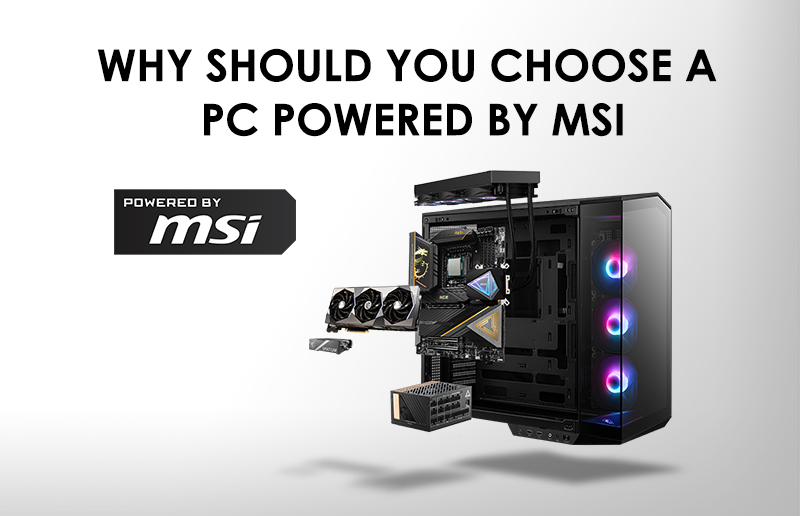
Why Should You Choose a PC POWERED BY MSI?
Choosing a prebuilt PC often means comparing processors, graphics cards, memory, and storage. But understanding how well these components work together can give you confidence in your decision. That is where POWERED BY MSI comes in. A POWERED BY MSI [...]
August 04, 2026
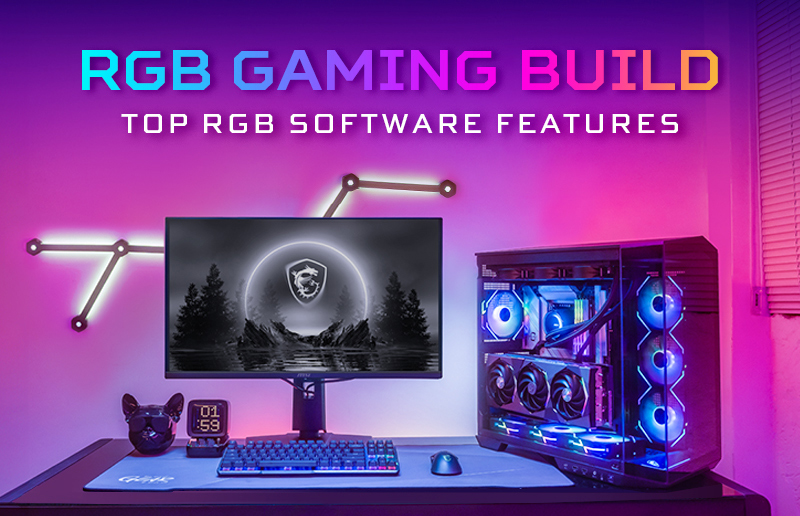
How to Choose the Best MSI RGB Software for Your Gaming PC?
What Makes Good RGB Software for Gaming? The best RGB software should offer broad device compatibility, flexible lighting customization, low system impact, an easy-to-use interface, and full core functionality without hidden fees. When choosing MSI RGB software, these factors can [...]
July 30, 2026
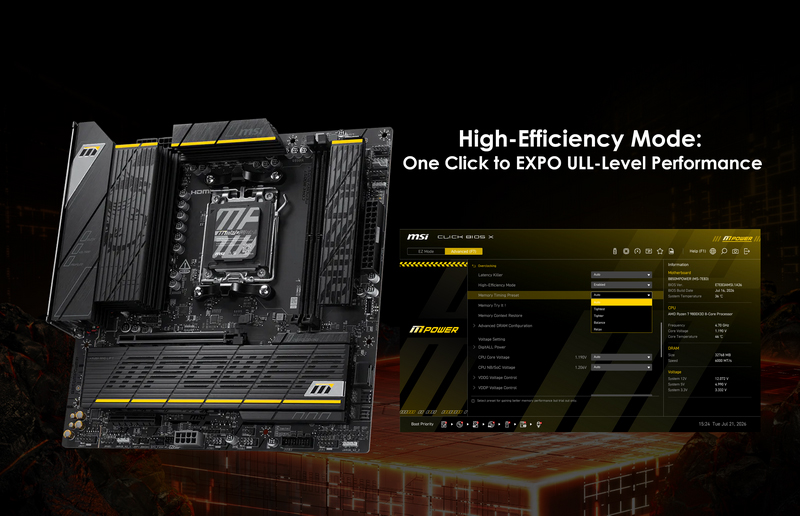
MSI High-Efficiency Mode: One Click to EXPO Ultra Low Latency-Level Performance
AMD Extended Profiles for Overclocking (EXPO) is a memory overclocking technology developed by AMD, similar to Intel XMP. Memory manufacturers store validated overclocking profiles directly on the memory modules. Users can simply select the corresponding EXPO profile in the motherboard [...]
July 28, 2026
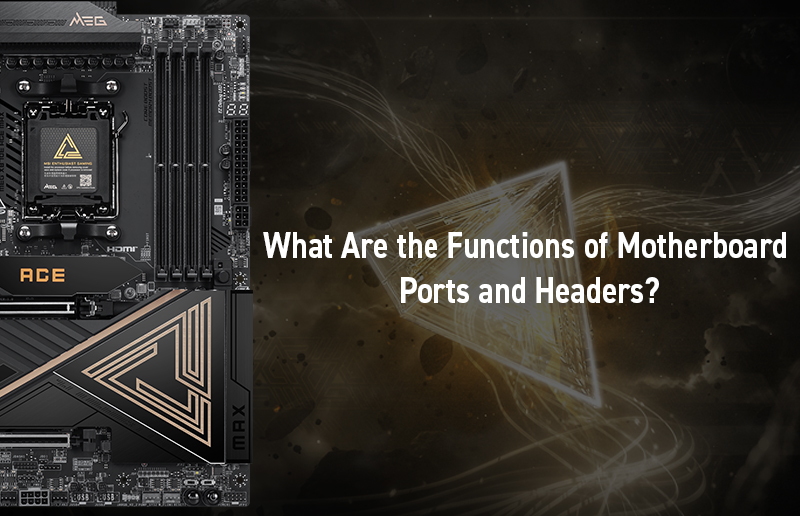
What Are the Functions of Motherboard Ports and Headers?
A motherboard acts as the central nervous system of your PC, routing power and communication signals between the processor, memory, graphics card, and storage. Understanding its onboard ports and headers is a crucial task to ensure every component is correctly [...]